Edit device configuration parameters
Before you begin
Ensure you have valid login credentials for the device configurator.Procedure
|
Step 1 |
Click Table View to open the device table to view all devices. |
|
Step 2 |
Select the device by clicking 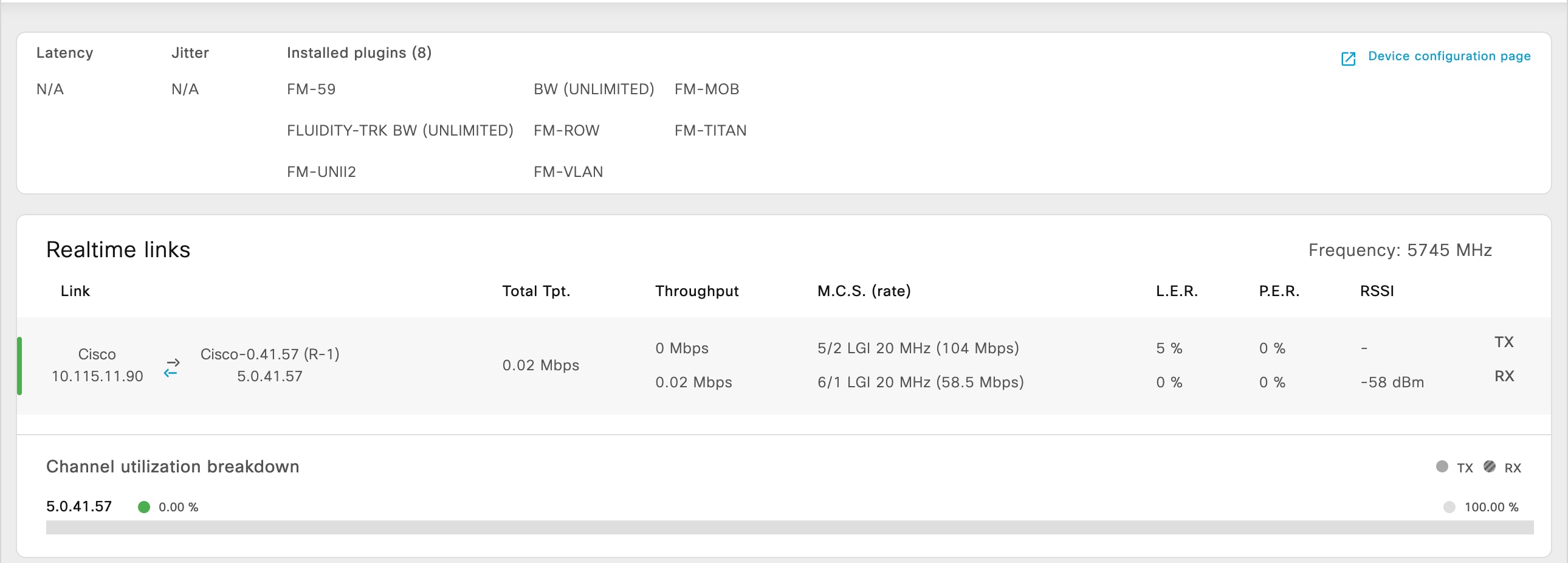
|
|
Step 3 |
Click Device configuration page. You are taken to a separate device configurator login page. Log in to the configurator interface by entering your credentials. |
|
Step 4 |
Edit the configuration parameters as required. For more instructions on editing device configuration parameters using the Configurator interface, see Cisco Ultra-Reliable Wireless Backhaul for Catalyst IW Access Points, Software Configuration Guide. |
 next to the device whose configuration you want to edit.
 Feedback