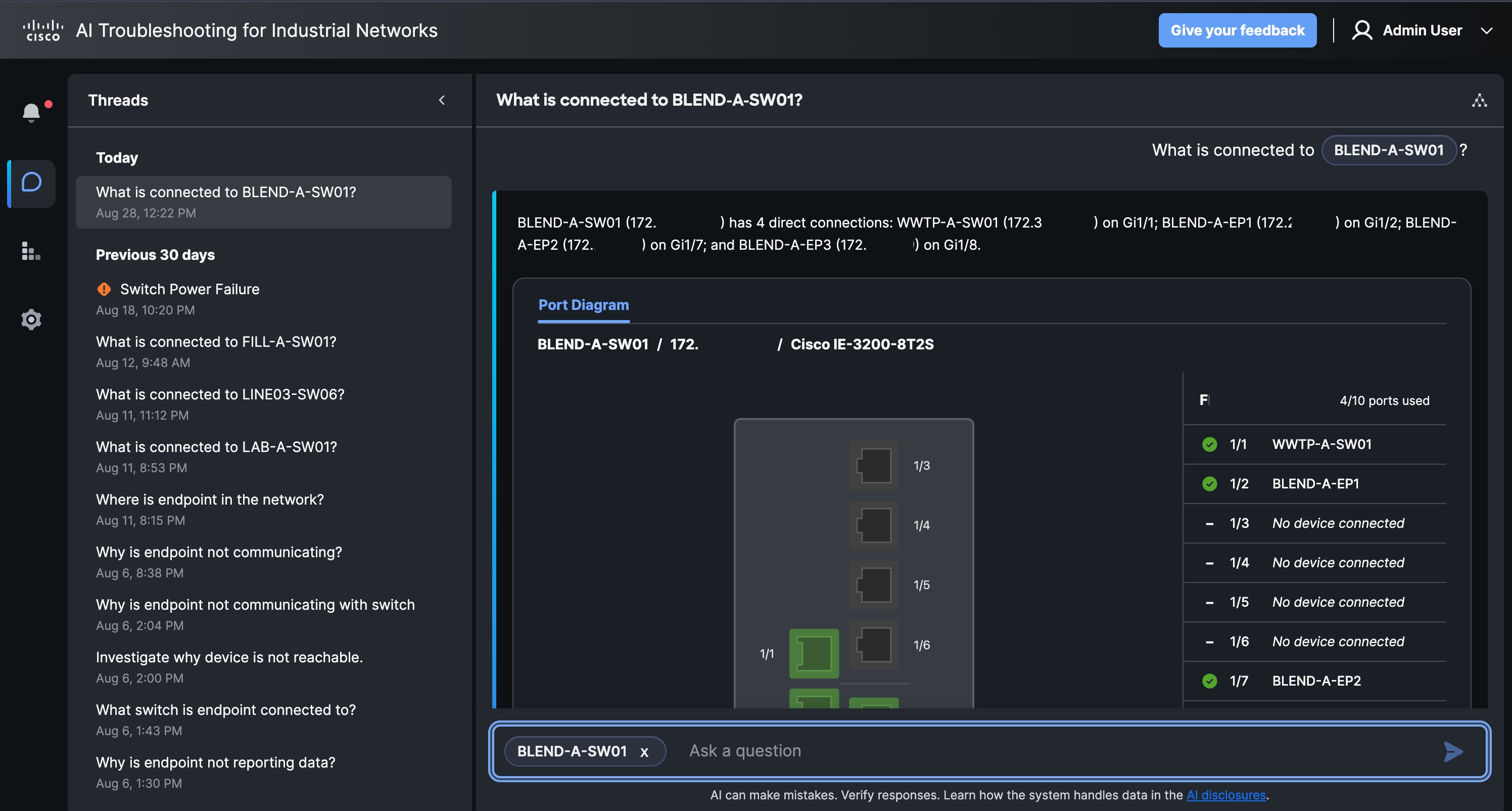
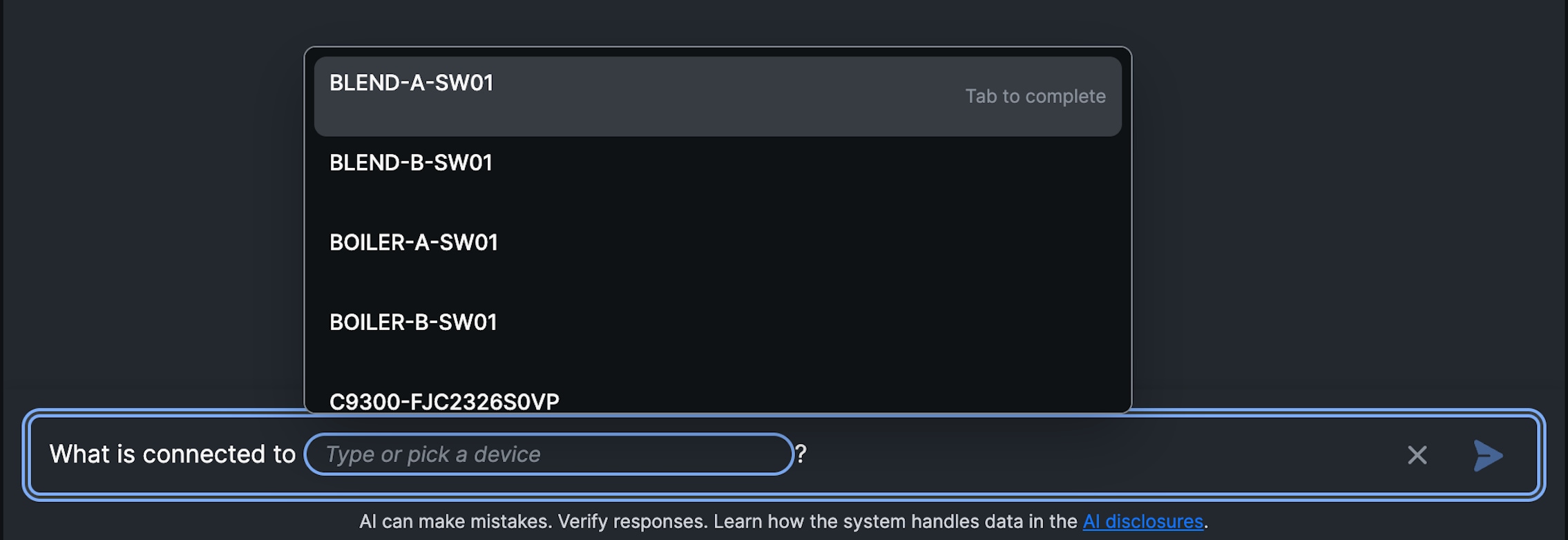
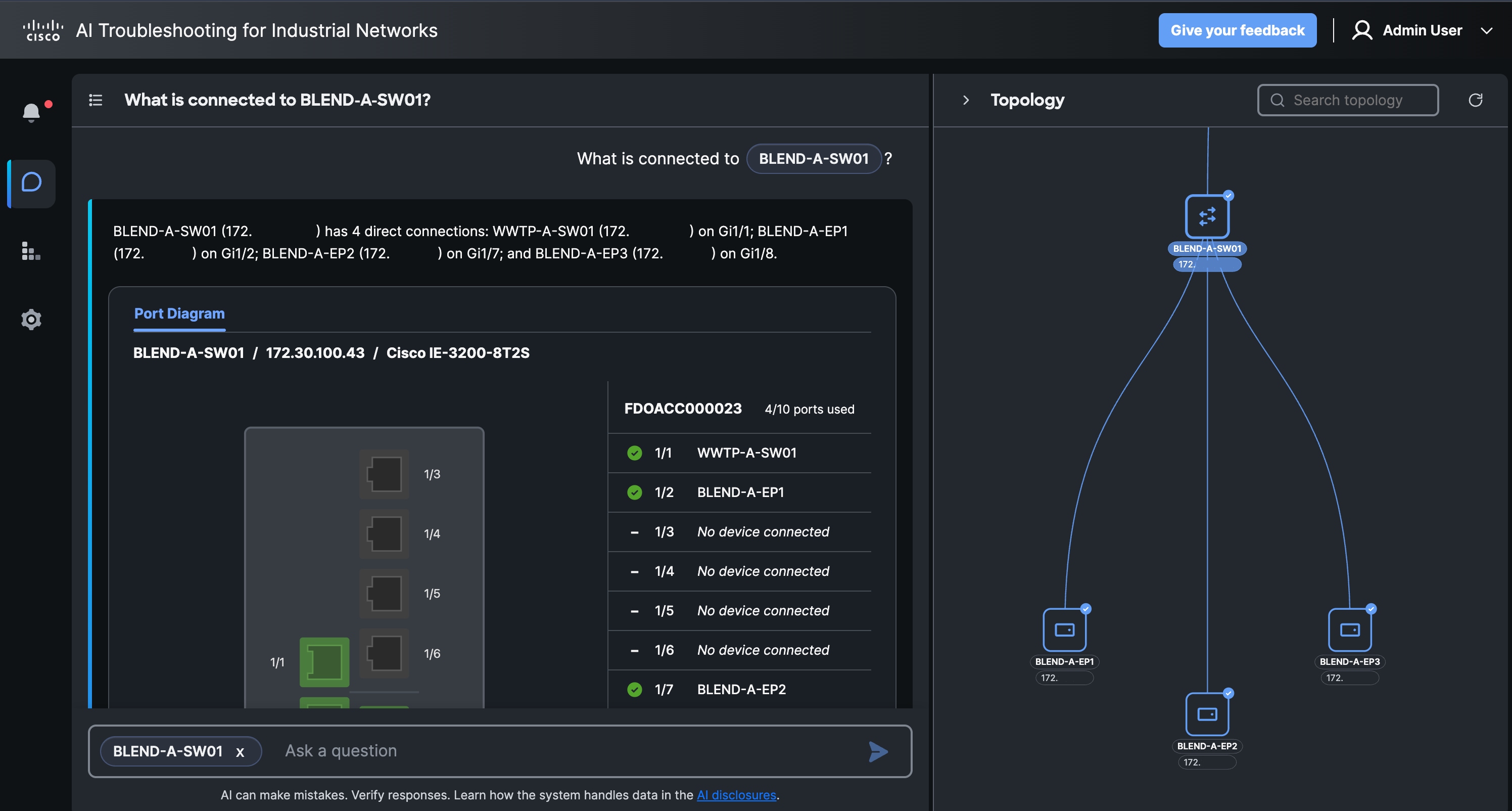
See how Admins and OT users use the same alert process with different capabilities for investigation, network context, actions, and handoff.
Admins and OT users use an alert-first process. Both roles can use Topology and Inventory to understand an alert. OT users can view network and inventory information, while only Admins can change topology or manage device and proxy records.
Topology provides network context for an affected device. In Topology, pan across the map, scan connected devices and paths, zoom in or out, and use available search or viewing controls to understand where the device sits in the network.
Inventory provides device and proxy records for troubleshooting. Select the Devices or Proxies tab, then search, filter, sort, or paginate the table to find a record.
Inventory is read-only for OT users: they cannot add, edit, or remove records, and passwords are not displayed. Ask an Admin to correct inventory information when needed.