Dynamic creation of transport resources for VPN services
The VPN Traffic Engineering (TE) Management is a solution that:
-
automates the setup and association of transport resources during VPN service deployment,
-
uses predefined templates and criteria to fulfill Service Level Agreements (SLAs) and Service Level Specifications (SLSs), and
-
eliminates manual transport policy configurations, enhancing efficiency and reliability.
Objective
Enable automatic fulfillment of SLAs and SLSs requests by dynamically creating and associating transport resources during VPN service creation.
Challenge
Network operators typically have to manually create and associate transport policies, such as SR-TE, RSVP, and ODN, for VPN services. This process is time-consuming and prone to errors. It involves configuring several transport resources, such as tag sets, destination prefix sets, IP prefixes, routing policies, and policy definitions, and then mapping these resources to services. It requires meticulous attention to detail to ensure proper configurations and adherence to SLAs and SLSs. As networks expand and service demands increase, operators must quickly respond to changing service requirements, while maintaining network integrity and reliability. This makes manual setup increasingly difficult in fast-growing, dynamic infrastructures.
Solution
The VPN TE Management feature transforms VPN service deployment by automatically handling the setup of necessary transport layer resources. Using predefined templates and criteria, the system dynamically creates and deploys TE policies required to meet the SLA or SLS configuration for the service without the need for manual pre-configuration and association. This one-step-automated solution checks for necessary tunnels and creates them between specified endpoints when required. It enables network operators to focus on strategic, higher-level tasks, improving efficiency and ensuring consistent reliability in service delivery.
How does VPN TE Management work?
-
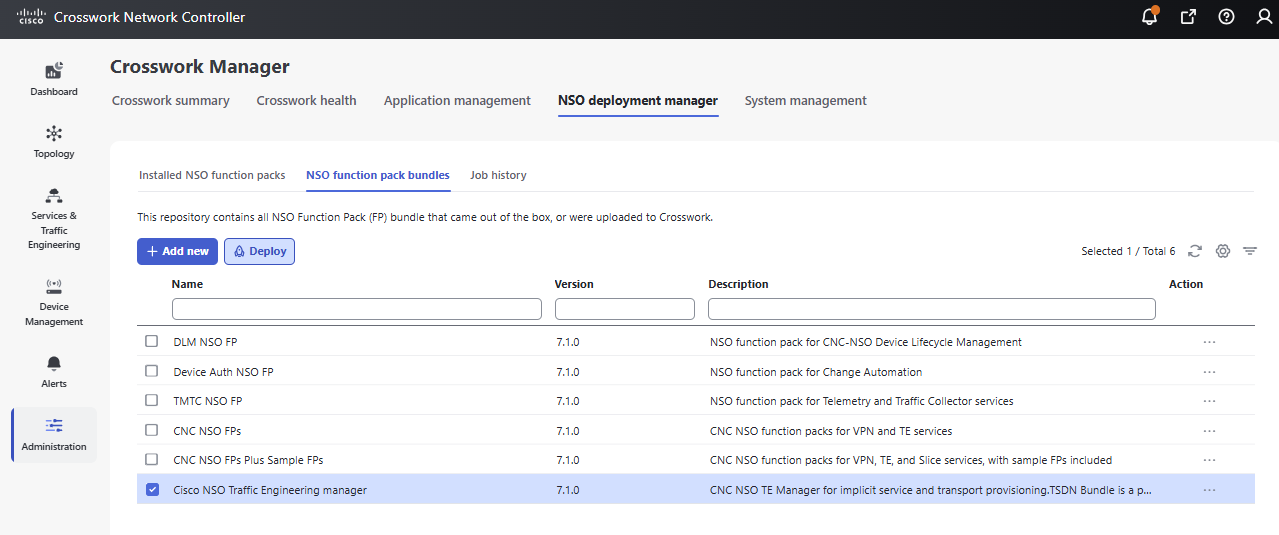
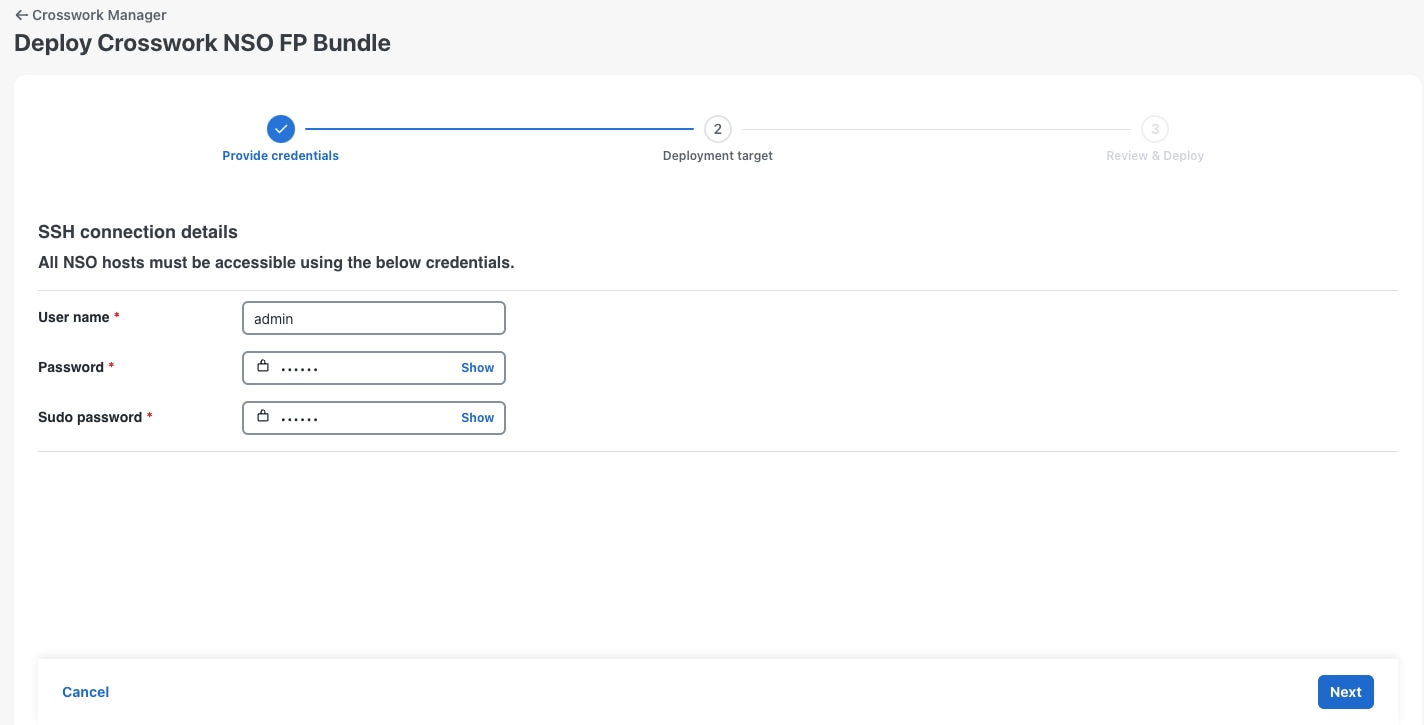
The network operator deploys the Cisco NSO Traffic Engineering Manager function pack.
-
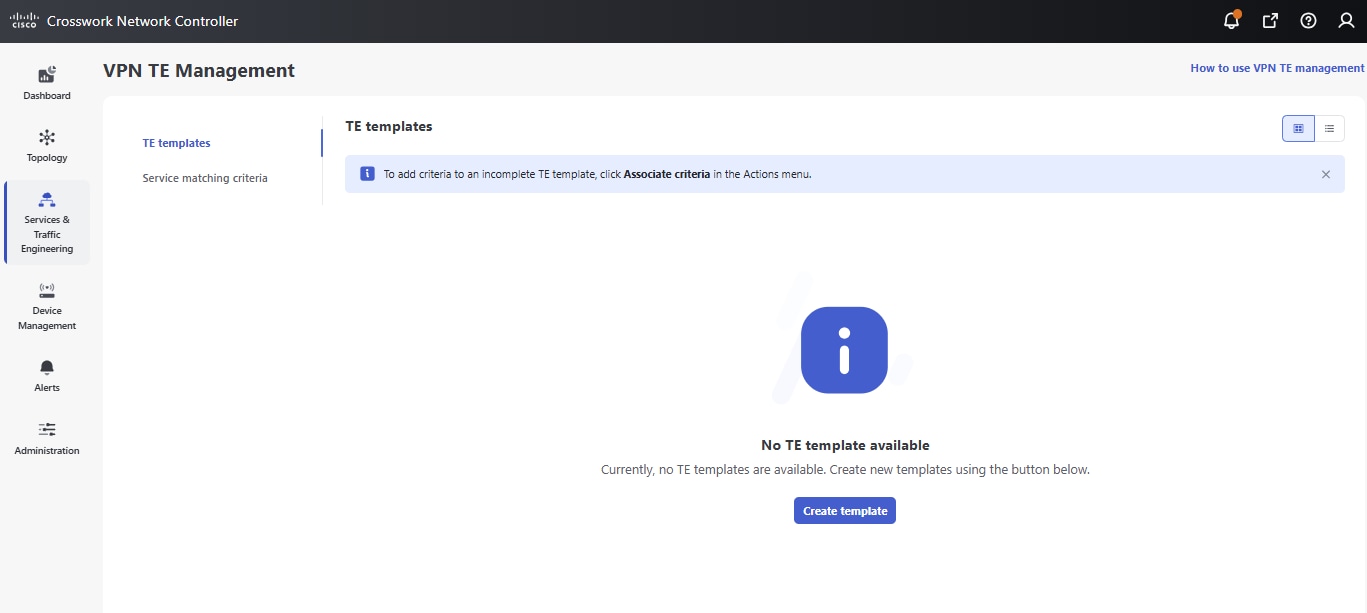
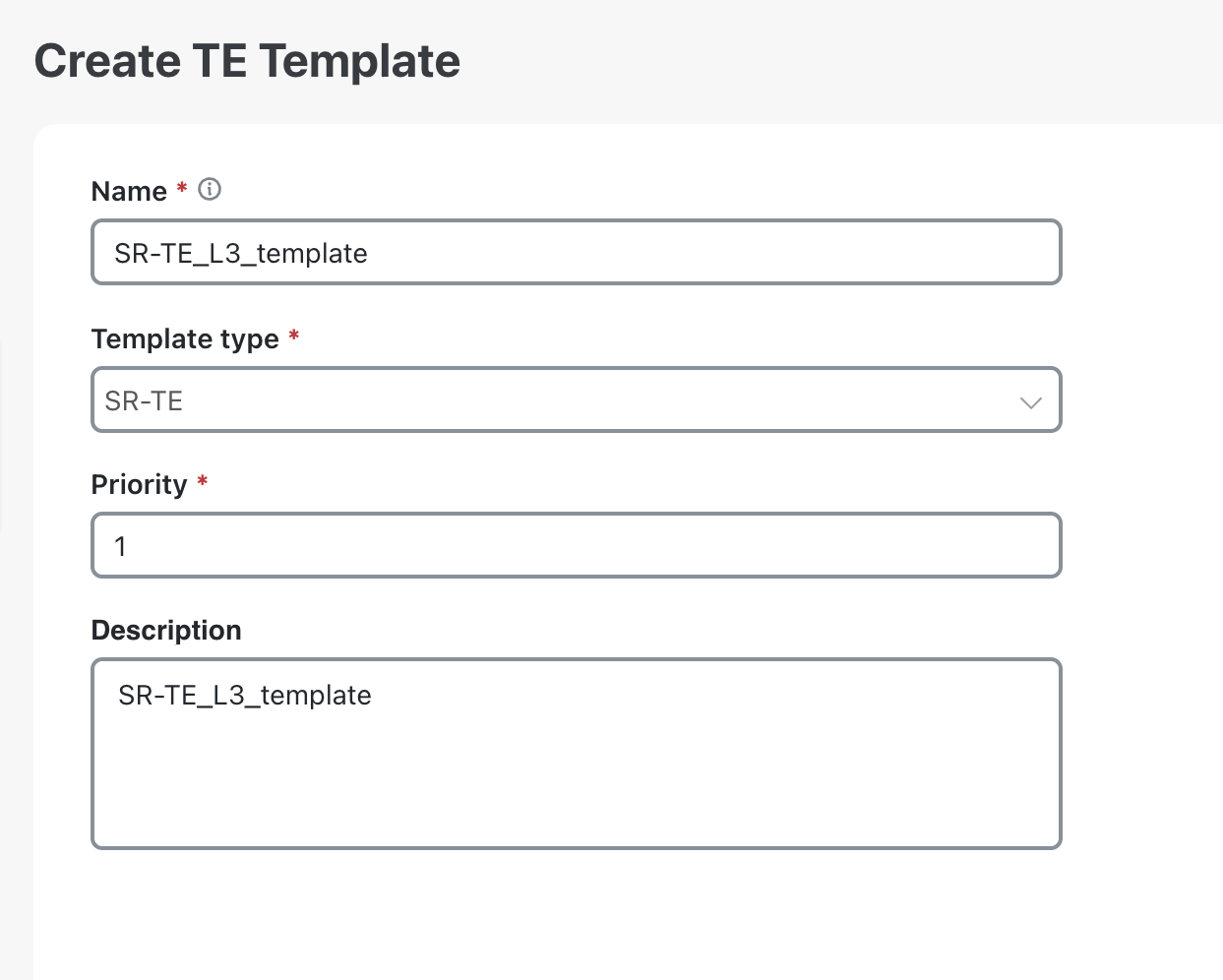
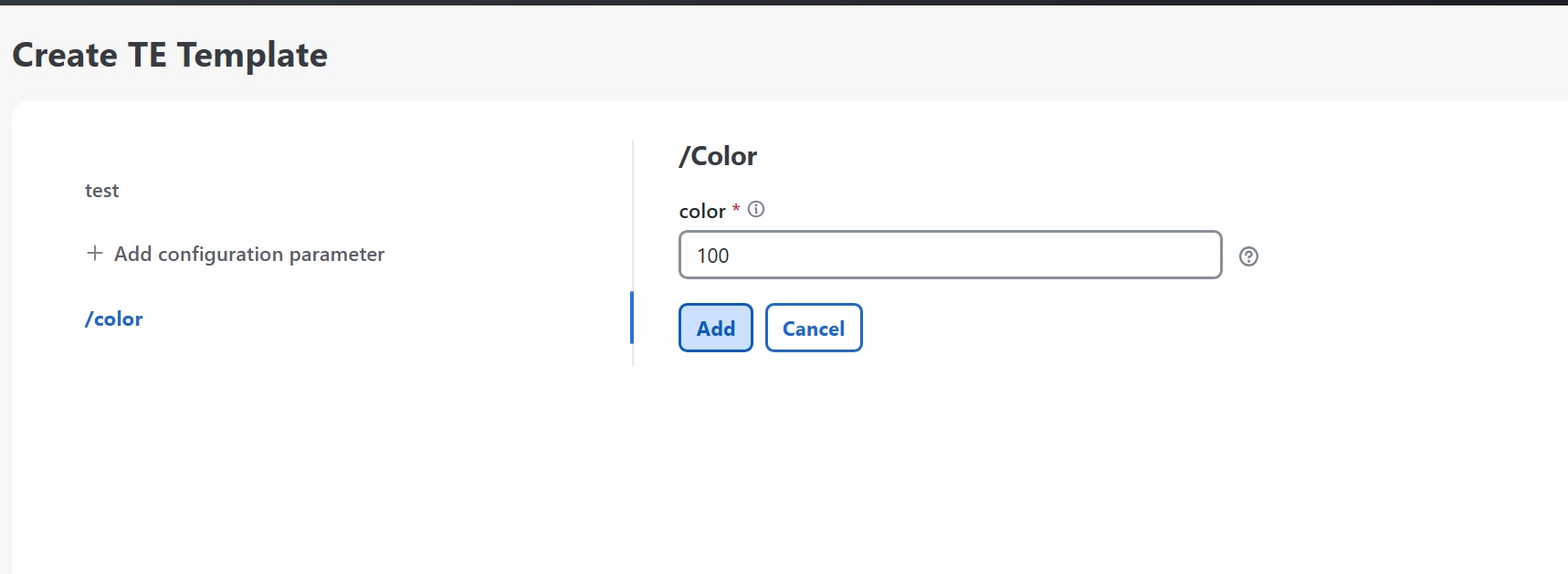
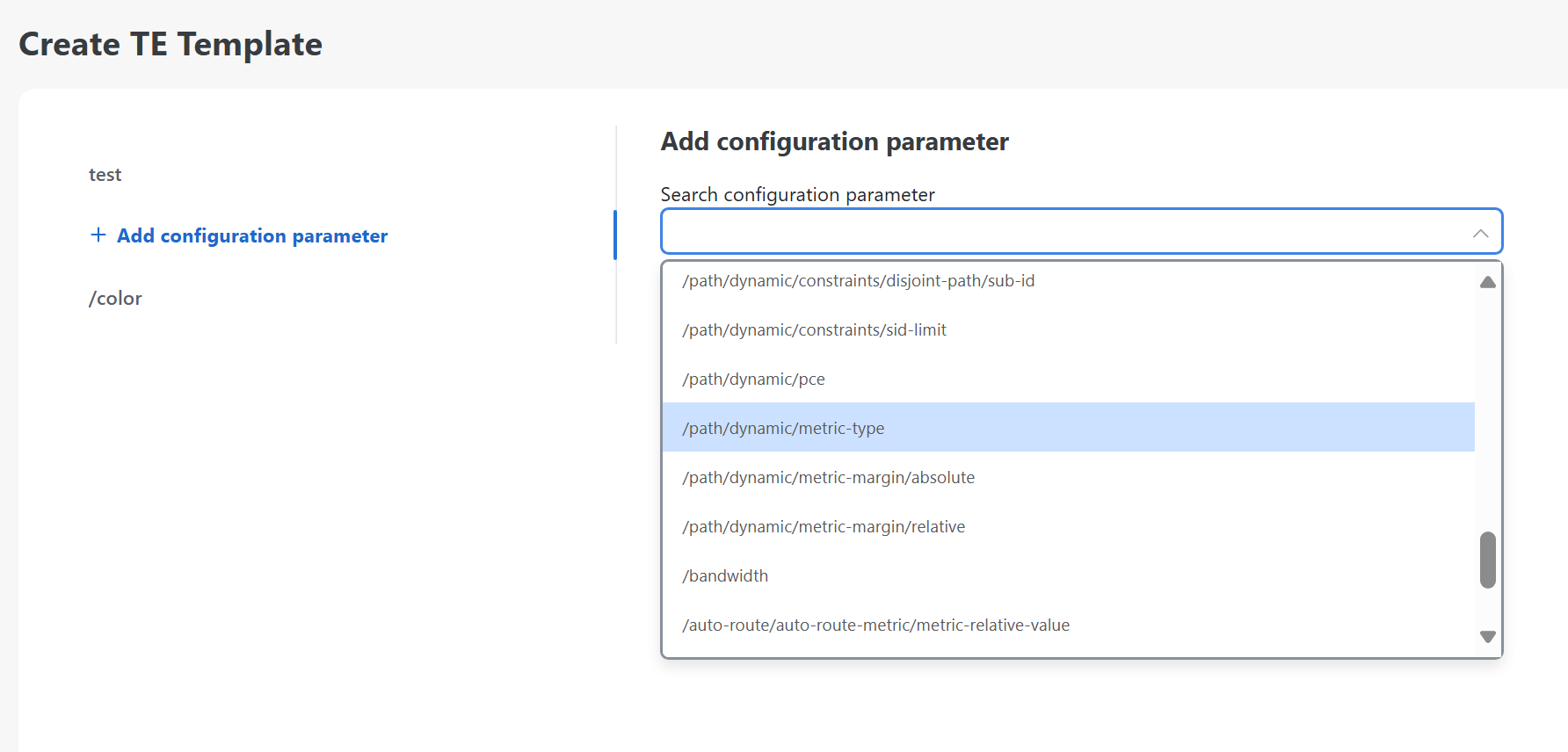
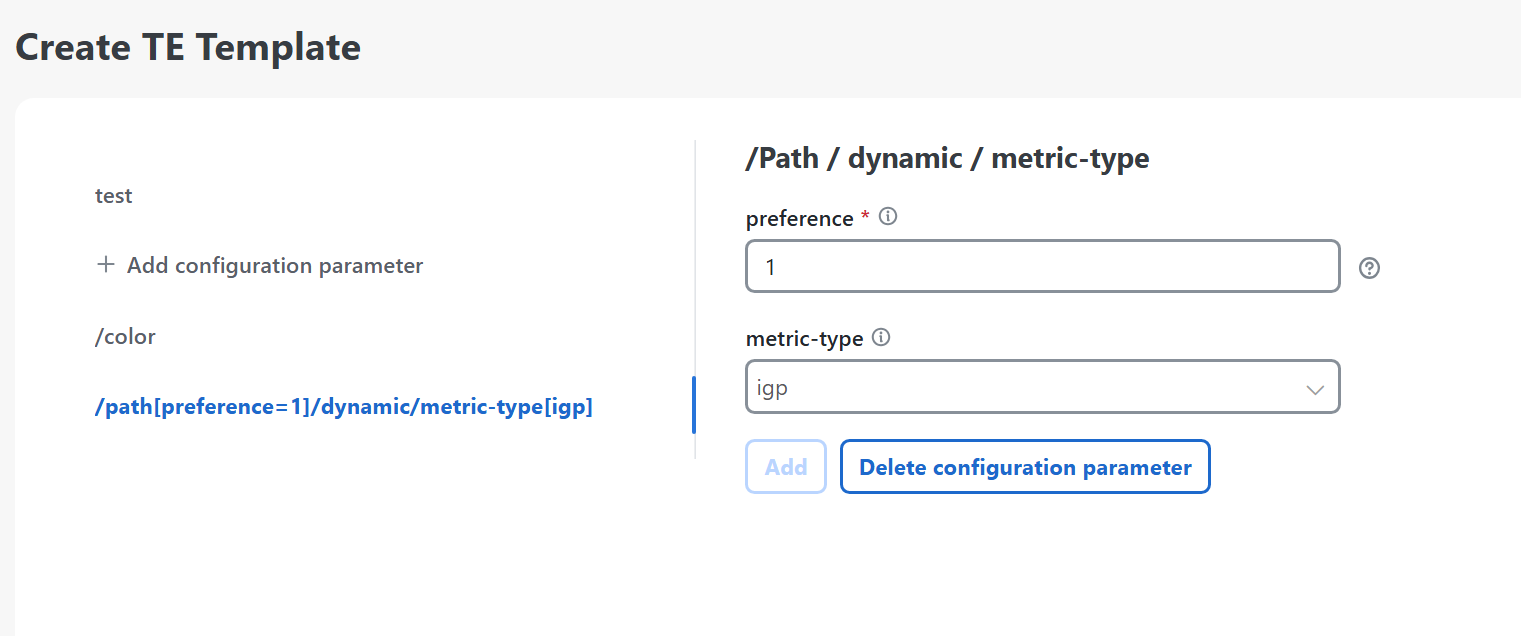
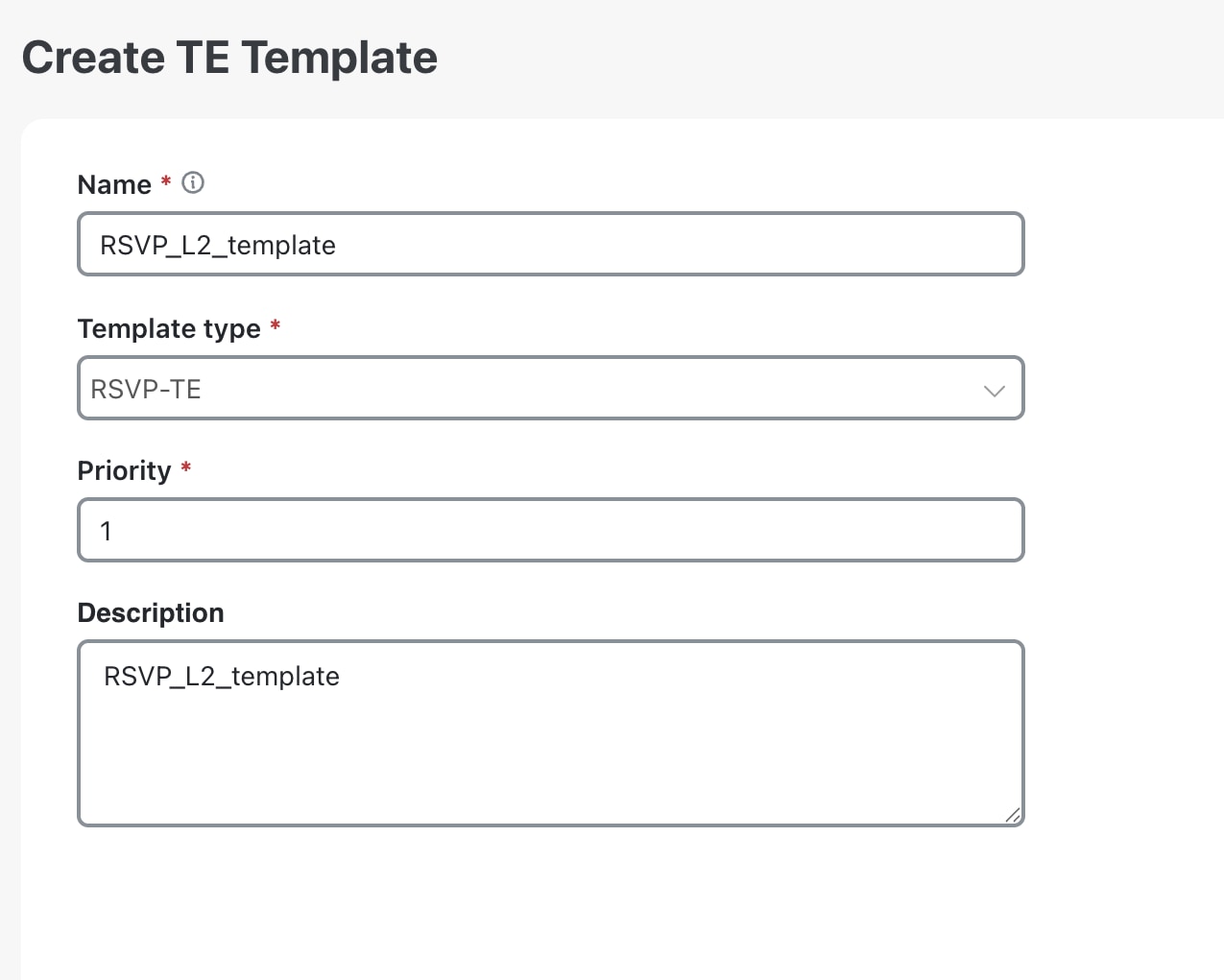
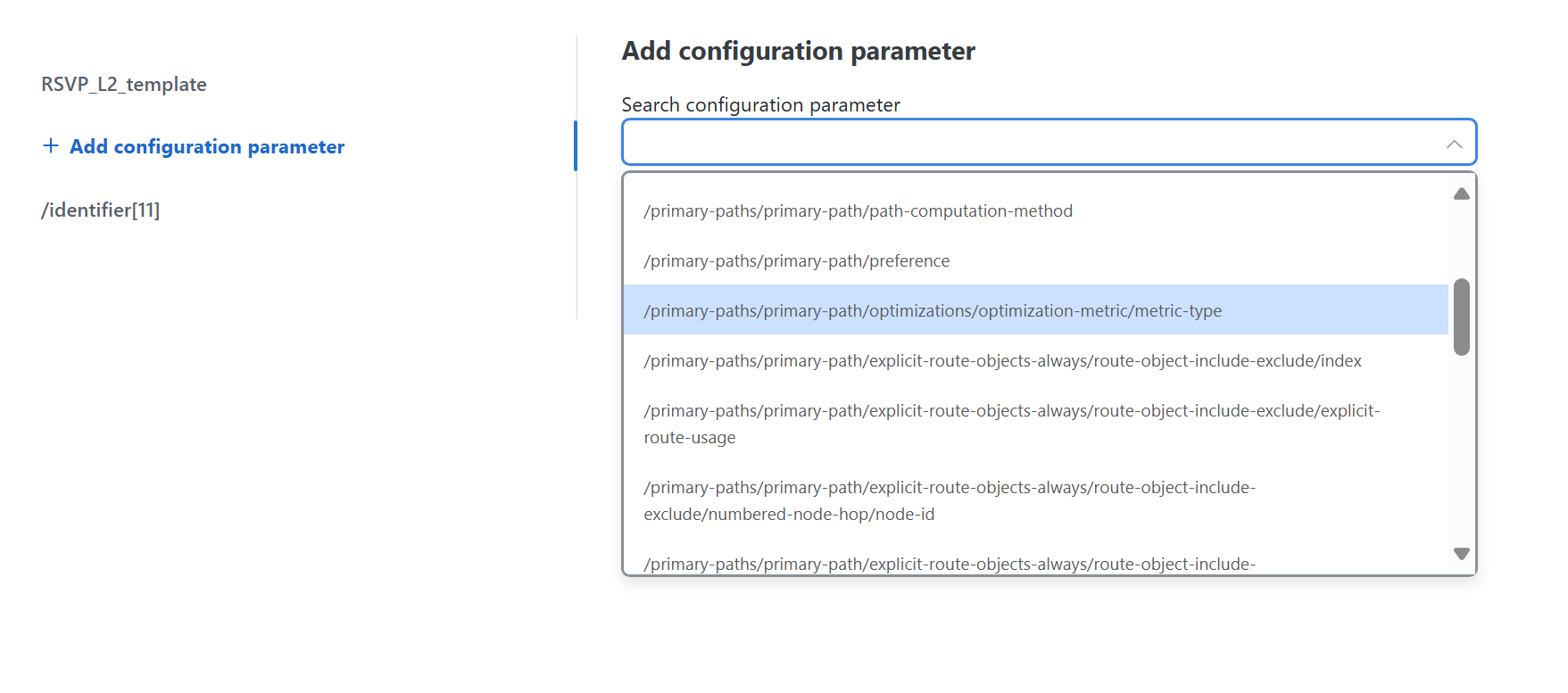
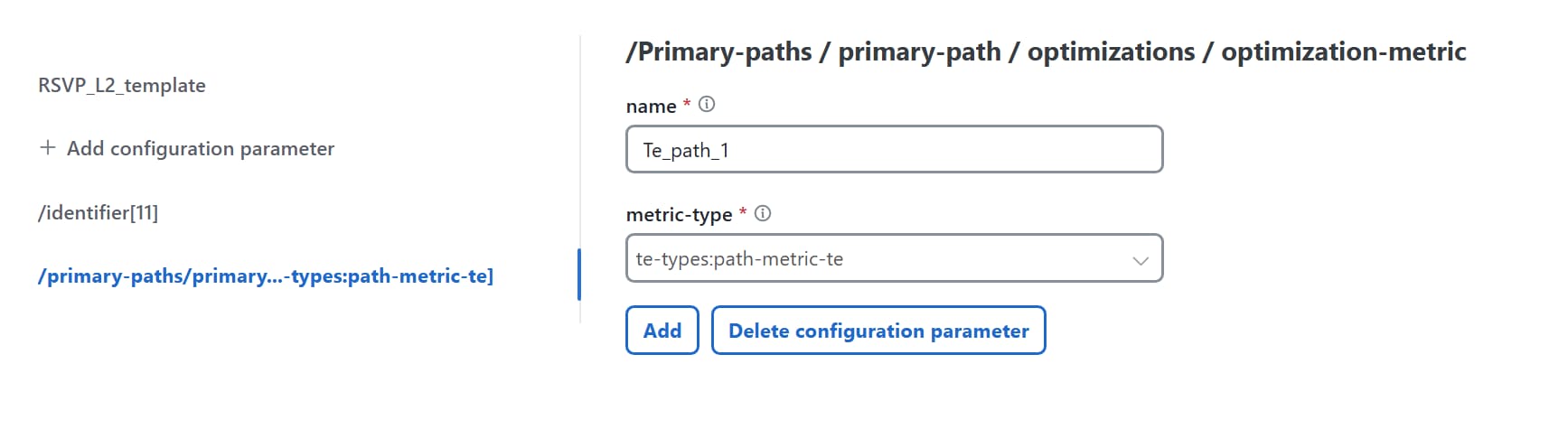
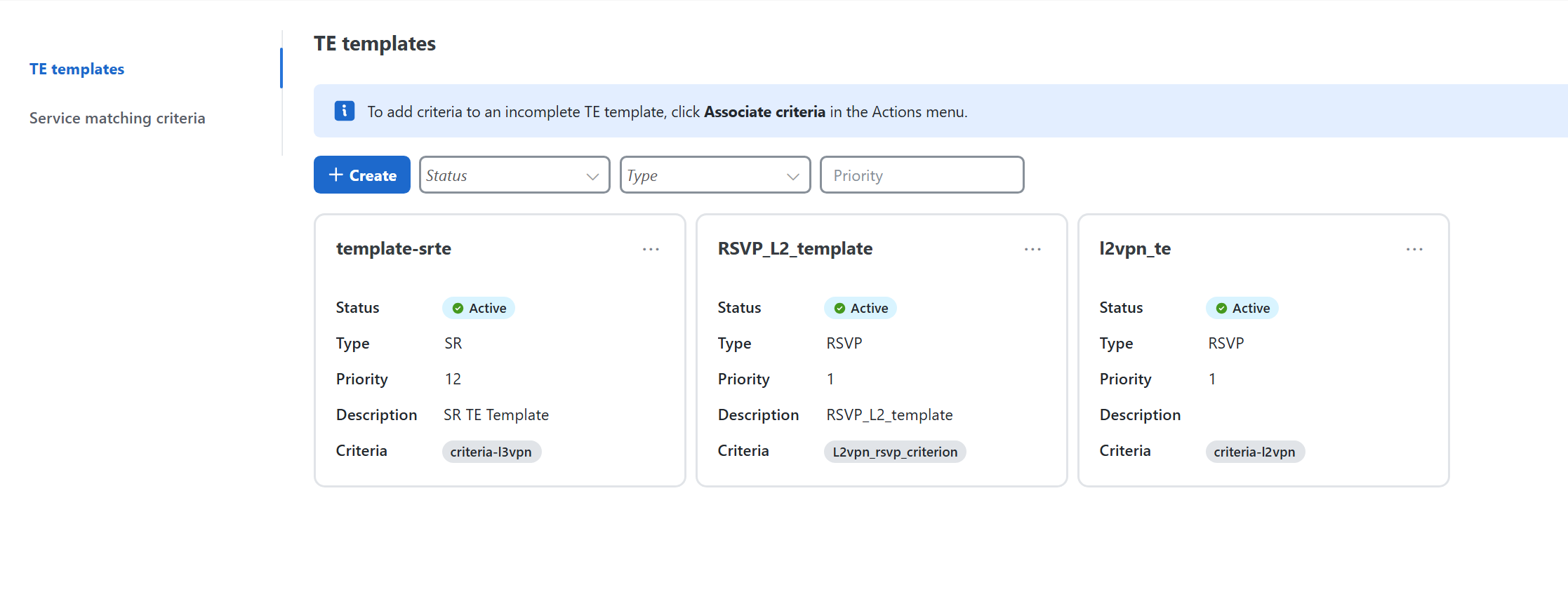
The operator creates a TE template and specifies the required policy configuration settings for a TE policy. This policy can be an ODN, RSVP, or SR traffic engineering policy.
-
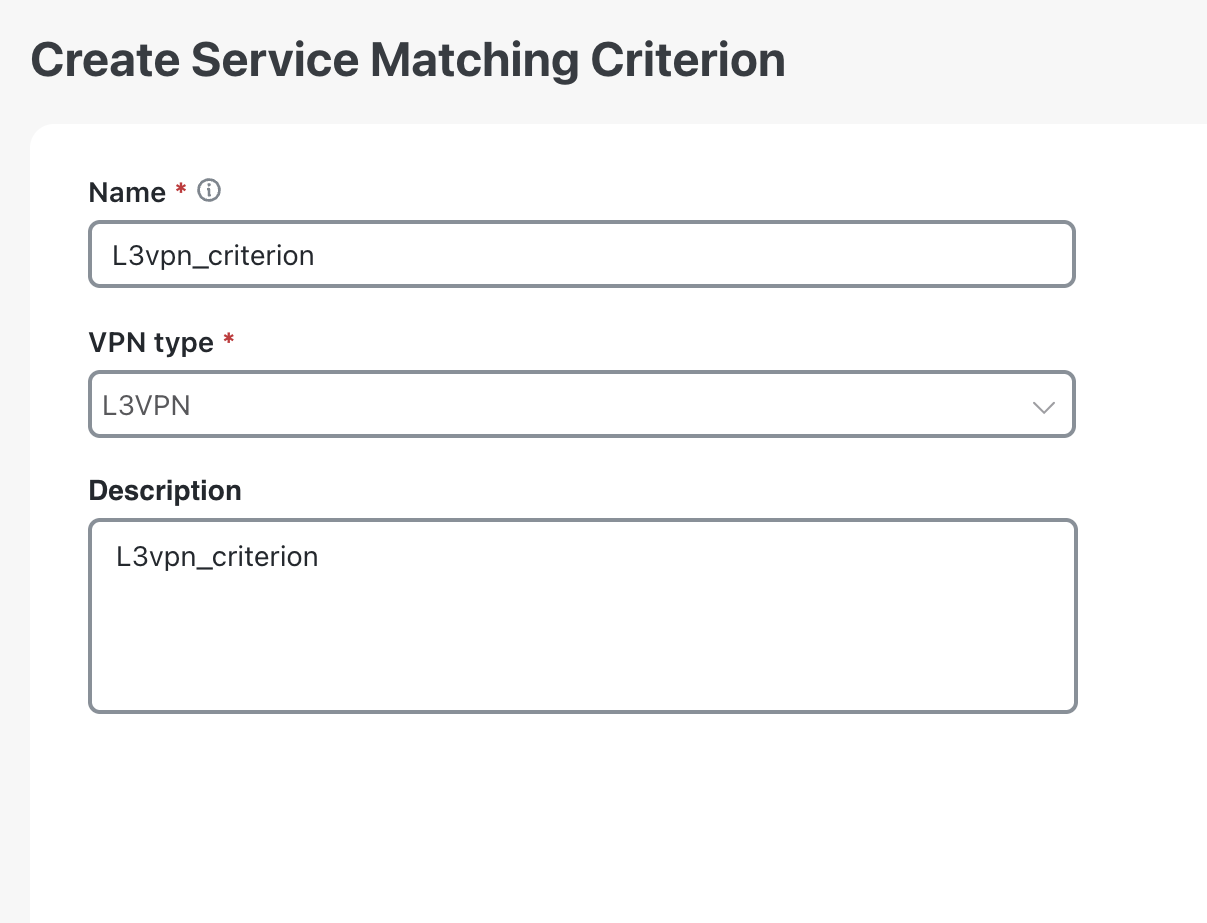
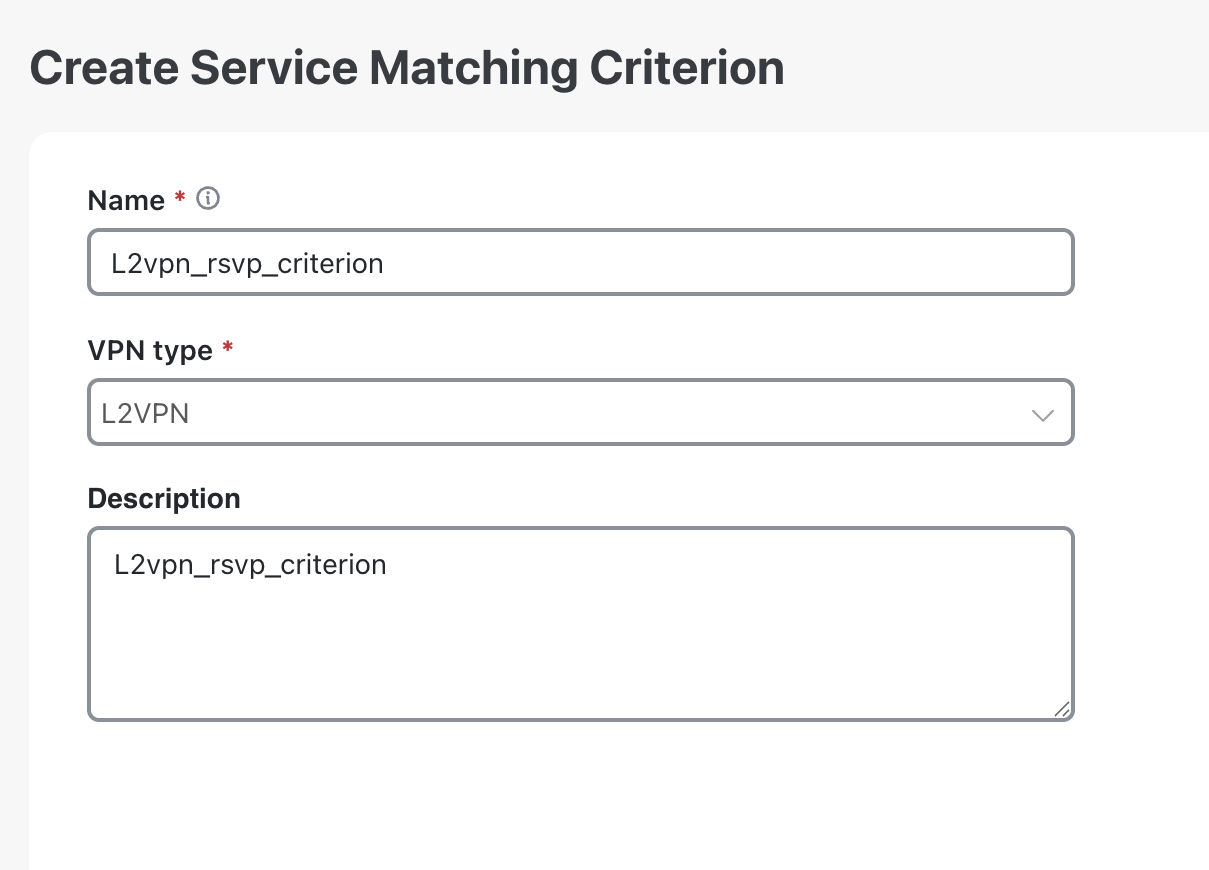
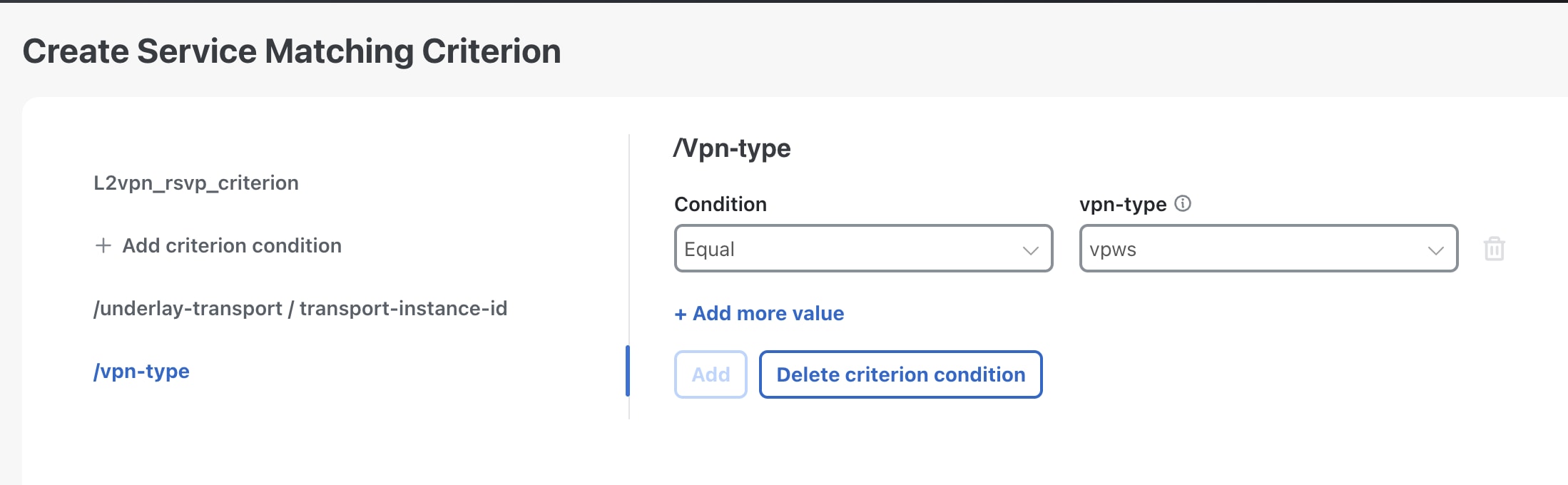
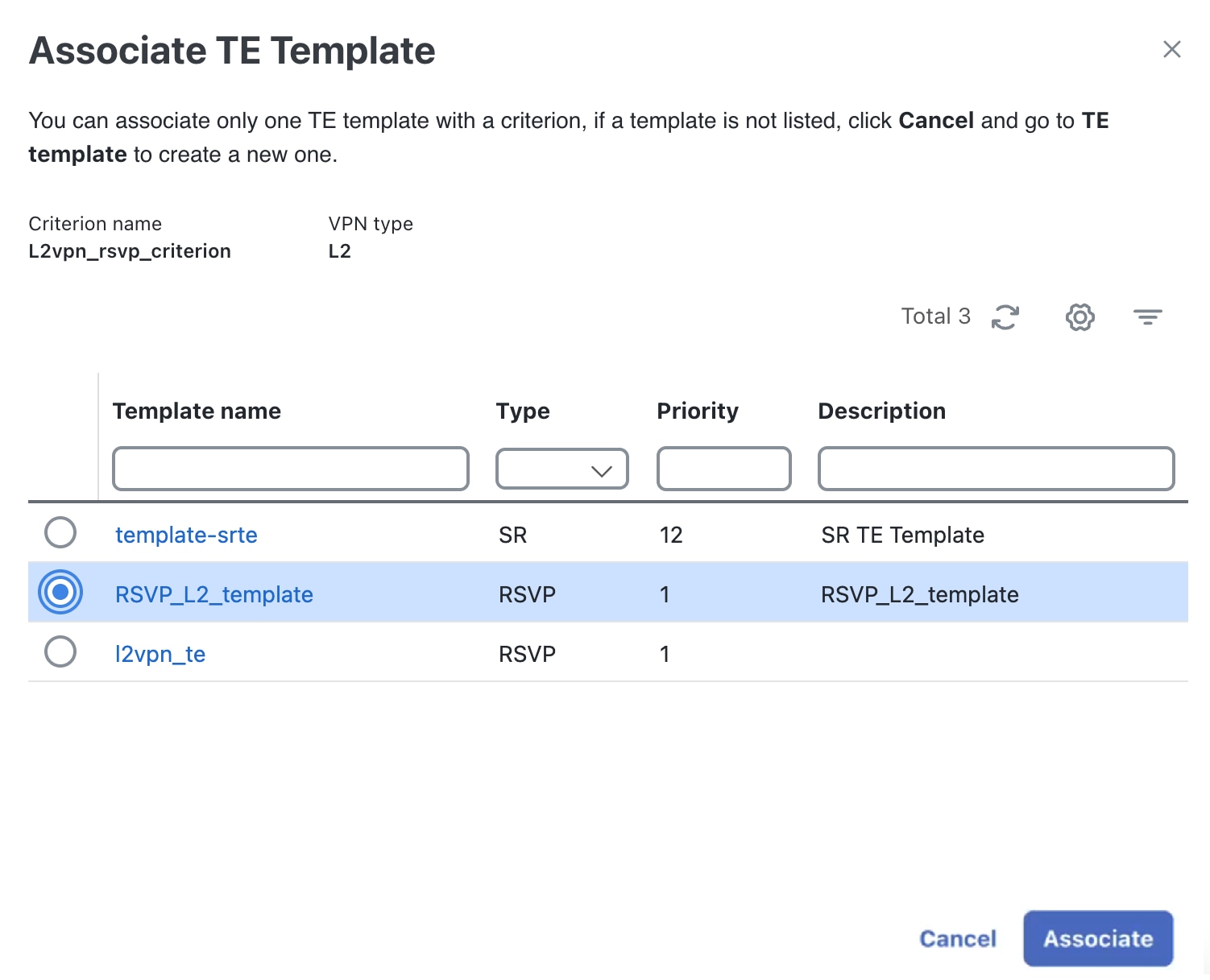
The operator creates a service-matching criterion that defines the required conditions and parameters and associates it with a TE template.
-
When a VPN service is deployed with an SLA and SLS objective, Crosswork Network Controller tries to match the service's SLA goal to the pre-configured criterion. If the criterion parameter matches the service's SLA, Crosswork Network Controller identifies the associated TE template to create a new transport policy.
-
Crosswork Network Controller creates and deploys the new policy and attaches it to the VPN service being created.
VPN TE Management key considerations
-
When the Cisco NSO Traffic Engineering Manager function pack is deployed, the Dry run feature for creating VPN services will show changes to the service-level configuration, but it will not display any changes to the underlay configuration. Additionally, when using the Dry run feature to edit services, any underlay configs in the device configuration will not be displayed.
-
RSVP template is not supported for L3VPN. When associating a template, if you filter the criteria by L3VPN type, only the SR and ODN templates will be available for association.
-
The Crosswork Network Controller validates conditions only during the deployment of a new service and not during the modification of an existing VPN service. The operator must recreate the service to apply modifications to the underlay constraints.
-
Deleting the ODN template will result in an error in the routing policy. If you delete the ODN template manually, it is not dynamically recreated.
-
Simultaneously creating or deleting multiple services on the same device can lead to commit queue conflicts in the associated policies. To prevent this, apply changes one at a time to minimize errors and deployment failures.

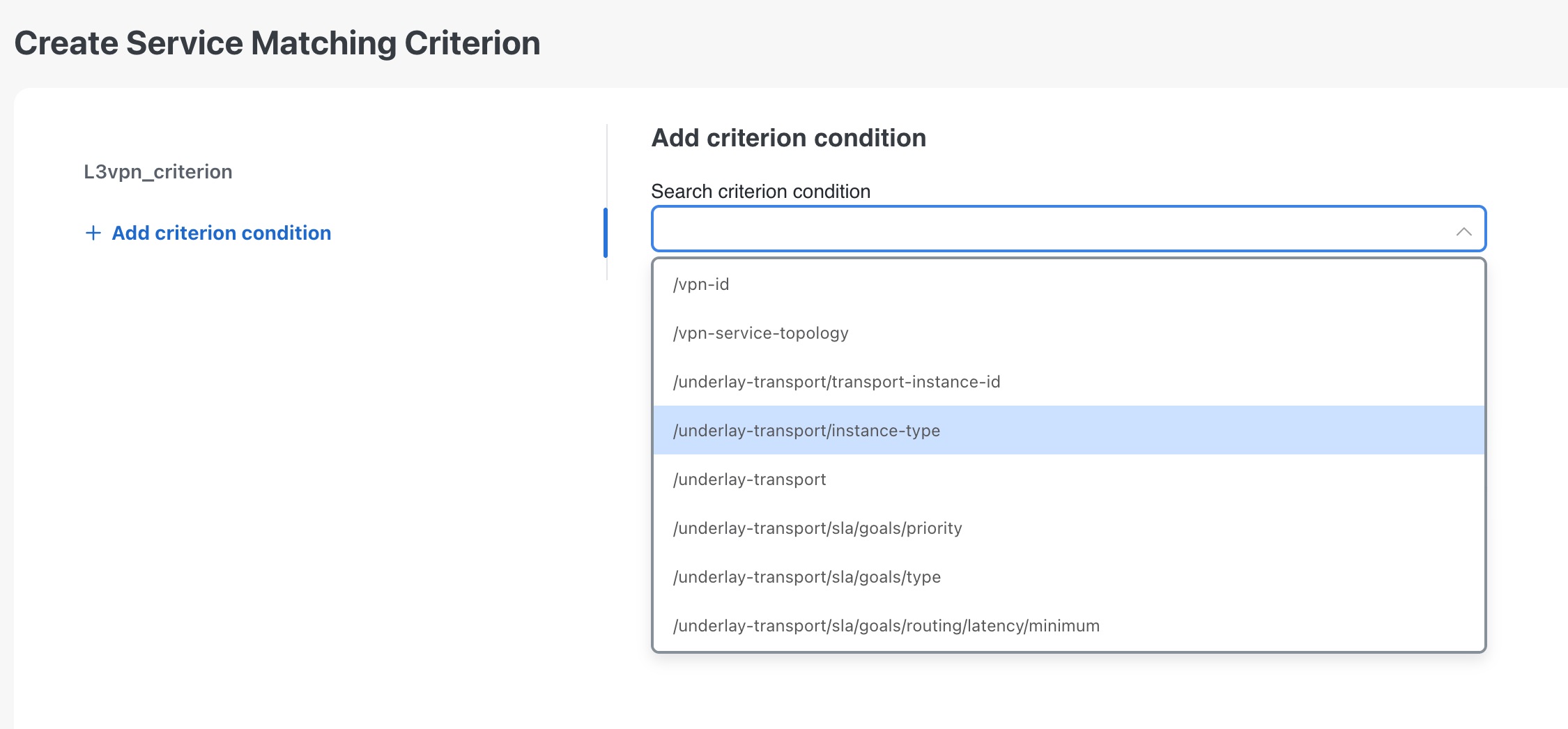
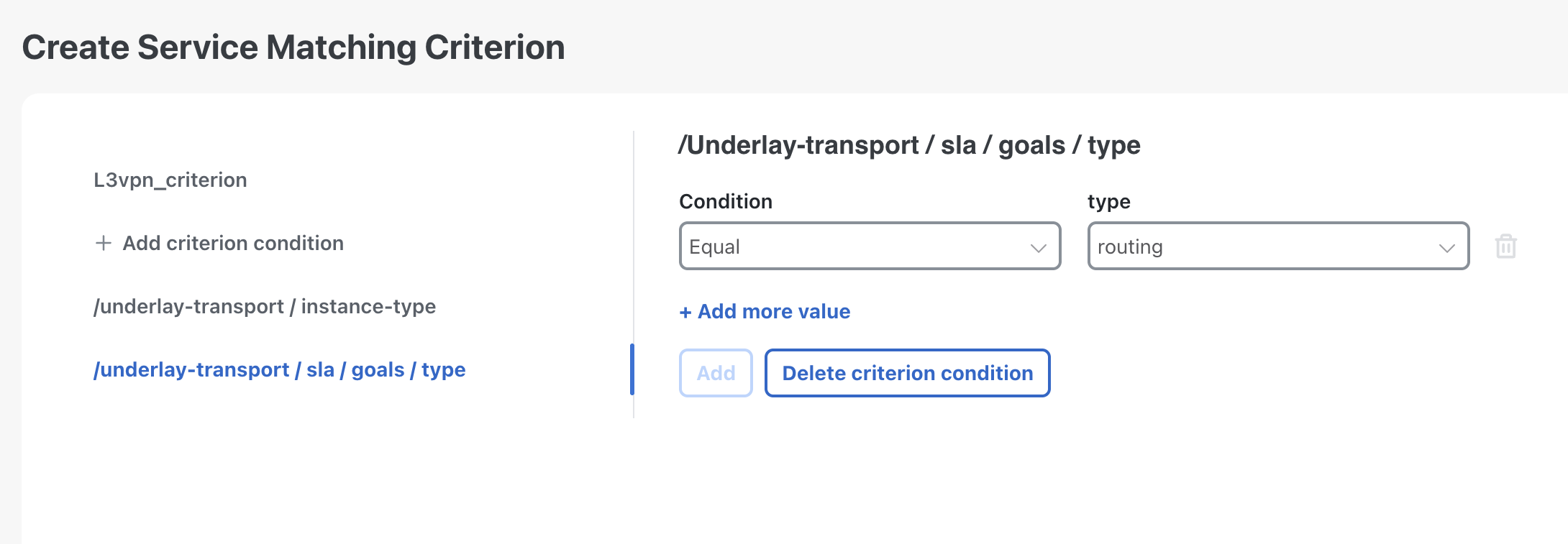
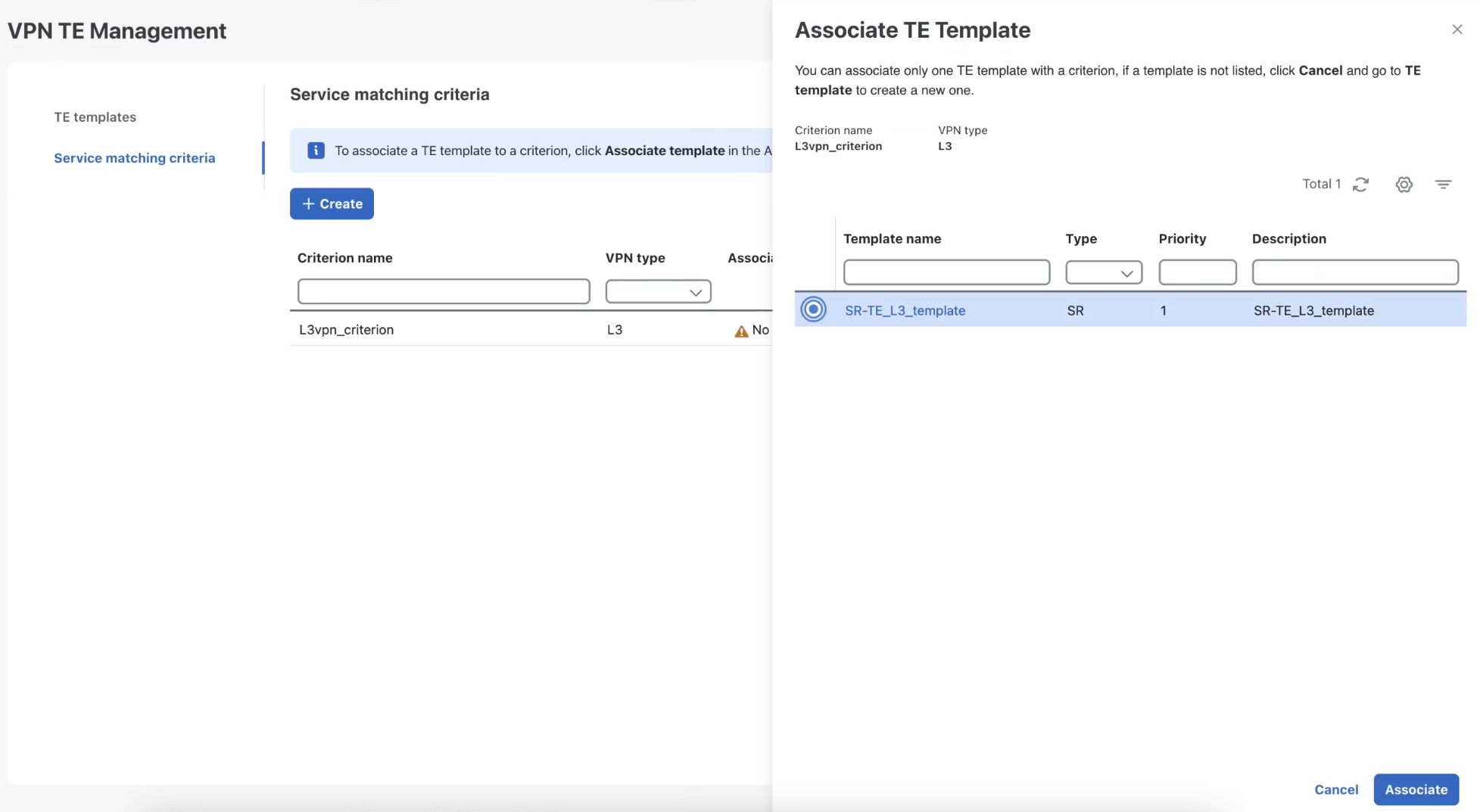
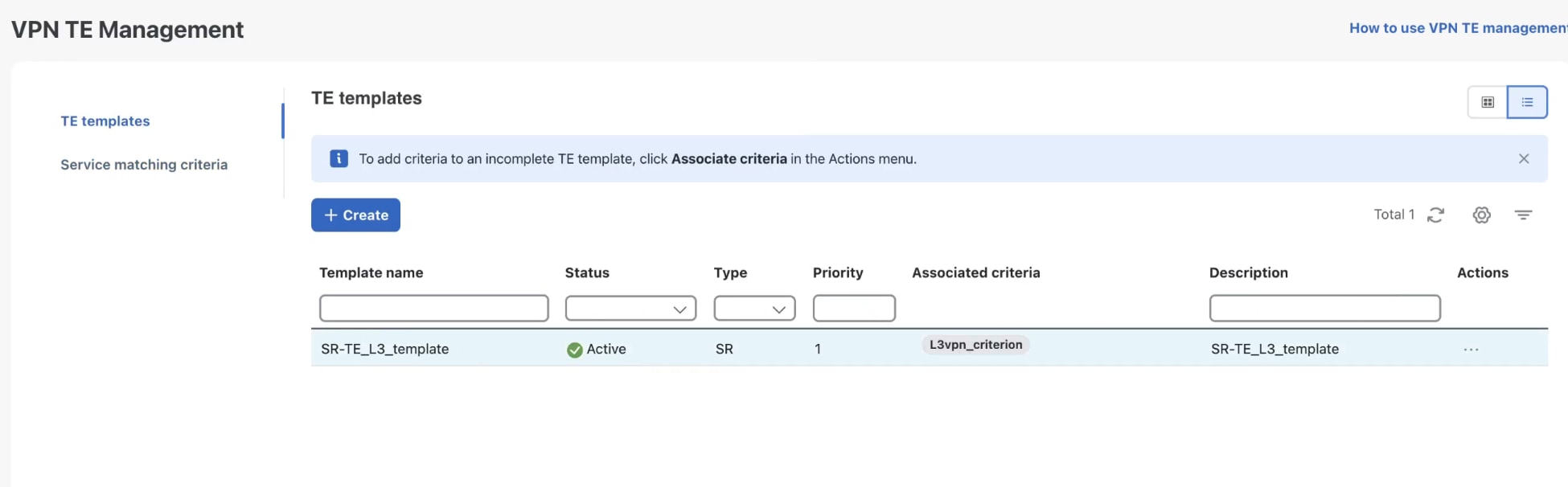
 to import.

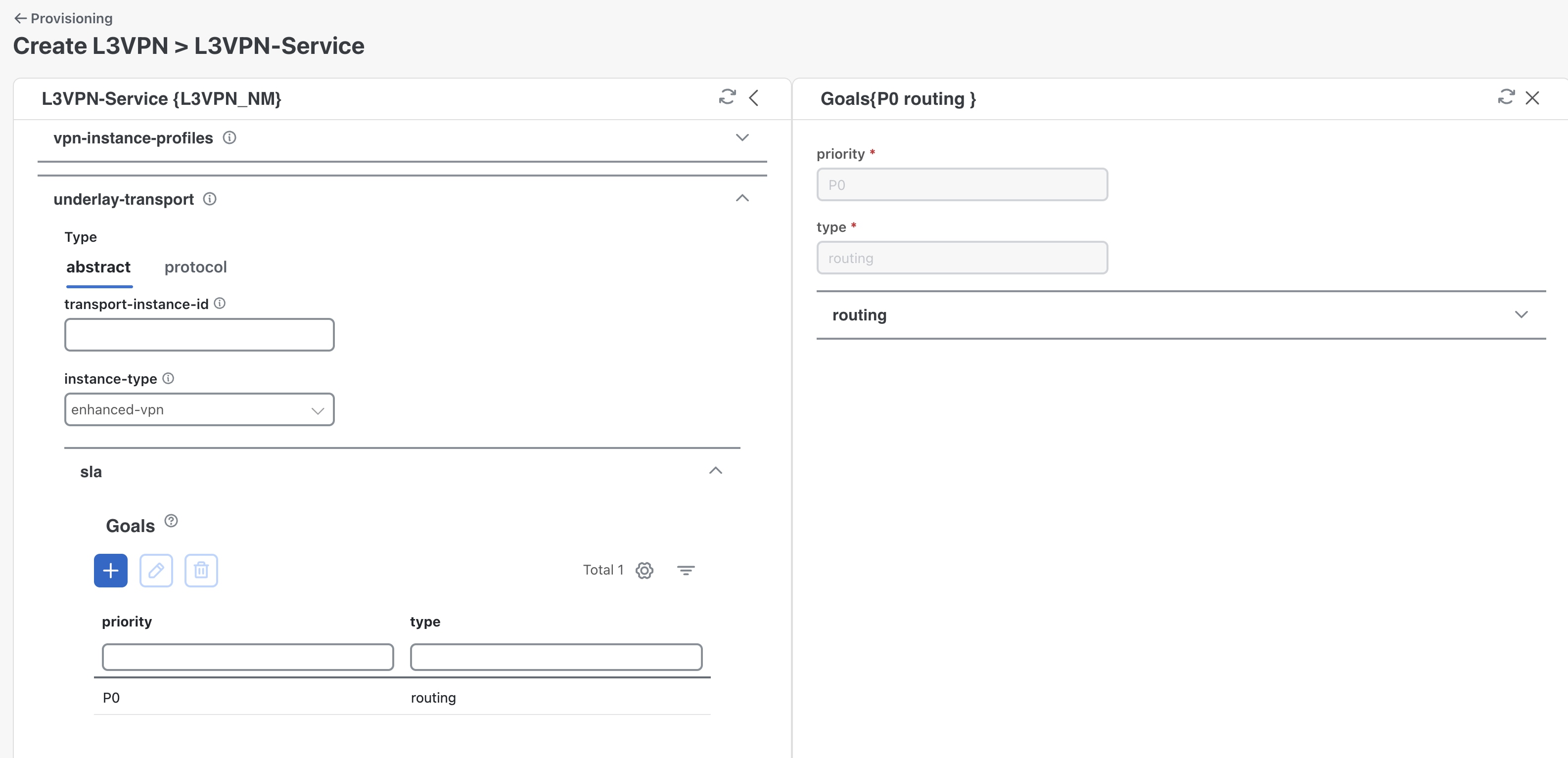
 to add SLA goals.
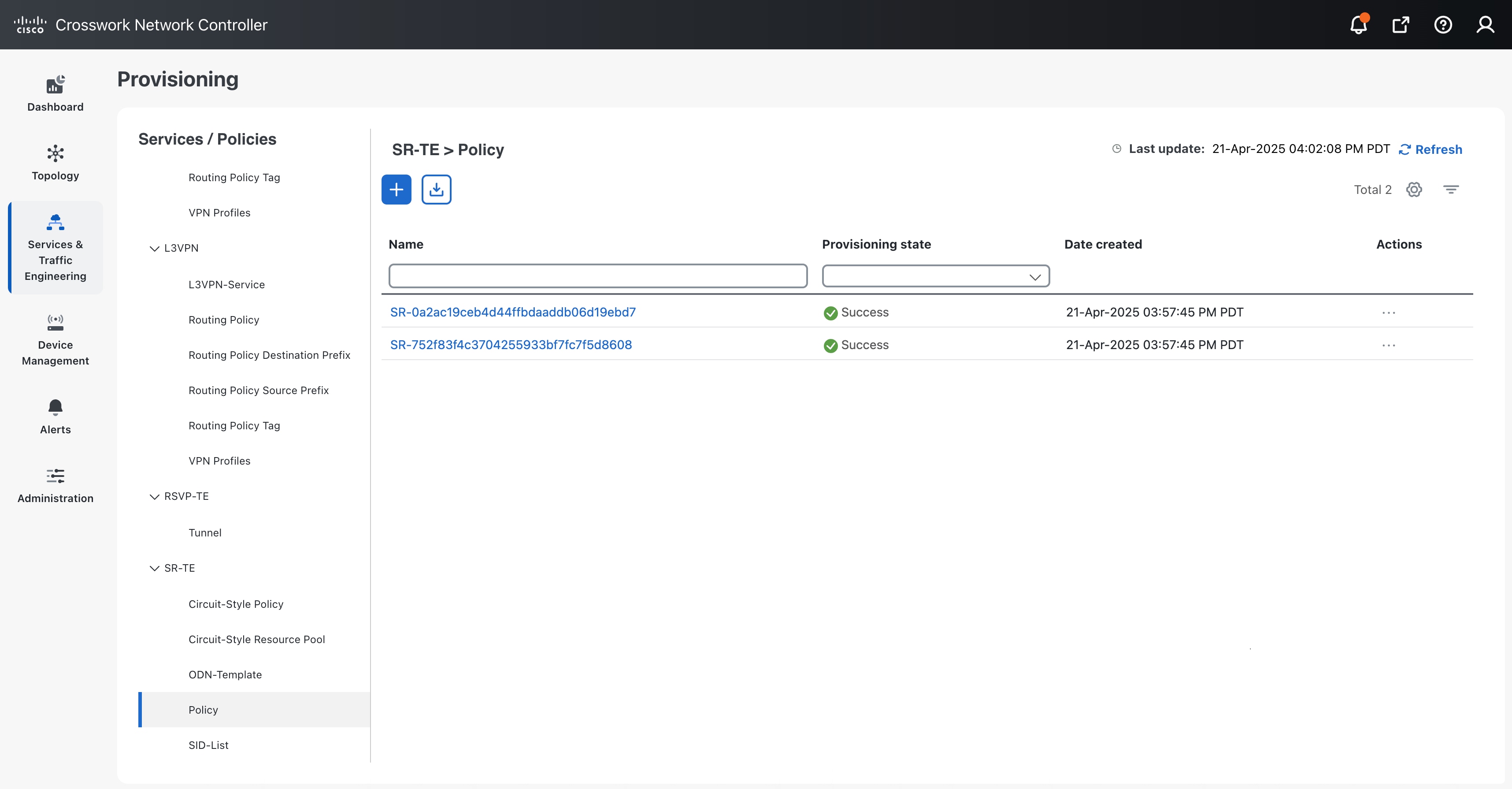
 and select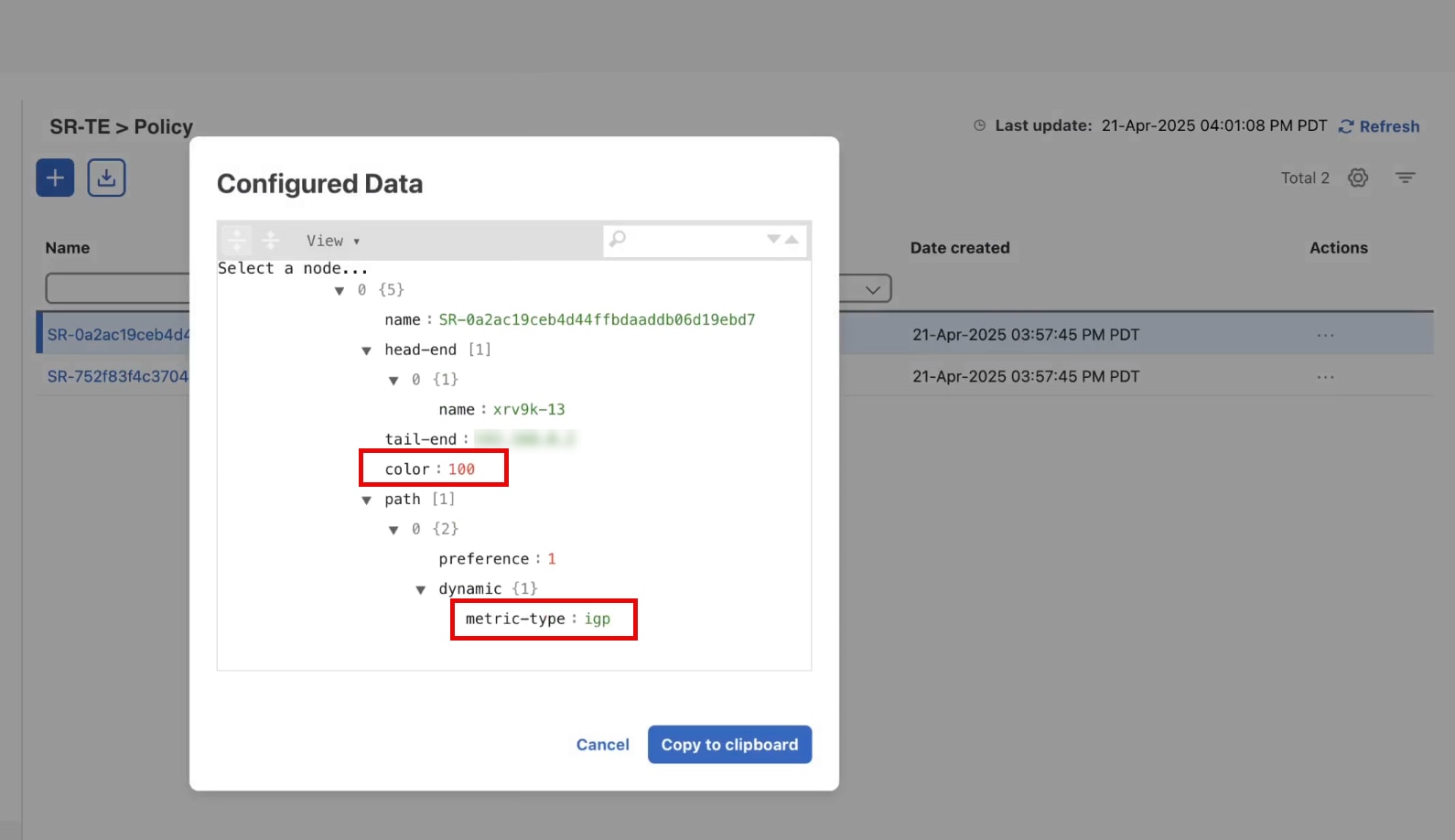
 Feedback