Overview
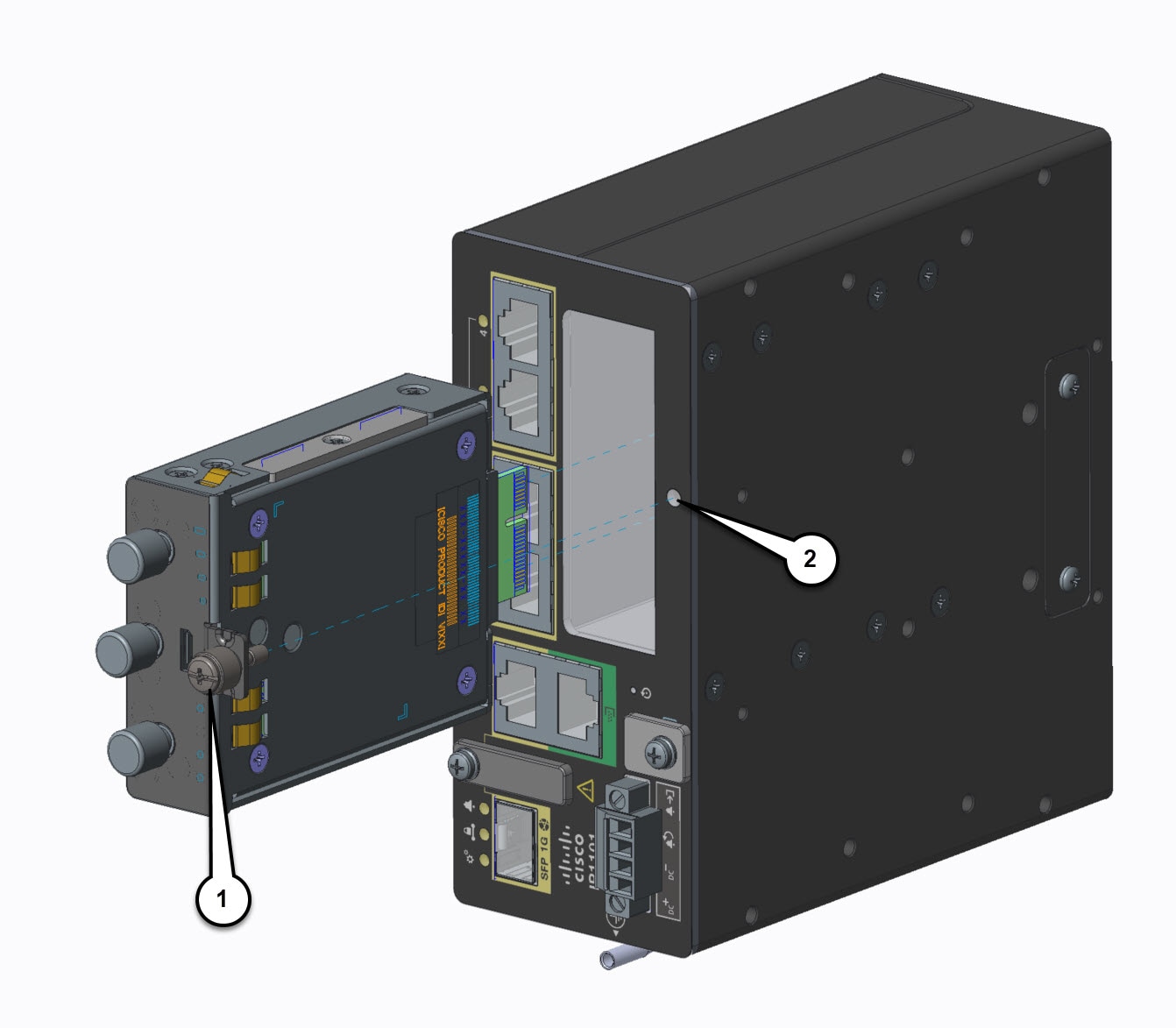
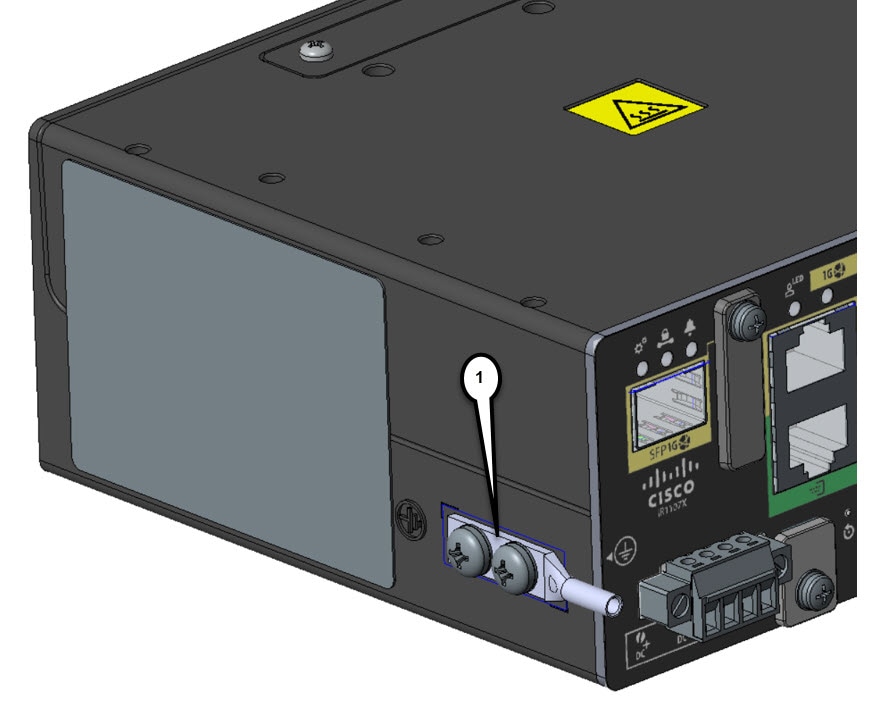
This chapter describes the equipment and the procedures for successfully installing the Cisco IR1101 Base Router. There is a separate section for installing the IR1101 with an Expansion Module.
 Caution |
Do not install the router or power supplies next to a heat source of any kind, including heating vents. |
Caution |
Online Insertion and Removal (OIR) is not supported on the IR1101 or any of its modules. If a module is inserted or pulled out while the device is powered up, it may damage the device. |
 Warning |
Statement 1073—No User-Serviceable Parts There are no serviceable parts inside. To avoid risk of electric shock, do not open. |
Warning |
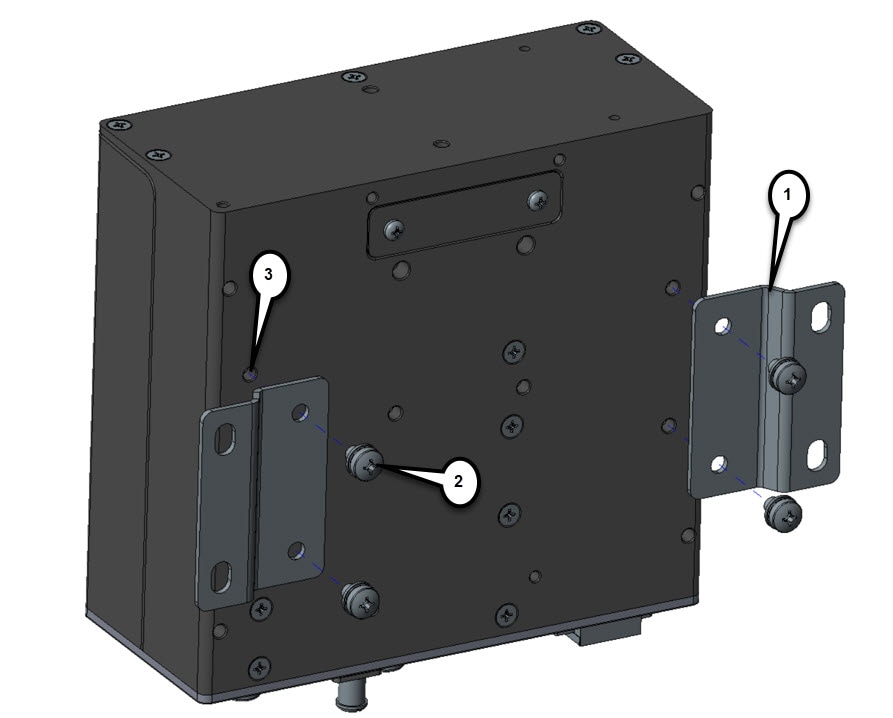
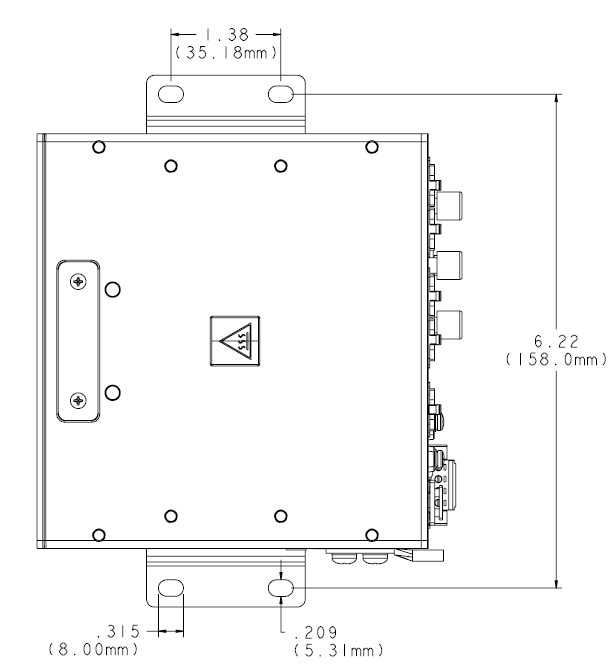
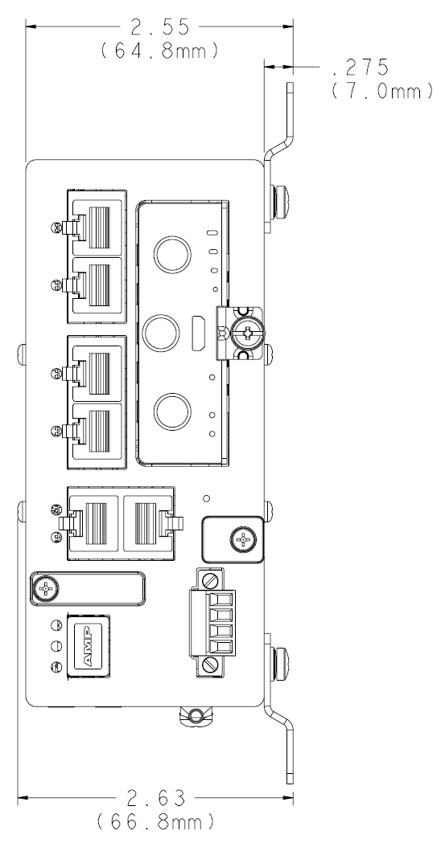
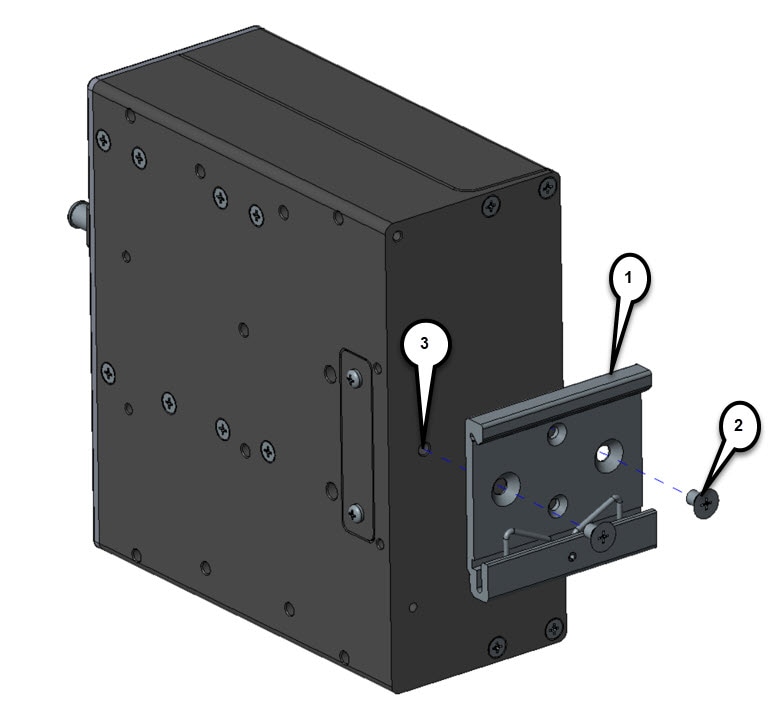
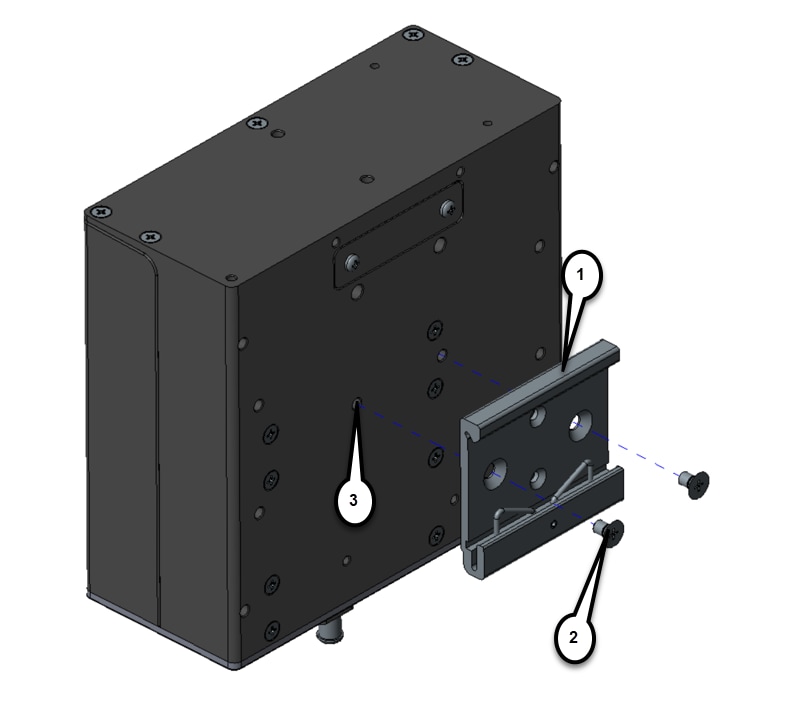
A minimum of 1 inch clearance is required on all sides of the device except for the side mounted against the wall/floor or DIN rail. Stacking heat-dissipating objects on top of the router is not allowed. I/O side clearance is needed as it is required to access the cable connections. Clearance is required to attach, mount the DIN rail bracket, and Wall mount bracket. |


 Feedback