If you deployed with an ESXi OVF template, you must set up the Firewall Threat Defense Virtual Unlimited using the CLI. Firewall
Threat Defense Virtual Unlimited appliances do not have web interfaces. You can also use the CLI to configure System-required
settings if you deployed with a VI OVF template and did not use the setup wizard during deployment.

Note
|
If you deployed with a VI OVF template and used the setup wizard, your virtual device is configured and no further device
configuration is required. Your next steps depend on which management mode you choose.
|
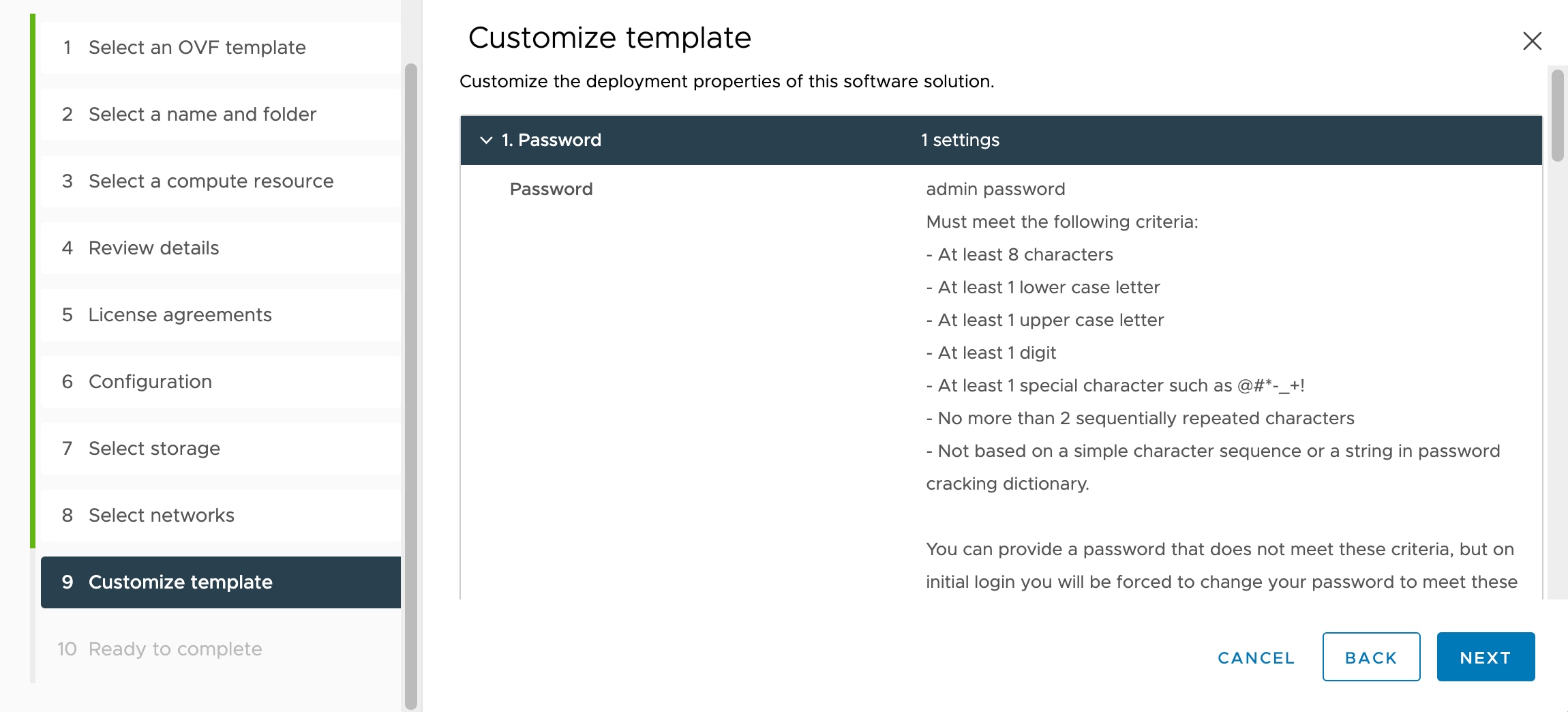
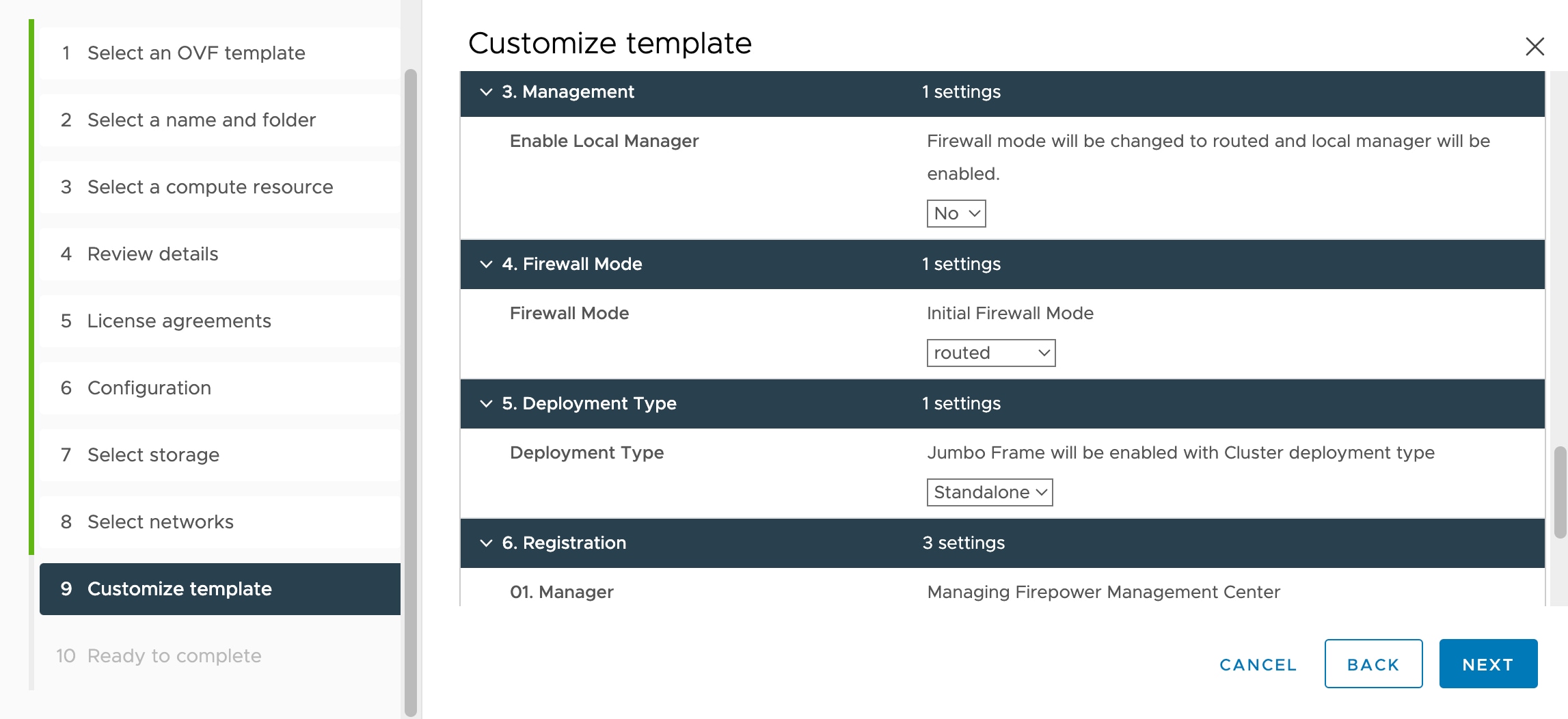
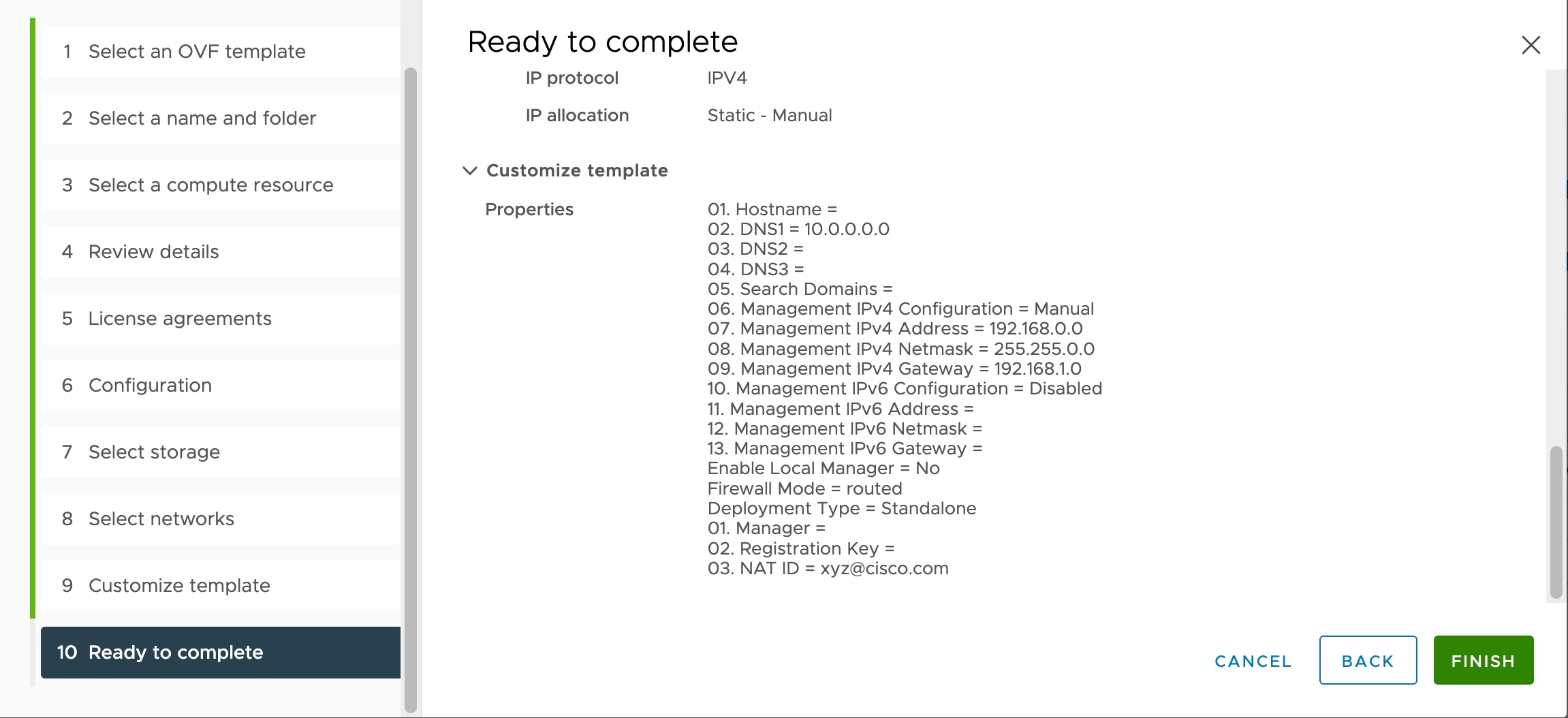
When you first log in to a newly configured device, you must read and accept the EULA. Then, follow the setup prompts to change
the administrator password, and configure the device’s network settings and firewall mode.
When following the setup prompts, for multiple-choice questions, your options are listed in parentheses, such as (y/n). Defaults
are listed in square brackets, such as [y]. Press Enter to confirm a choice.


 Feedback