Overview
Learn how to obtain Secure Firewall 4200 licenses in Cisco Smart Software Manager and Cisco Commerce Workspace, including identifying required license types and the license PIDs used to order additional entitlements.
When you bought your device from Cisco or a reseller, your licenses should have been linked to your Smart Software License account. If you don't have an account on the Smart Software Manager, click the link to set up a new account.
-
Essentials—Required
-
Security Contexts
-
Carrier—Diameter, GTP/GPRS, M3UA, SCTP
-
Cisco Secure Client
-
If you need to add licenses yourself, go to Cisco Commerce Workspace and use the Search All field.
Figure 1. License Search 
-
Search for the following license PIDs.
If a PID is not found, you can add the PID manually to your order.
-
Essentials—Included automatically.
-
5 context—L-FPR4200-ASASC-5=. Context licenses are additive; buy multiple licenses.
-
10 context—L-FPR4200-ASASC-10=. Context licenses are additive; buy multiple licenses.
-
Carrier (Diameter, GTP/GPRS, M3UA, SCTP)—L-FPR4200-ASA-CAR=
-
Cisco Secure Client—See the Cisco Secure Client Ordering Guide. You do not enable this license directly in the ASA.
-
-
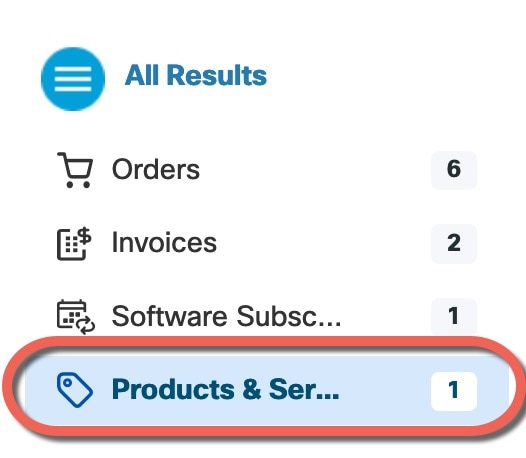
Choose Products & Services from the results.
Figure 2. Results