Required Expertise
This guide is intended for Field Technicians who have basic experience operating a computer laptop.
The documentation set for this product strives to use bias-free language. For the purposes of this documentation set, bias-free is defined as language that does not imply discrimination based on age, disability, gender, racial identity, ethnic identity, sexual orientation, socioeconomic status, and intersectionality. Exceptions may be present in the documentation due to language that is hardcoded in the user interfaces of the product software, language used based on RFP documentation, or language that is used by a referenced third-party product. Learn more about how Cisco is using Inclusive Language.
This chapter explains how to install the Device Manager software.
This guide is intended for Field Technicians who have basic experience operating a computer laptop.
This section lists the system requirements for Device Manager Release 5.1.
The laptop running Device Manager must have the following:
Microsoft Windows 10, Microsoft Windows 7 Enterprise, or Microsoft Windows Professional.
2 GHz or faster processor recommended
2 GB RAM minimum (for potential large log file processing)
WiFi or Ethernet interface
4 GB disk storage space
Windows login enabled
Utility-signed Certificate Authority (CA) and Client Certificate for router authentication (obtained from your IT department)
Customer-specific IT security hardening to keep the Device Manager laptop secure
See Feature History for CGR 1000 software requirements.
See Feature History for IR800 firmware requirements.
See Feature History for IR500 firmware requirements.
To work with Device Manager, IoT-FND must be Release 4.0 or greater.
 Note |
Note: You must uninstall any instance of CG-DM 4.x or earlier, before you install IoT-DM on your laptop. The installer will not recognize the older installation given that the product name has changed from Cisco Connected Grid Device Manager (CG-DM) to Cisco IoT Device Manager (IoT-DM). |
To install the Device Manager:
|
Double-click the Device Manager installer executable to start installation. 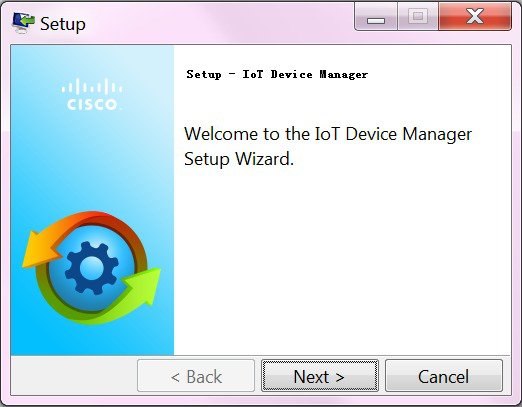 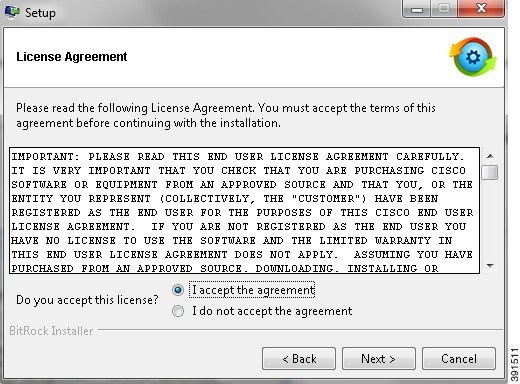 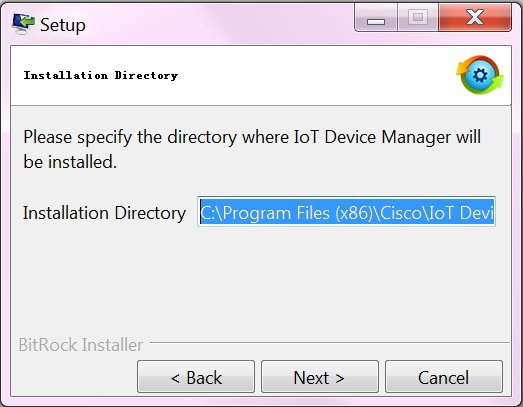 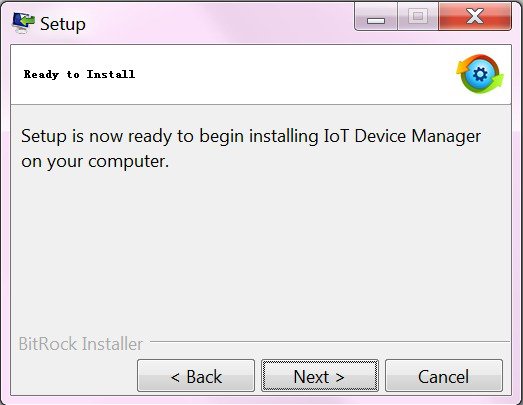 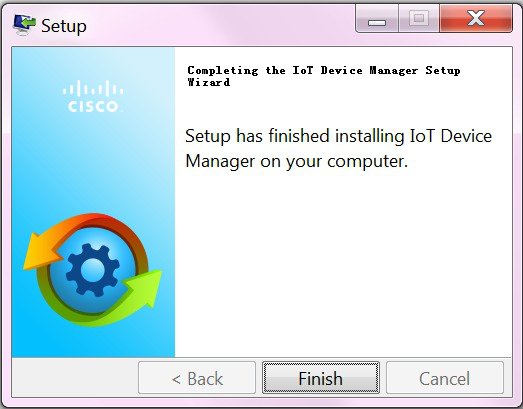 |
To remove the Device Manager application, click Start > All Programs > Cisco IoT Device Manager > Uninstall Cisco IoT Device Manager , or use Uninstall or change a program from Control Panel > Programs and Features .
 Feedback