
Geo-redundant deployment limitations and behavior
Use this reference to understand operational limitations and system behavior during switchover and failover events in geo-redundant deployments.
-
Switchover: A planned, manual transition of services from the active node to a standby node.
-
Failover: An automatic transition that occurs when the active node becomes unavailable or unreachable.
Geo-redundant deployments have these limitations and behavioral characteristics:
-
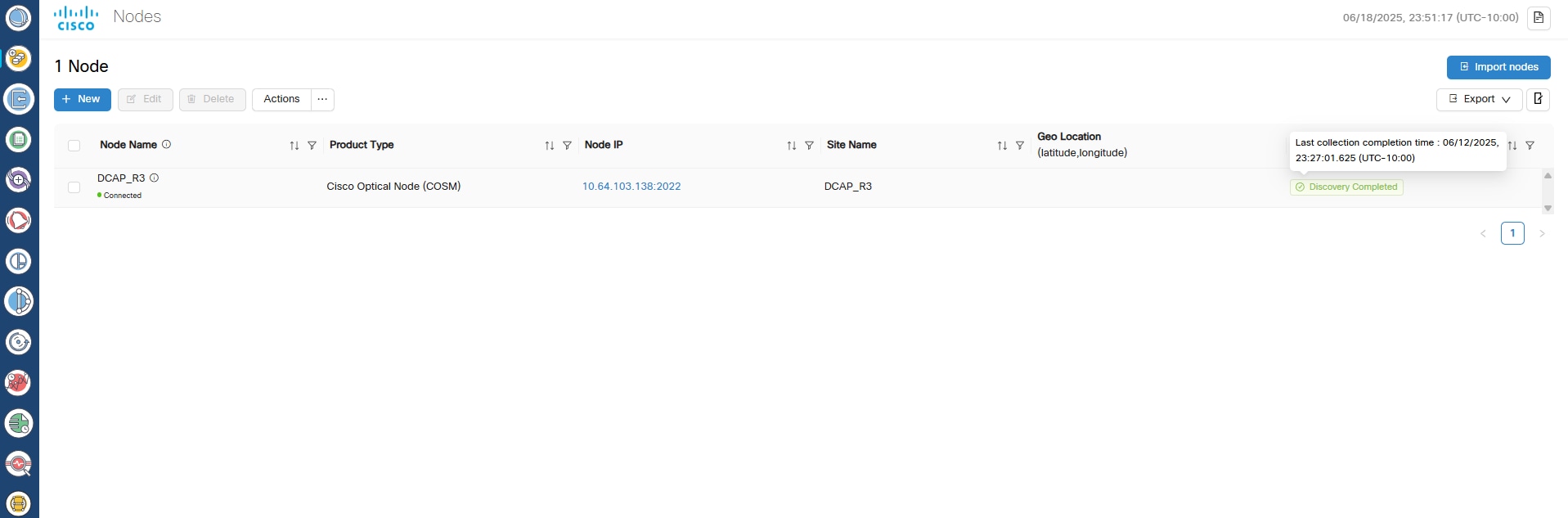
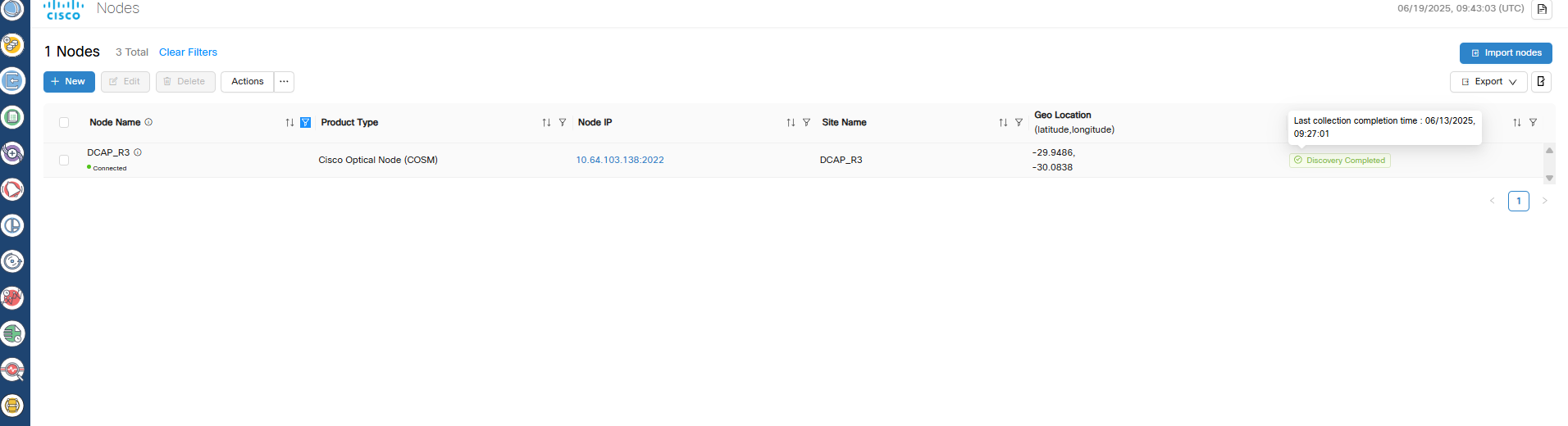
Replication lag: Geo redundancy uses asynchronous replication. If a switchover or failover occurs during an ongoing operation, there is a small risk of data loss when network latency is high.
The newly active node might not have information about an in-progress operation because the database transaction was not fully replicated.
For example, if a node or circuit delete operation completes on the active node but a switchover occurs before replication finishes, the new active node might still display the deleted object. Retry the operation to resolve the issue.
-
Double failures: For Cisco Optical Network Controller releases 25.1.2 and earlier, if two out of three nodes are down or unreachable, the remaining node transitions to a standby state.
During recovery, one virtual machine (VM) is designated as active, but no failover alarm is generated. Cisco Optical Network Controller cannot be accessed using the virtual IP address until at least one additional node becomes available. The active VM is decided dynamically based on election.
-
Consistent role state enforcement: In the GeoHA design, if a role transition request is received while another role transition is still being processed, Cisco Optical Network Controller automatically restarts the network service.
This behavior ensures a clean and accurate view of the active role and prevents inconsistent role status across nodes.
-
Northbound notification loss: During a switchover or failover, the northbound virtual IP interface is temporarily unreachable.
During this interruption, event notifications sent to hierarchical or external controllers are lost. Cisco Optical Network Controller releases 24.x.x and 25.x.x do not support notification replay.
-
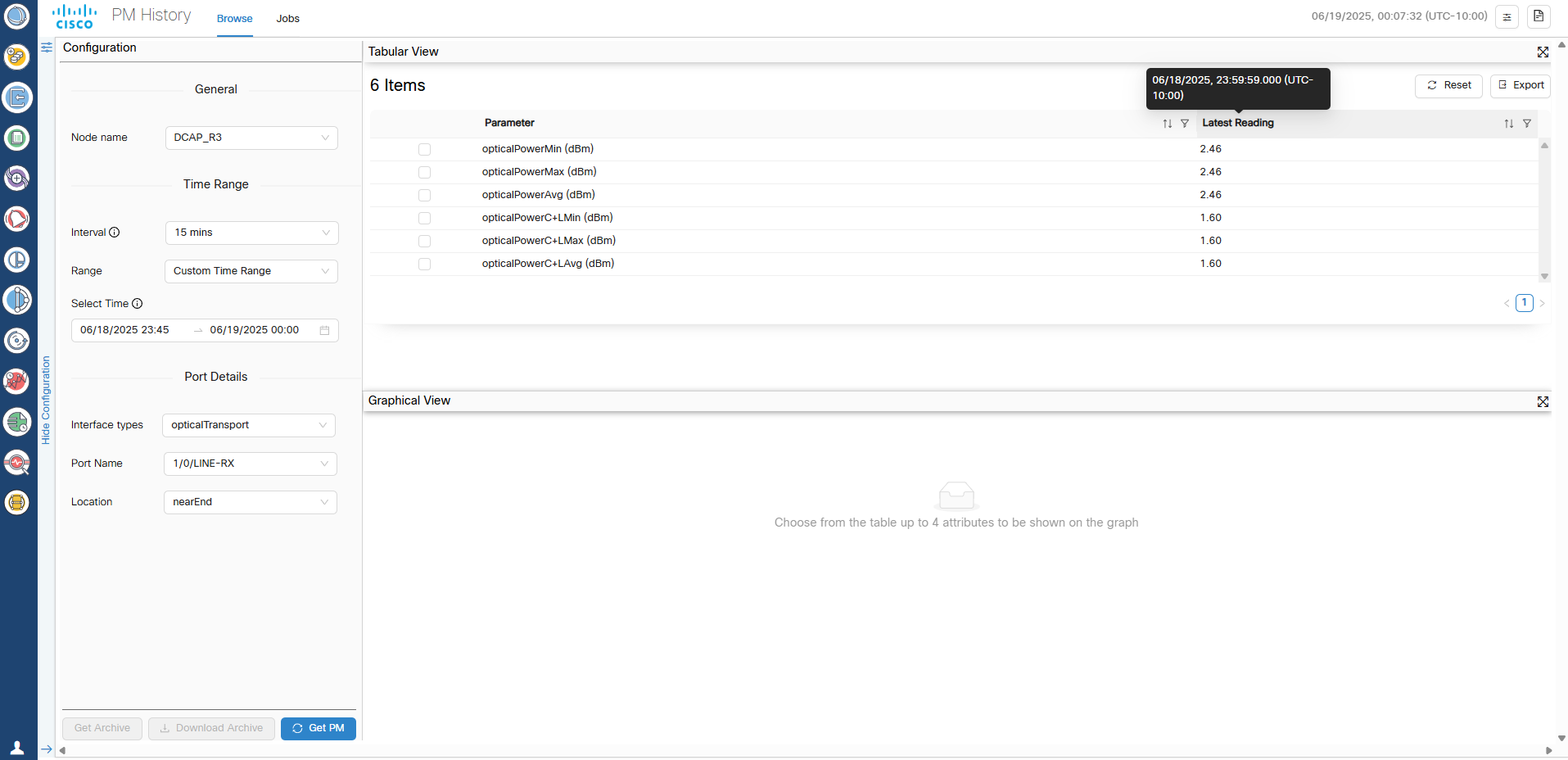
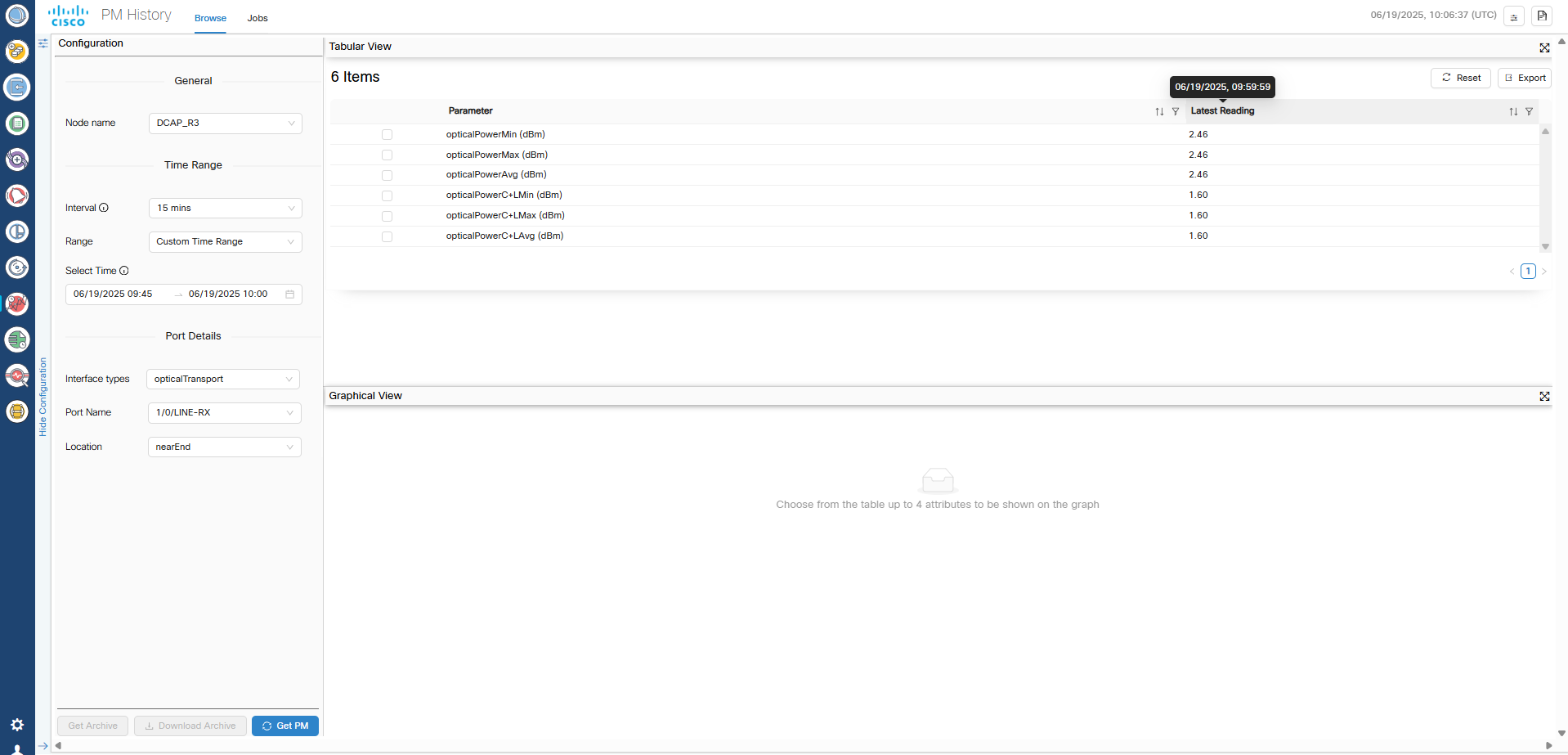
Performance monitoring (PM) data loss: The 15-minute and 1-day PM buckets collected during a switchover or failover event are lost are lost and cannot be recovered.
PM data collection resumes normally with the next bucket after the switchover or failover alarm clears.
-
SWIM job failures: Any SWIMU ad hoc device configuration backup jobs that are running during a switchover or failover transition to the Failed state.
Recreate the job to trigger the backup again. Scheduled SWIM jobs that are in progress also fail, but future scheduled executions continue according to the configured schedule.
-
Data corruption during restore operations: Cisco Optical Network Controller supports database restore operations only on the active node.
If a switchover or failover occurs while a restore operation is in progress, database corruption can occur. In this case, controller services might not return to the ready state.
Perform the restore operation again to recover the cluster.
-
Switchover and failover duration: Before triggering a manual switchover, verify that all microservices on both active and standby nodes are in the ready state by running the
sedo system statuscommand.A switchover or failover requires approximately 4 minutes to complete. Do not initiate another switchover during this period.
After a node failover, the failed node requires approximately 15 to 20 minutes to become ready for a subsequent switchover or failover. Triggering another event before the node is ready can result in a double failure.
When TAPI is enabled, switchover time can exceed 4 minutes depending on the number of devices and circuits.
-
Web UI unavailability during failover: During a failover event, the Cisco Optical Network Controller web UI is unavailable until the failover process completes.
This unavailability typically lasts approximately 4 minutes. After the failover completes, refresh the browser to regain access. To confirm a failover, review the switchover alarm in the Alarm History.
-
Incomplete circuit configurations: Incomplete circuit configurations: If a circuit is partially provisioned and a switchover or failover occurs before database replication completes, the system can create incomplete or disconnected configurations.
Manually clean up these configurations in the Cross-Connect tab in Cisco Optical Site Manager.
 Feedback