Unable to find a service in the service analyzer while filterning
Available Languages
Applicability
Splunk IT Service Intelligence 4.15.2Description
When searching for a particular service through the filter in the service analyzer, it is not found, as shown below.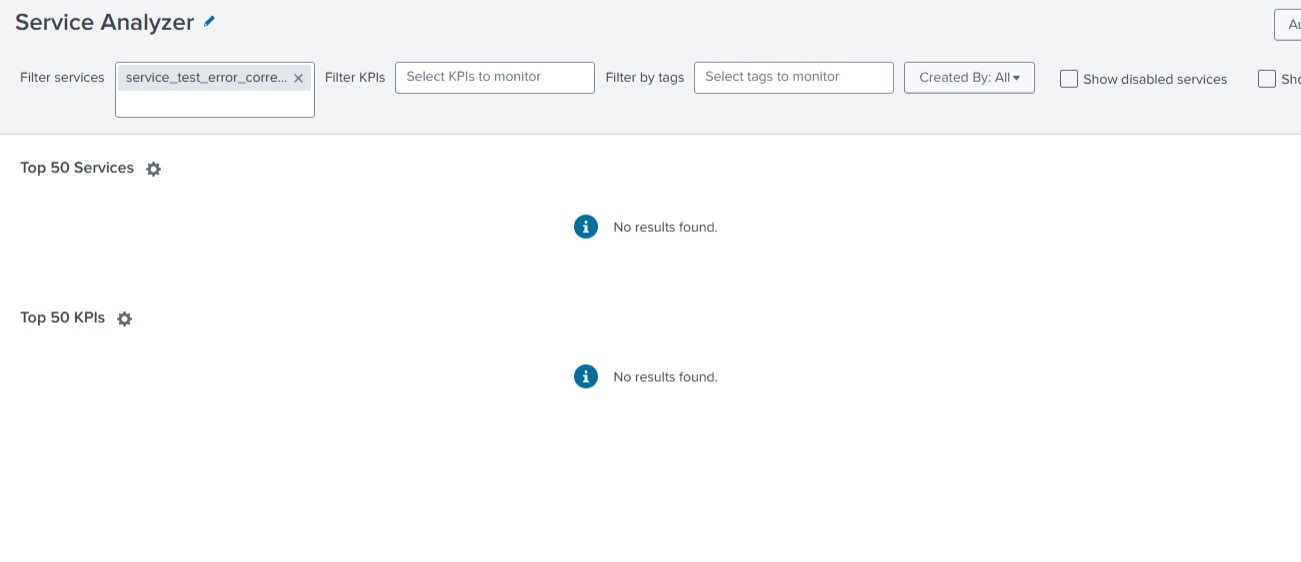
Investigation
During the investigation it was found that the service has a space at the start of its name .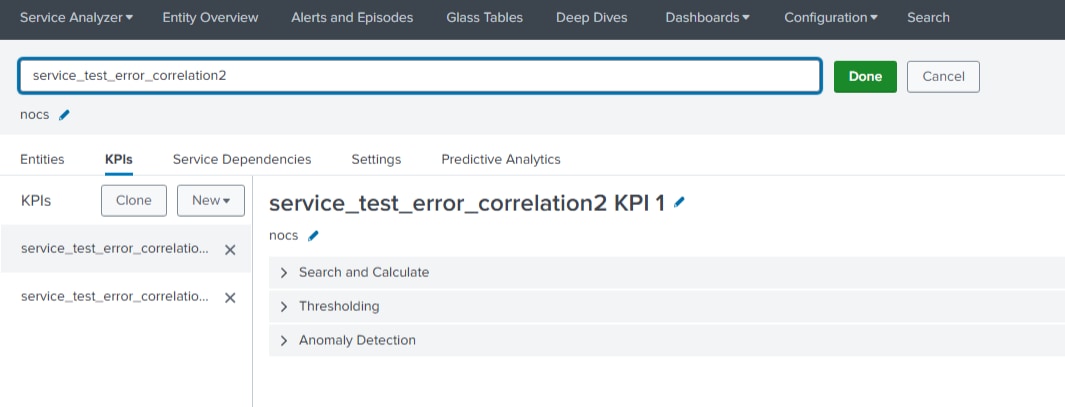
Resolution
To resolve the issue, remove the leading space from the service name.
Steps to Resolve:
1. Identify the service with the leading space in its name.
2. Edit the service name to remove the leading space.
3. After updating the service name, reattempt the search in the Service Analyzer filter.
After removing the leading space, the filter will work as expected, and the service will be found.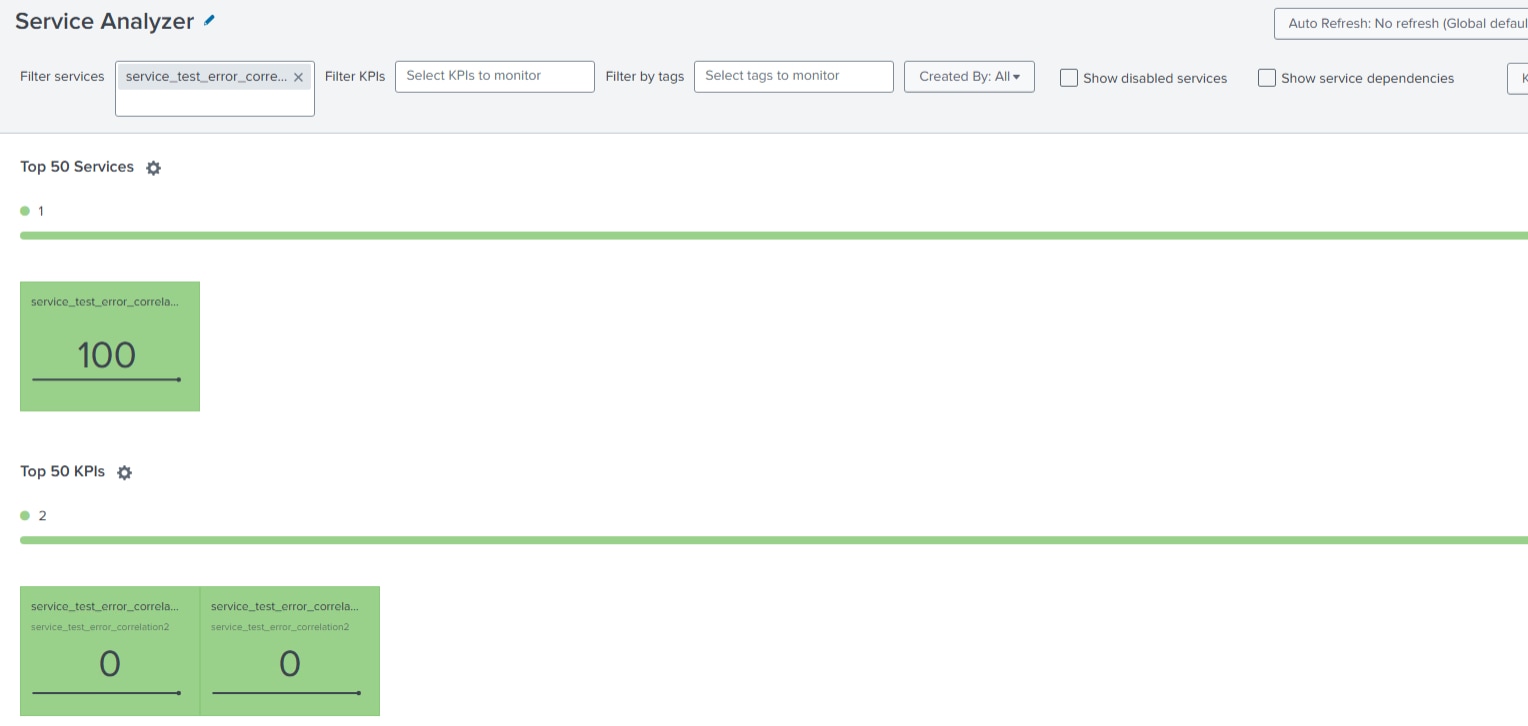
Revision History
| Revision | Publish Date | Comments |
|---|---|---|
1.0 |
29-Sep-2026
|
Initial Release |
 Feedback
