After upgrading the Splunk Enterprise Security to 7.3.3 "tag_notable_events" capability assigned to "ess_admin" role.
Available Languages
Applicability
Splunk Enterprise Security 7.3.3Description
After upgrading the Splunk Enterprise Security from 7.3.2 to 7.3.3 the "tag_notable_events" capability assigned to "ess_admin" role.
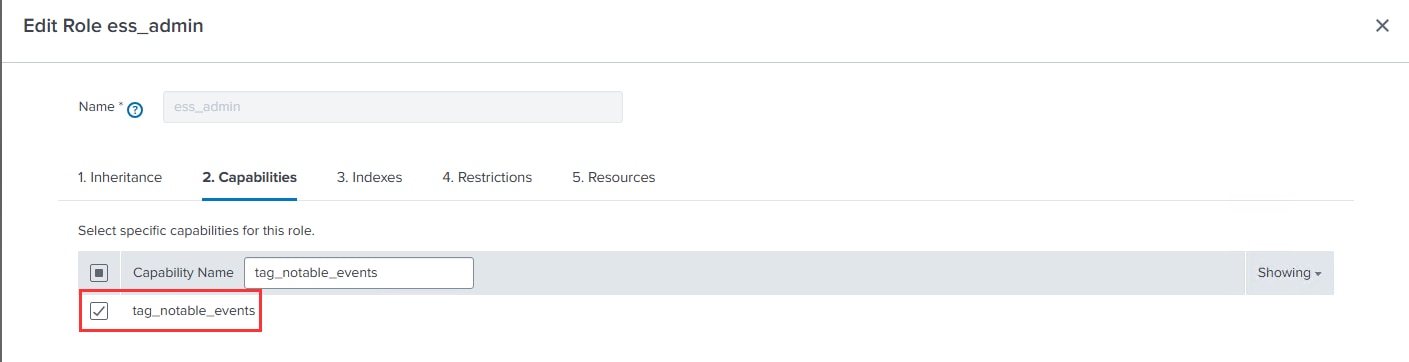
Upon reviewing the current version 7.3.3, it was observed that the capability 'tag_notable_events' was enabled by default.
In Enterprise Security 7.3.3 version:
Investigation
Upon reviewing the audit logs using the SPL query below, it appears that the 'tag_notable_events' capability was not enabled by any user.
index=_audit sourcetype="audittrail" "tag_notable_events" action=edit_role
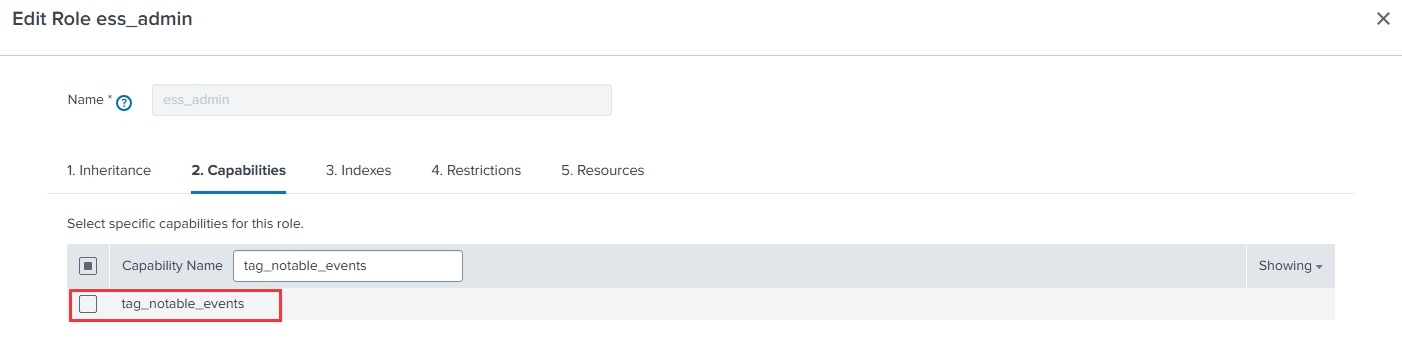
In the previous version of Enterprise Security 7.3.2, the 'tag_notable_events' capability was not enabled by default.
In Enterprise Security 7.3.2 version:
Resolution
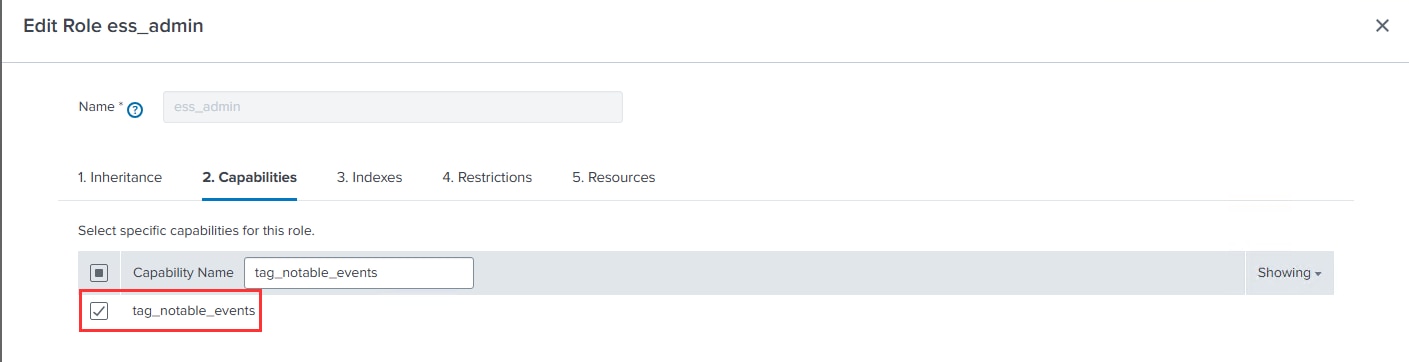
In Splunk Enterprise Security version 7.3.3, the "tag_notable_events" capability has been enabled by default.
Purpose of "tag_notable_events" capability:
By assigning the 'tag_notable_events' capability to the "ess_analyst" or "ess_admin" roles, users can edit tags within the Incident Review Dashboard in Splunk Enterprise Security where they can add fields. Additionally, this allows actions to be taken on specific fields such as host, src, src_ip, dest, or dest_ip. So, that we can tag specific fileds and work on that.
Note: Use the SPL query below to verify if a specific capability was manually enabled by replacing 'sample_capability_name' with the desired capability.
index=_audit sourcetype="audittrail" "Sample_capability_name" action=edit_role
Related Links
Related Links:
Revision History
| Revision | Publish Date | Comments |
|---|---|---|
1.0 |
30-Sep-2026
|
Initial Release |
 Feedback