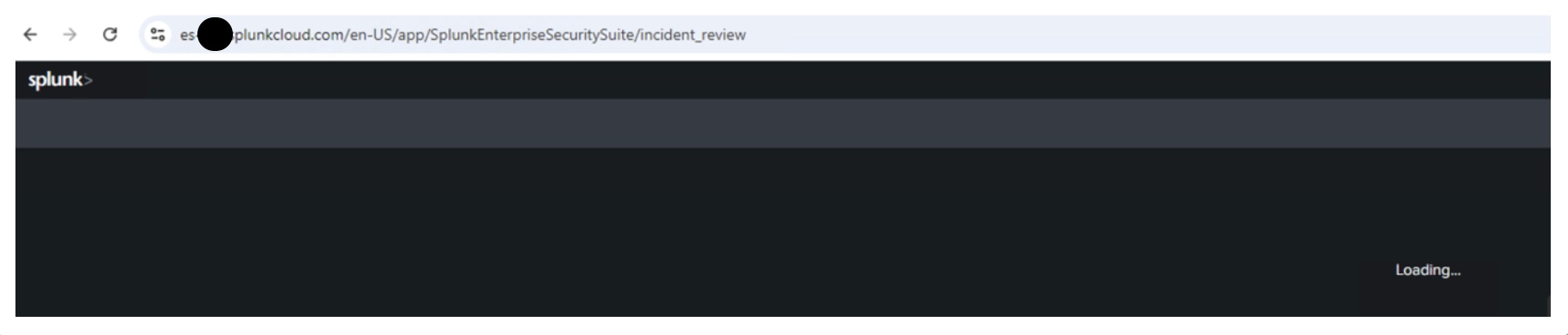
Mission Control page keeps loading after upgrading the Enterprise Security.
Available Languages
Applicability
Splunk Enterprise Security 8.xDescription
The "Mission Control" page keeps loading after upgrading the Splunk Enterprise Security to 8.0 and unable to access the incidents.
Investigation
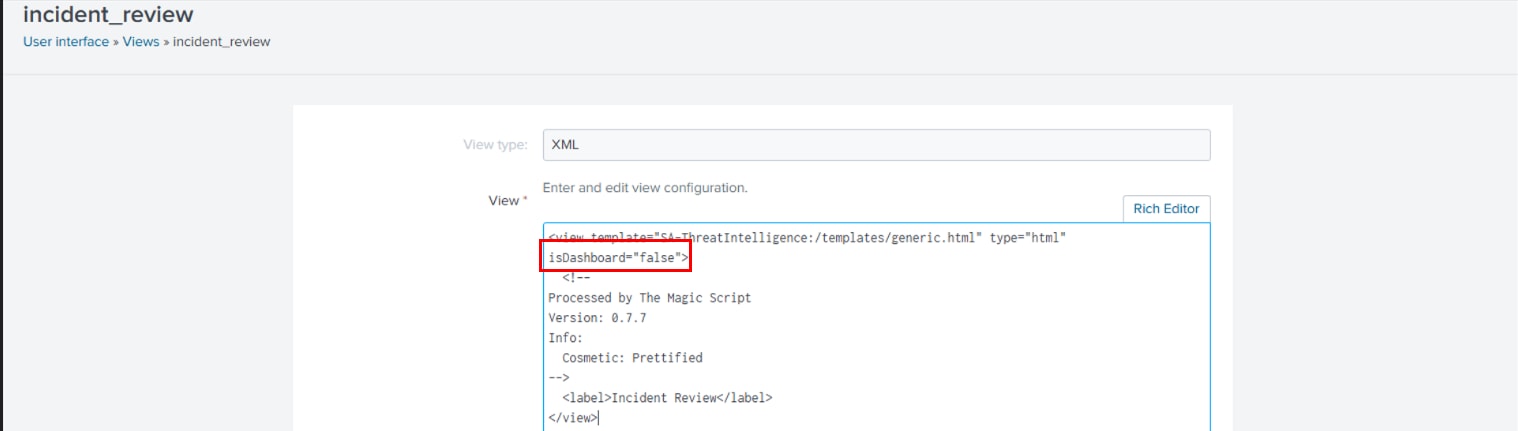
Upon investigation, it was found that after upgrading to Splunk Enterprise Security 8.0, the changes made within the Incident Review dashboard from the previous version took priority.
The issue was caused by a change in the default file under the following path:
/opt/splunk/etc/apps/SA-ThreatIntelligence/default/data/ui/views/incident_review.xml.
Local.xml:
  <view template="SA-ThreatIntelligence:/templates/generic.html" type="html" isDashboard="false">
  <!--Processed by The Magic Script
Version: 0.7.7
Info:
  Cosmetic: Prettified-->
  <label>Incident Review</label>
</view>
Resolution
To resolve the issue, follow the below steps:
- Navigate to Settings.
- Select User Interface > Views.
- Search for "incident_review" and open the view.

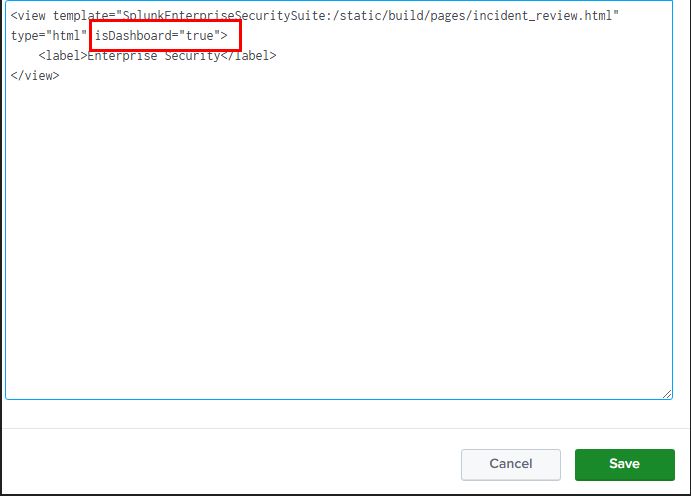
- Replace the below default.xml code.
Default.xml
<view template="SplunkEnterpriseSecuritySuite:/static/build/pages/incident_review.html" type="html" isDashboard="true">
    <label>Enterprise Security</label>
</view>
- Click Save.
For Splunk Cloud Environments:
The User should raise a request to the Splunk Support to remove the local.xml file
/opt/splunk/etc/apps/SA-ThreatIntelligence/local/data/ui/views/incident_review.xml.
For On-prem environments:
Remove the local.xml file under the following path:
/opt/splunk/etc/apps/SA-ThreatIntelligence/local/data/ui/views/incident_review.xml.
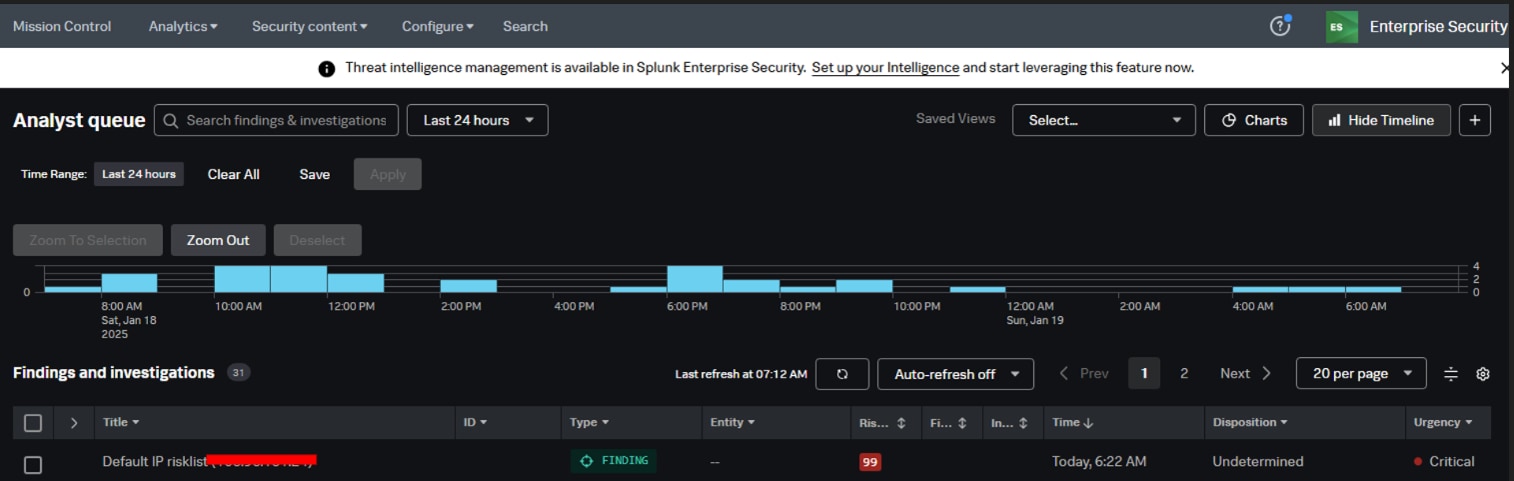
After performing the changes, the "Mission Control" page loads without any issue.
Revision History
| Revision | Publish Date | Comments |
|---|---|---|
1.0 |
29-Sep-2026
|
Initial Release |
 Feedback