[Splunk DB Connect] Resolving the "java.lang.StringIndexOutOfBoundsException: begin 0, end 2208, length 2207" Error When Executing a Splunk DB Connect Input.
Available Languages
Applicability
Splunk Enterprise Splunk Cloud Splunk DB Connect (All versions)Description
When executing an input query in Splunk DB Connect, users may encounter the following error:
java.lang.StringIndexOutOfBoundsException: begin 0, end 2208, length 2207No results found.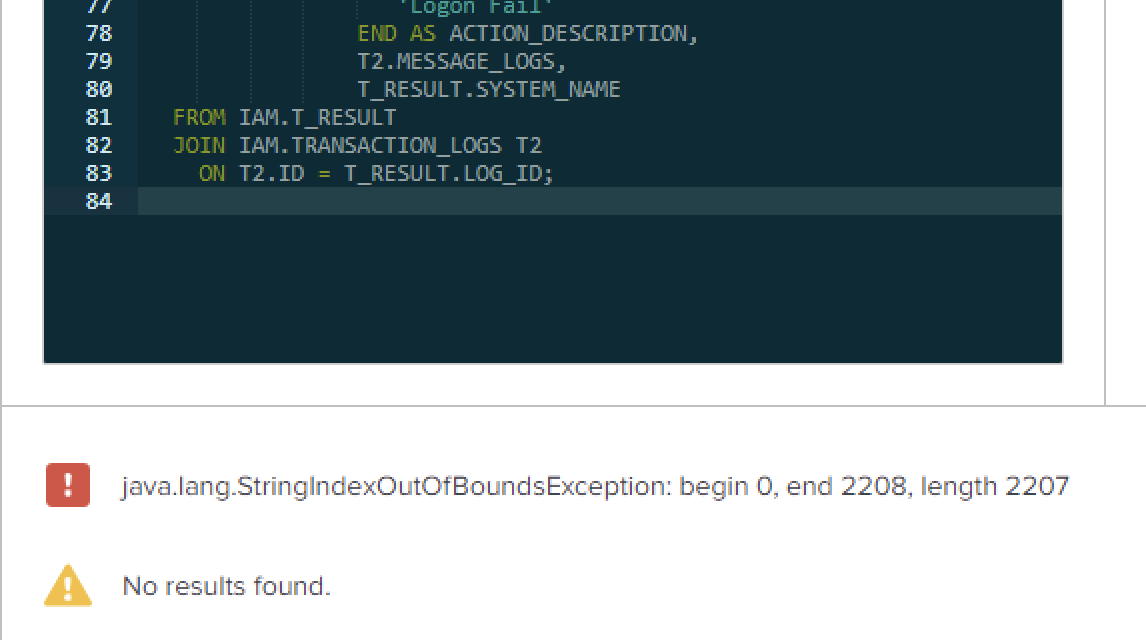
Investigation
Checked db input logs by running the below SPL query in Splunk:
index="_internal" sourcetype=*db* *<input_name>* *error*
Error logs:
12-09-2024 10:51:46.841 +0700 ERROR SearchMessages - orig_component="" app="splunk_app_db_connect" sid="_d29yYXdpdC5z_d29yYXdpdC5z_c3BsdW5rX2FwcF9kYl9jb25uZWN0__RMD5404887c20a5181c5_1733716288.5660" message_key="" message=java.sql.SQLSyntaxErrorException: ORA-00933: SQL command not properly ended12-09-2024 10:52:16.841 +0700 ERROR SearchMessages - orig_component="" app="splunk_app_db_connect" sid="_d29yYXdpdC5z_d29yYXdpdC5z_c3BsdW5rX2FwcF9kYl9jb25uZWN0__RMD5404887c20a5181c5_1733716331.5661" message_key="" message=java.lang.StringIndexOutOfBoundsException: begin 0, end 1119, length 1118
The error points to a string manipulation issue where the system is trying to access a character position that does not exist. This is typically due to a mismatch in expected string lengths, which can be caused by malformed data being processed by the SQL query or the input configuration in Splunk DB Connect.
Resolution
Upon investigation, it was found that the issue was caused by the user inadvertently adding extra spaces in the DB input query. As shown in the screenshot below, there is an extra space after the query on line 84.
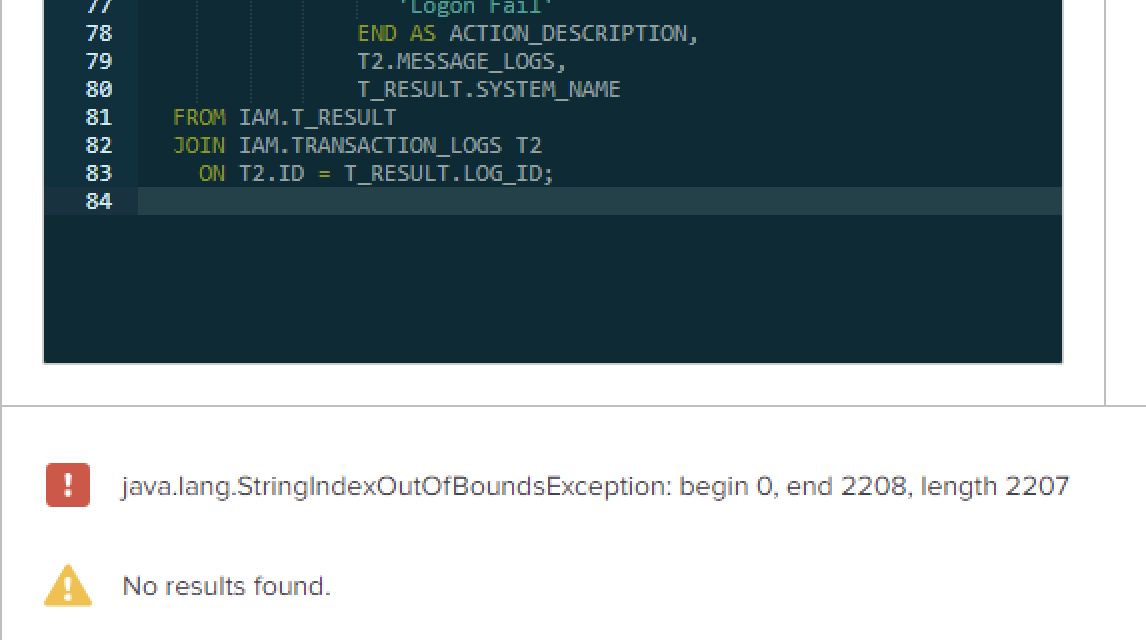
To resolve this issue, remove the extra space from the query, in this case on line 84 there is an unwanted space that needs to be removed, and then click Execute Query. This should resolve the issue and allow the query to run successfully.
Revision History
| Revision | Publish Date | Comments |
|---|---|---|
1.0 |
29-Sep-2026
|
Initial Release |
 Feedback
Contact Cisco
- Open a Support Case

- (Requires a Cisco Service Contract)
This Document Applies to These Products
Related Articles
- [Splunk DB Connect] PostgreSQL Inputs Not Working in Splunk DB Connect v3.9 [Invalid Connection Error]
- Encountering the error "java.sql.SQLTimeoutException: The query has timed out." when executing a query in the Splunk DB Connect Input.
- Splunk DB Connect Input Page Fails to Load After Upgrading the DB Connect App between Versions 3.17 to 3.18.0