- Introduction
- Design Overview
- Installing AIR-OEAP1810
- Understanding ports on AIR-OEAP1810
- Power Options on AIR-OEAP1810
- Software Features on AIR-OEAP1810
- Configuring WLC
- Configuring Voice or Data WLAN Connectivity
- Configuring AP Authentication
- Configuring Cisco OfficeExtend Access Point 1810
- Configuring Personal SSID on OfficeExtend Access Point 1810
Configuring AP
Authentication
Access point authentication ensures only authorized access points can connect to the controller.
If you want to control which access points can connect to the Cisco OfficeExtend controller, follow this process.
If you want to allow any access point to connectto the Cisco OfficeExtend controller, skip to the next process.
Cisco Secure ACS is used to store the list of access points authorized by the organization. Storing the list in Secure ACS eases the operational burden of keepingauthorization lists on all the controllers in sync.
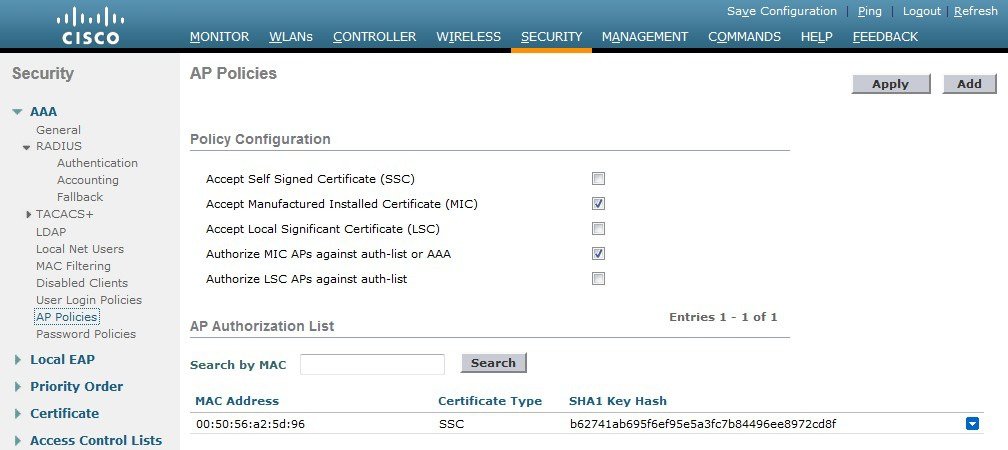
Configuring AP Authentication in WLC
To configure the AP authetication in WLC, perform the following steps:
 Feedback