Power Button Shut Down
The Secure Malware Analytics M7 runs in two modes:
-
Main power mode—Power is supplied to all Secure Malware Analytics M7 components and all operating systems can run.
-
Standby power mode—Power is supplied only to the service processor and certain components. You can safely remove power cords from the Secure Malware Analytics M7 in this mode.
 Caution |
After you shut down the Secure Malware Analytics M7 to standby power, electric current is still present in the chassis. To completely remove power as directed in some maintenance procedures, you must disconnect all power cords from all power supplies on the Secure Malware Analytics M7. |
You can shut down the Secure Malware Analytics M7 using the front panel Power button or use OpAdmin to initiate a reboot or shutdown.
Procedure
|
Step 1 |
Check the Power LED:
|
||
|
Step 2 |
Perform a graceful shutdown or a hard shutdown:
|
||
|
Step 3 |
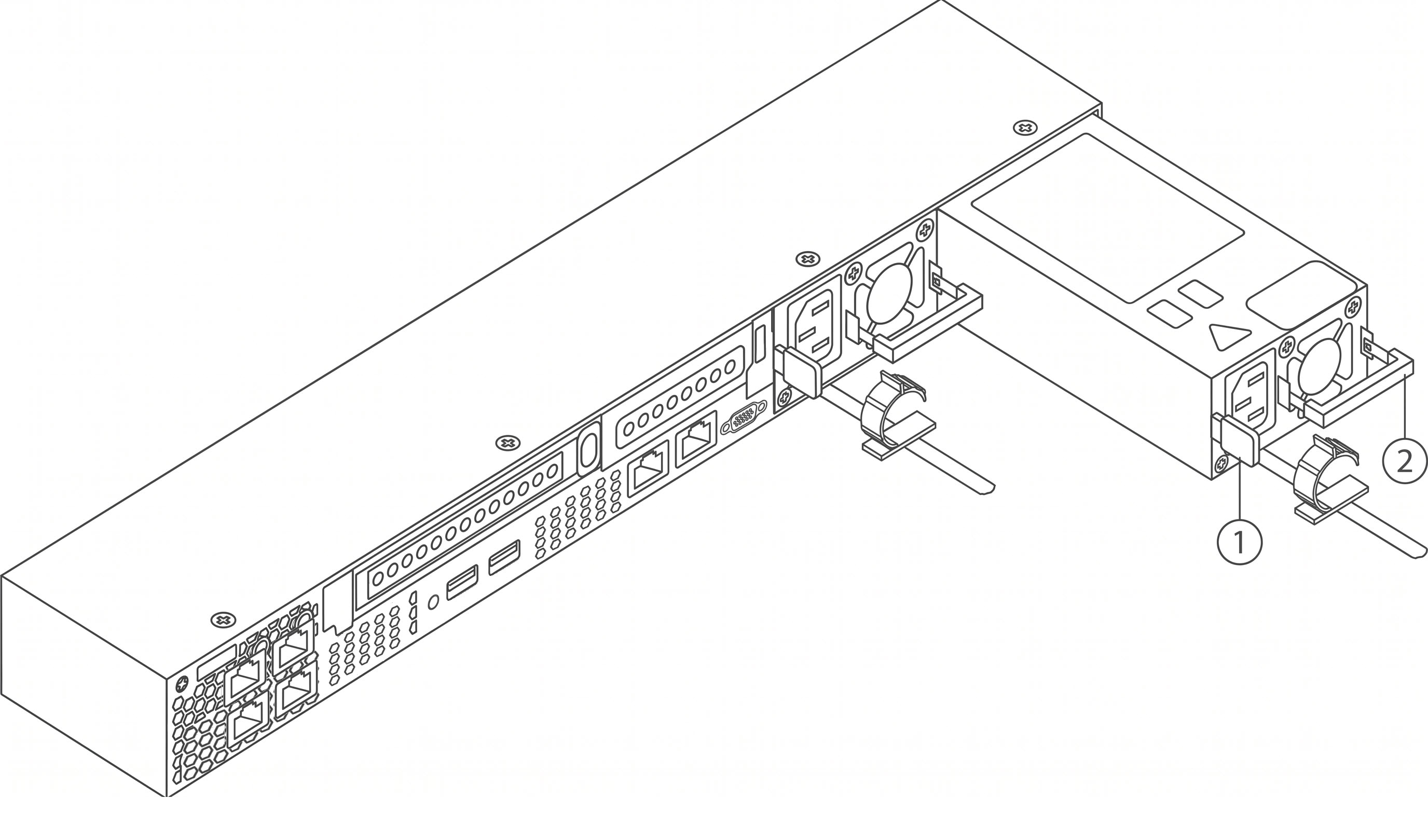
If a maintenance procedure instructs you to completely remove power from the Secure Malware Analytics M7, disconnect all power cords from the power supplies. |



 Feedback
