Overview
Learn how to enable SSH access to the Secure Firewall 1210/20 outside interface so you can manage the device remotely from approved IP addresses.
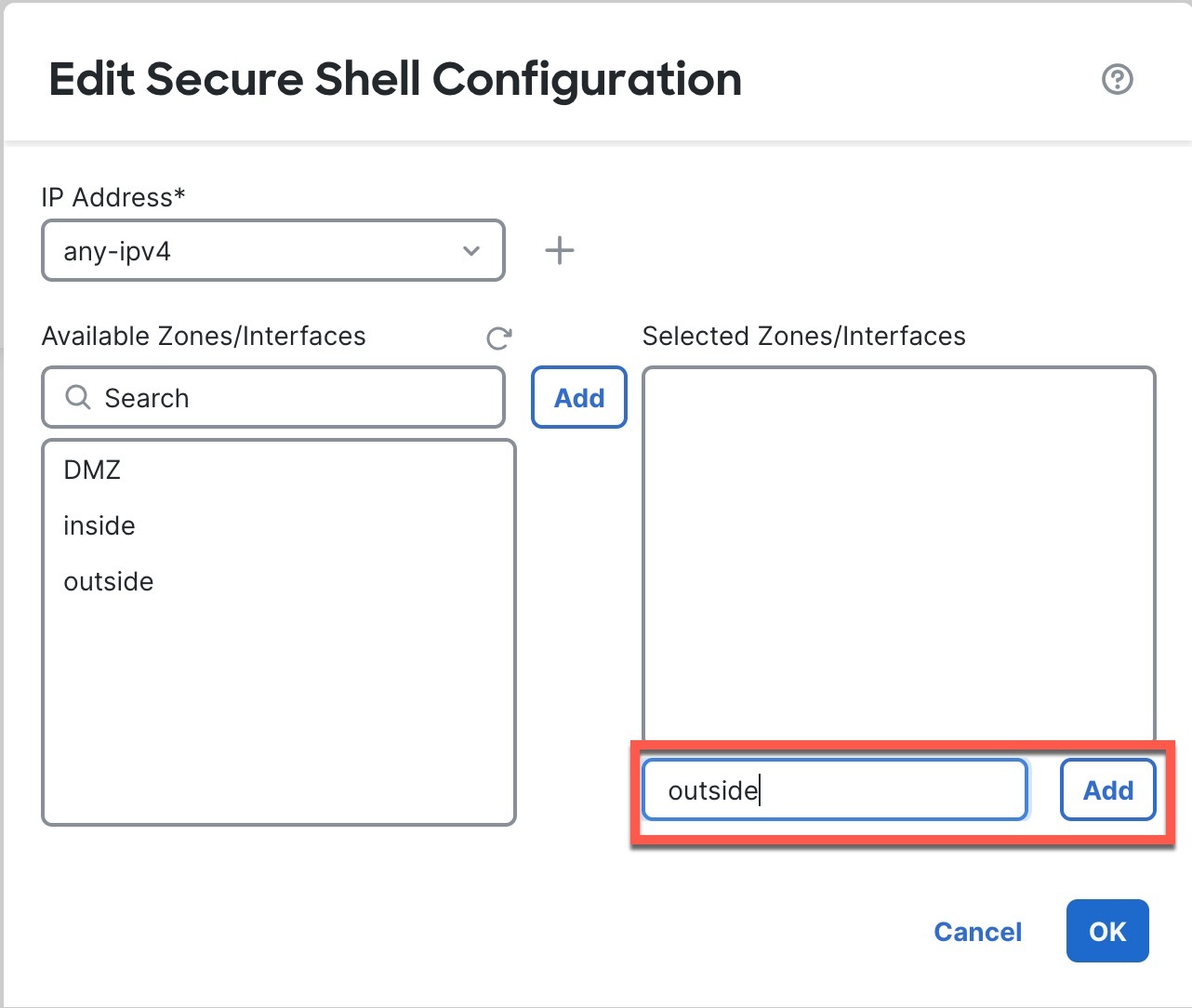
This section describes how to enable SSH connections to the outside interface so you can manage the firewall remotely.
By default, you can use the admin user for which you configured the password during initial setup.
Procedure
| 1. | Choose and create or edit the Firewall Threat Defense policy. |
|
| 2. | Select SSH Access. |
|
| 3. | Identify the outside interface and IP addresses that allow SSH connections.
|
|
| 4. | Click Save. You can now go to and deploy the policy to assigned devices. The changes are not active until you deploy them. |