Overview
How to deploy policy changes to the Secure Firewall 1210/20 so your interface, NAT, DHCP, and access control updates take effect on the device..
Deploy the configuration changes to the device; none of your changes are active on the device until you deploy them.
Procedure
| 1. | Click Deploy in the upper right. 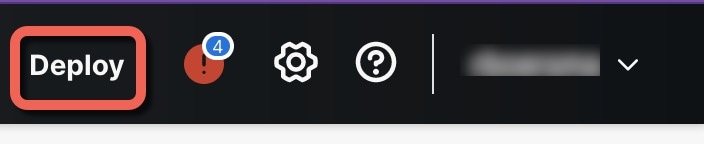
|
|
| 2. | For a quick deployment, check specific devices and then click Deploy. 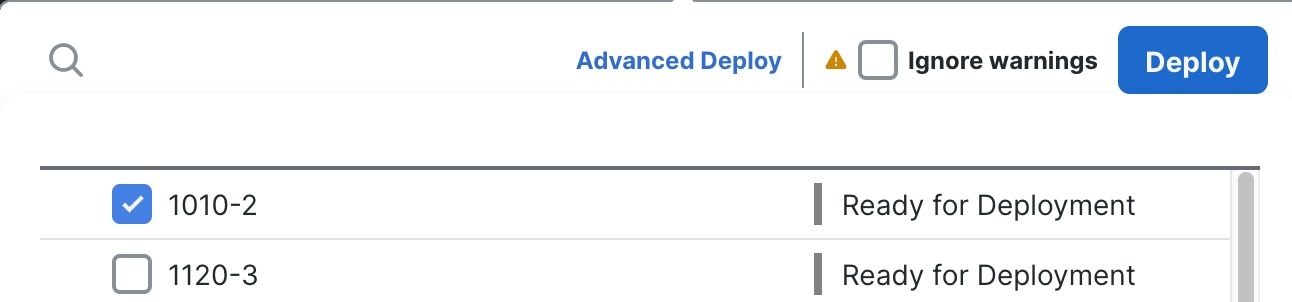
Or click Deploy All to deploy to all devices. 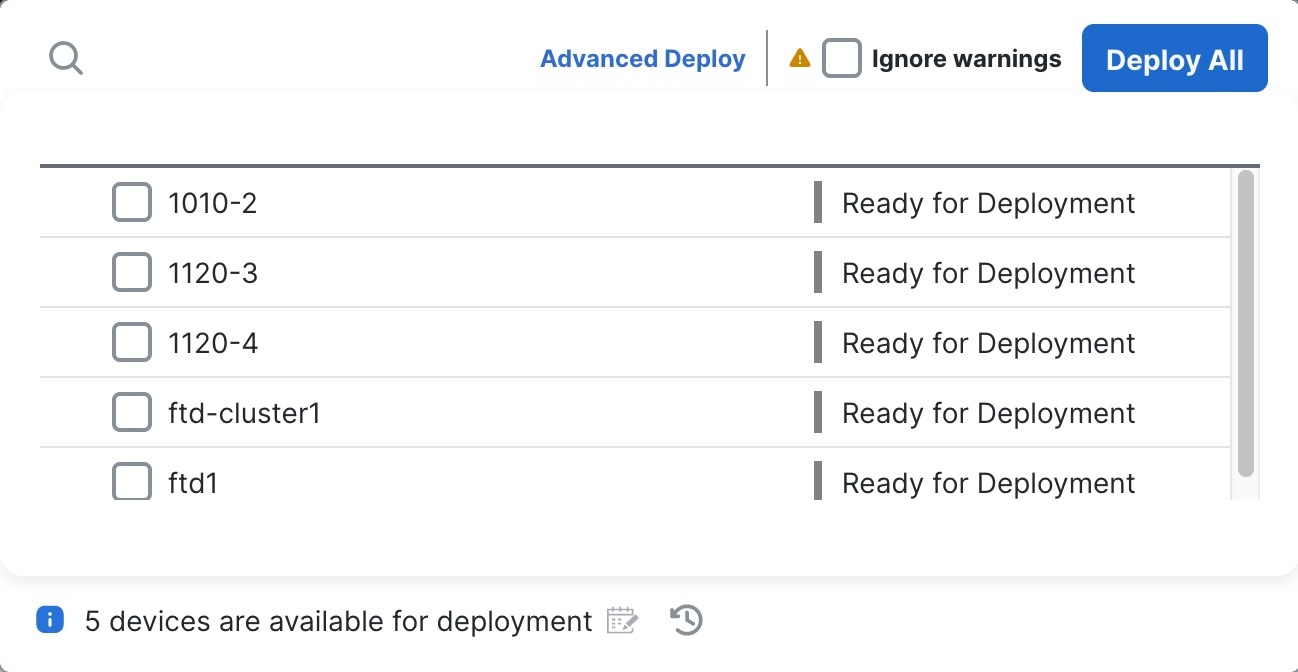
Otherwise, for additional deployment options, click Advanced Deploy. 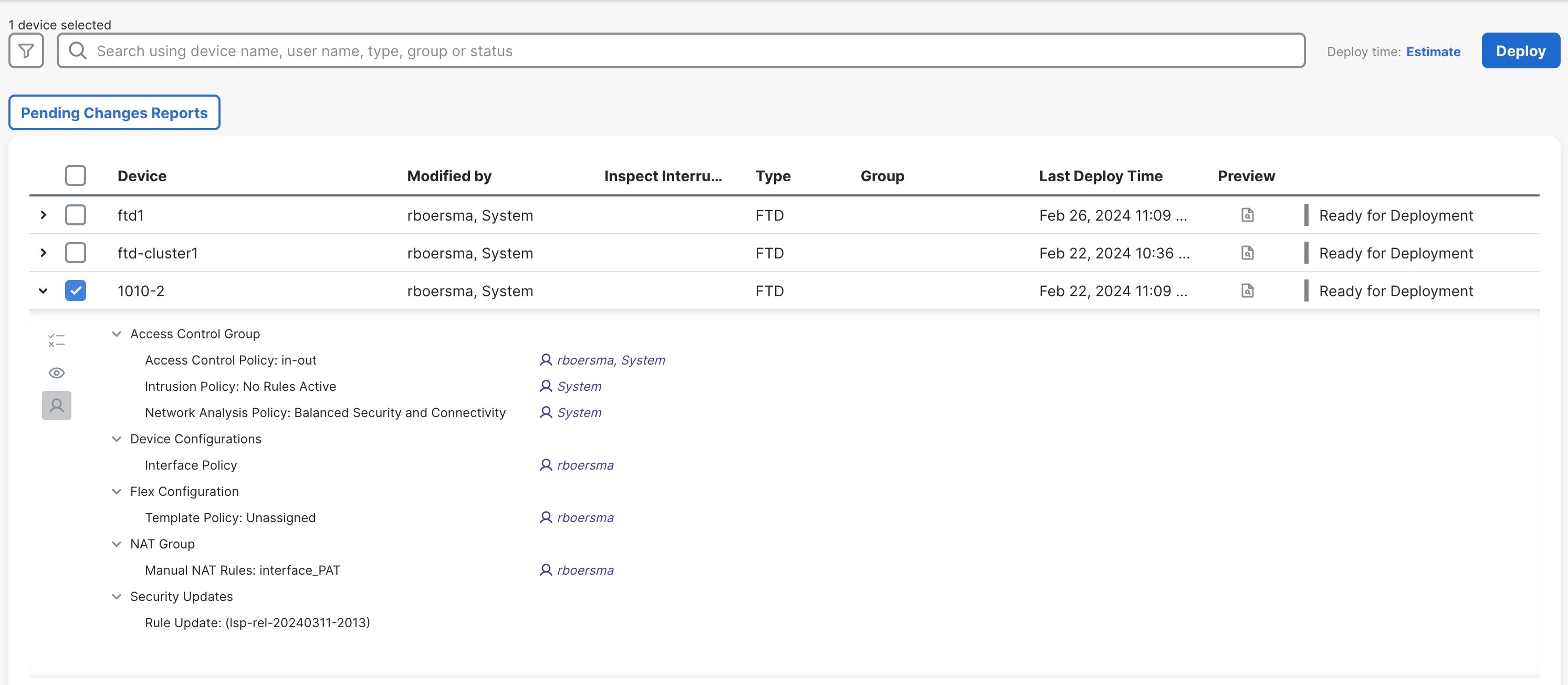
|
|
| 3. | Ensure that the deployment succeeds. Click the icon to the right of the Deploy button in the menu bar to see status for deployments. 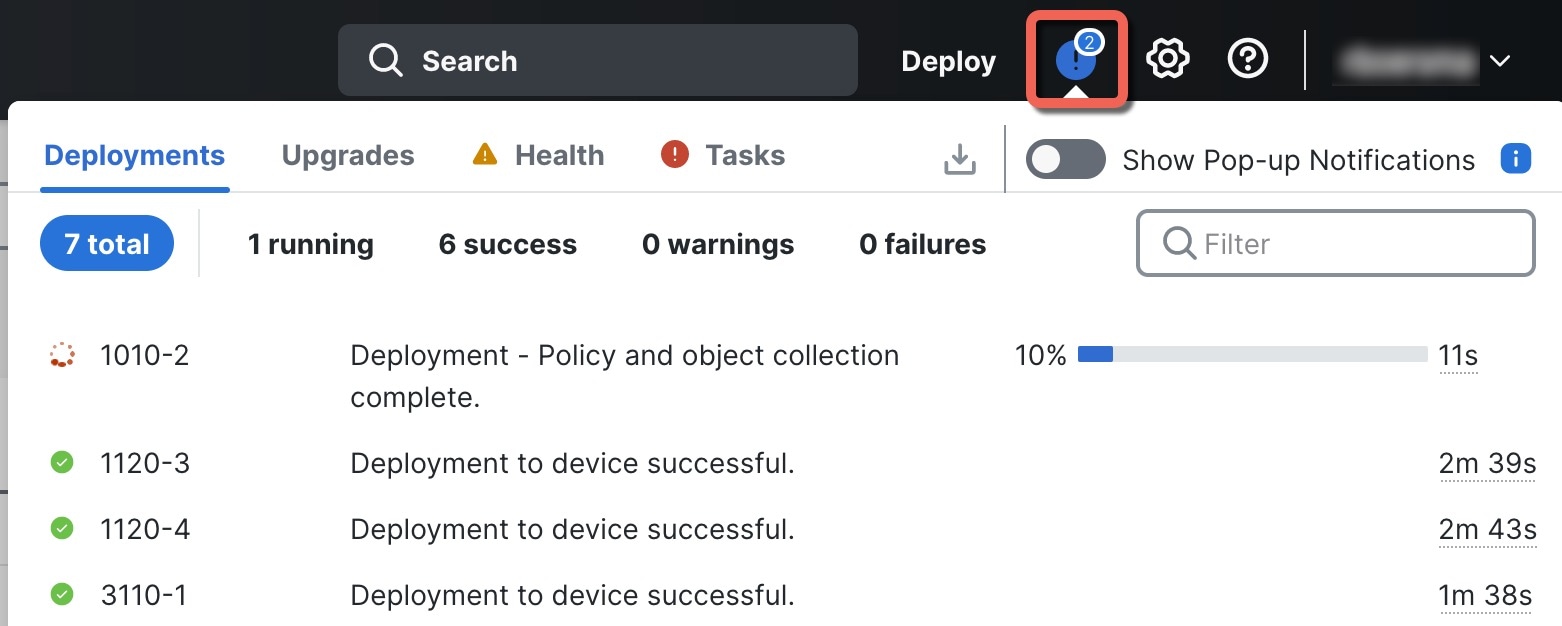
|