Overview
Learn how to obtain Secure Firewall 1210/20 licenses in Cisco Smart Software Manager and Cisco Commerce Workspace, including identifying required license types and the license PIDs used to order additional entitlements.
When you bought your device from Cisco or a reseller, your licenses should have been linked to your Smart Software License account. If you don't have an account on the Smart Software Manager, click the link to set up a new account.
If you have not already done so, register the Firewall Management Center with the Smart Software Manager. Registering requires you to generate a registration token in the Smart Software Manager. See the Cisco Secure Firewall Management Center Administration Guide for detailed instructions.
The Firewall Threat Defense has the following licenses:
-
Essentials—Required
-
IPS
-
Malware Defense
-
URL Filtering
-
Cisco Secure Client
-
If you need to add licenses yourself, go to Cisco Commerce Workspace and use the Search All field.
Figure 1. License Search 
-
Search for the license PIDs. Check with your ordering guide for the PIDs you want.
-
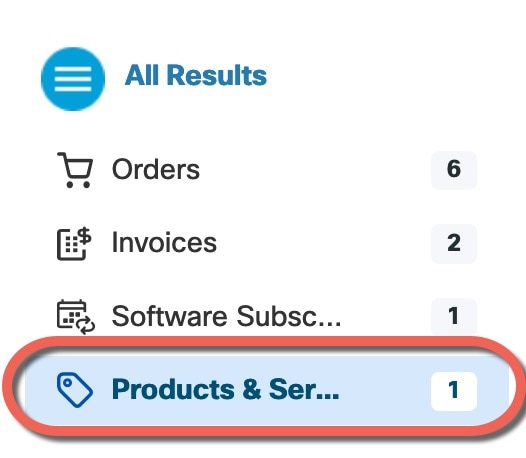
Choose Products & Services from the results.
Figure 2. Results