The recommended fields are not available in the MC incident
Available Languages
Applicability
Splunk Mission ControlDescription
A few recommended fields need to be generated by the notables in Splunk Enterprise Security. But those fields are missing even though it was configured in the "Risk Analysis" configuration.
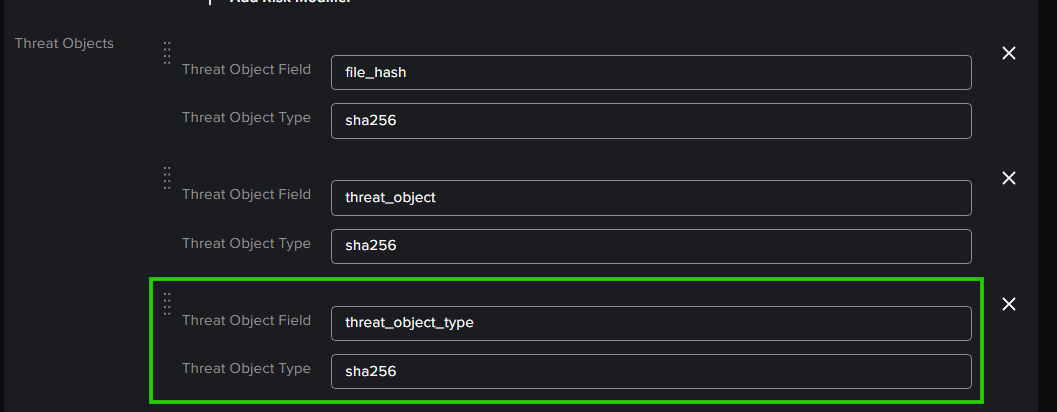
In the MC incident, this field wasn't captured as shown below,
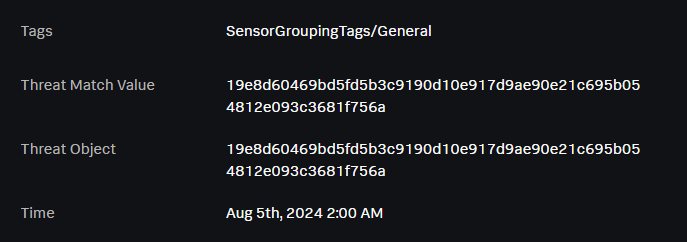
The field "threat_object_type" was not captured in the MC incident.
Investigation
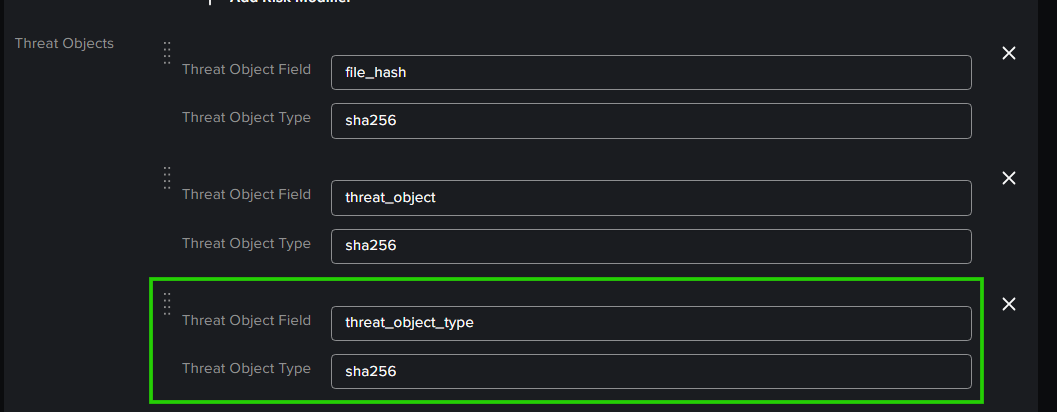
This specific field was configured in the "Risk Analysis" in the notable alert generation process.
This field was configured in the "Incident Review - Table & Event Attributes" configuration in the Incident Review Settings.
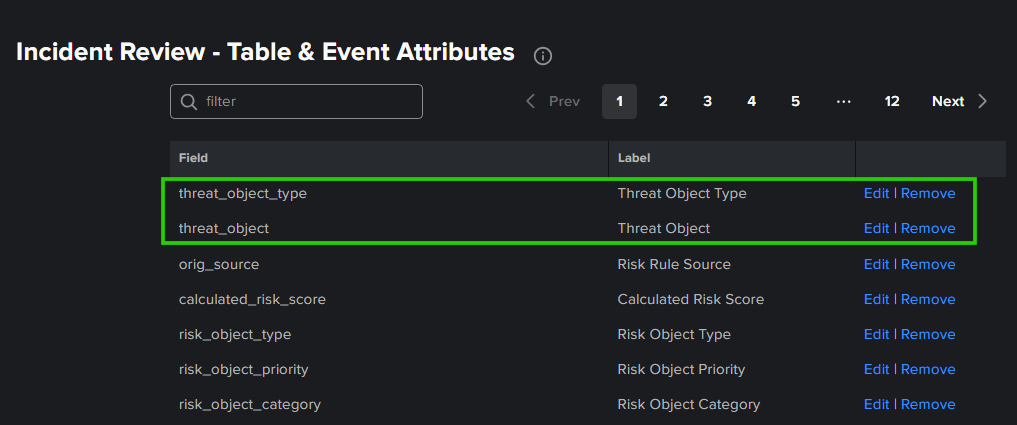
But still the field "threat_object_type" wasn't included in the notables in Splunk Enterprise Security.
After examining the Correlation search, it was found that the Correlation search was creating those fields manually as shown below.

Resolution
To resolve this issue, the "threat_object_type" should be mentioned in the Correlation Search with a respective value.
| eval threat_object_type=indicator_type
| table threat_object, threat_match_value, threat_object_type, .....
After the addition of the above SPL in the Correlation Search, the field "threat_object_type" has been captured in the notable and also in the MC incident.
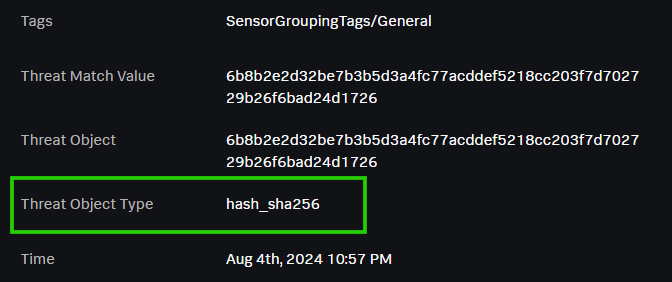
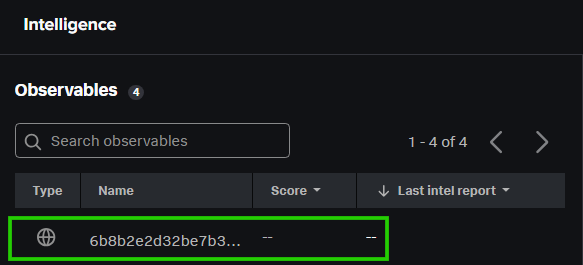
Thereby, the "Threat Object" hash/sha256 has been captured in the Observables as shown below.
Related Links
Revision History
| Revision | Publish Date | Comments |
|---|---|---|
1.0 |
29-Sep-2026
|
Initial Release |
 Feedback
