MC incidents are not generated from Splunk ES Correlation searches
Available Languages
Applicability
Splunk Enterprise SecurityDescription
In the Adaptive Response Action section, Correlation searches are configured with the notables and MC incident generation action.
The Correlation search is executed every 30 minutes. However, the notables are generated, but the MC incidents are not.
Investigation
In the splunkd.log, it was found the below error regarding the "sendalert" command.
In the mc_utils.log, the below error was found.
Based on the above message, some exceptions occurred in the queue path.
In the hot and warm buckets in the below-mentioned directory,
Hot bucket directory - /opt/splunk/var/run/splunk/mc_corr_srch_results_metadata/hot Warm bucket directory - /opt/splunk/var/run/splunk/mc_corr_srch_results_metadata/warm
Files in hot bucket - 96k files.
Files in warm bucket - 194680 files.
The large number of files in the buckets blocks the latest files and the generated notables.
Resolution
These files must be removed to resolve this issue as they blocked the queue to process the latest data.
To remove those files from that directory, the following steps must be followed.
Navigate to the instance using the ssh.
To delete the hot bucket files, To remove the files:
- cd /opt/splunk/var/run/splunk/mc_corr_srch_results_metadata/hot
rm -r * - To verify the files use:
ls -ltr
To delete the warm bucket files,
- cd /opt/splunk/var/run/splunk/mc_corr_srch_results_metadata/warm
rm -r * - To verify the files use:
ls -ltr
After the removal of the files, restart the Splunk service.
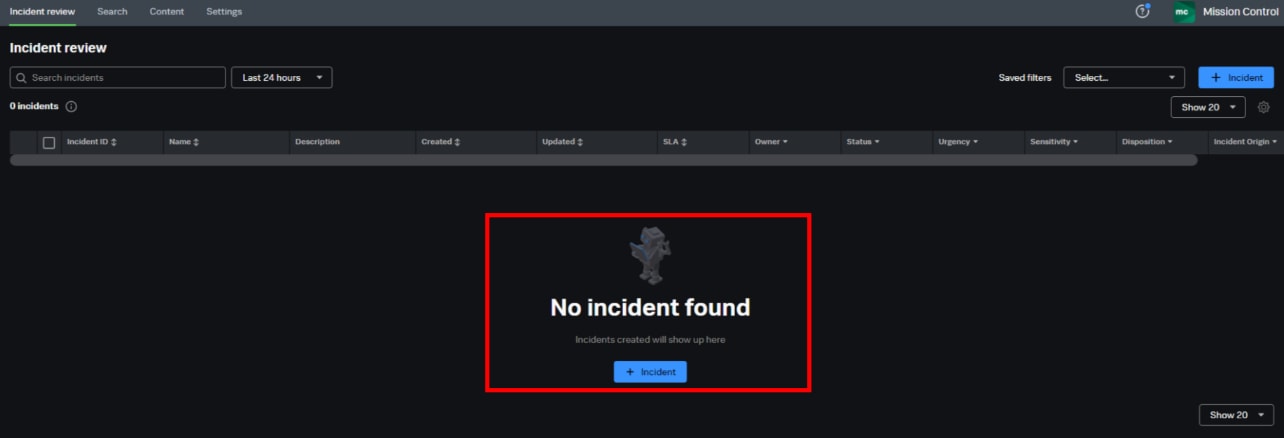
After this action, the MC incidents will get triggered and generated on the Incident Review page as shown below,

Revision History
| Revision | Publish Date | Comments |
|---|---|---|
1.0 |
29-Sep-2026
|
Initial Release |
 Feedback