User has not received a phone call when a incident was triggered.
Available Languages
Applicability
Splunk On-CallDescription
User did not recieve phone call notification even after having the number verified and primary paging policy set.Investigation
1 - Login to webui > Profile
2 - You might not see a phone number listed in the contact method or the phone number is listed and not verified. To check if the phone number is not verified the phone and sms icon will be missing. See screenshot below.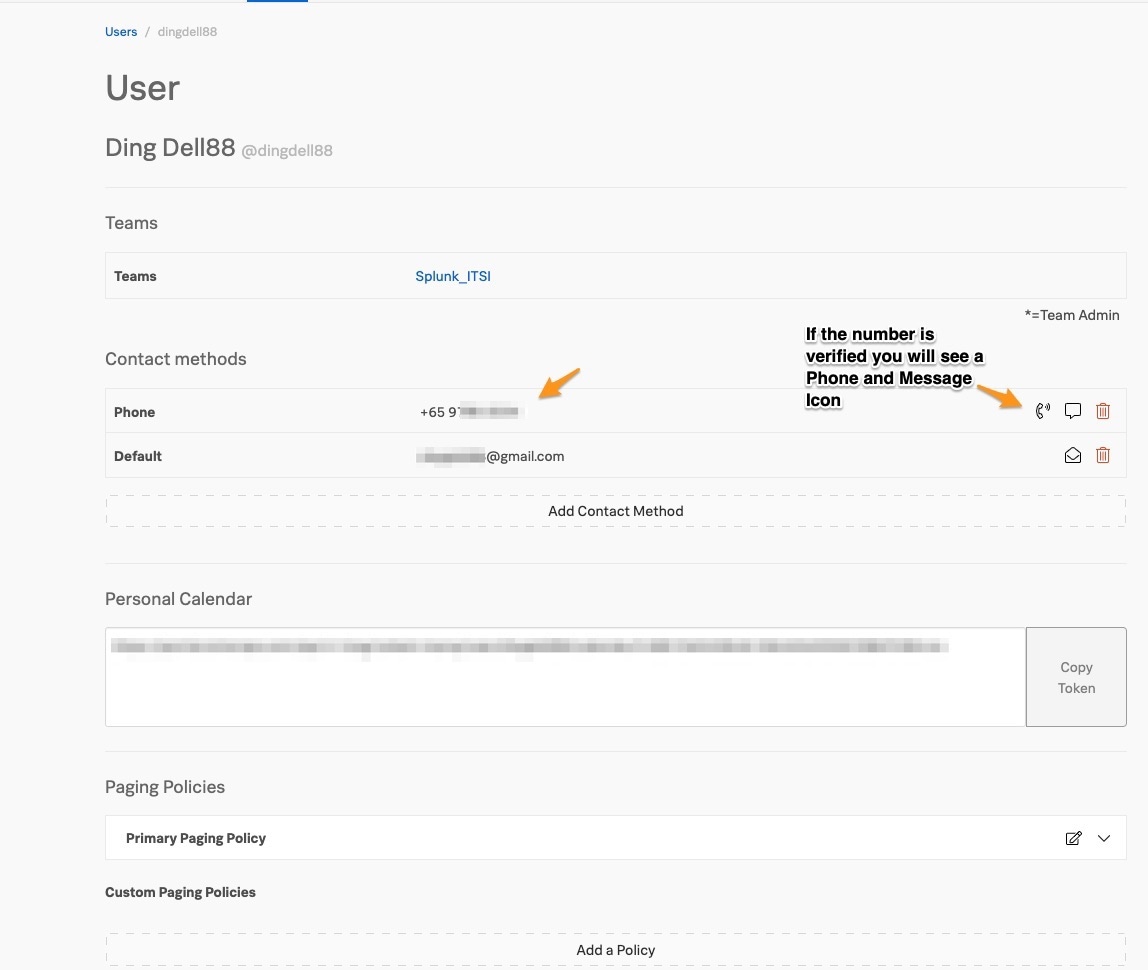
Resolution
1 - Login to webui > Profile
2 - You should see a phone number listed in the contact method and verified with a phone and sms icon appearing to the right of the number. See screenshot below.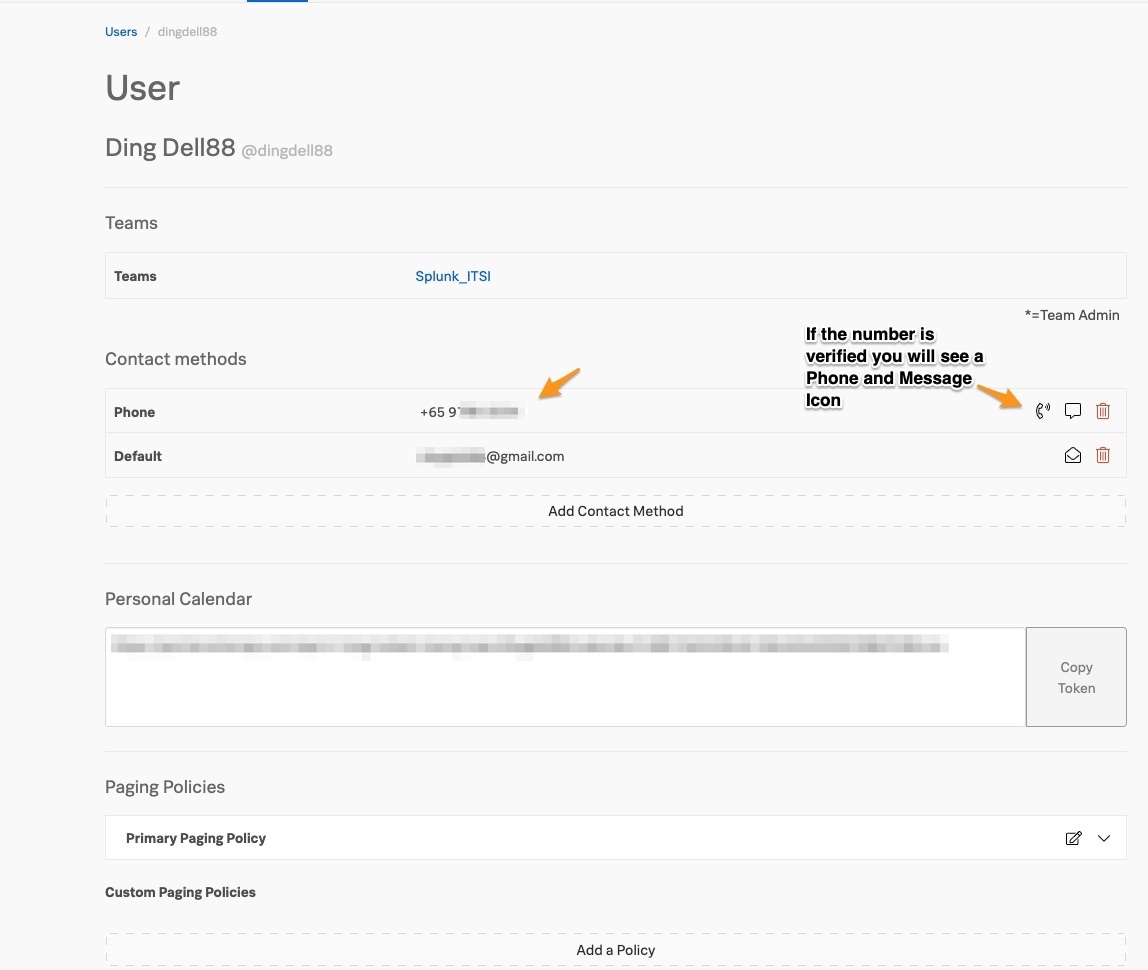
3 - If you do not see a phone number listed, add the phone number by clicking on "Add Contact Method" and then verify the phone number by clicking on the "Verify" link to the right of the phone number. See screenshot below.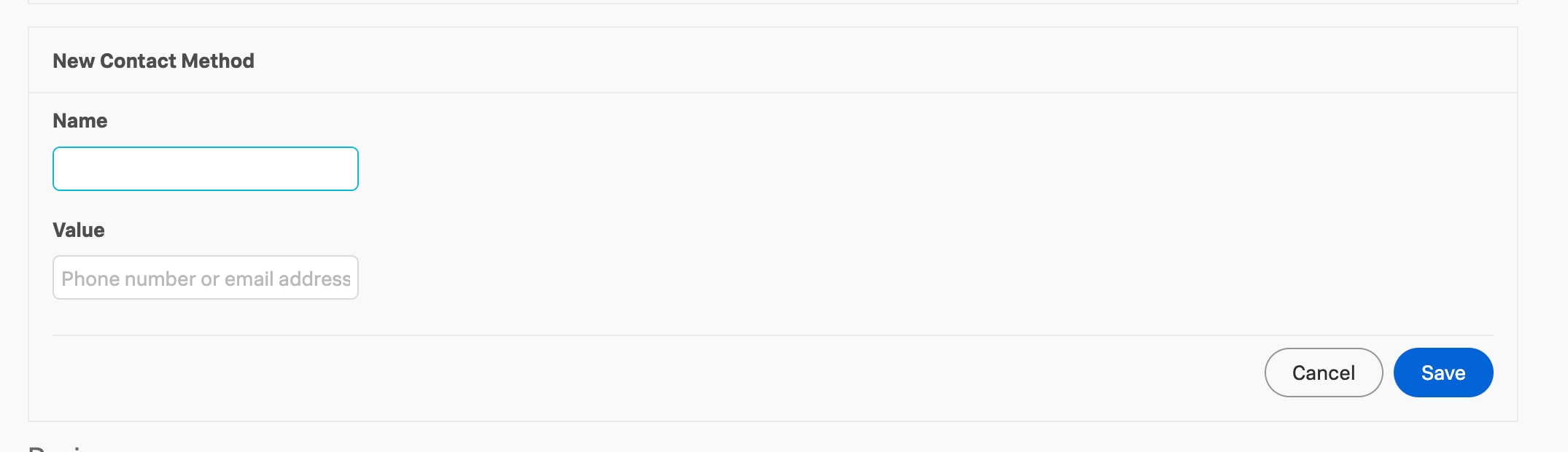

4 - Please ensure the phone number is added in the Primary Paging Policy of the user. 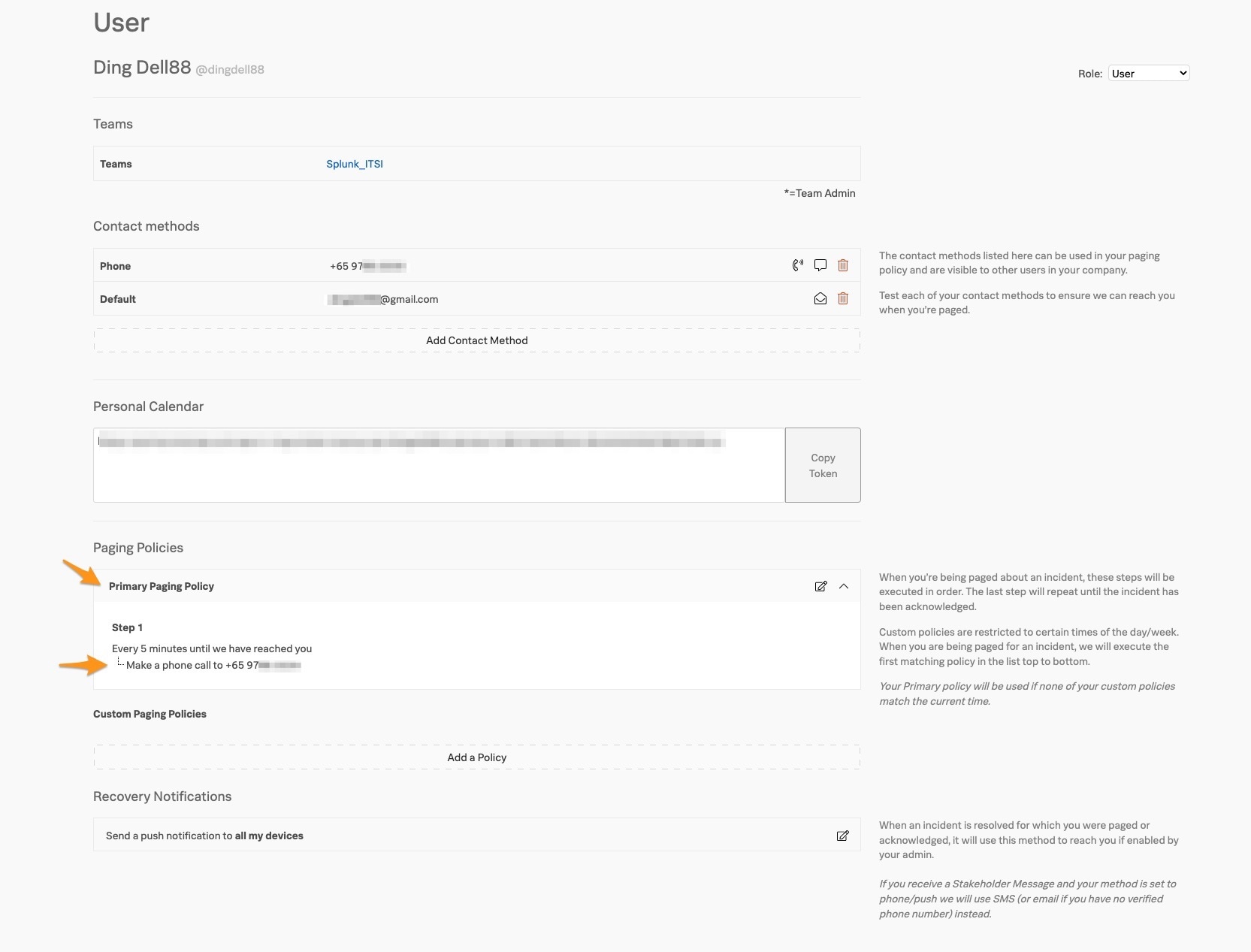
5 - Check on incident timeline to make sure the timeline does show the phone call notification being sent out.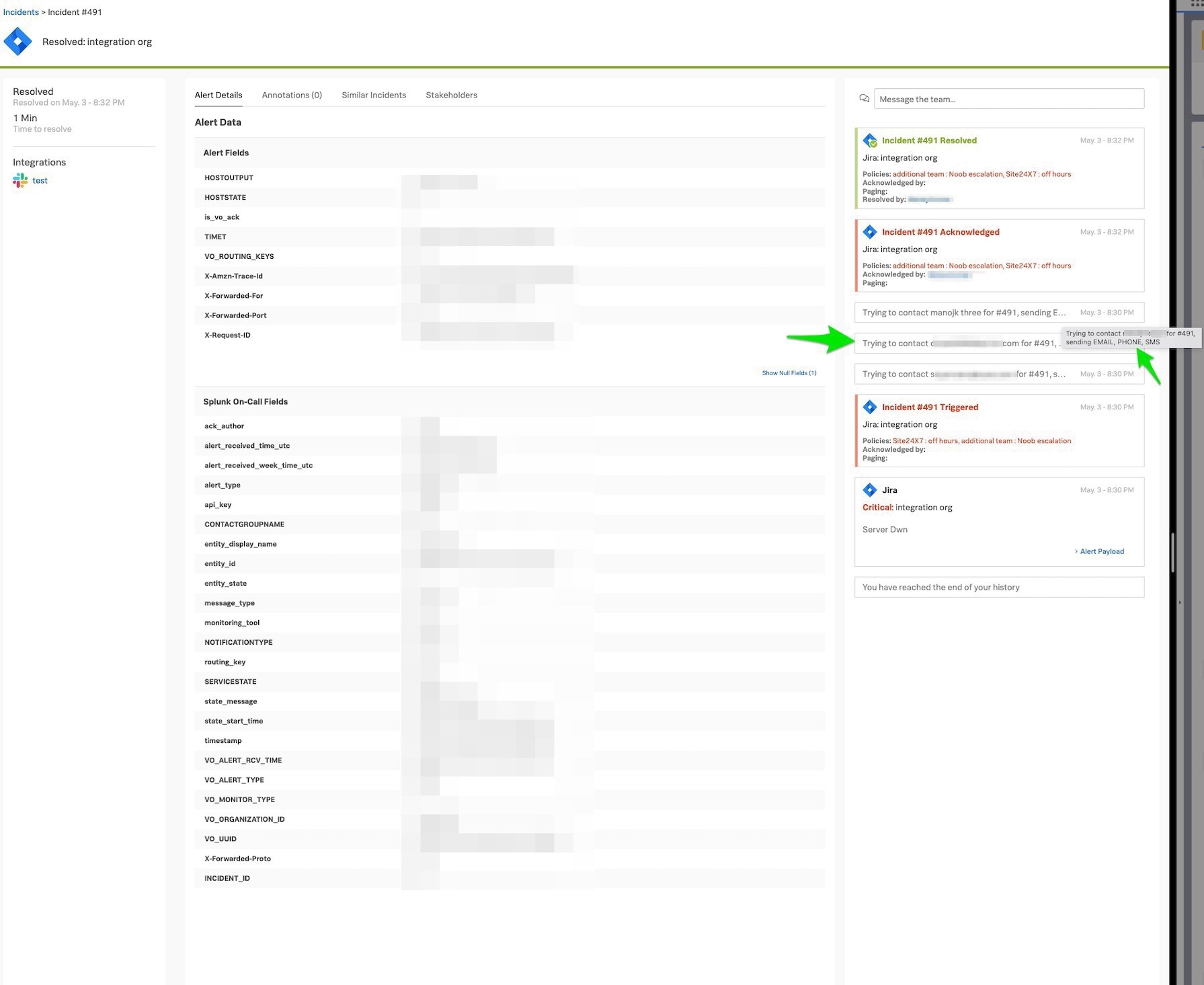
6 - If all the above are set correctly and you still face issues getting the phone call please contact the Splunk On-Call support team.
Revision History
| Revision | Publish Date | Comments |
|---|---|---|
1.0 |
30-Sep-2026
|
Initial Release |
 Feedback
