Unable to select routing key or api key in Splunk On-Call app alert actions.
Available Languages
Applicability
Splunk On-CallDescription
This problem is evident when a user is trying to configure alert actions and they see a message on the action which states, "Could not create search." Then when looking at the tooltip it will say, "Please specify a time range instead of using All Time." 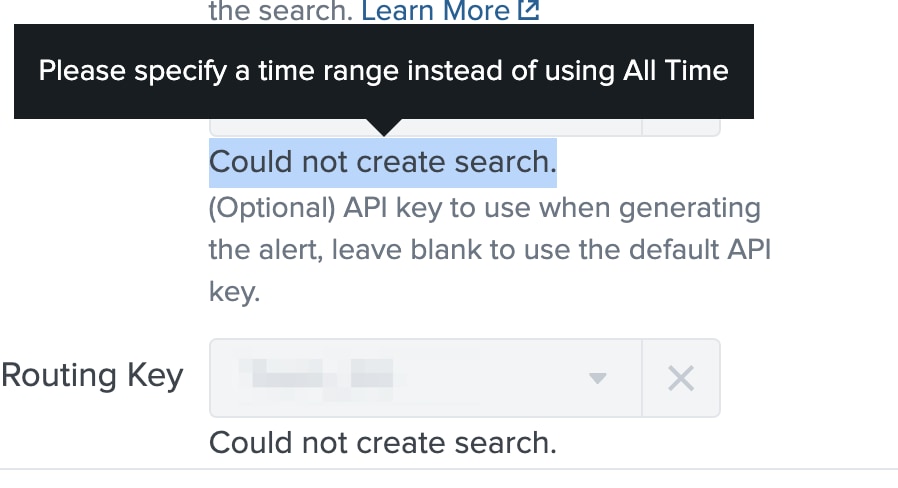
This message can appear due to an admission rule in Splunk which is blocking all time searches. The Splunk On-Call app needs to make an all-time search to determine available routing keys and api keys for the Splunk On-Call instance.
Investigation
If a tooltip message appears like described, check if there are any admission rules blocking all time searches.
Resolution
Edit the admission rule as applicable for your configuration. Some options include excluding the Splunk On-Call app or particular user permissions.
Related Links
Revision History
| Revision | Publish Date | Comments |
|---|---|---|
1.0 |
29-Sep-2026
|
Initial Release |
 Feedback
