Integrating ServiceNow with Splunk Using the Splunk Add-on for ServiceNow.
Available Languages
Applicability
Splunk EnterpriseDescription
ServiceNow Integration with Splunk
Below are the prerequisites required to collect logs from ServiceNow:
1. Splunk Add-on for ServiceNow
This add-on enables the integration between Splunk and ServiceNow for data collection.
2. ServiceNow Instance URL
For testing purposes, you can use a developer instance. (Use a ServiceNow developer to obtain an instance URL.)
Investigation
ServiceNow
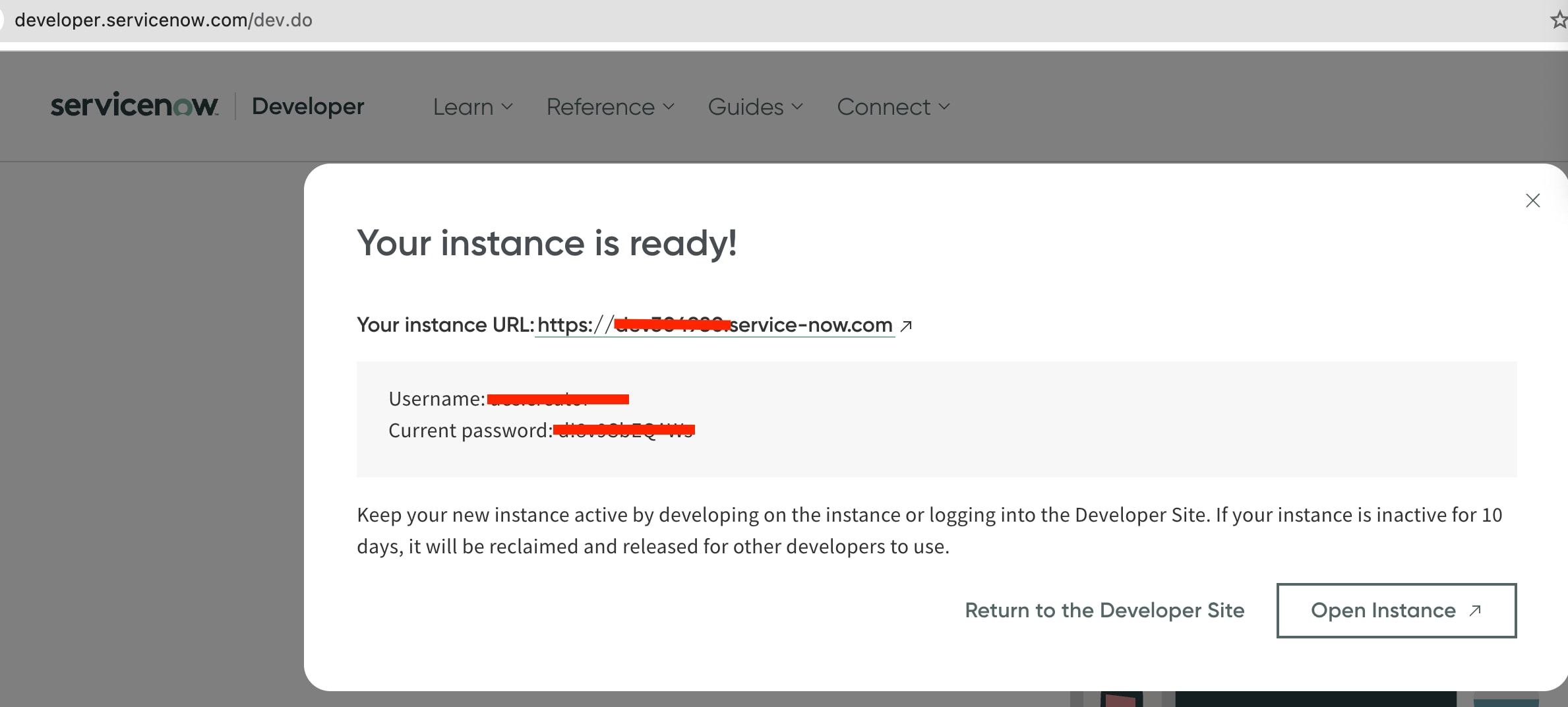
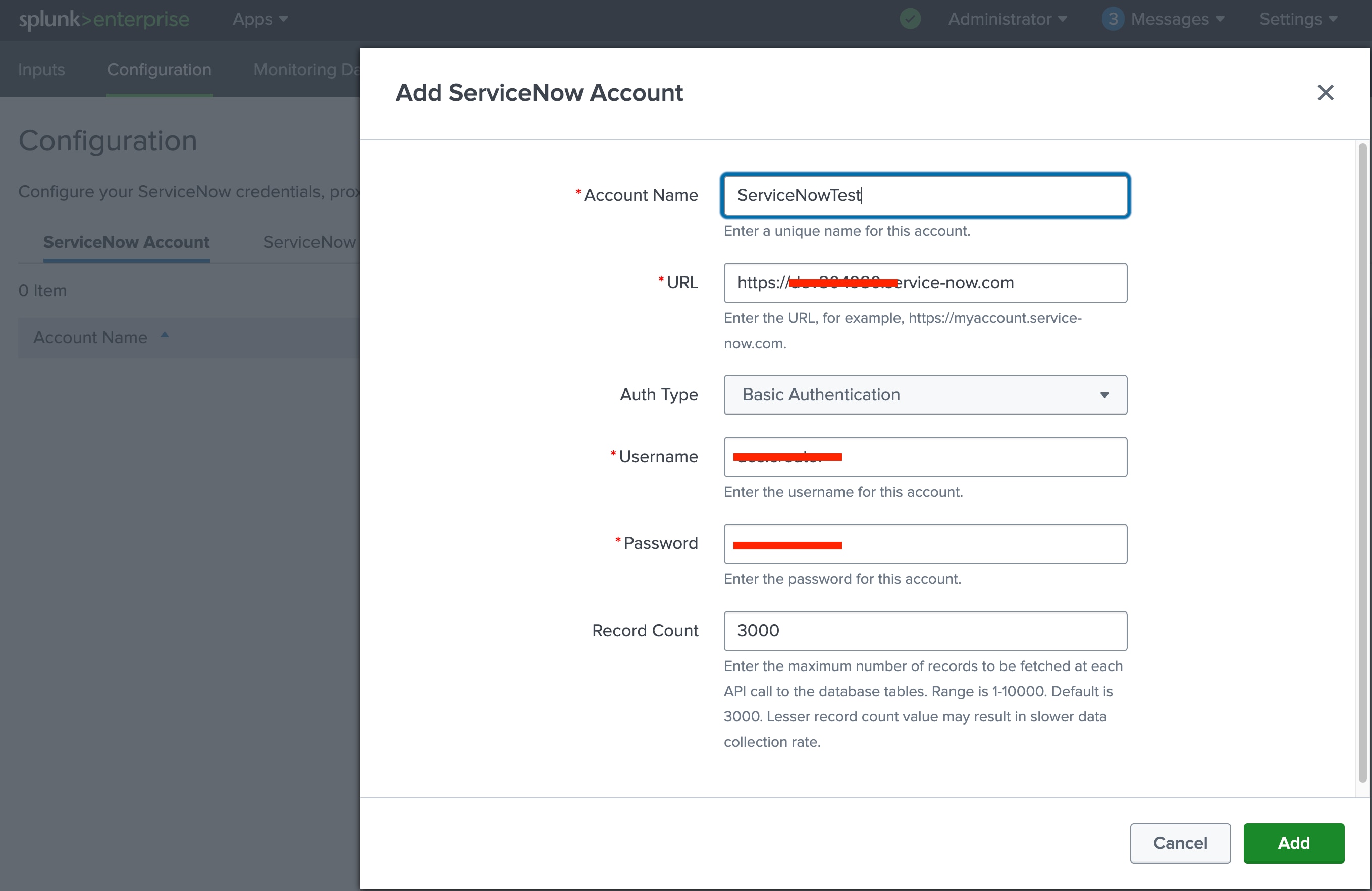
To configure the account in the Splunk Add-on for ServiceNow, valid ServiceNow user credentials are required.
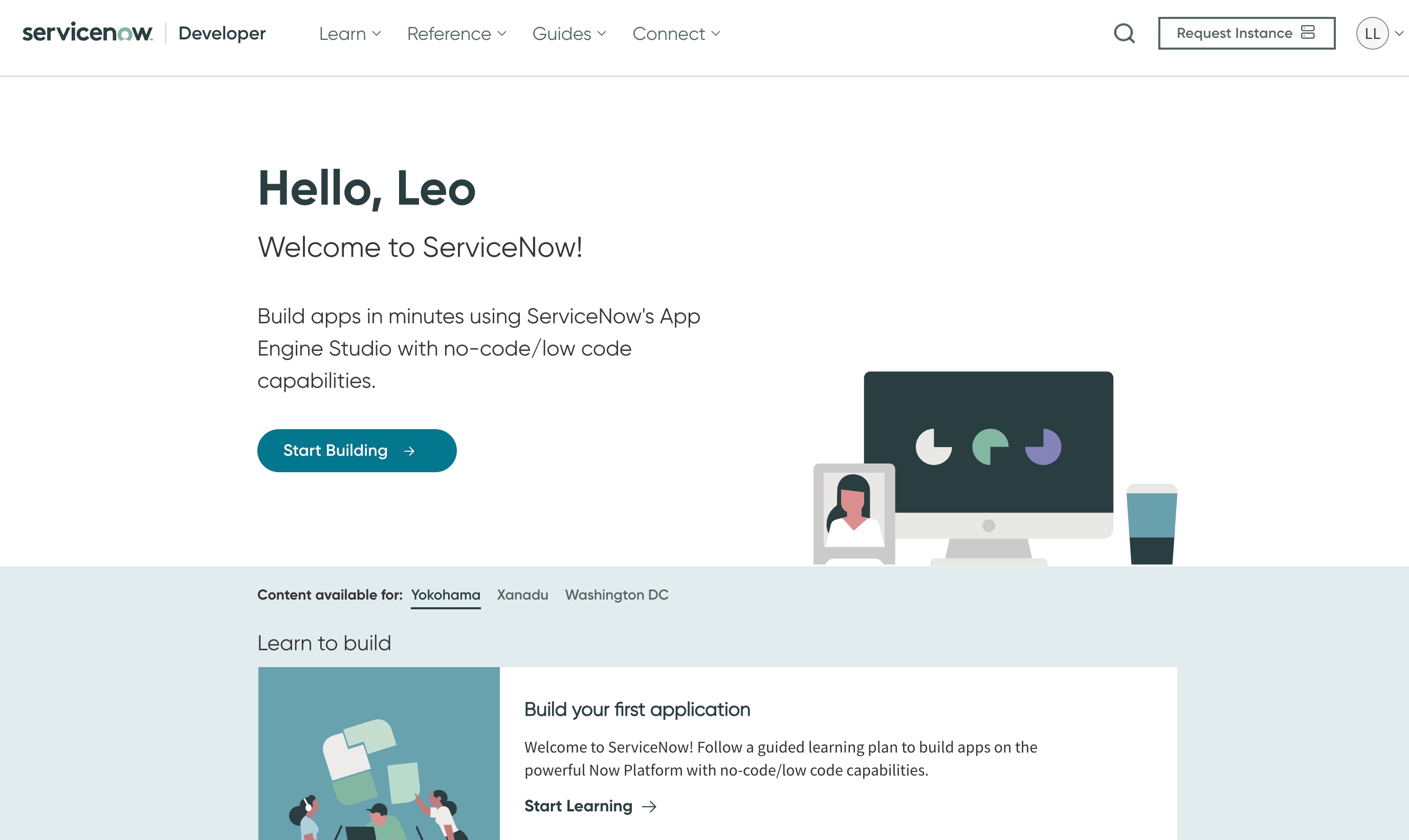
You can request a new developer instance by signing in to the ServiceNow Developer Portal. This instance can be used for testing and integration purposes.
https://developer.servicenow.com/dev.do
Splunk
1. Log in to the Splunk Instance
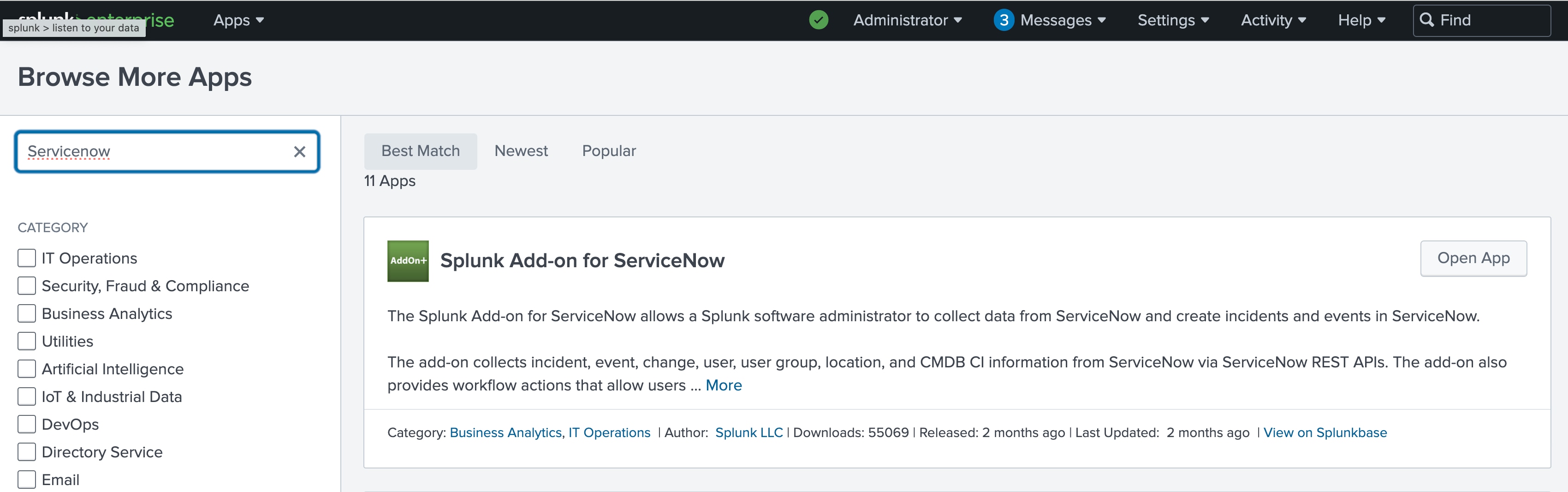
2. Download the ServiceNow Add-on
3. Open the Add-on, Configure the ServiceNow Account
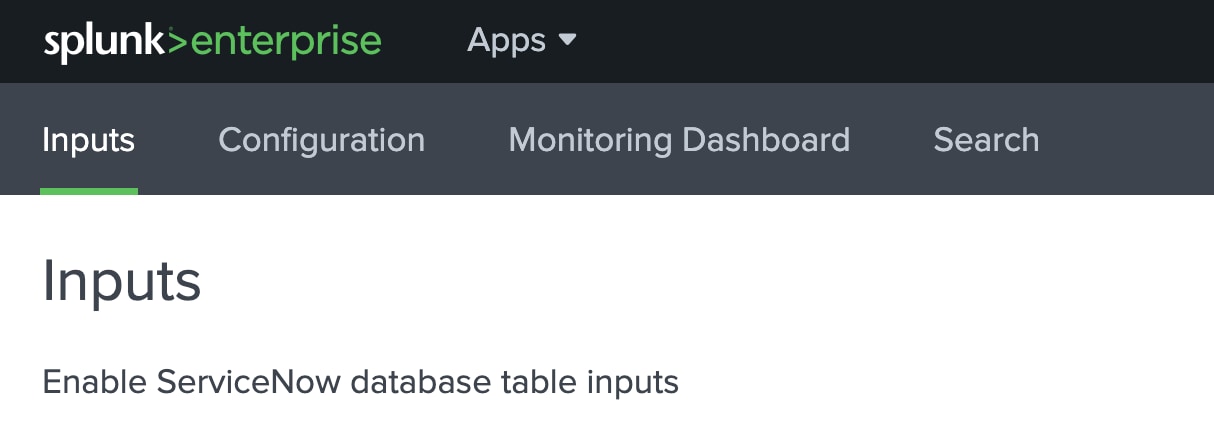
4. Go to Inputs Section in Add-on
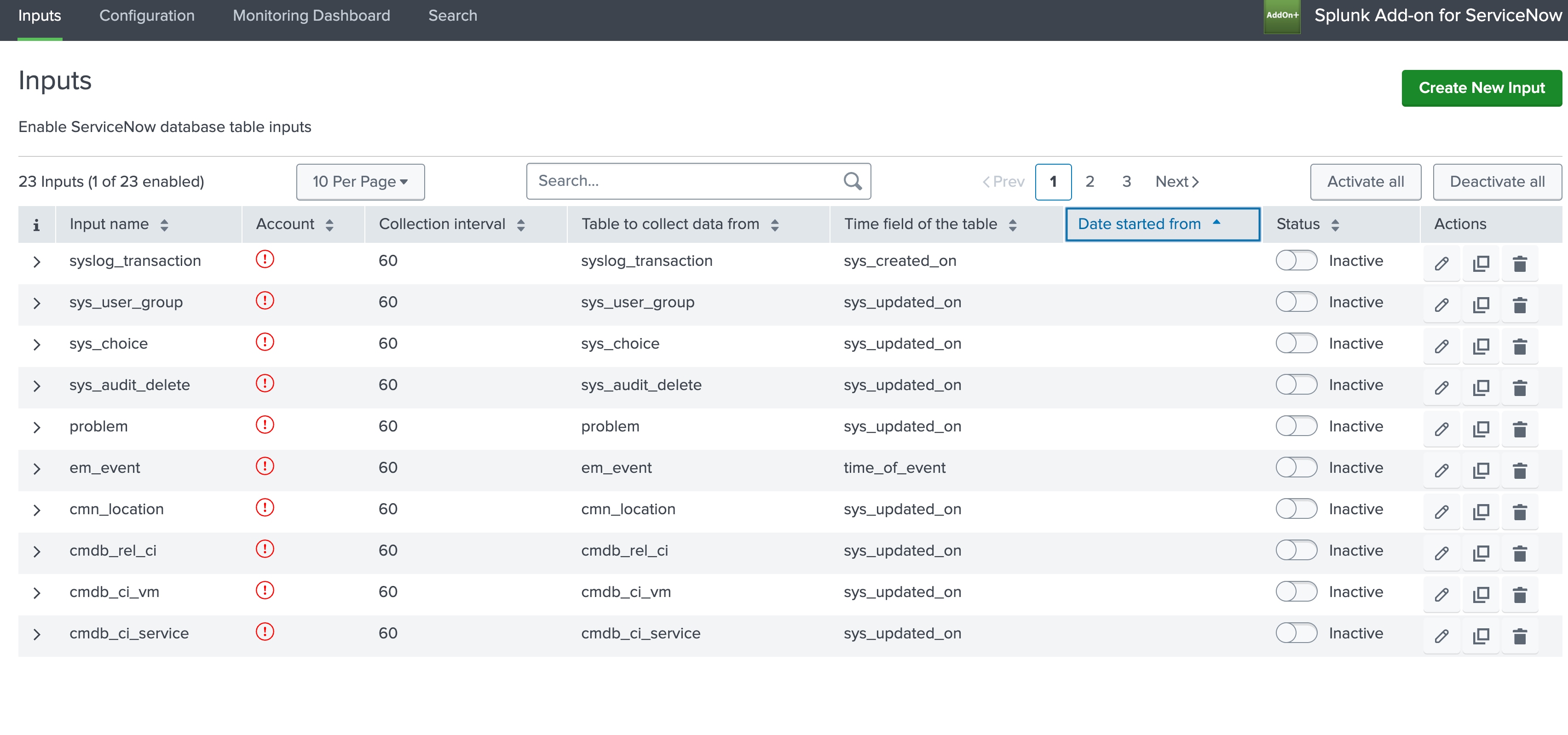
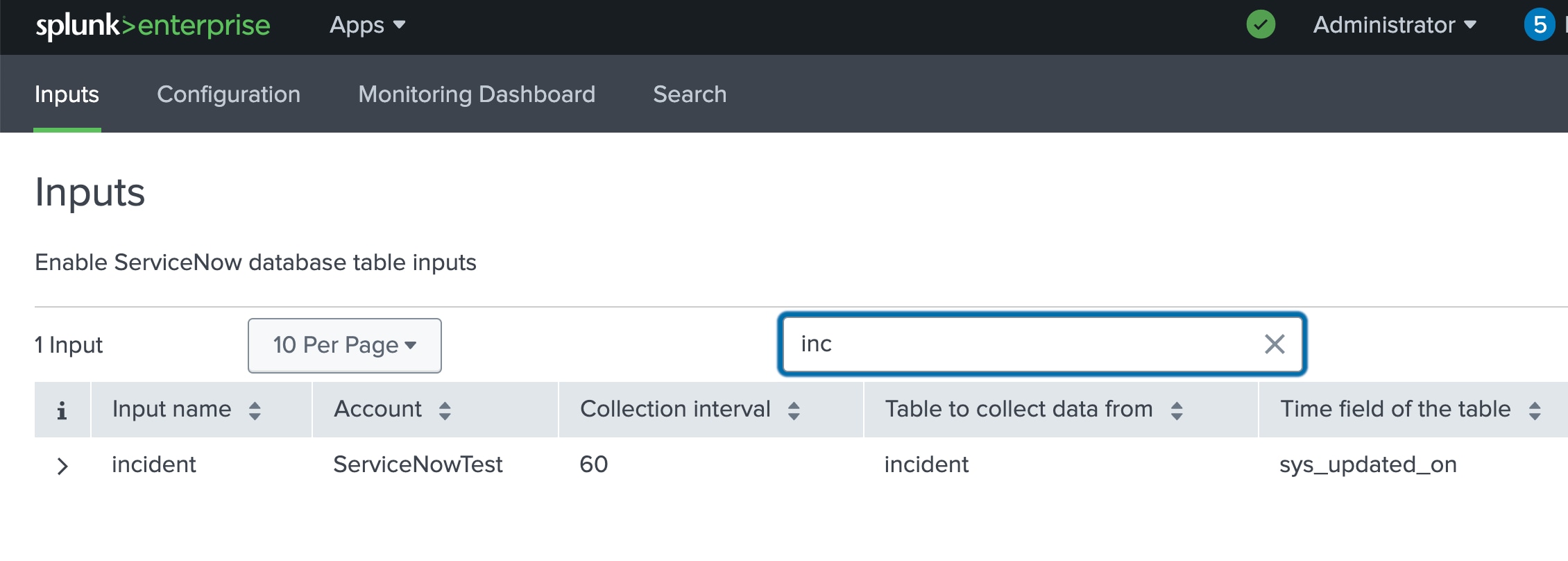
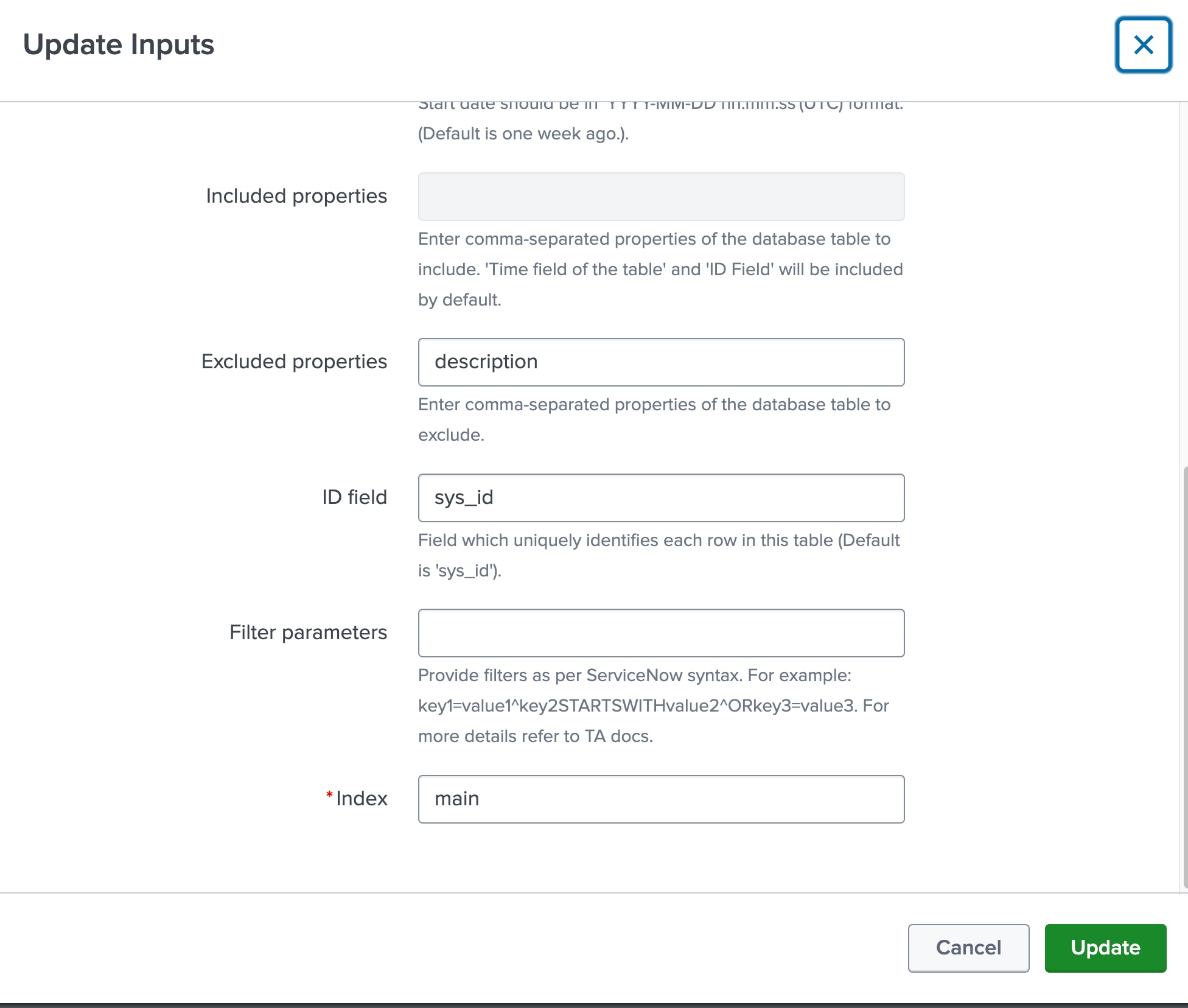
5. Select the Incident Input and edit the input
There are many inputs can be configured, will take incident as example for test purpose here
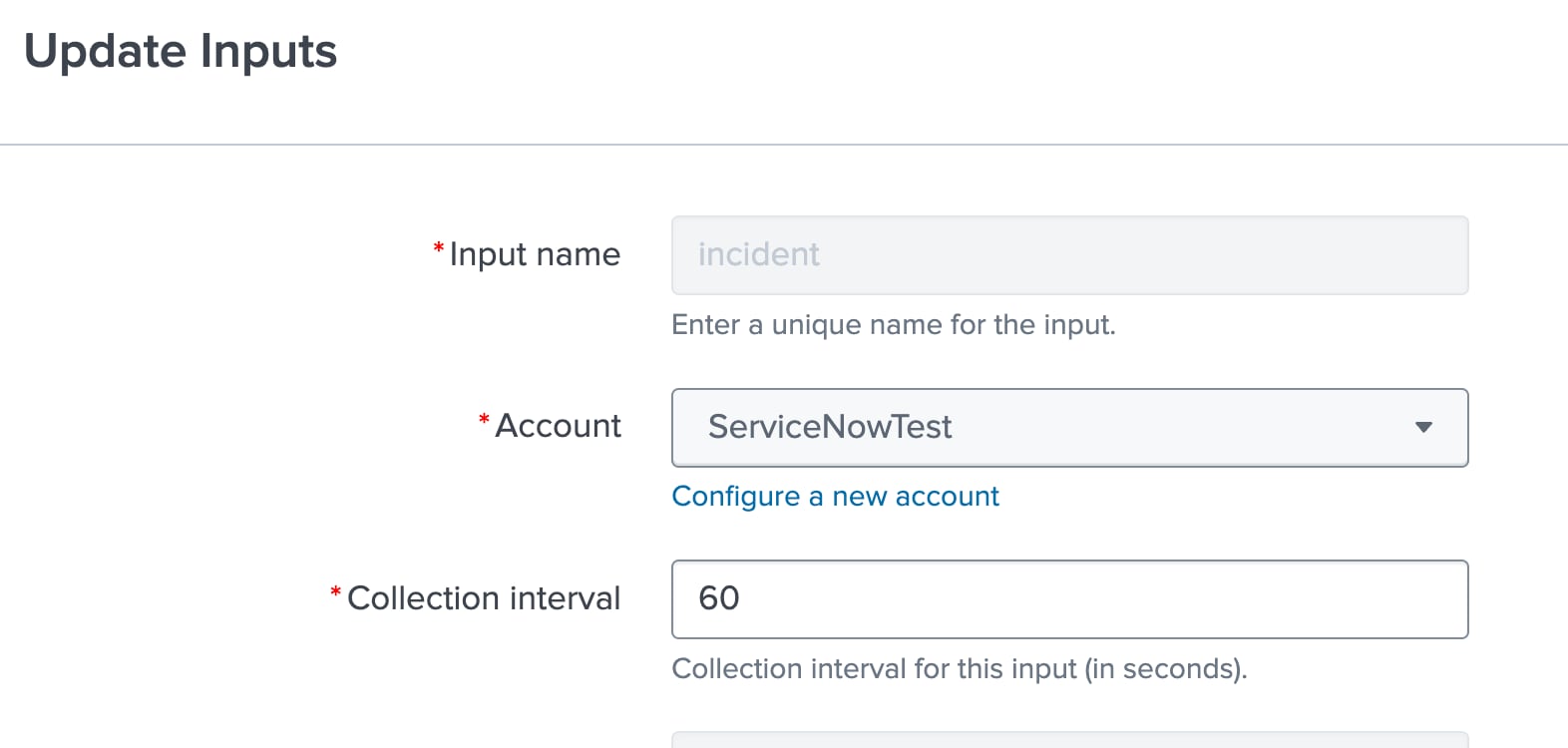
Select the account name configured above,
6. For test purpose, will keep the index as main
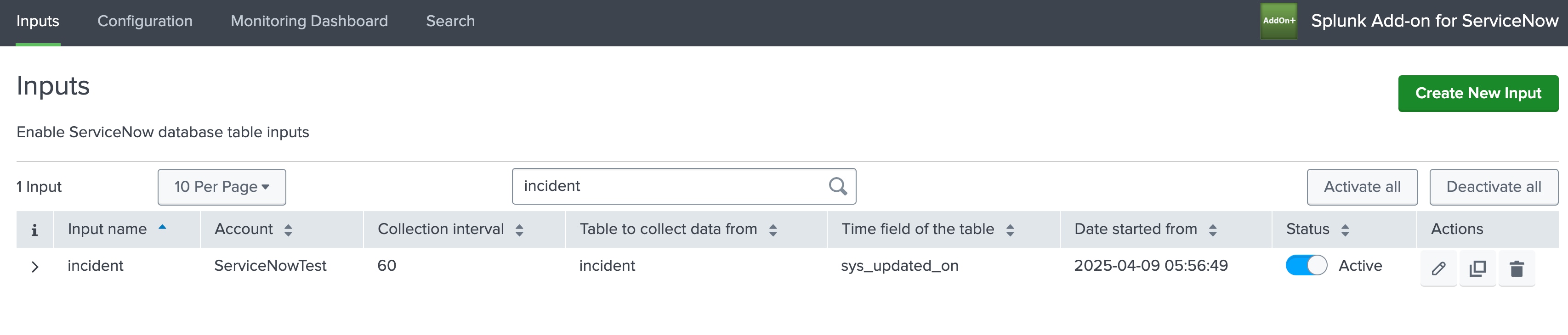
7. Enable this input-incident, make sure it is active
8. Trigger an Incident
Option 1: via REST API
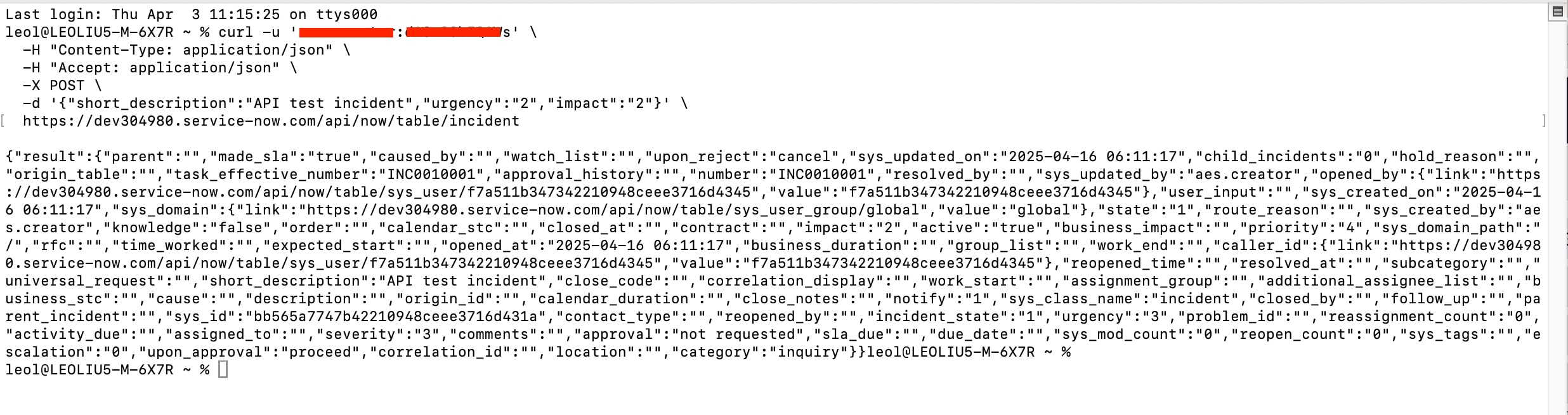
curl -u 'user:password' \
  -H "Content-Type: application/json" \
  -H "Accept: application/json" \
  -X POST \
  -d '{"short_description":"API test incident","urgency":"2","impact":"2"}' \
  https://dev304980.service-now.com/api/now/table/incident
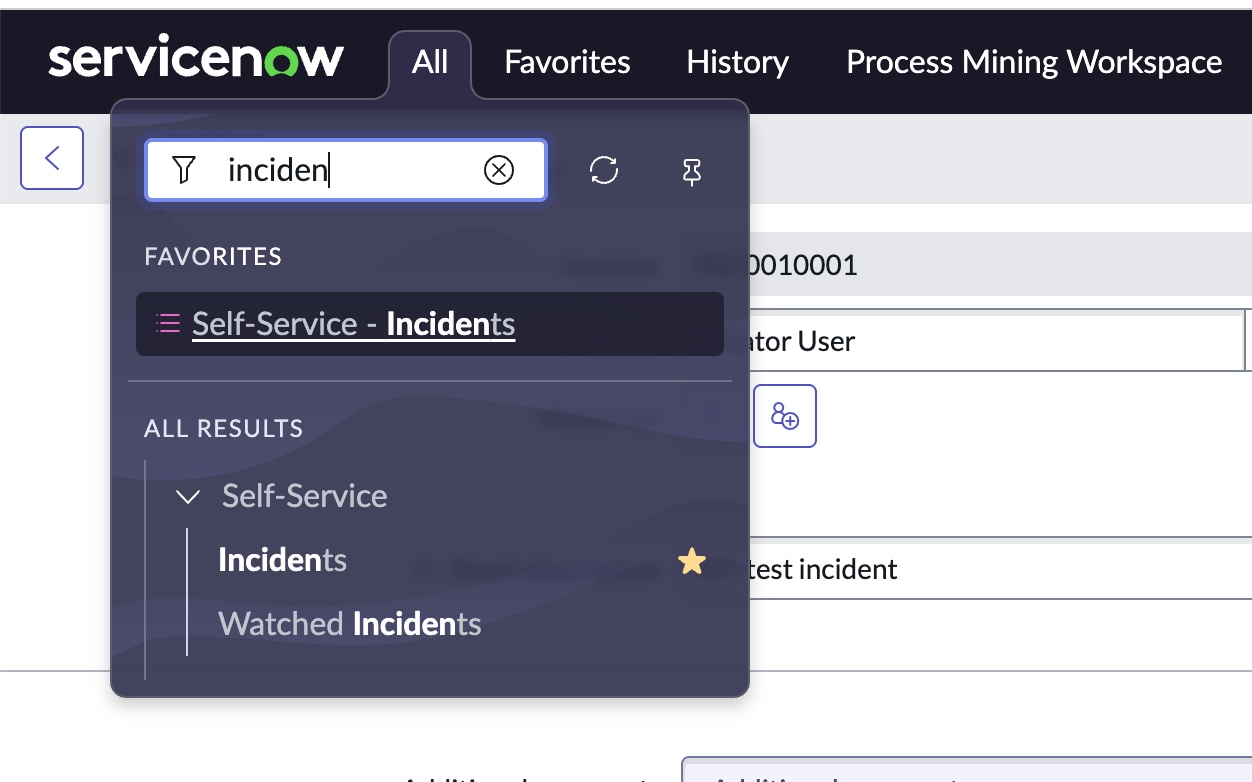
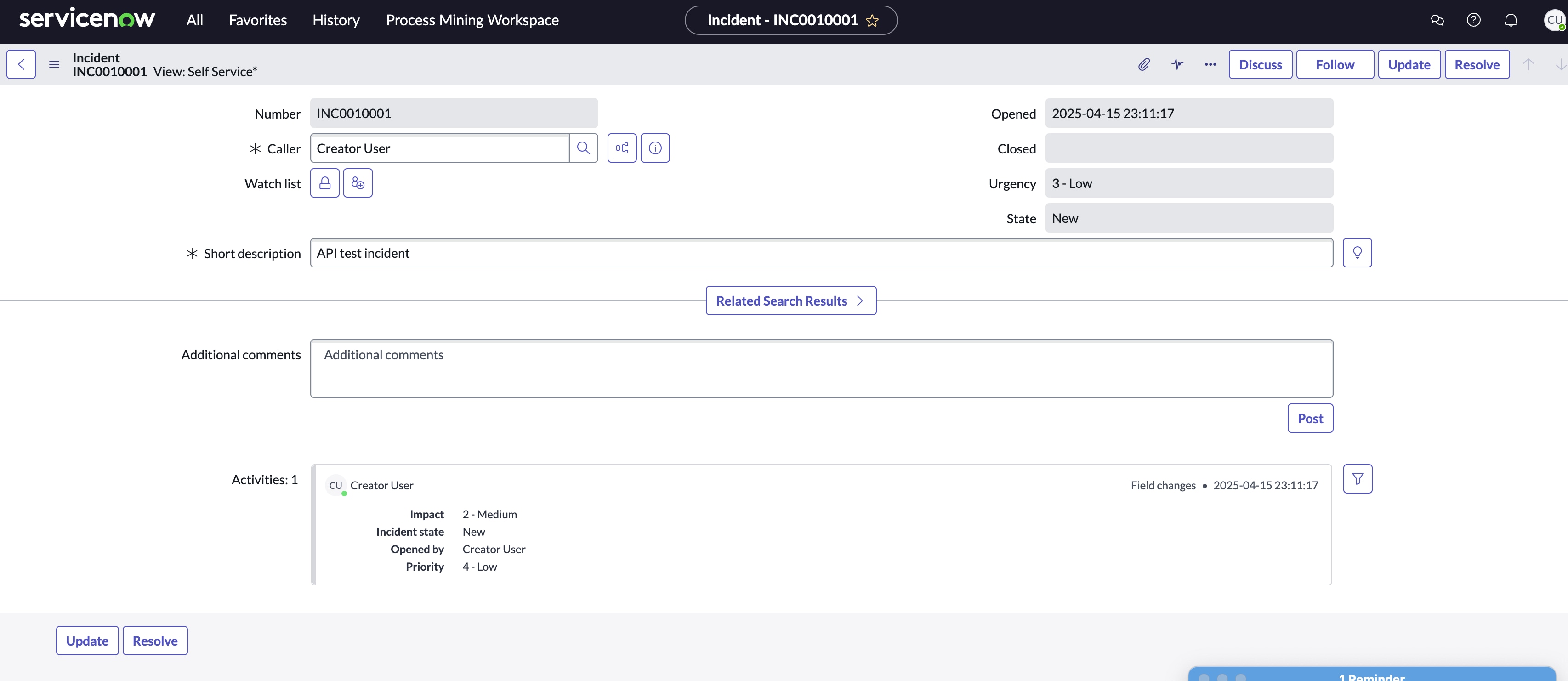
Option 2: Manually Create an Incident in the UI
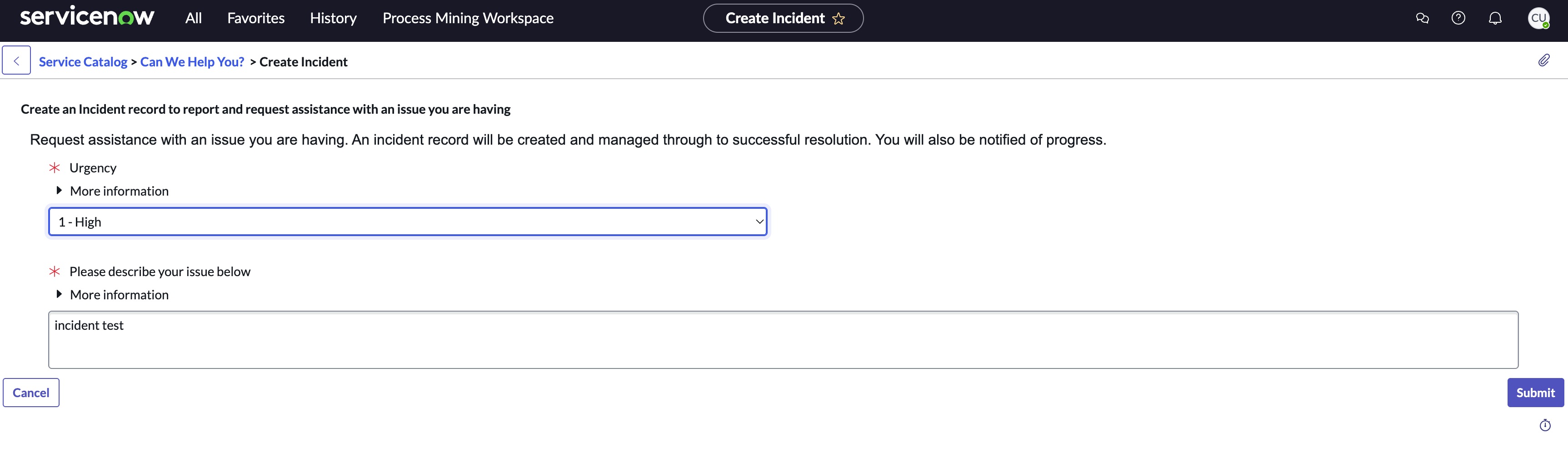
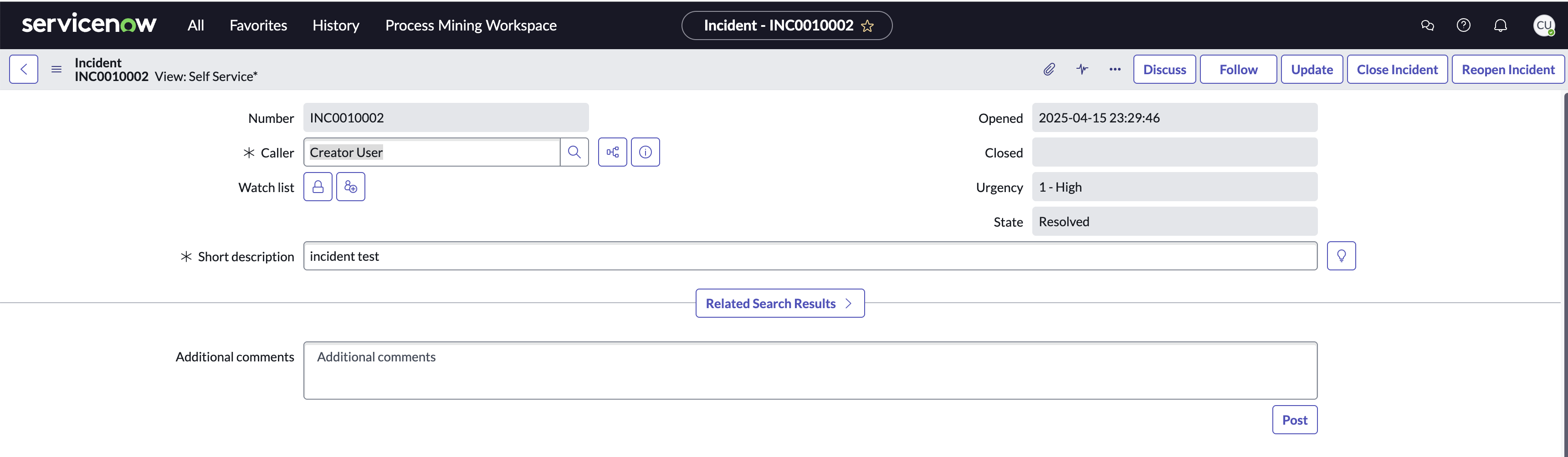

Resolution
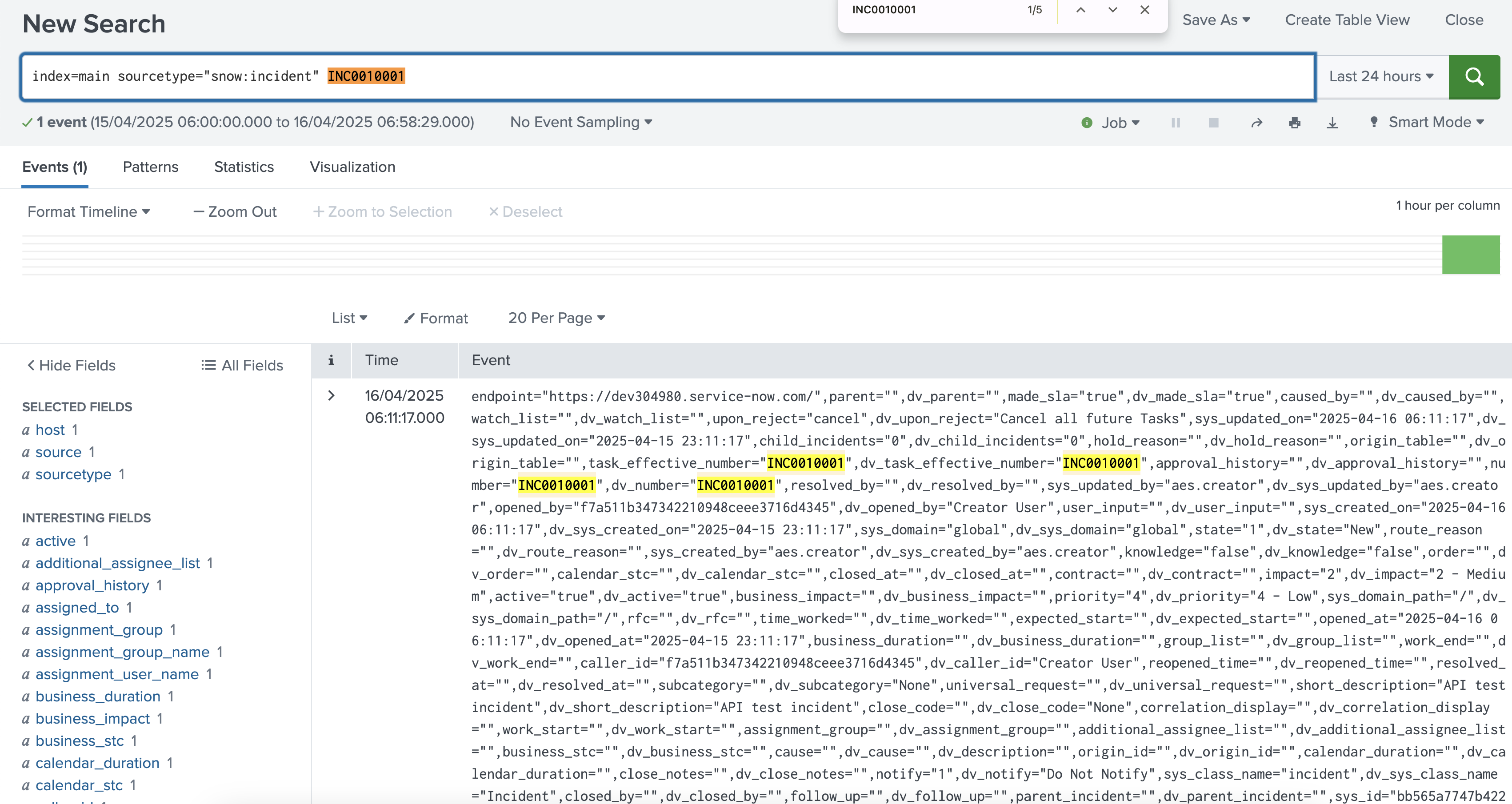
Check if the data is searchable from the Search Head
Revision History
| Revision | Publish Date | Comments |
|---|---|---|
1.0 |
01-Oct-2026
|
Initial Release |
 Feedback
Contact Cisco
- Open a Support Case

- (Requires a Cisco Service Contract)
This Document Applies to These Products
Related Articles
- Splunk Add-on for ServiceNow: How to create a new ServiceNow incident every time a new Splunk alert is triggered.
- Splunk Add-on for ServiceNow - Not generating incident for users
- Invalid redirect_uri error in Splunk Add-on for ServiceNow
- How to Get RITM Items from ServiceNow using Splunk Add-on for ServiceNow.