Splunk Server Web UI Is Not Working
Available Languages
Applicability
Splunk EnterpriseDescription
This article explains how to fix the GUI when it doesn't start and the issue is related to SSL.
When the user has the configuration of SSL and the certificate/key has a password, Splunk could be unable to validate the Key against the certificate, hence, Splunk doesn't show the Web Interface.
$SPLUNK_HOME/etc/system/local/web.conf
[settings]
enableSplunkWebSSL = 1
httpport = 8080
privKeyPath=/opt/splunk/etc/auth/bscicerts/privatekey.key
serverCert=/opt/splunk/etc/auth/bscicerts/cert.pem
The above configuration is producing the following error.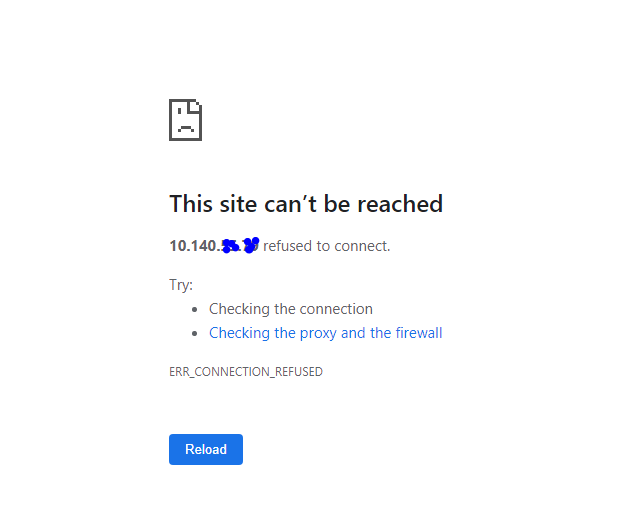
Note: after moving forward, confirm the URL has HTTPS and not HTTP and the correct HTTP port, as configured in web.conf.
The error above is not shown after renaming the web.conf file to web.old.
mv /etc/system/local/web.conf /etc/system/local/web.bkp
Restart Splunk
If the web UI starts working, the problem relies on the SSL configuration.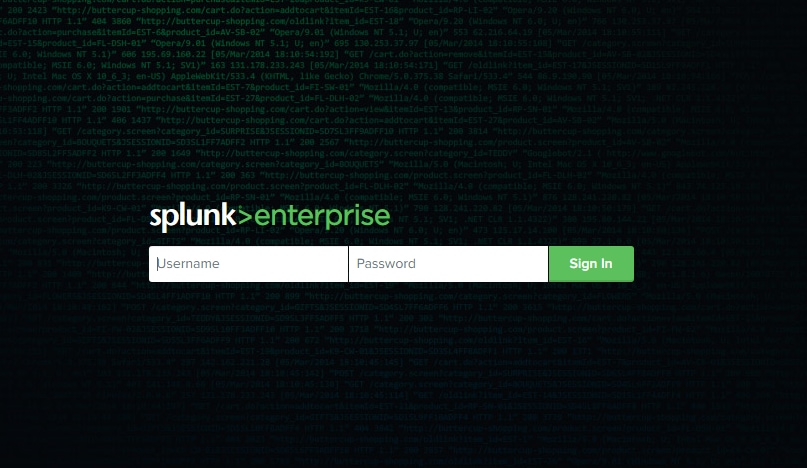
Investigation
The most common errors that Splunk will show are the following:
/log/splunkd.log.1:11-02-2019 14:36:48.859 +0000 ERROR HTTPServer - SSL context could not
be created - error in cert or password is wrong
/log/splunkd.log.1:11-02-2019 14:36:48.859 +0000 ERROR HTTPServer - SSL will not be enabled
/log/splunkd.log.5:10-21-2019 10:55:40.000 +0000 ERROR SSLCommon - Can't read certificate
file /opt/splunk/etc/auth/bscicerts/cert.pem errno=33558530 error:02001002:system
library:fopen:No such file or directory
Verify that the password was removed with the following command:
In *nix:
$SPLUNK_HOME/bin/splunk cmd openssl rsa -in mySplunkWebPrivateKey.key -text
In Windows:
$SPLUNK_HOME\bin\splunk cmd openssl rsa -in mySplunkWebPrivateKey.key -text
If this command produces an error, the key may be using a password.
Note
If the private key is provided in privKeyPath is password-protected, no error is provided but the browser won't load Splunk Web.
In this case, the user must remove the password from the key.
Resolution
To solve the issue, the most efficient solution is to remove the password of the Certificate.
Remove the password from the key. (Splunk Web does not support password-protected private keys.)
In *nix:
$SPLUNK_HOME/bin/splunk cmd openssl rsa -in mySplunkWebPrivateKey.key -out mySplunkWebPrivateKey.key
In Windows:
$SPLUNK_HOME\bin\splunk cmd openssl rsa -in mySplunkWebPrivateKey.key -out mySplunkWebPrivateKey.key
Related Links
Splunk Documentation
Secure Splunk Web with your own certificate
Troubleshoot your Splunk Web authentication
Revision History
| Revision | Publish Date | Comments |
|---|---|---|
1.0 |
28-Sep-2026
|
Initial Release |
 Feedback
Contact Cisco
- Open a Support Case

- (Requires a Cisco Service Contract)