Security Cloud Control에서 Catalyst SD-WAN Manager을 디보딩하면 어떻게 관련 디바이스, NGFW 정책 및 보안 개체를 Security Cloud Control에서 자동으로 제거하는지 알아봅니다.
Deboarding Catalyst SD-WAN Manager from Security Cloud Control automatically removes its associated devices, policies, and objects from Security Cloud Control.
When you deboard Catalyst SD-WAN Manager from Security Cloud Control, all the policies and objects created through Security Cloud Control are deleted from Security Cloud Control but remain in Catalyst SD-WAN Manager. You can then edit security objects and policies from Catalyst SD-WAN Manager.
프로시저
-
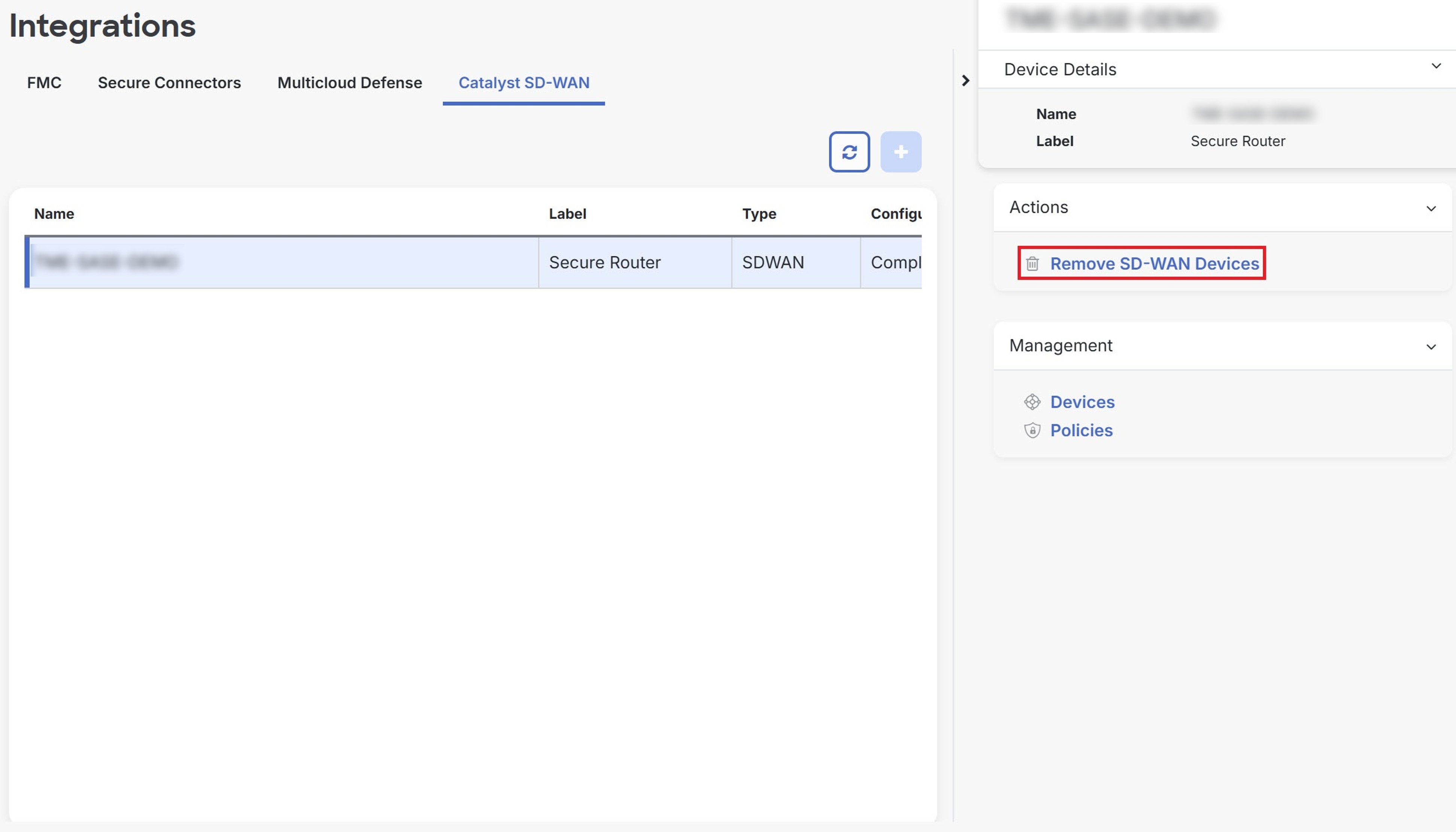
Select the manager that you want to delete and click Remove SD-WAN Devices.