Installing a Network Interface Module in the IR8340 Router
To install a Network Interface Module (NIM) in the IR8340 router, follow these steps:
Before you begin
 Note |
Before you install the modules to the router, make sure that the router is fully powered off. Every time you insert or remove a module, the router must be powered off first. The power should be resumed after the module is inserted into or removed from the slot. |
Procedure
|
Step 1 |
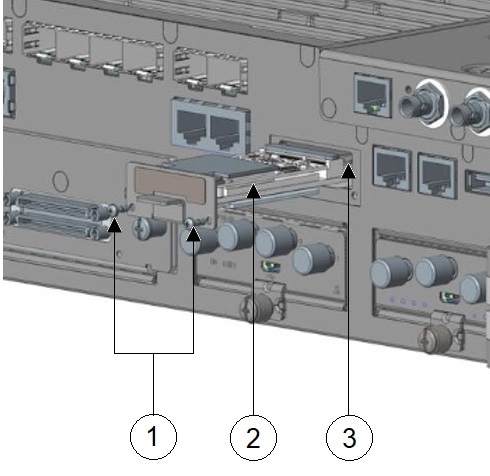
Remove the blank faceplate installed at the NIM slot that you intend to use by loosening the two captive screws. Save blank faceplates for future use. |
||||||||
|
Step 2 |
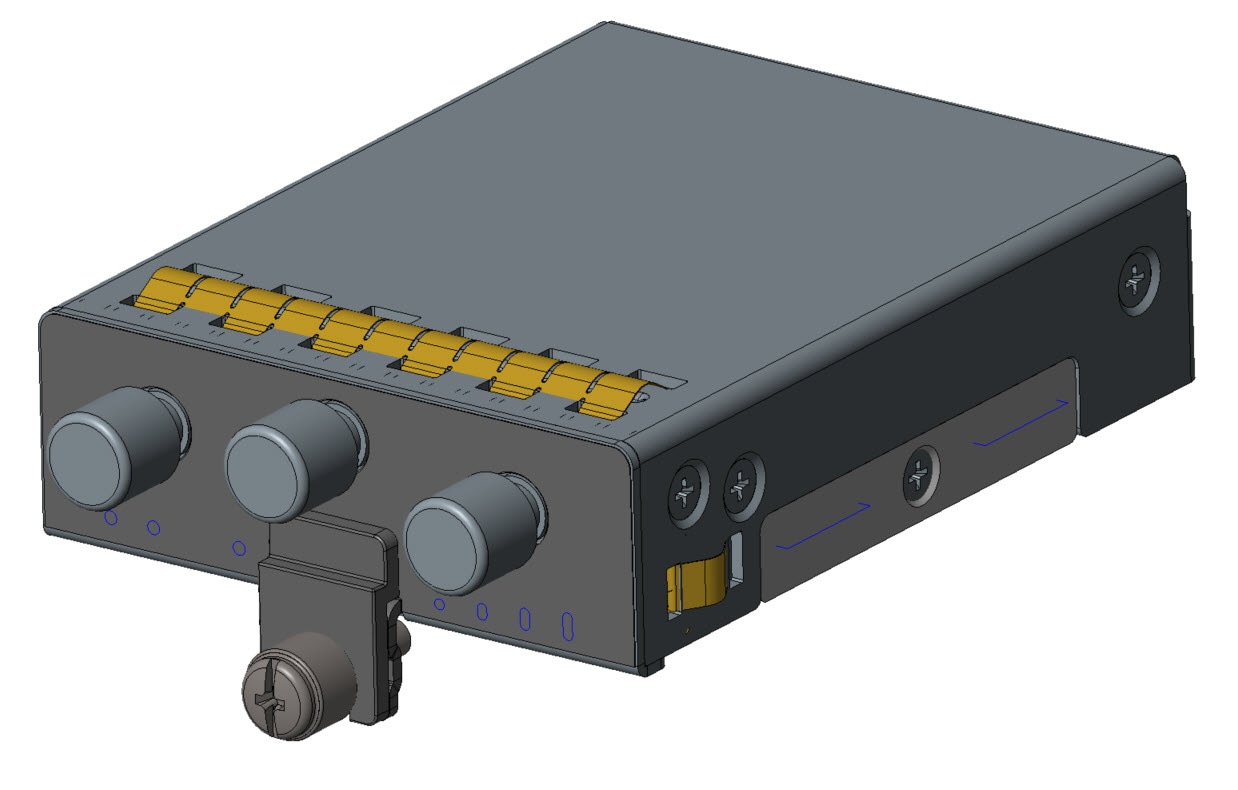
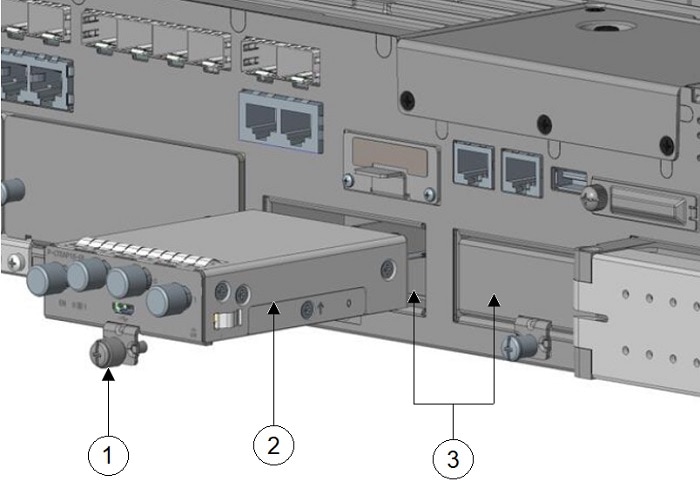
Insert the NIM into one of the router NIM slots, as shown in the following figure. 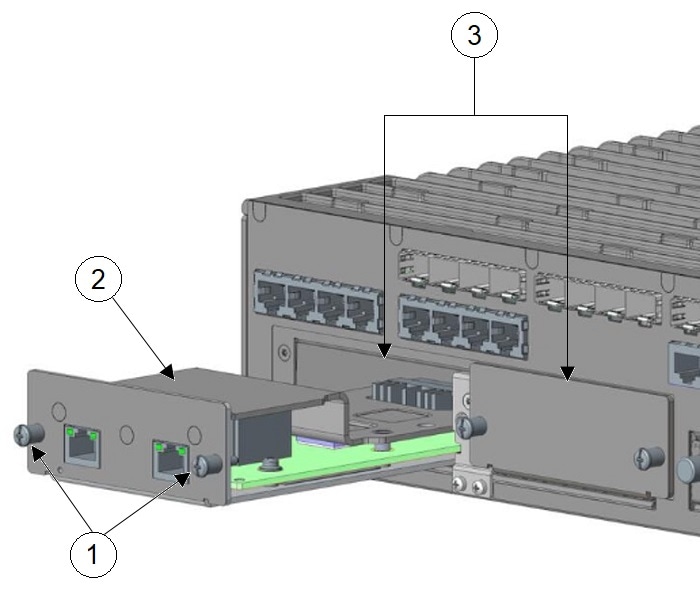
|
||||||||
|
Step 3 |
Push the module into place until you feel the edge connector seat securely into the connector on the router backplane. |
||||||||
|
Step 4 |
After the module is properly inserted, tighten the module plate to the router with the two captive screws. The screws should be torqued to 5 to 7 in-lbs. |
||||||||
|
Step 5 |
Connect the module to the network and re-enable the power to the slot in the router. |


 Feedback