Convert PAK Licenses in License Registration Portal
Procedure
|
Step 1 |
Log in to the License Registration Portal using the credentials that you obtained from Cisco. |
|
Step 2 |
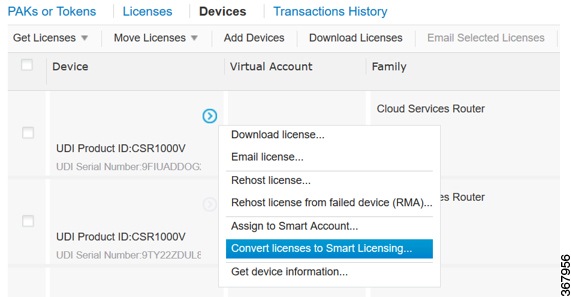
Click the Devices tab, and click Add Devices. |
|
Step 3 |
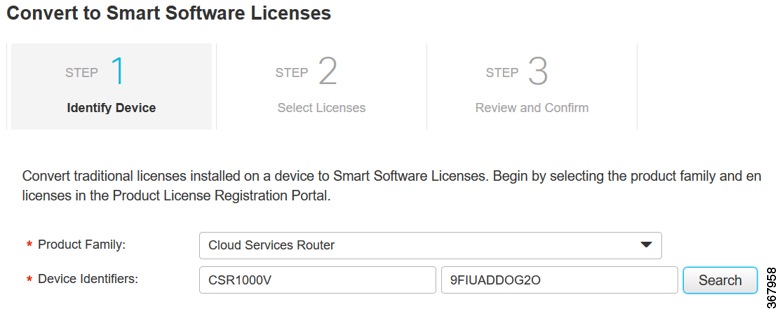
On the Add Device pop-up screen, select the appropriate Product Family, and UDI. 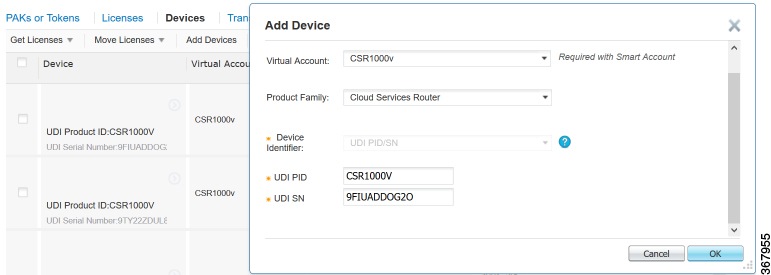 |
|
Step 4 |
Click OK. |
 Feedback