Unable to Delete Data Sources in Splunk UBA UI
Available Languages
Applicability
UBA 5.x.xDescription
In Splunk UBA, the data source cannot be deleted through the UI even after selecting the Delete option. Although the deletion process appears to complete, the data source is not actually removed.
The deletion attempts fail without any error messages, and during this process, the UI becomes unresponsive.
Data Source page after selecting the Delete option: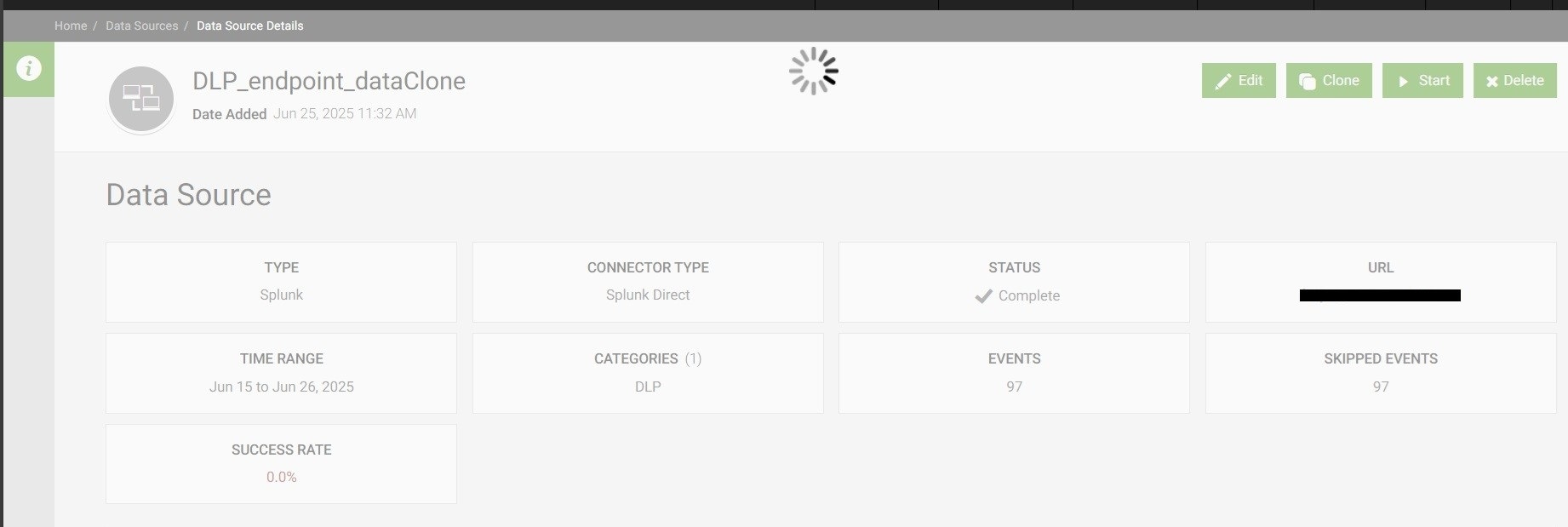
Investigation
During the investigation, it was found that some data sources entered a broken state after upgrading from version 5.4.0 to 5.4.1 in Splunk User Behavior Analytics (UBA).
As a result, deletion attempts through the UI fail without errors.
Note: Try cloning the datasource and attempt to delete it from the UI. If the UI becomes unresponsive, or if the datasource remains visible after refreshing the UI, proceed with the fix steps mentioned below.
Resolution
Perform the following steps using the caspida user in UBA management node CLI
To resolve this issue, delete the broken data source directly from the database on the UBA management node in a cluster deployment:
Step 1: Access the PostgreSQL DB
psql -d caspidadbStep 2: List all the configured data sources in the current UBA deployment
SELECT id, name, type, status, creationtime FROM datasources ORDER BY id;Step 3: Locate the data source by name (which needs to be delete)
SELECT id, name FROM datasources WHERE name = 'DLP_endpoint_dataClone';Step 4: Delete the data source by ID (e.g. ID: 7149629952326976626)
DELETE FROM datasources WHERE id = '7149629952326976626';Note: Ensure that the "PostgreSQL" service is running before performing these steps.
/opt/caspida/bin/Caspida status-all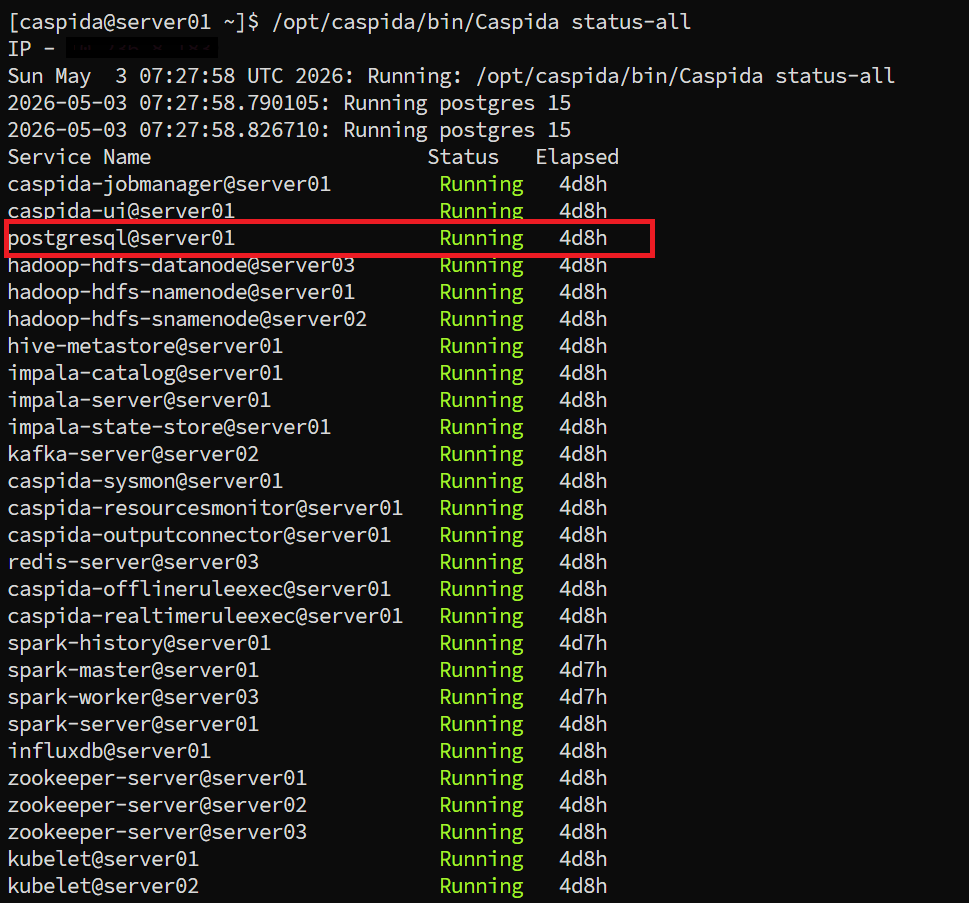
After following the above steps refresh the UI in browser
Login to UI go to Manage>Data Sources verify data source is deleted.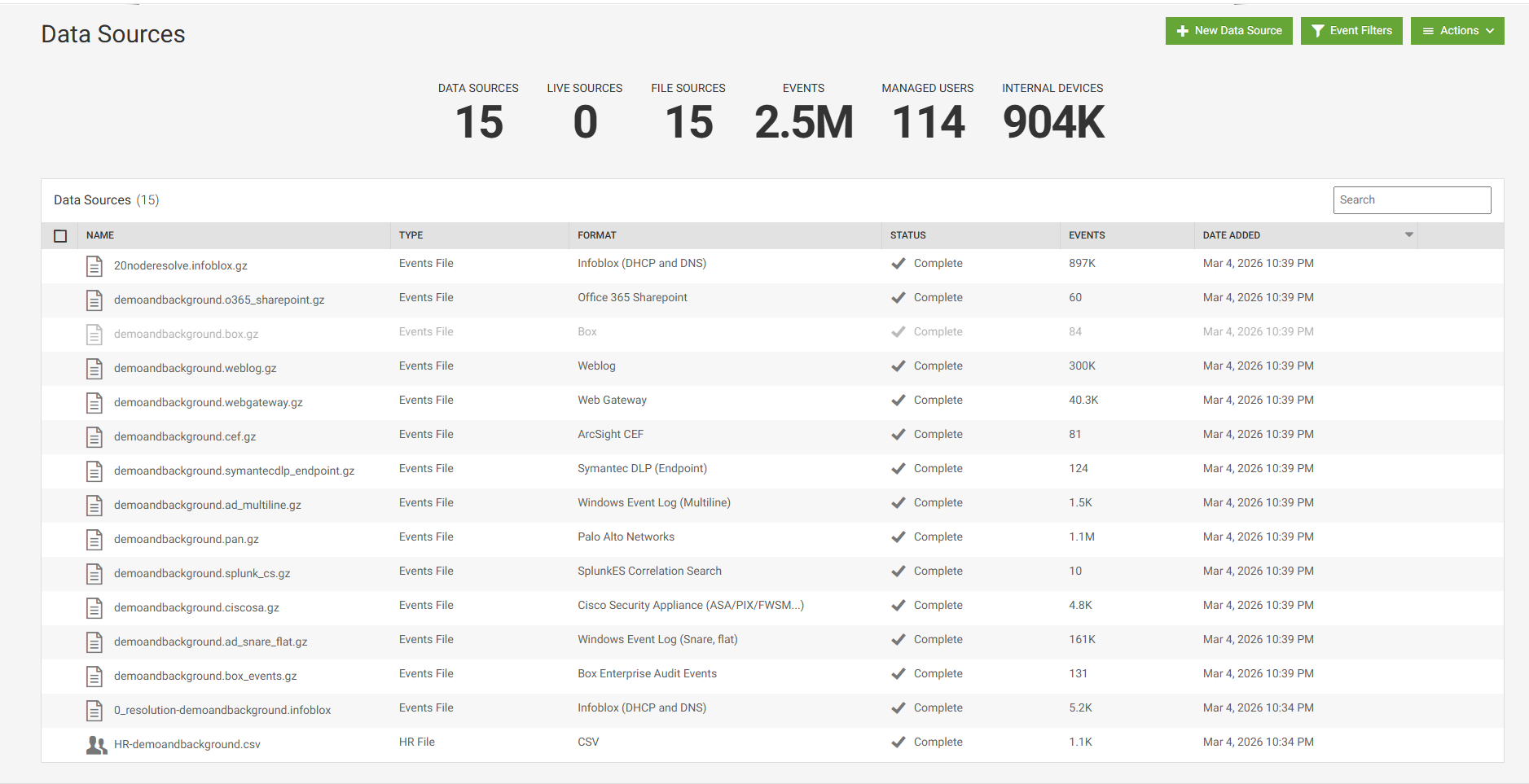
Related Links
Splunk UBA - Known Issues
Revision History
| Revision | Publish Date | Comments |
|---|---|---|
1.0 |
01-Oct-2026
|
Initial Release |
 Feedback
