How to export hrdata and assetsdata from UBA
Available Languages
Applicability
UBA 5.4.xDescription
In the UBA backend, critical data such as HR account information and asset details are stored in the "hrdataaccounts" and "assetsdata" tables.
Exporting these tables into CSV format is useful for reporting, backup, or integration with other systems.
The export process uses the "psql" command-line tool to extract the required data. Proper verification of table presence ensures that accurate information is exported and helps avoid errors during extraction.
Investigation
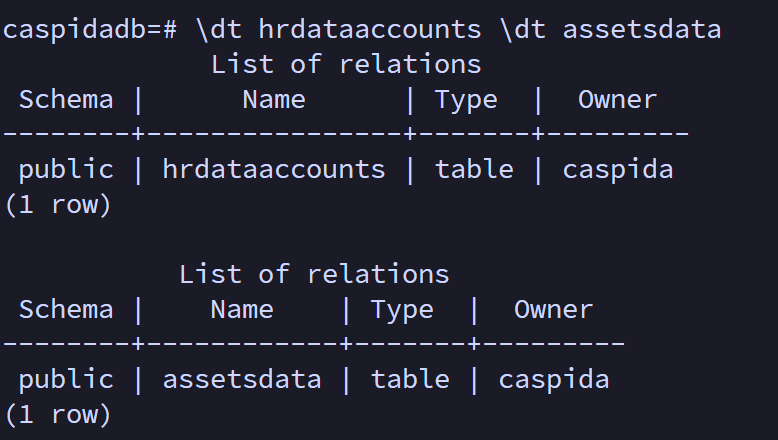
The following steps confirm the presence of the required tables in the database before proceeding with export operations:
- Connect to the "caspidadb" Database:
psql -d caspidadb -U caspida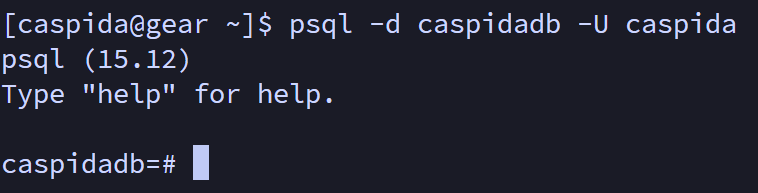
- Verify the presence of hrdataaccounts and assetsdata tables in the database schema:
\dt hrdataaccounts
\dt assetsdata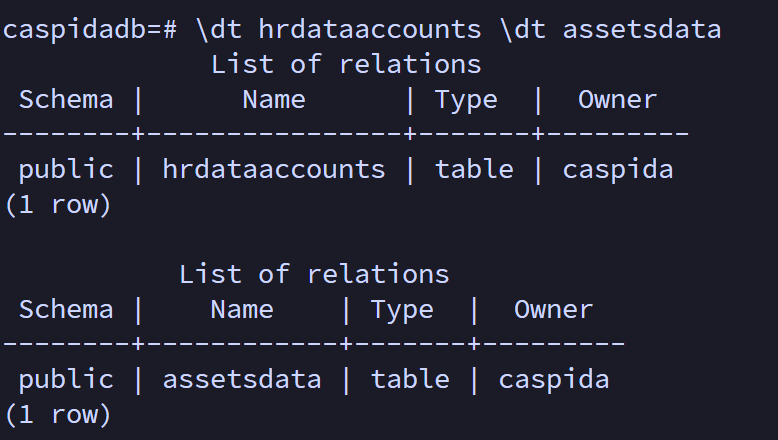
- Run the below command to exit the database:
\q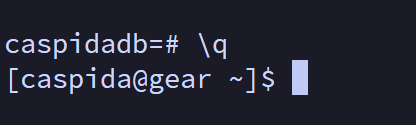
Resolution
The following steps outline the process to export the "hrdataaccounts" and "assetsdata" tables to CSV files and verify the exports:
- Connect to the "caspidadb" Database:
psql -d caspidadb -U caspida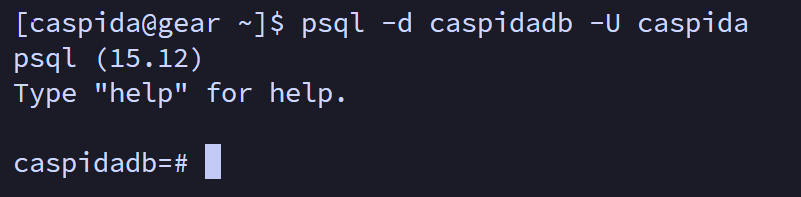
- Export hrdataaccounts Table to CSV. This command exports the data to a file named
hrdataaccounts.csvin the home directory of the current user:\copy hrdataaccounts TO '~/hrdataaccounts.csv' CSV HEADER
- Export assetsdata Table to CSV. This command exports the data to a file named
assetsdata.csvin the home directory of the current user:\copy assetsdata TO '~/assetsdata.csv' CSV HEADER
- Verify the exported CSV files using the following command:
ls -lrt ~ | grep ".csv"
View the contents ofassetsdata.csv:cat assetsdata.csv
- Run the following command to exit the database:
\q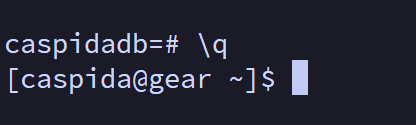
Related Links
Splunk document: Add HR data to Splunk UBA
Revision History
| Revision | Publish Date | Comments |
|---|---|---|
1.0 |
01-Oct-2026
|
Initial Release |
 Feedback
