InfluxDB Timeseries Error in User Behavior Analytics (UBA)
Available Languages
Applicability
UBA 5.4.1Description
When UBA is freshly installed and a datasource ingestion is attempted, an error appears in the UBA UI stating "An error occurred while retrieving the data."
Error Message:
An error occurred while retrieving the data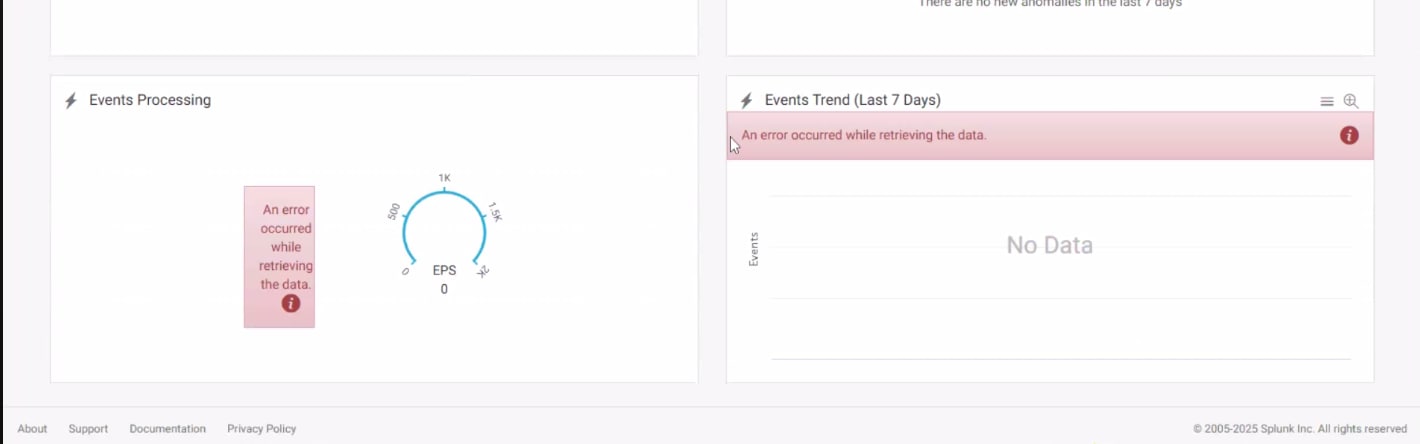
Investigation
During investigation, it was found that the InfluxDB authentication token was not created during the fresh UBA installation. The following error was observed in "/var/log/caspida/system/threatcomputation.log" and in the Healthcheck, indicating that when UBA attempts to interact with InfluxDB, specifically with the "caspida" and "ubaMonitor" buckets, it encounters repeated Unauthorized errors.
These errors suggest that the UBA instance is unable to authenticate successfully with InfluxDB.

In the "influxd.log", the following error was observed indicating that the service started successfully on port 8086, but there is an authentication issue with the message "Unauthorized error: token required," which explains why UBA cannot authenticate with InfluxDB and encounters "401 Unauthorized" errors.

While running the setup command to install UBA, an error was revealed stating that "/etc/influxdb/configs" had no such file or directory, indicating that the "configs" directory was missing. Additionally, it was found that the /etc/hosts file was not properly configured.
Resolution
Step 1: Verify /etc/hosts Configuration
Ensure the "/etc/hosts" file is properly configured as mentioned in the Splunk documentation for configuring local DNS. Use the following format:
<IP address> <FQDN> <short name> <alias>Example:
Aa.Bb.Cc.Dd uba-server.domain.com uba-server ubaStep 2: Untar the UBA Installation Packages
Untar the UBA installation packages in the "/home/caspida"directory by running the following commands:
tar xvzf /home/caspida/splunk-uba-software-installation-package_541.tgz
tar xvzf /home/caspida/Splunk-UBA-Platform-5.4.1-20240821-19277151.tgz -C /opt/caspida/
tar xvzf /home/caspida/Splunk-UBA-5.4.1-Packages-RHEL-8.tgz -C /home/caspida
Step 3: Execute the Installation Script
Execute the installation script and ensure it completes successfully:
/opt/caspida/bin/installer/redhat/INSTALL.sh /home/caspida/Splunk-UBA-5.4.1-Packages-RHEL-8Step 4: Execute the Setup Script
/opt/caspida/bin/Caspida setupAfter following the above steps, the issue will be resolved and the InfluxDB token will be created automatically during the setup process. The UBA UI should no longer display the timeseries error, and datasource ingestion should work successfully.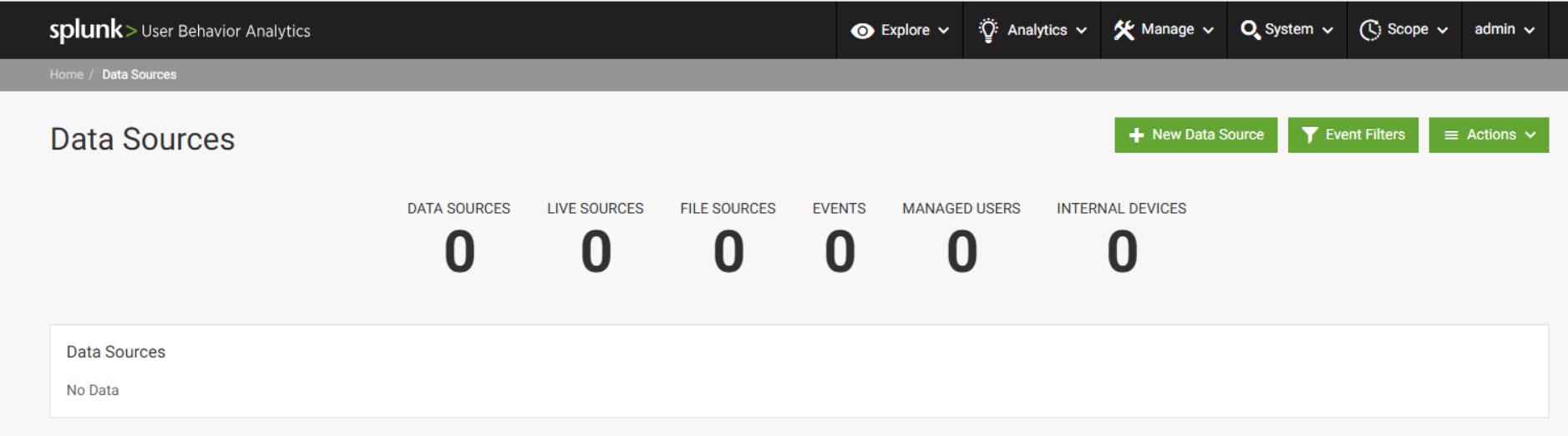
Revision History
| Revision | Publish Date | Comments |
|---|---|---|
1.0 |
01-Oct-2026
|
Initial Release |
 Feedback
