UBA - "Data Source Details" only showing "Data Source" and "Data Source Anomalie" information
Available Languages
Applicability
Splunk UBADescription
On "Data Source Details" dashboard, the user was able to see only "Data Source" and "Data Source Anomalies" information icon on the left hand side of the page even after adding "?system" in the URL. "Parsed Events" and "Skipped Events" were missing.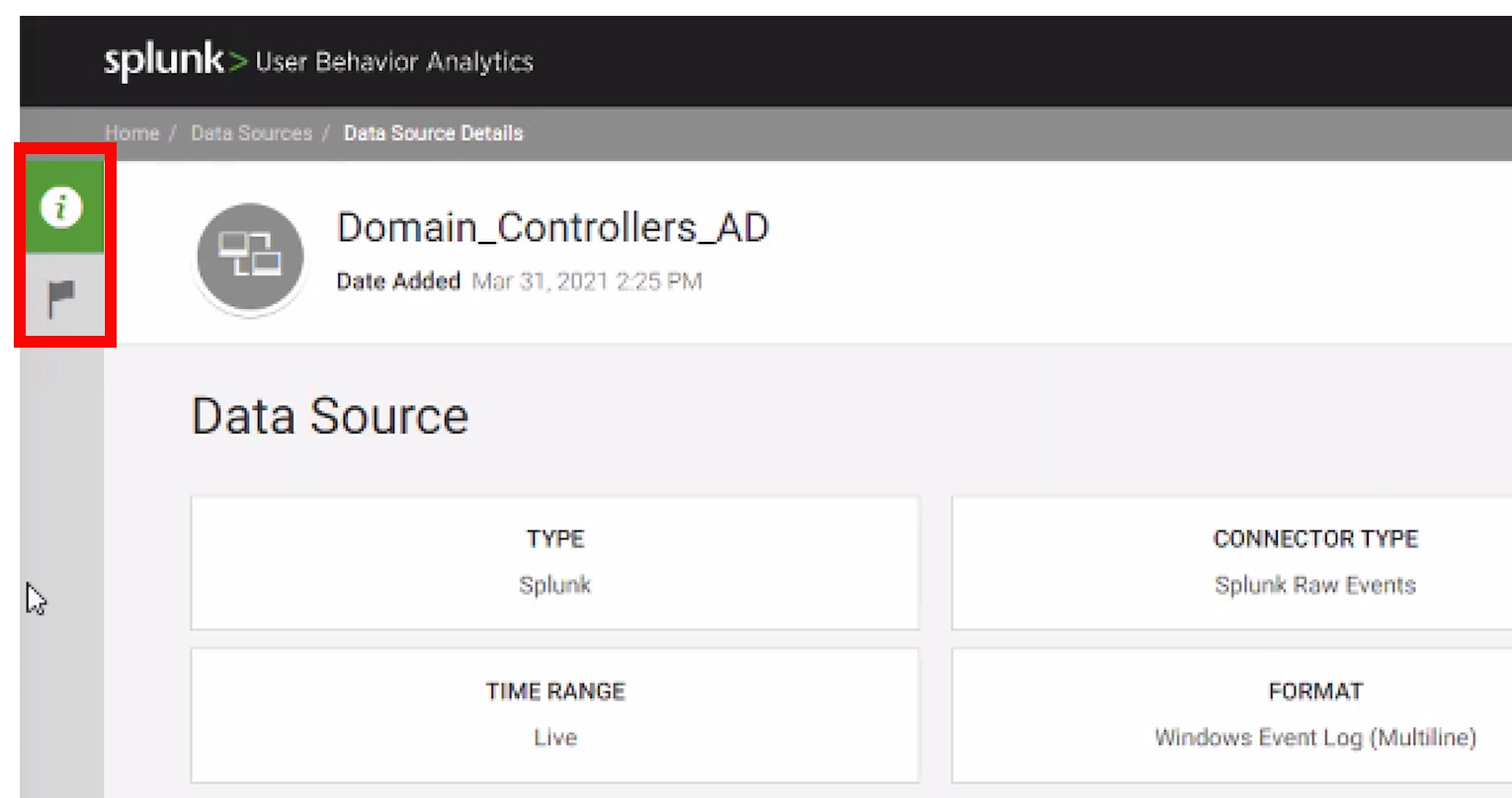
Investigation
Found PII Masking was enabled in health check
ui settings: {
"piiMasking": true,
"piiMaskingFields": {
"caspida.user": [
"phone",
"street",
"city",
"state",
"country"
]
},
Resolution
The issue was fixed after disabling PII Masking
To disable follow PII Masking.
Related Links
PII MaskingRevision History
| Revision | Publish Date | Comments |
|---|---|---|
1.0 |
29-Sep-2026
|
Initial Release |
 Feedback