Resolving SSL Certificate verification errors in Splunk Add-on for AWS after upgrade
Available Languages
Applicability
Splunk Apps & Add-ons Splunk Add-on for AWSDescription
After upgrading the Splunk Add-on for AWS from version 7.11.0 to 8.1.0, AWS data ingestion stops.
Investigation
The following error is observed in the internal logs using the below SPL:
SPL:
index=_internal sourcetype=aws:*:log ErrorError Message:
botocore.exceptions.SSLError: SSL validation failed for https://sts.us-west-2.amazonaws.com/ [SSL: CERTIFICATE_VERIFY_FAILED] certificate verify failed: self signed certificate in certificate chain (_ssl.c:1161)Confirm that the environment uses self-signed certificates or a private CA for outbound connectivity to AWS endpoints.
In version 7.11.0, appending the self-signed certificate to the app-level cacert.pem files was sufficient to resolve SSL errors.
However, version 8.1.0 relies on Splunk's Python globally, requiring the certificate to be present in additional Splunk core-level directories.
Resolution
To resolve the issue follow the below steps:
- Disable all affected AWS data inputs in Splunk.
- Append the self-signed or internal CA certificate (in PEM format) to the following two app-level cacert.pem files:
cat /path/to/your_ca_cert.pem >> $SPLUNK_HOME/etc/apps/Splunk_TA_aws/lib/botocore/cacert.pem cat /path/to/your_ca_cert.pem >> $SPLUNK_HOME/etc/apps/Splunk_TA_aws/lib/certifi/cacert.pem - Append the same certificate to the following two Splunk core-level cacert.pem files. This is the additional step required for version 8.1.0:
cat /path/to/your_ca_cert.pem >> $SPLUNK_HOME/lib/python3.9/site-packages/certifi/cacert.pem
cat /path/to/your_ca_cert.pem >> $SPLUNK_HOME/etc/auth/cacert.pem
Note: Replace /path/to/your_ca_cert.pem with the actual path to the certificate file.
- Restart the Splunk instance:
$SPLUNK_HOME/bin/splunk restart - Re-enable the AWS data inputs.
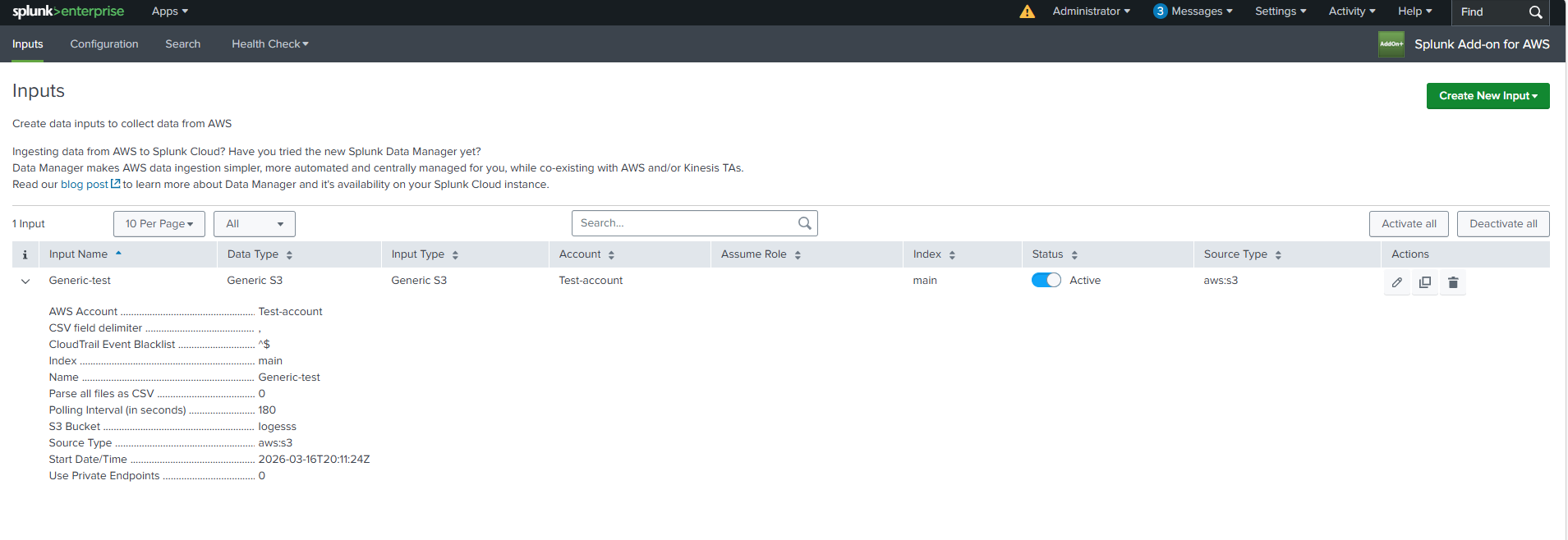
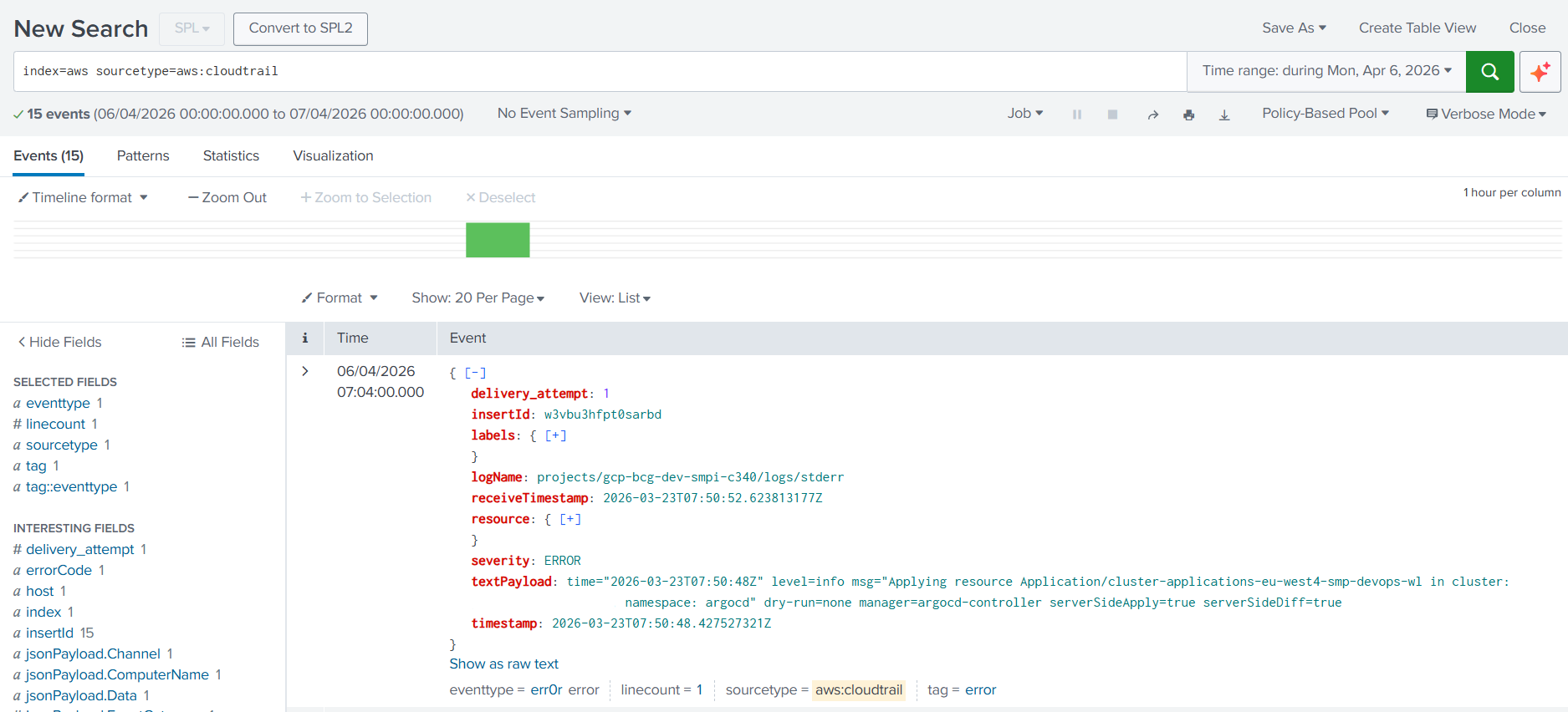
- Verify that data ingestion resumes successfully by filtering on the relevant sourcetype and AWS input configuration.
Related Links
Splunk document - Reference
Revision History
| Revision | Publish Date | Comments |
|---|---|---|
1.0 |
01-Oct-2026
|
Initial Release |
 Feedback
