Error: "Search could not be obtained" when accessing searches in Enterprise Security Content Management
Available Languages
Applicability
Splunk Enterprise Security 8.xDescription
After upgrading to Enterprise Security 8.1.1 and enabling Content Versioning, opening searches in Content Management fail with the error:
Search could not be obtained:
Investigation
-
The error "Search could not be obtained" was first observed when attempting to open searches in Content Management.
-
On reviewing splunkd.log, the following entry was found:
-
This indicated that the search job was being rejected due to restrictions on All-Time searches.
-
Further review of Settings > Workload Management > Admission Rules revealed an admission rule blocking All-Time searches for roles other than
sc_adminand outside thesplunk_instance_monitoringapp.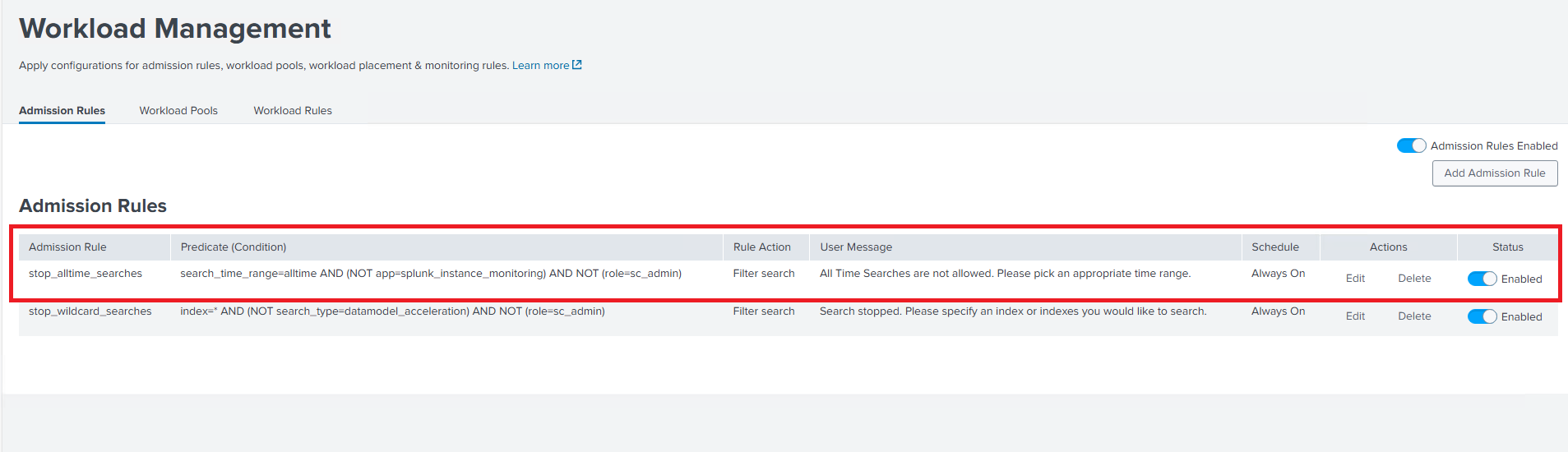
-
Since Content Versioning stores detection versions in the
cms_mainindex, retrieval requires All-Time searches. The admission rule prevented these background searches from executing undersplunk_system_user, resulting in the observed error.
Resolution
-
Navigate to Settings > Workload Management > Admission Rules.
-
Perform one of the following actions:
-
Disable the rule, or
-
Modify the rule to allow
splunk_system_useroradminroles to run All-Time searches.
Example modification:
-
-
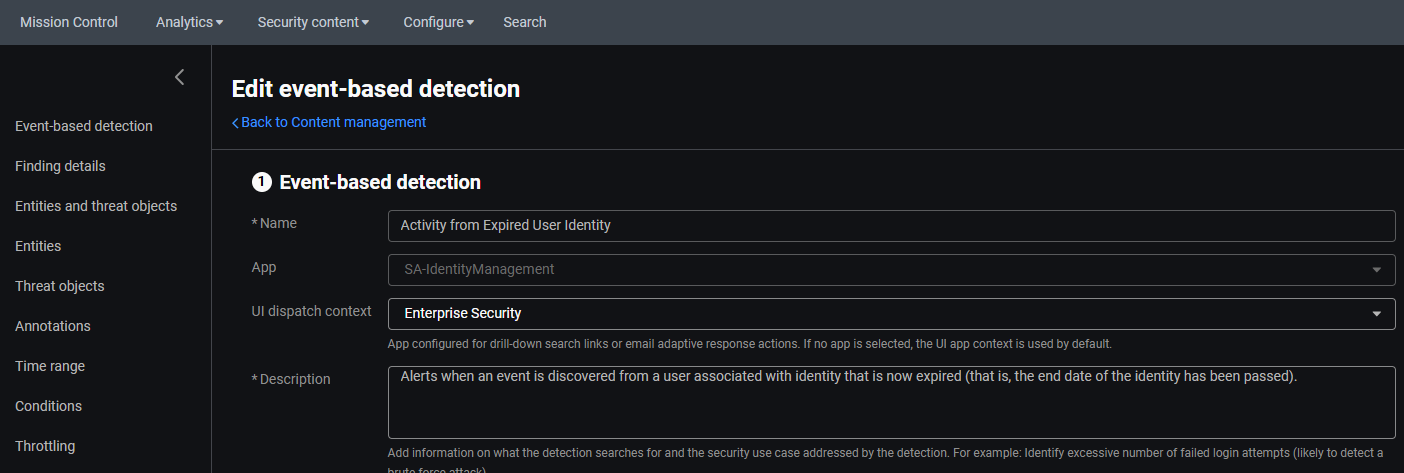
After performing the above steps, the correlation searches are now visible.
Related Links
Splunk Doc - Use detection versioning in Splunk Enterprise Security
Revision History
| Revision | Publish Date | Comments |
|---|---|---|
1.0 |
01-Oct-2026
|
Initial Release |
 Feedback