Multiple Teams Channels Per Escalation Policy Limitation
Available Languages
Applicability
Splunk On-CallDescription
Splunk On‑Call integrates with Microsoft Teams to deliver incident notifications to Teams channels. The integration allows an escalation policy to be mapped to a Teams channel for targeted communication and collaboration.
Current product behavior supports mapping each escalation policy to exactly one Teams channel. Attempts to assign the same escalation policy to multiple Teams channels are not supported. Situations often arise where notification delivery is needed to several Teams channels, such as cross‑department alerts or parallel communication streams.
Investigation
Testing with the Microsoft Teams integration in Splunk On‑Call confirmed that escalation policies have a one‑to‑one mapping restriction with Teams channels..
Configuration attempts to map an escalation policy to multiple Teams channels result in only one channel receiving notifications.
This behavior is consistent across different event types, routing keys, and integration setups, indicating a product limitation rather than a configuration error.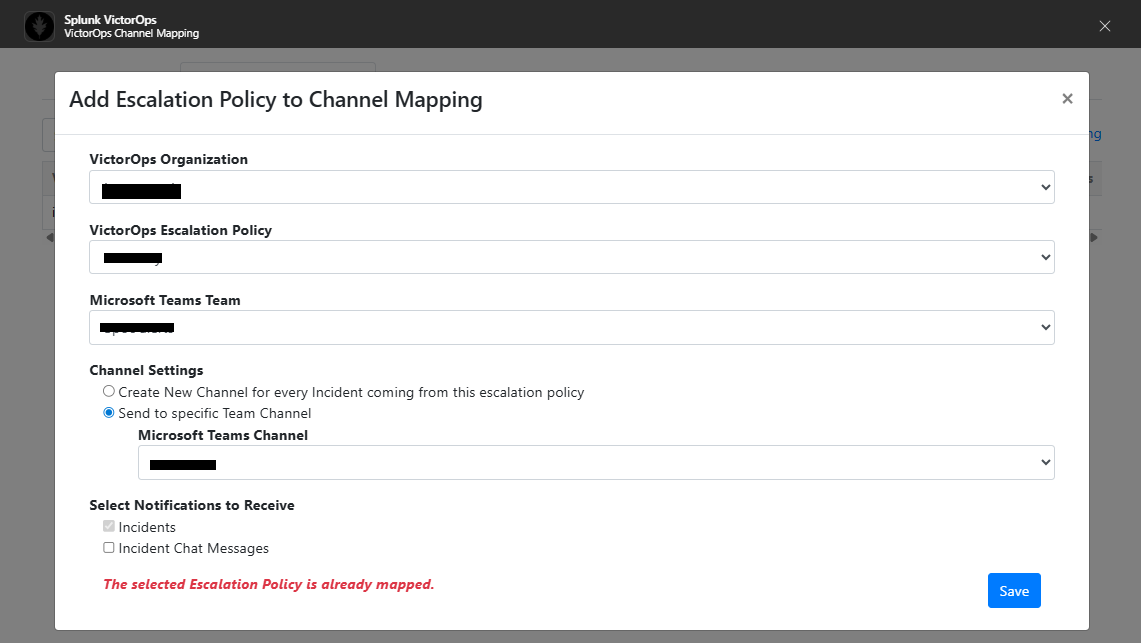
Resolution
Follow the below steps to achieve notifications in multiple Teams channels for the same triggering event,.
1. Create two distinct escalation policies.
2. Configure each escalation policy to be triggered by the same event or routing key.
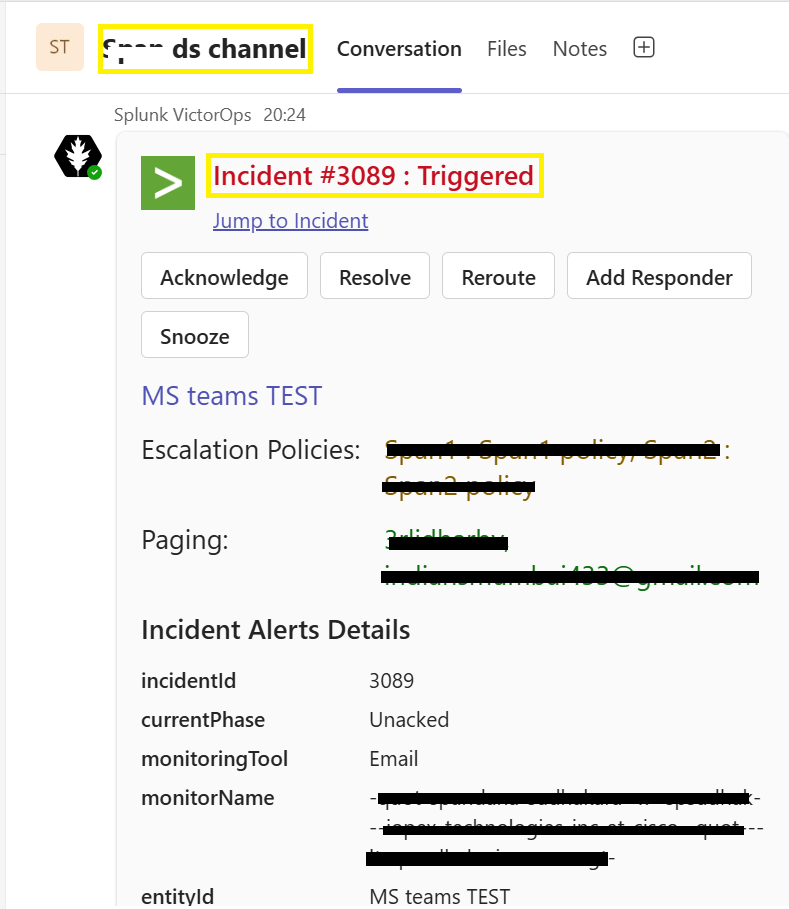
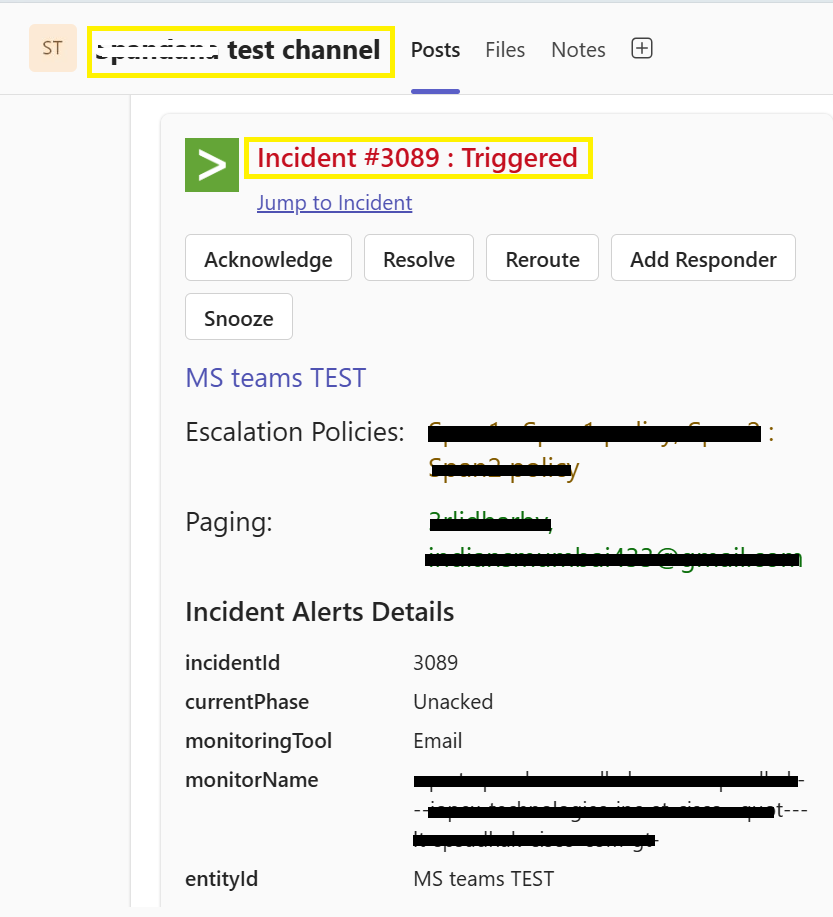
3. Each escalation policy can then be mapped individually to a different Microsoft Teams channel.
Related Links
Microsoft-Teams Intregration with Splunk On-Call
Revision History
| Revision | Publish Date | Comments |
|---|---|---|
1.0 |
01-Oct-2026
|
Initial Release |
 Feedback
