Splunk IT Service Intelligence displays 500 Internal Server Error after Upgrade
Available Languages
Applicability
Splunk IT Service IntelligenceDescription
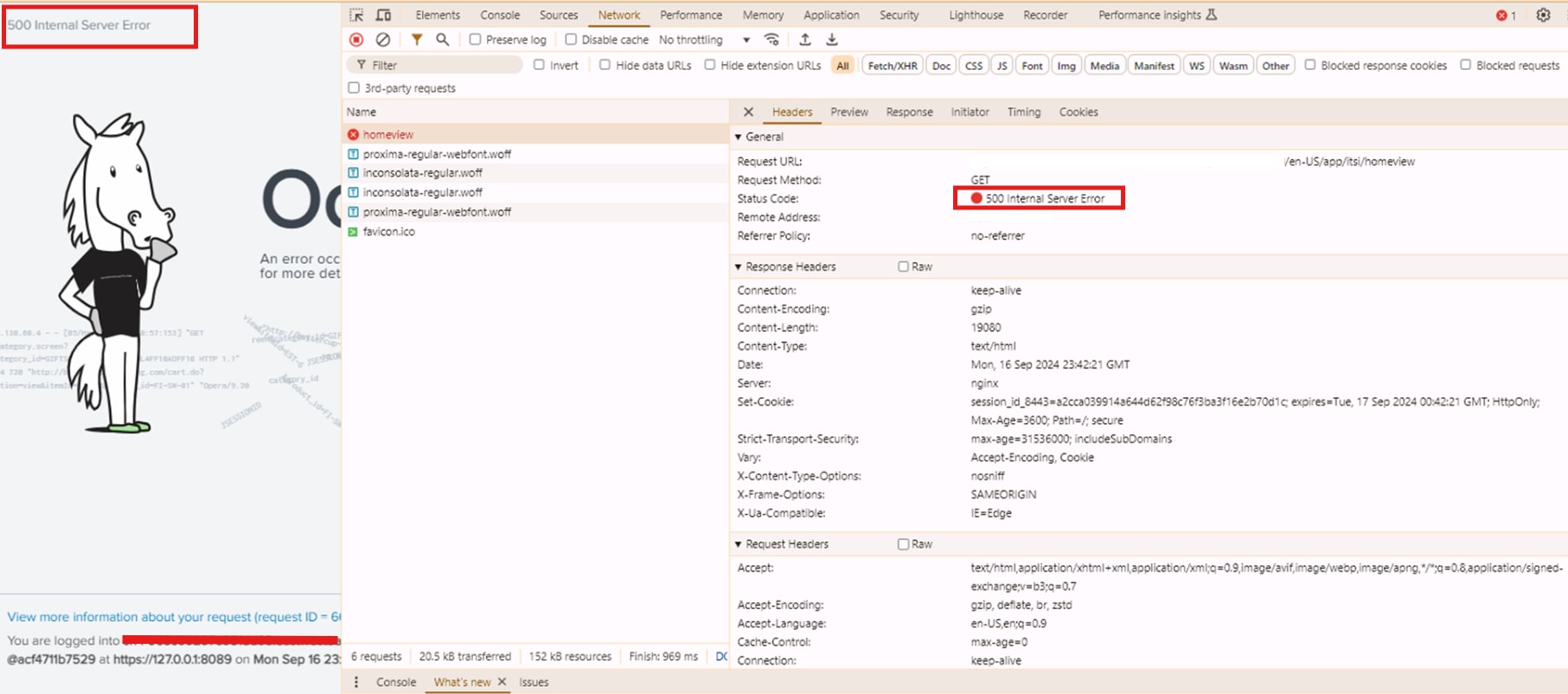
The ITSI app home view page throws 500 Internal Server Error as shown below.
Investigation
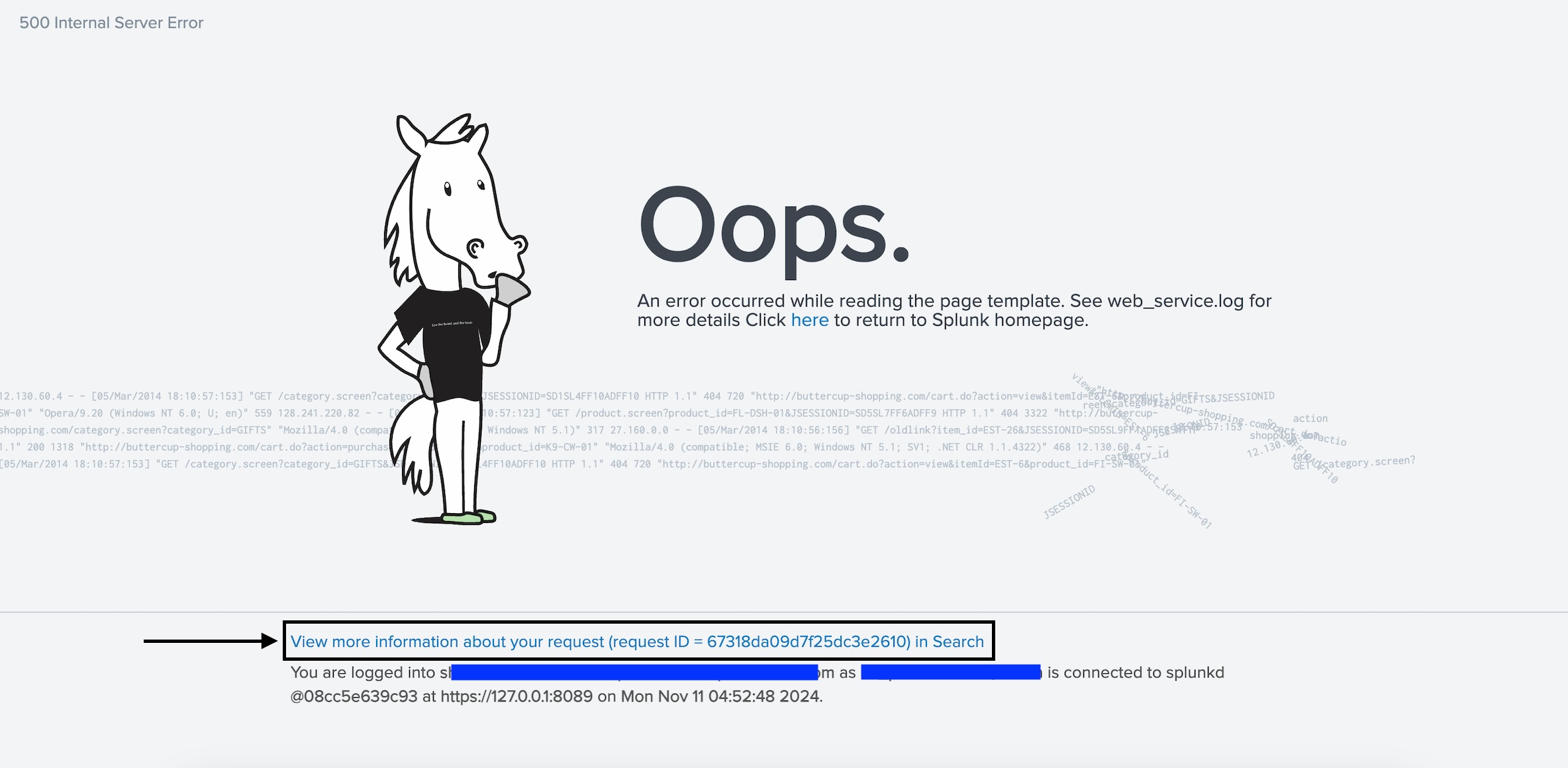
1: Click on "View more information" link to check the related error message:
  File "/opt/splunk/etc/apps/SA-ITOA/lib/feature_flagging/license_retriever.py", line 6, in
    from .cloud_config_suite_retriever import CloudConfigSuiteRetriever
  File "/opt/splunk/etc/apps/SA-ITOA/lib/feature_flagging/cloud_config_suite_retriever.py", line 7, in
    from .state.statestore import FeatureFlaggingStateStore
  File "/opt/splunk/etc/apps/SA-ITOA/lib/feature_flagging/state/statestore.py", line 7, in
    from ITOA.storage.itoa_storage import ITOAStorage
  File "/opt/splunk/etc/apps/SA-ITOA/lib/ITOA/storage/itoa_storage.py", line 4, in
    from . import statestore
  File "/opt/splunk/etc/apps/SA-ITOA/lib/ITOA/storage/statestore.py", line 18, in
    from ITOA.itoa_common import get_conf_stanza_single_entry, get_object_batch_size
  File "/opt/splunk/etc/apps/SA-ITOA/lib/ITOA/itoa_common.py", line 53, in
    from SA_ITOA_app_common.solnlib.splunk_rest_client import SplunkRestClient
  File "/opt/splunk/etc/apps/SA-ITOA/lib/SA_ITOA_app_common/solnlib/__init__.py", line 19, in
    from . import (
  File "/opt/splunk/etc/apps/SA-ITOA/lib/SA_ITOA_app_common/solnlib/acl.py", line 22, in
    from splunklib import binding
SyntaxError: invalid syntax (binding.py, line 46)
Resolution
The error is generated due to the invalid syntax in binding.py file.
This is due to multiple apps and addon's using the same library but different versions. Once this apps/addons are installed the python interpreter installed which creates this library references which are responsible for generation of byte codes in respective app, sometimes this byte codes with an individual app refers to the actual reference of any other app/addon.
This issue could be resolved by removing the .py cache (.pyc) and .pyo files from the respective lib directory.
a: SplunkCloud: open a case with Splunk Support to perform investigation and troubleshoot accordingly.
b: Splunk Enterprise:
Steps to be followed:
- Find the list of files that has a file name binding.pyc or binding.pyo inside the app folder.
splunk@sh:~$ find /opt/splunk/etc/apps -name "binding.pyc"
splunk@sh:~$ find /opt/splunk/etc/apps -name "binding.pyo"
- Delete those above files.
- Restart the Splunk server.
If above steps does not fix the issue, perform a deep clean:
- Shut down splunk
- Deep clean ALL .pyc files from all of splunk (not just apps):
splunk@sh:~$ find . -name "*.pyc" -delete (assuming ~ is where splunk_home is) - Restart splunk
Revision History
| Revision | Publish Date | Comments |
|---|---|---|
1.0 |
29-Sep-2026
|
Initial Release |
 Feedback