Integration with Splunk Cloud does not show access token section
Available Languages
Applicability
Splunk Cloud Splunk Observability CloudDescription
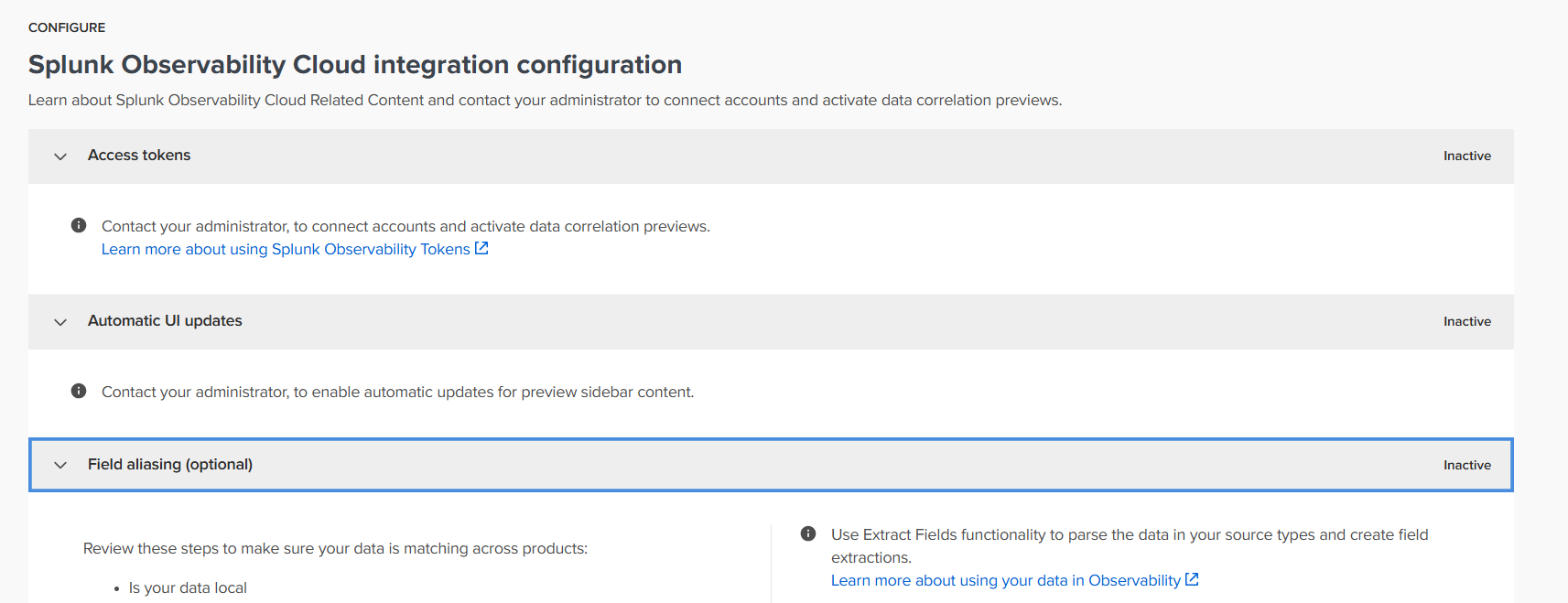
A part of the Splunk Observability/Cloud Integration configuration documentation need to provide access token. The access token dashboard displays the follow message instead::
Contact you administrator to connect accounts and activate data correlation previews.
Therefore, cannot enter the access token details.
Investigation
After further investigation by Splunk, it was determined the account used inherited the sc_admin role rights. This prevents the configuration/integration dashboard from showing the access token section correctly.
Resolution
The user must have the sc_admin role right assigned and not inherited.
Related Links
Integration guide:
https://lantern.splunk.com/Splunk_Platform/Product_Tips/Extending_the_Platform/Using_observability_Related_Content_in_Splunk_Cloud_Platform
Revision History
| Revision | Publish Date | Comments |
|---|---|---|
1.0 |
01-Oct-2026
|
Initial Release |
 Feedback
Contact Cisco
- Open a Support Case

- (Requires a Cisco Service Contract)