Manage Apps does not display after upgrading splunk to 10.6 on Windows
Available Languages
Applicability
Splunk Enterprise 10.6 on Windows and Mac OSDescription
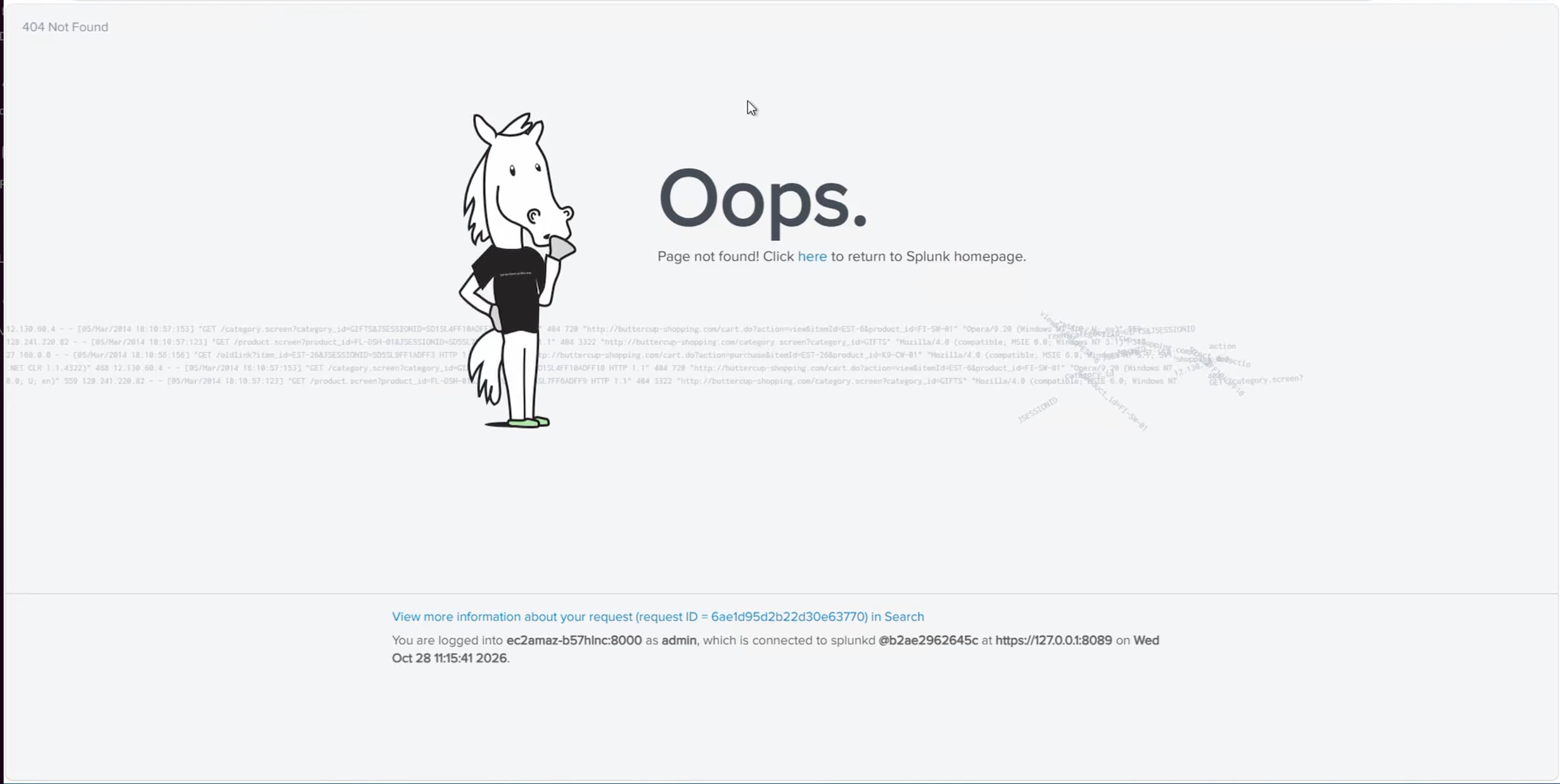
Splunk was upgraded to 10.6, and Manage apps is no longer loading. There is a 404 error displayed.
Investigation
Perform the following search on the affected host be sure to change the host field before running:
index=_internal host=<AffectedHost> source=*web_service.log "Masking the original 404 message"If this error is seen in the results, the remoteApps folder may be missing:
2026-10-30 13:55:46,551 INFO [6ae4a1e285174de67b1d0] error:331 - Masking the original 404 message: 'The path '/en-US/static/@b2ae2962645c/build/pages/enterprise/remoteApps/app_listing/4.latest/version.json' was not found.' with 'Page not found!' for security reasonsWindows:
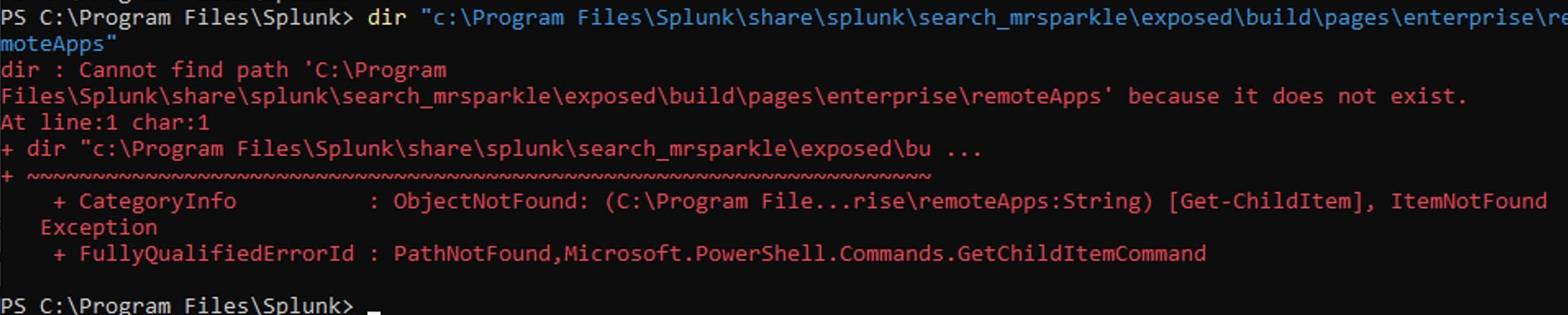
Run a Powershell session as Administrator so the Splunk installation is accessible. Run this command. Adjust the drive letter and install location if required:
dir “c:\Program Files\Splunk\share\splunk\search_mrsparkle\exposed\build\pages\enterprise\remoteApps”If the file is not found, the remoteApps folder is missing from the install despite file integrity checks marking everything OK.
MacOS:
Look for the remoteApps directory in $SPLUNK_HOME/share/splunk/search_mrsparkle/exposed/build/pages/enterprise/:
ls $SPLUNK_HOME/share/splunk/search_mrsparkle/exposed/build/pages/enterprise/If remoteApps isn't returned in the results, the remoteApps folder is missing from the install despite file integrity checks marking everything OK.
Resolution
Windows:
- In the same Powershell session, run this command to create the missing directory. Adjust the drive letter and install location if required:
mkdir “c:\Program Files\Splunk\share\splunk\search_mrsparkle\exposed\build\pages\enterprise\remoteApps” -
Create a symlink in that directory to the app_listing directory in Splunk. There are 2 drive letters in this command, so be sure to change both if Splunk is not installed in C:\Program Files:
New-Item -ItemType SymbolicLink -Path "C:\Program Files\Splunk\share\splunk\search_mrsparkle\exposed\build\pages\enterprise\remoteApps\app_listing" -Target "C:\Program Files\Splunk\lib\remoteApps\app_listing"
No restart is required. The manage apps page will load after making these changes.
Mac OS:
- Create the remoteApps directory. Be sure to use the full path in order to be successful:
mkdir $SPLUNK_HOME/share/splunk/search_mrsparkle/exposed/build/pages/enterprise/remoteApps - Create a symlink in the new directory to the missing files. Be sure to use full paths so the symlink works:
ln -s $SPLUNK_HOME/lib/remoteApps/app_listing $SPLUNK_HOME/share/splunk/search_mrsparkle/exposed/build/pages/enterprise/remoteApps/app_listing
 Feedback
Contact Cisco
- Open a Support Case

- (Requires a Cisco Service Contract)