SSL configurations causing Splunk Add-ons Input page loading error - Request failed with status code 500
Available Languages
Applicability
Splunk EnterpriseDescription
With SSL fully enabled.
$SPLUNK_HOME/etc/system/local/server.conf
[sslConfig]
sslPassword = xxxxxxxx
enableSplunkdSSL = True
the following error appears when trying to load the inputs page of any Technical Add-on (TA)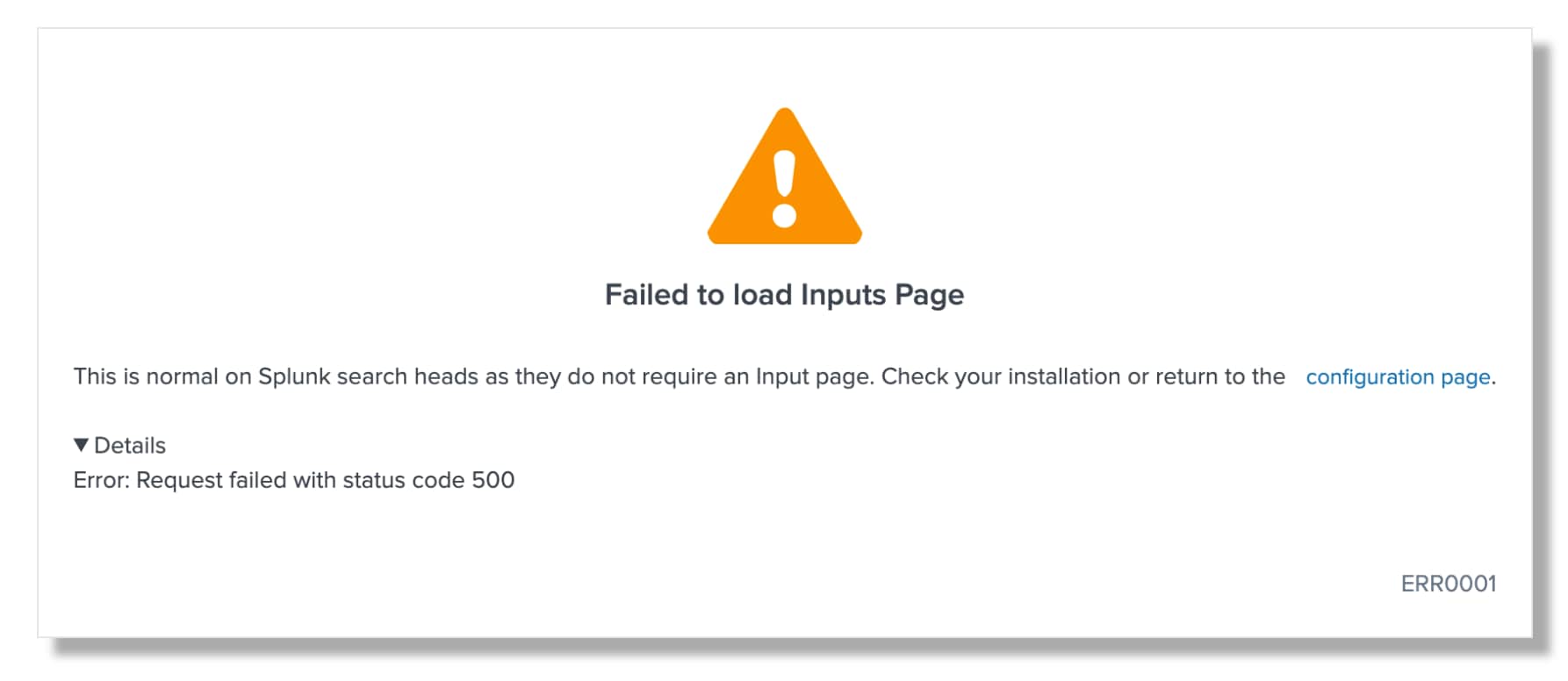
Investigation
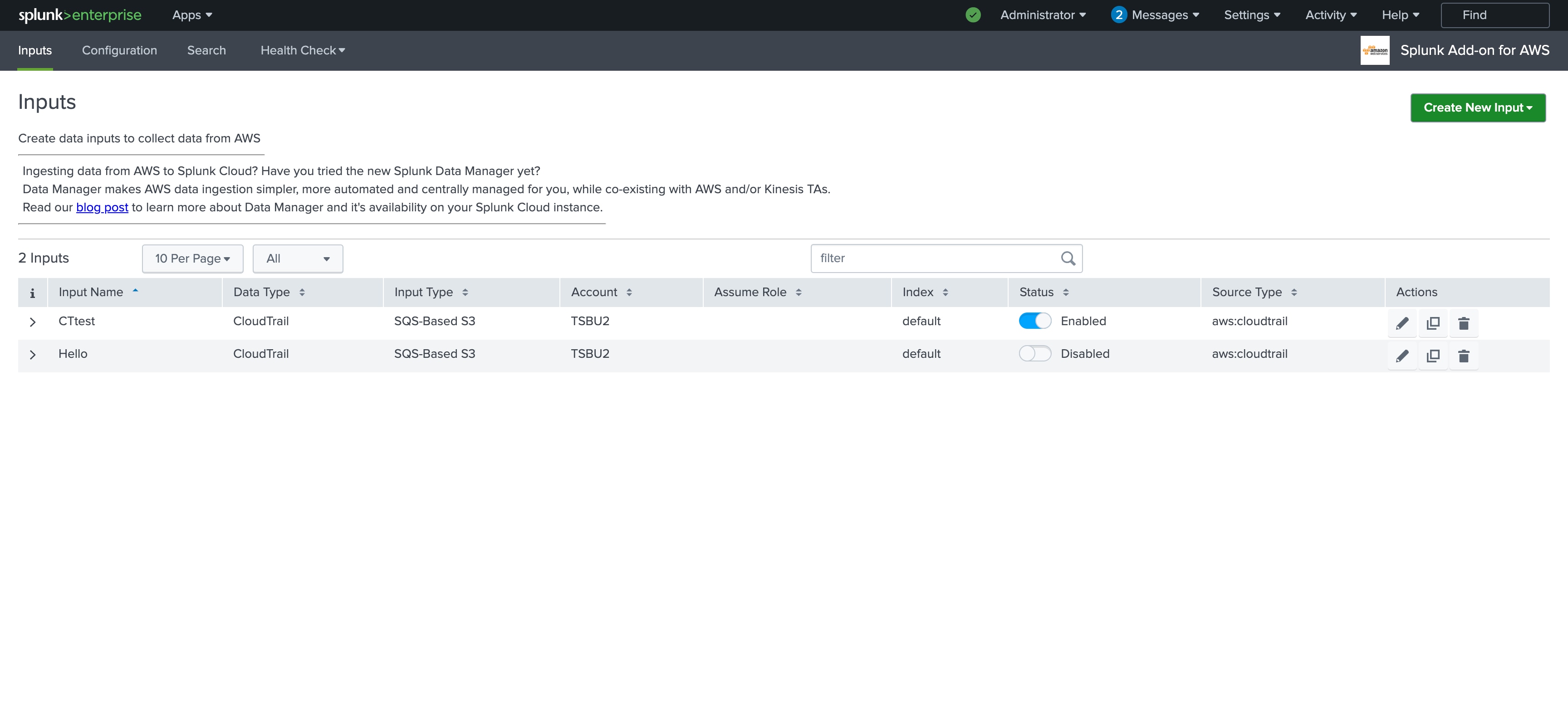
It was observed that if SSL is disabled, the issue does not appear, and the TA input page works as expected.
$SPLUNK_HOME/etc/system/local/server.conf
[sslConfig]
sslPassword = xxxxxxxx
enableSplunkdSSL = false
Example from AWS TA
Resolution
The issue is related to the uppercase "T" in the $SPLUNK_HOME/etc/system/local/server.conf
As per SSL/TLS Configuration details change the following in $SPLUNK_HOME/etc/system/local/server.conf
From
[sslConfig]
sslPassword = xxxxxxxx
enableSplunkdSSL = True
To
[sslConfig]
sslPassword = xxxxxxxx
enableSplunkdSSL = true
Related Links
SSL TLS ConfigurationsRevision History
| Revision | Publish Date | Comments |
|---|---|---|
1.0 |
29-Sep-2026
|
Initial Release |
 Feedback
Contact Cisco
- Open a Support Case

- (Requires a Cisco Service Contract)