Getting 500 error while logging to Heavy Forwarder
Available Languages
Applicability
Splunk EnterpriseDescription
Attached is screenshot of error:
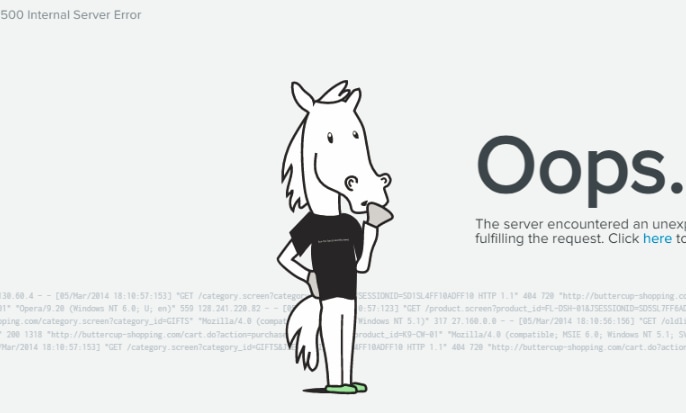
Investigation
Found 500 Server errors in splunkd.log
ERROR LMTracker - failed to send rows, reason='Unable to connect to license master=https://vm-xxx-1.xxx:8089 Error connecting: SSL not configured on client'.
Resolution
Resetting the default sslPassword in system/local/server.conf by deleting it and restarting the Splunk service.
For that after running the below command and then try resetting the sslpassword.
splunk edit licenser-localslave -master_uri 'https://master:port'
For example: Unless it is explicitly changed it, use 8089 for the management port.
sudo ./splunk edit licenser-localslave -master_uri ' https://x.x.x.x:8089 (https://x.x.x.x:8089/)
Related Links
1.
LicenserCLIcommands
(Manage licenses from the CLI)
Revision History
| Revision | Publish Date | Comments |
|---|---|---|
1.0 |
29-Sep-2026
|
Initial Release |
 Feedback
Contact Cisco
- Open a Support Case

- (Requires a Cisco Service Contract)