Duplicate Events Forwarded from Splunk App for SOAR Export to SOAR Summary
Available Languages
Applicability
Splunk Apps and Add-ons Splunk Enterprise Splunk Cloud Splunk SOARDescription
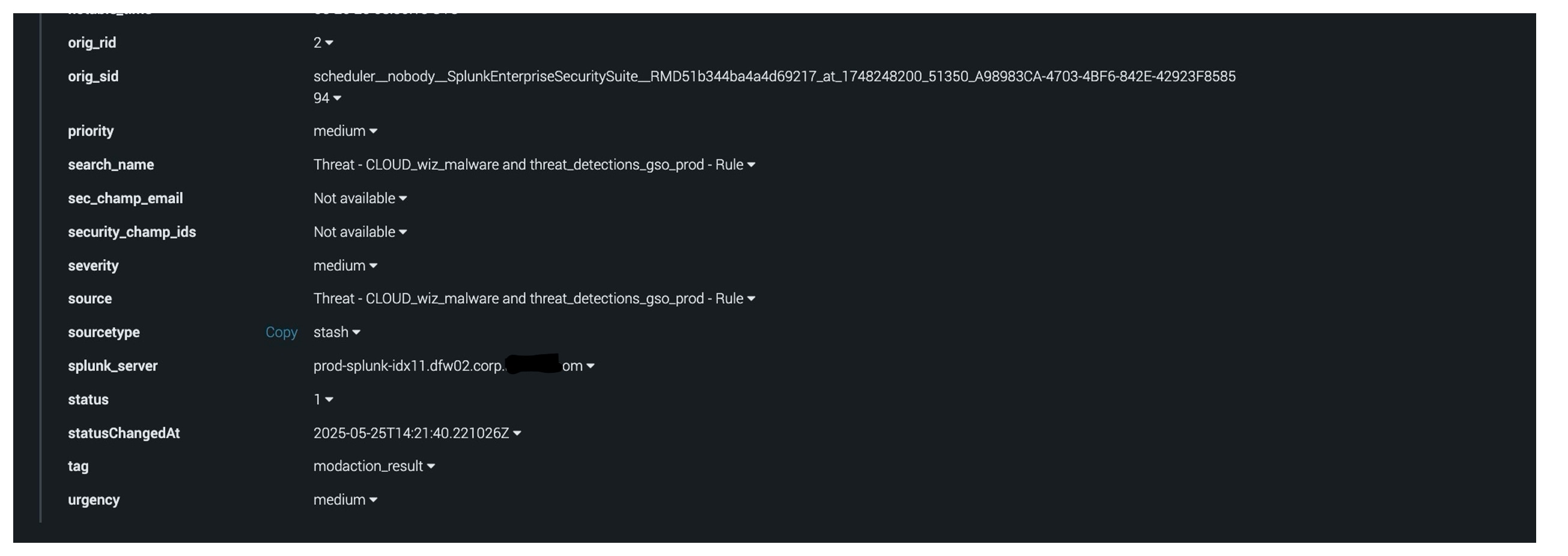
The duplicate artifacts were observed in SOAR for the same event. Both artifacts had the identical timestamp (01:45), but the originating searches came from different search heads. Interestingly, both shared the same Search ID (SID).
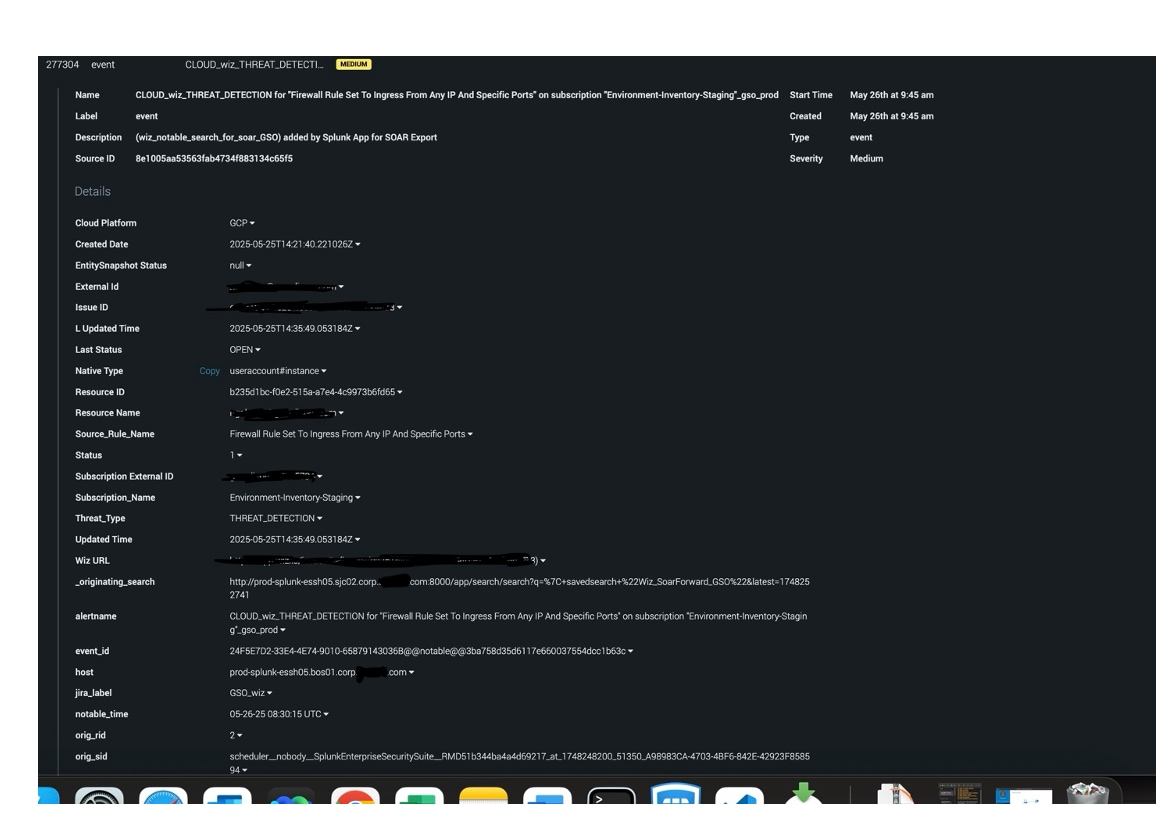
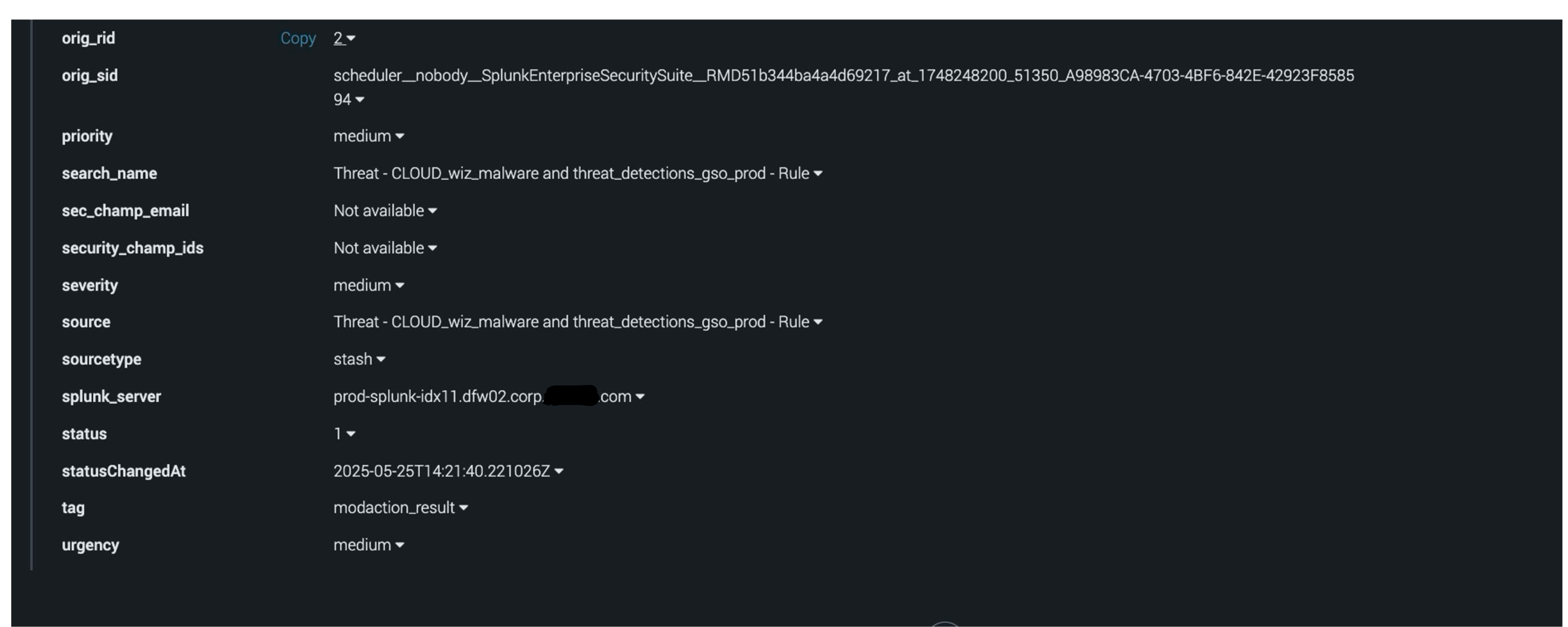
Duplicate artifacts in the same container: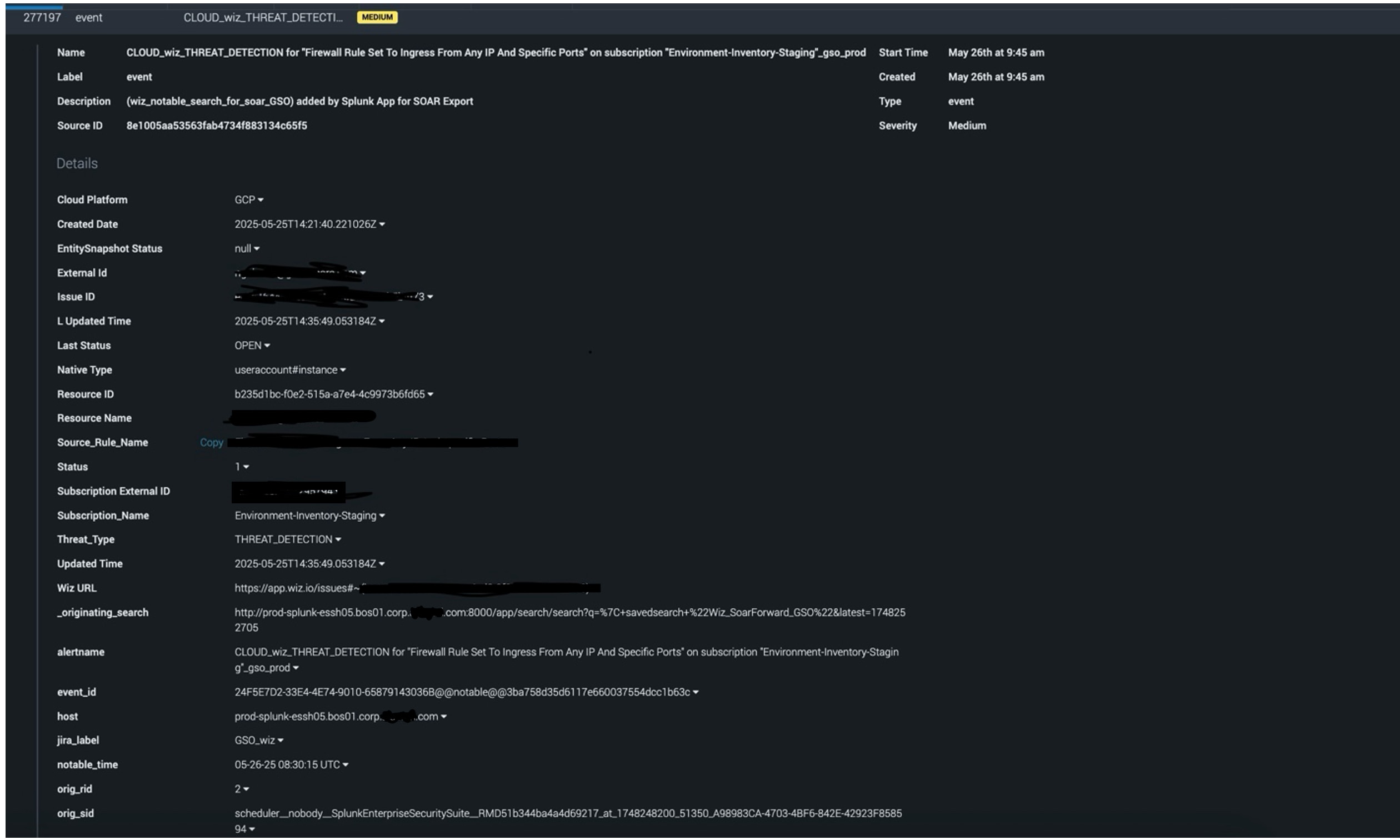
Investigation
- Need to check for similar events in recent activity to see if further duplication is found or not.
- Reviewed the saved search responsible for sending events to SOAR, broke down the query, and validated outputs. Check for any anomalies if identified.
- SOAR App logs review:
Examined the app logs around the time of duplicates occurred (in this case, it was 26th May). From the logs, it is being identified connectivity issues between the Search head cluster and SOAR platform.
The last recorded connectivity error was logged at 09:44:02 UTC on 26th May. After that, no further errors were observed.
Refer to the below screenshot for reference: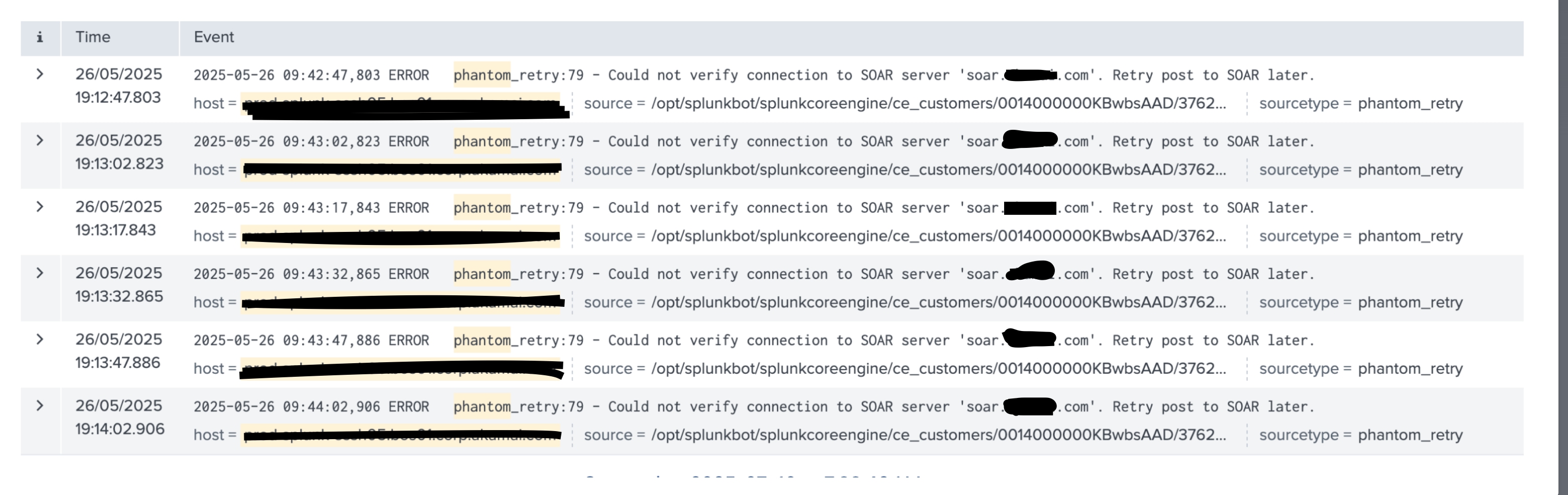
- Duplicate container behavior:
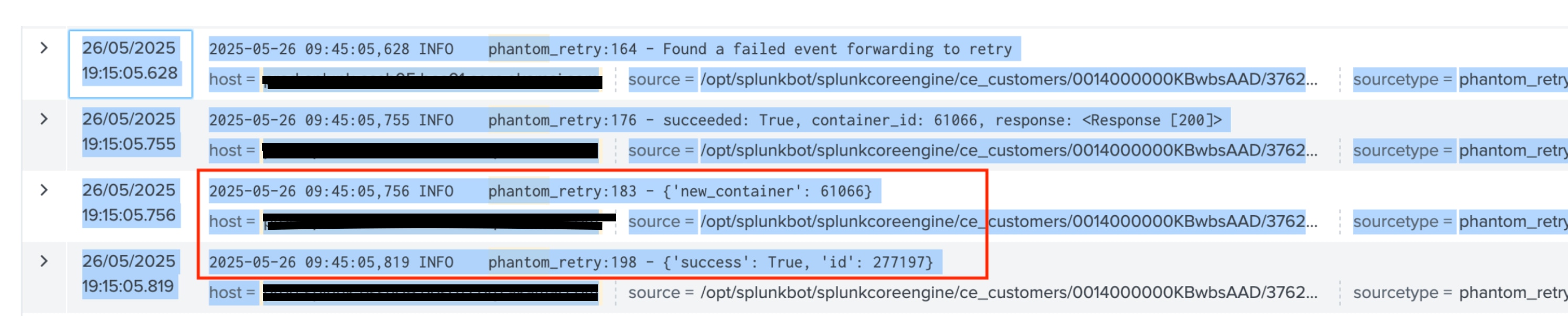
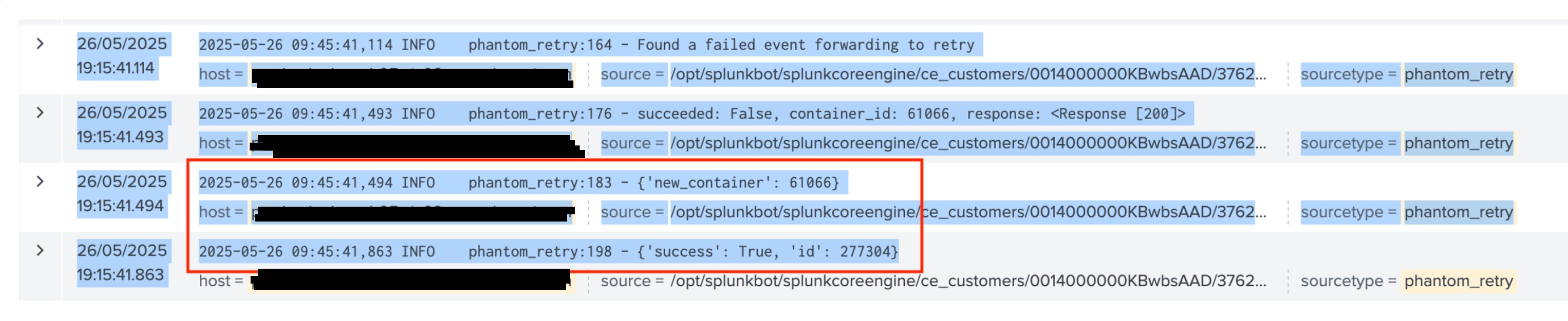
Looked for duplicated entries and found two log entries for the same container ID (61066), approximately 36 seconds apart.
This aligned with the duplicate artifacts seen in SOAR, which suggest that the retry mechanism was triggered. Refer to the below screenshot for reference: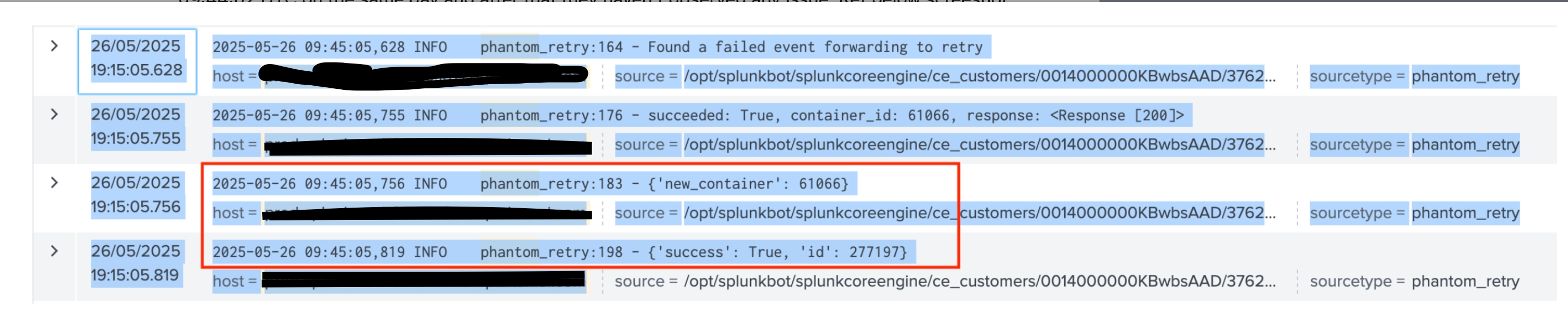
- Analysis from the above investigation:
The Splunk App for SOAR Export uses a KVStore lookup called "phantom_retry_lookup" to temporarily store events if forwarding fails (e.g., due to connectivity issues).
The duplicate events were caused by temporary connectivity disruptions between the search head cluster and the SOAR platform. Once connectivity is restored, the app retries sending the event.
In this case, retries caused the same event to be sent from different search head cluster members, creating duplicate artifacts in SOAR.
Resolution
- This behavior is expected and temporary. The retry mechanism is working as designed to ensure no events are lost during connectivity disruptions. While this may result in occasional duplicates, it confirms events are being preserved and delivered once the connection stabilizes.
- The issue was not with the Splunk platform itself but with the Splunk App for SOAR Export retry mechanism.
- During the connectivity loss, the app stored event details in "phantom_retry_lookup". Once the connection was restored, retries were executed, leading to duplicate artifacts being created in the same SOAR container.
Revision History
| Revision | Publish Date | Comments |
|---|---|---|
1.0 |
01-Oct-2026
|
Initial Release |
 Feedback
Contact Cisco
- Open a Support Case

- (Requires a Cisco Service Contract)