Splunk Security Essential(SSE): CIM Compliance Check page failing with Error messageError in 'sseidenrichment' command: (AttributeError) module 'time' has no attribute 'clock'
Available Languages
Applicability
Splunk Security Essentials version 3.8.0 Splunk Enterprise Splunk CloudDescription
In the Splunk Security Essentials App > Security Operations tab > The "CIM Compiance Check" page, it includes a dashboard that provides insights of those fields per-product, and tells users how those products are doing.
CIM compliance is performed by checking common field values against a regular expression. However, when attempting to open this page, many of the searches within the dashboard fail with the following error message.
Error in 'sseidenrichment' command: (AttributeError) module 'time' has no attribute 'clockScreenshot below for reference:
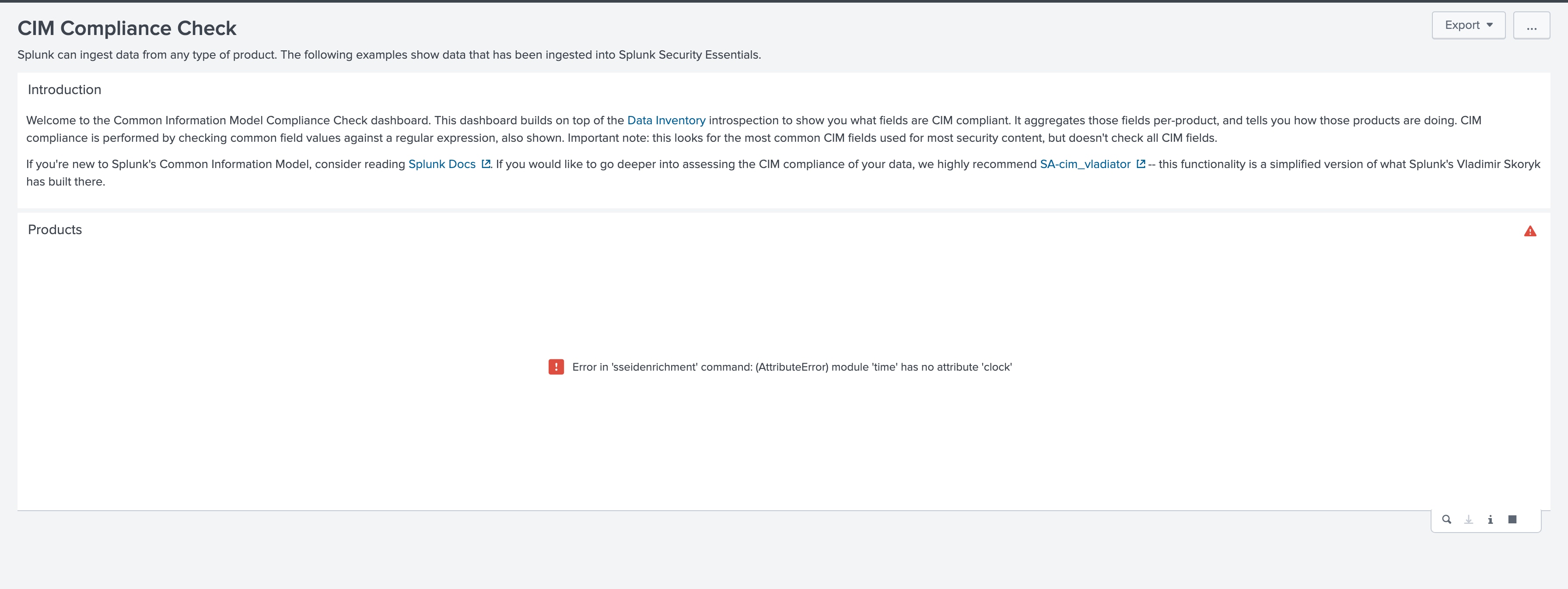
It is important to note that this issue persists despite having the latest versions of the Current downloaded security content, Current ShowcaseInfo, and Current Mitre ATT&CK installed.
Investigation
During the initial investigation, error messages were found in the Console menu of the Inspect tab in Google Chrome.
ie. In Google Chrome > Mouse Right Click [fn + F12 for mac]> Inspect > Console
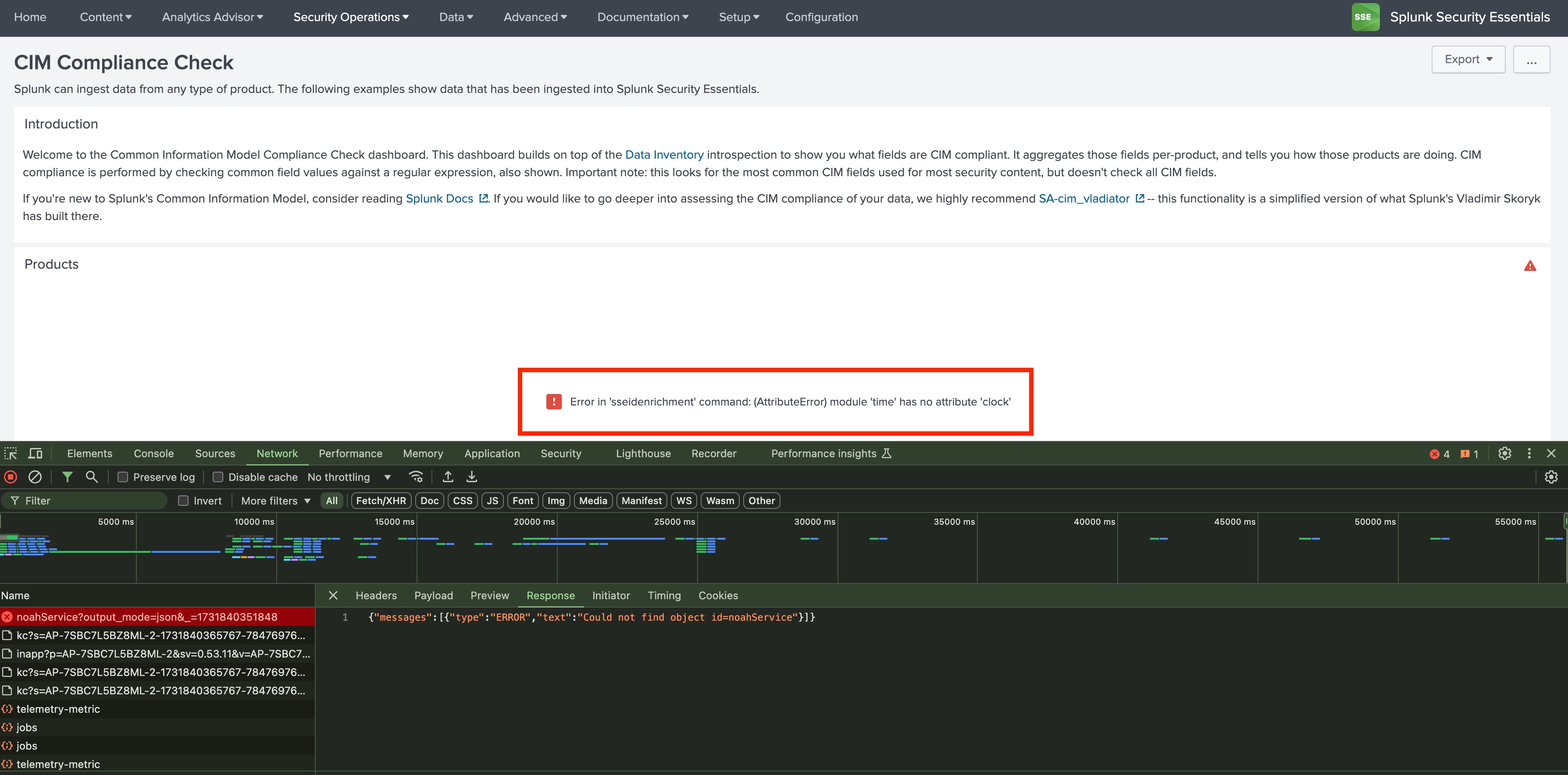
Error in 'sseidenrichment' command: (AttributeError) module 'time' has no attribute 'clock'", suggests that the issue is caused by an outdated Python library in the environment where Splunk is running. time.clock() function is being called within the sseidenrichment command in the SPL implementation, but this function was removed in Python 3.8.If Splunk is running on a version that uses Python 3.8 or later, and since the SSE app relies on time.clock(), this incompatibility arises. To confirm this, the issue was tested in an environment with a Python version lower than 3.8, where it did not occur.
Resolution
This was a known issue in Splunk Security Essential version 3.8.0 which has been fixed in version 3.8.1.
Related Links
Python Compatibility - Splunk Enterprise
Python Compatibility - Splunk Cloud
Revision History
| Revision | Publish Date | Comments |
|---|---|---|
1.0 |
29-Sep-2026
|
Initial Release |
 Feedback
Contact Cisco
- Open a Support Case

- (Requires a Cisco Service Contract)