Alert URL link is not accessible
Available Languages
Applicability
Splunk CloudDescription
Whenever an alert is triggering, it redirects to the adhoc Search head but the page is showing inaccessible.
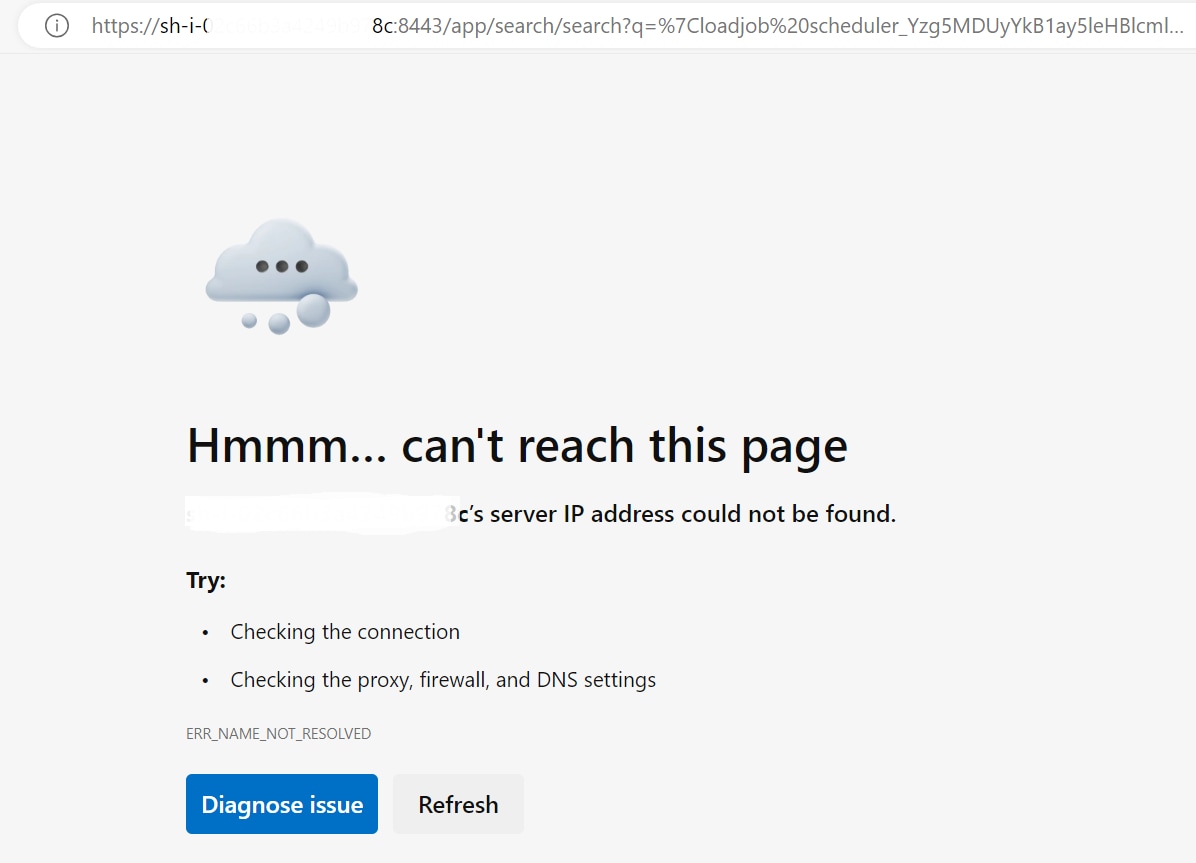
Investigation
1 ) As an initial troubleshooting, under SPLUNKHOME/etc/system/local/alert_actions.conf, verified that the hostname configuration is defined correctly (https://abcdef.splunkcloud.com:443), and observed that the alert is configured with the proper hostname.
2 ) From the GUI, navigated to Settings > Alert Actions and found that any alerts that are configured to send emails are coming from one specific application - "prd_master_migration_app_sh".
3 ) Upon checking the configuration of alert_actions.conf for the above app, observed that there is no hostname mentioned in default or in the local directory of the config.
splunk@sh-i-xxxxxxxxx:~/etc/apps/<appname >$ cat default/alert_actions.conf
[email]
from = cs-splunk@abcdefg.com
hostname =
mailserver = localhost
reportPaperSize = a4
reportServerURL =
reportServerEnabled = true
pdf.header_left = none
splunk@sh-i-xxxxxxxxxxx:~/etc/apps/<appname>$ cat local/alert_actions.conf
[email]
from = splunk
allowedDomainList = abcdefg.com
Resolution
Since no hostname was mentioned, hence it was taking default precedence to the Ad-Hoc Search Head URL.
To resolve the issue follow the below steps:
1) Navigate to etc/system/local/alert_actions.conf of the problematic app, and add the correct hostname.
2) For custom applications, the app needs to be repackaged with the above-mentioned changes and should be installed as an upgraded version or the app can be uninstalled if it is no longer required.
Related Links
Revision History
| Revision | Publish Date | Comments |
|---|---|---|
1.0 |
29-Sep-2026
|
Initial Release |
 Feedback
Contact Cisco
- Open a Support Case

- (Requires a Cisco Service Contract)