Unable to import the csv file in the Splunk App for Lookup File Editing
Available Languages
Applicability
Splunk App for Lookup File Editing Splunk Enterprise Splunk CloudDescription
While importing the csv file using the Splunk App for Lookup File Editing by navigating as mentioned below,
Click on Apps --> Manage Apps --> Splunk App for Lookup File Editing app --> New Lookup --> Create CSV Lookup --> Import --> upload file (select the CSV file)
It gets stuck and the import option doesn't work as shown in below screenshot: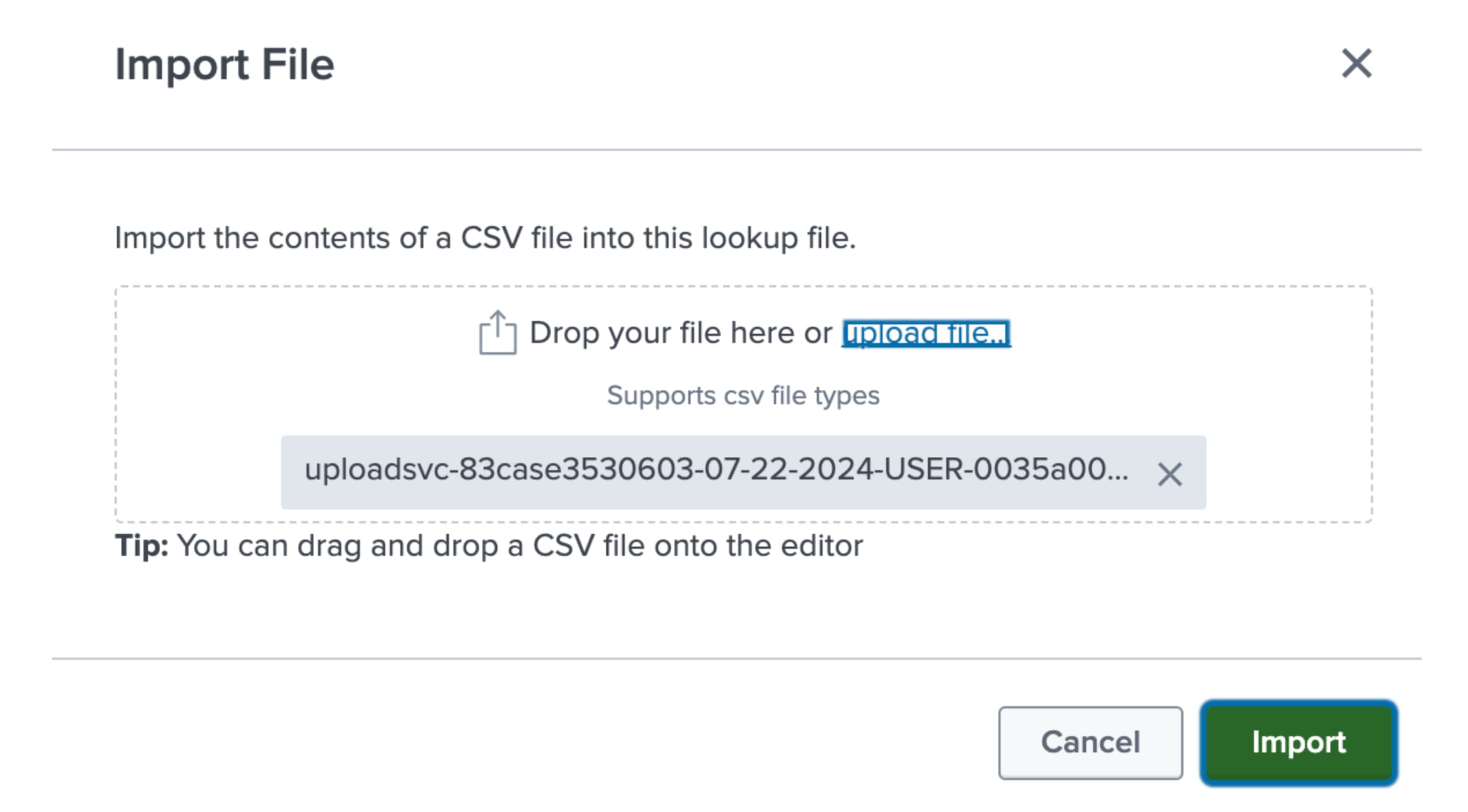
Investigation
To investigate the issue, check the CSV file and validate if there is any special character present or not.
When importing the CSV file, the importer interprets the special characters mentioned below as additional delimiters, and that's the reason the CSV file mis-identifies the cell delimiters :
- Comma (",")
- Semicolon (";")
- Tabspace ("\t")
- Pipe ("|")
- Carrot ("^")
Resolution
Need to remove the special characters, as mentioned above for an example from the CSV file.
Related Links
Here is the splunk document link.
Revision History
| Revision | Publish Date | Comments |
|---|---|---|
1.0 |
29-Sep-2026
|
Initial Release |
 Feedback
Contact Cisco
- Open a Support Case

- (Requires a Cisco Service Contract)