Splunk Security Essentials MITRE ATT&CK Matrix dashboard is not visible
Available Languages
Applicability
Splunk Cloud Splunk Enterprise Splunk Apps and Add-onsDescription
When open a MITRE ATT&CK Framework dashboard in Splunk Security Essentials app > MITRE ATT&CK Framework > MITRE ATT&CT Matrix dashboard is opened, only few users can see the matrix dashboard and it is not displayed for other users.
The users who it is loading for, the dashboard looks like below: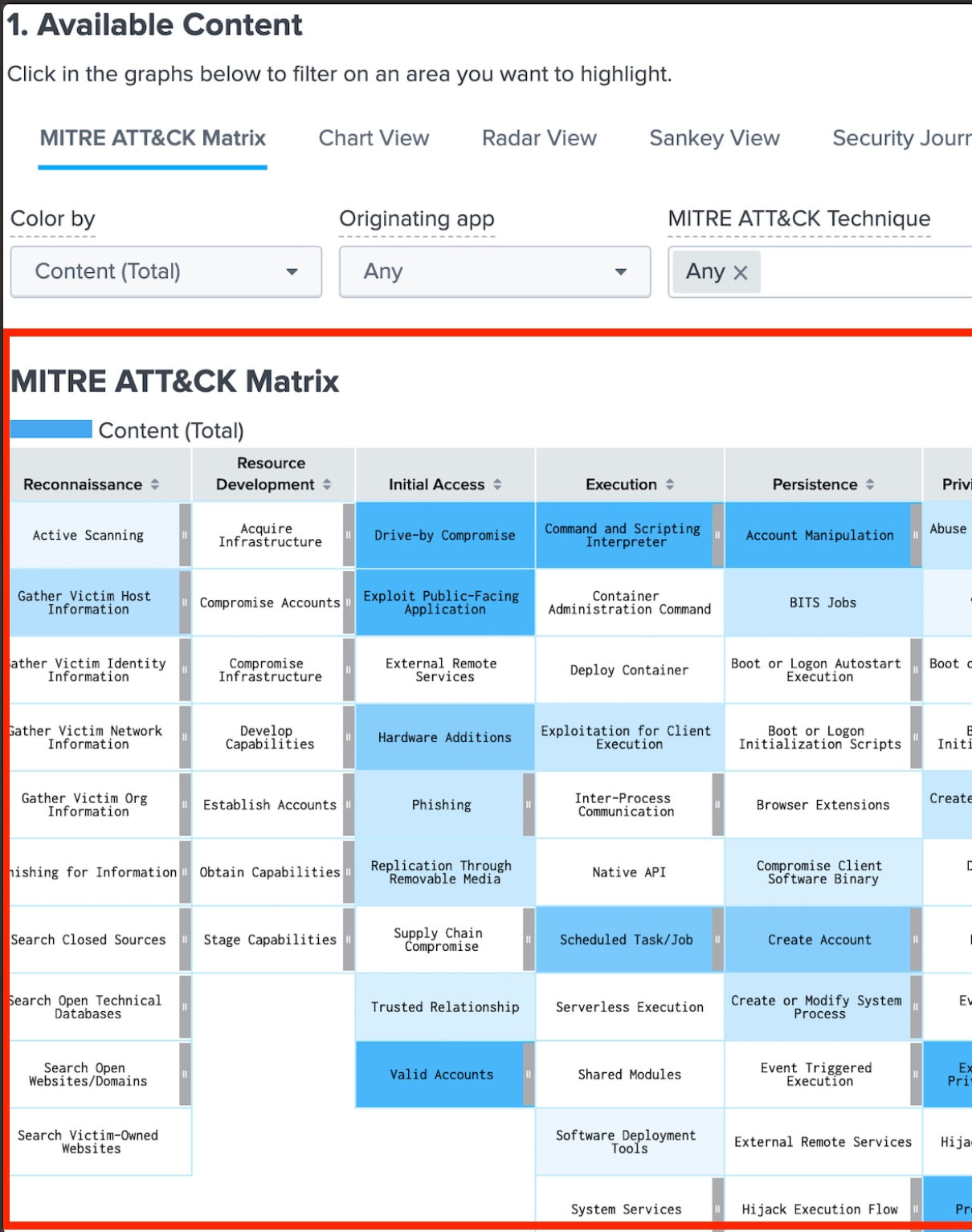
Users that this dashboard is not loading for, looks something like below when opened: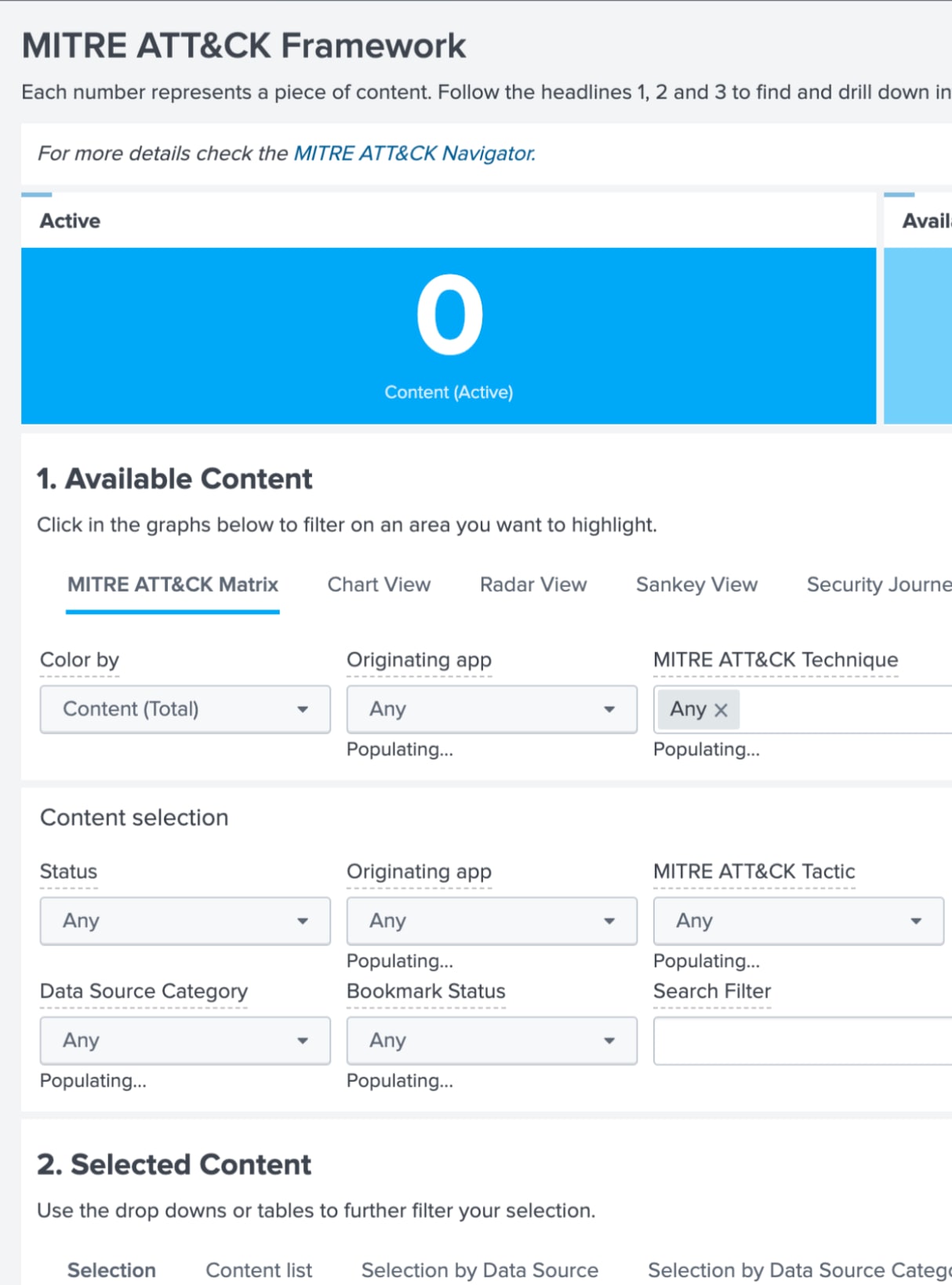
Investigation
-> This exhibits the same behavior in different browsers.
-> Changing the permission from App base to Global also does not help with no change in behavior.
-> Compare the capabilities assigned to the roles for users who were able to access the dashboard and matched against that of the users who were not able to access the same dashboard. It was found out that the users not being able to view this dashboard does not have rest_access_server_endpoints capability assigned.
-> Logs do not indicate any exceptions related to access permissions.
Resolution
In order to be able to load this dashboard successfully, user accessing the dashboard should have the capability rest_access_server_endpoints assigned to the role. Please follow the steps mentioned below:
1) Open the role the user has assigned under Settings> Users.
2) Go to Capabilities and look for this capability "rest_access_server_endpoints".
3) Assign the capability and save the changes.
Users with this role should be able to access the Matrix dashboard in the MITRE ATT&CK Framework under the SSE app.
Revision History
| Revision | Publish Date | Comments |
|---|---|---|
1.0 |
29-Sep-2026
|
Initial Release |
 Feedback
Contact Cisco
- Open a Support Case

- (Requires a Cisco Service Contract)