Unable to Configure Splunk Add-on for Unix and Linux - 500 Internal Server Error.
Available Languages
Applicability
Splunk Cloud Splunk EnterpriseDescription
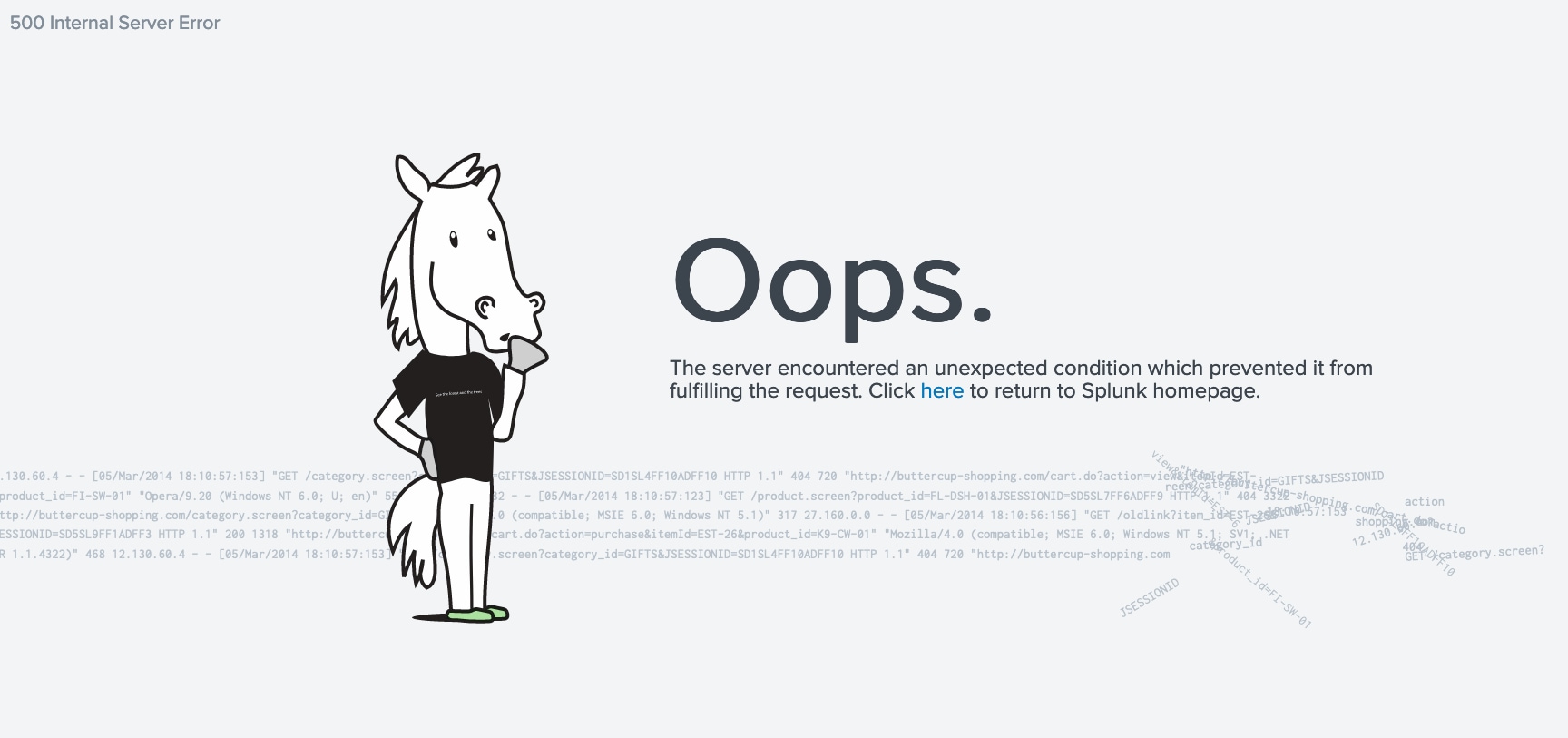
When the client is unable to configure the Splunk Add-on for Unix and Linux due to the below-mentioned error.Error: “The server encountered an unexpected condition which prevented it from fulfilling the request” "Giving 500 Internal Server Error."The addon is not configurable on the main search head of the Splunk Cloud.
Investigation
The fields of the given Add-on are not giving any results when clicking on them.This means the add-on is hidden and not configured.
Resolution
You need to make the Add-on for Unix and Linux, Visible(show) from the Visibility.
Login into Instance >> Manage Apps >> Search this Unix & linux >> Check the Visibility >> Make it Show >> Go to setup >> Save the setup.
After making it show, it will prompt for the setup of the Unix and Linux. Then you will be able to configure the Add-on for Unix and Linux.
Once the Add-on is configured, you can make it Hidden from the Visibility the same way you make it show, as shown in the below screenshot : 
Revision History
| Revision | Publish Date | Comments |
|---|---|---|
1.0 |
29-Sep-2026
|
Initial Release |
 Feedback
Contact Cisco
- Open a Support Case

- (Requires a Cisco Service Contract)