Download and Install the APIC/Secure Firewall Remediation Module
Before you begin
Make sure you're using compatible versions as shown in the following table.
|
Remediation module version compatible with.... |
Management Center version |
APIC version |
|---|---|---|
|
3.0 |
7.0 and later |
5.1(1h) |
Procedure
| Step 1 |
Download the APIC/Secure Firewall Remediation Module (link to download) to a machine on which you'll connect to the management center. |
| Step 2 |
If you haven't done so already, log in to the management center. |
| Step 3 |
Click . |
| Step 4 |
In the Install a New Module section, click Browse. |
| Step 5 |
Follow the prompts to upload the remediation module. |
| Step 6 |
Click Install. |
| Step 7 |
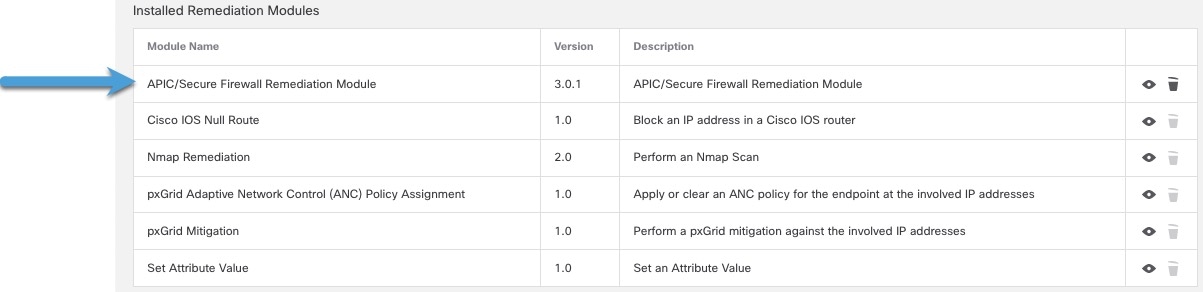
When successfully installed, the APIC/Secure Firewall Remediation Module is displayed in the list of installed remediation modules:
|
 Feedback