Types of Reports
The various reports available are listed in the table below.
|
Report |
Network Availability |
Site Availability |
|---|---|---|
|
NE Update |
Analyzed |
— |
|
Installation Parameters |
Analyzed |
Analyzed |
|
Traffic Matrix |
Analyzed |
Analyzed |
|
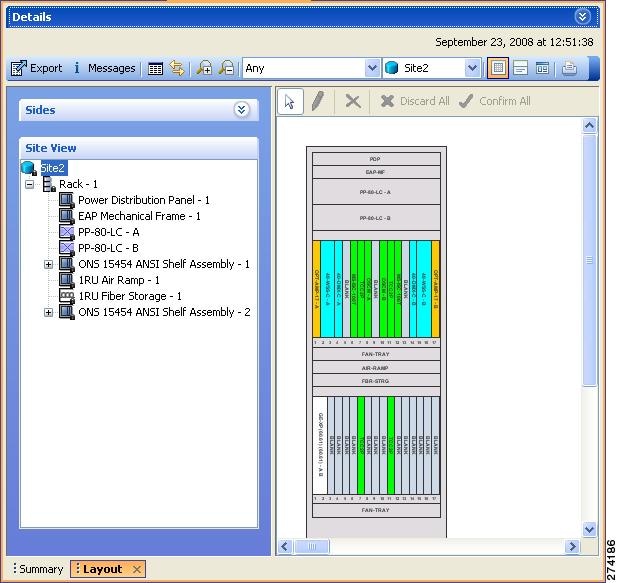
Layout |
Install, Upgrade, and Analyzed |
Install, Upgrade, and Analyzed |
|
Link Availability |
Analyzed |
Analyzed |
|
Internal Connections |
Analyzed |
— |
|
Optical Results |
Analyzed |
Analyzed |
|
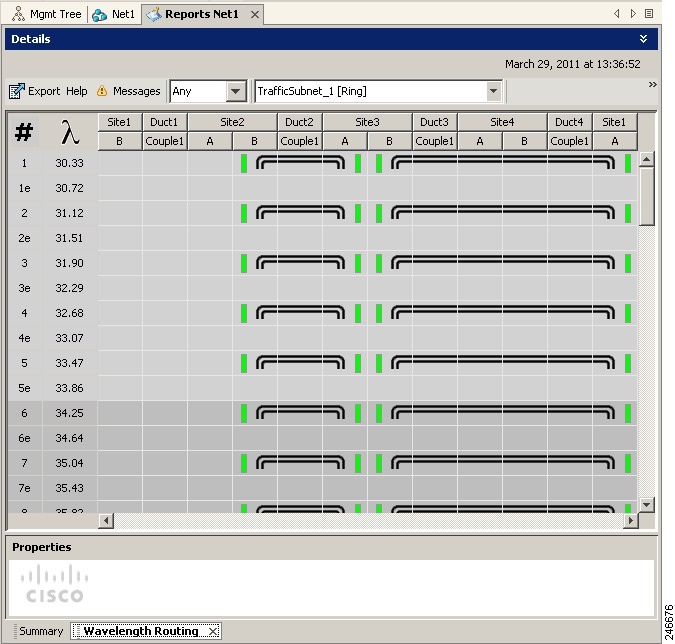
Wavelength Routing |
Analyzed |
— |
|
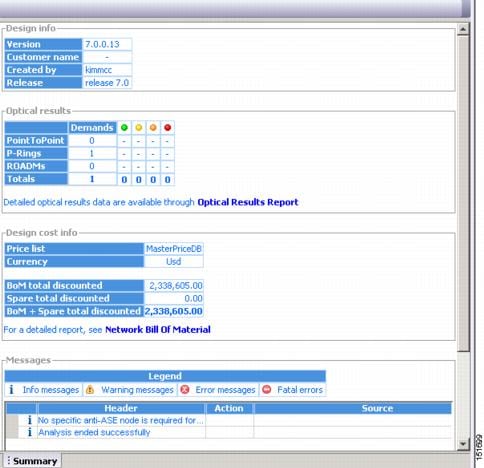
Summary |
Install, Upgrade, and Analyzed |
Install, Upgrade, and Analyzed |
|
Bill of Material |
Install, Upgrade, and Analyzed |
Install, Upgrade, and Analyzed |
|
Ethernet Aggregated Demand |
Analyzed |
— |
|
TDM Aggregated Demand |
Analyzed |
— |
| OTN Aggregated Demand |
Analyzed |
— |
|
Any-to-Any Finalized Circuits |
Analyzed |
Analyzed |
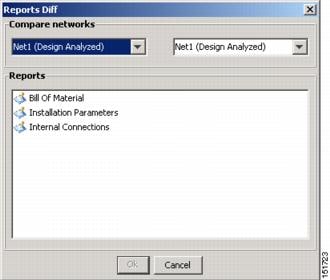
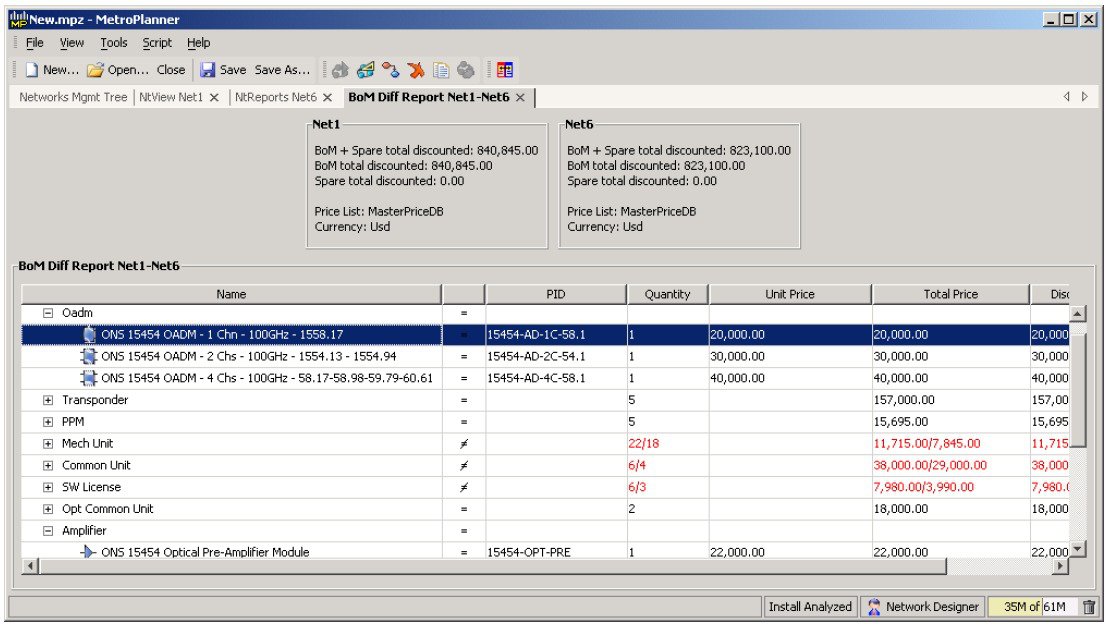
For more information on the Bill of Materials report, see the Viewing a BoM section. In addition, you can compare the following reports using the Reports Diff tool: Bill of Material, Internal Connections, and Installation Parameters.
To complete the procedures in this section, you must have a project open and the network(s) loaded. See the Opening a Project section and the Loading and Unloading Networks section.








 Feedback