View a Subscriber Session
This procedure looks at available sessions and lets you find sessions for the subscriber you specify. Contrast this to finding a subscriber and then checking their sessions as described at Sessions Screen.
Procedure
| Step 1 |
Click the . 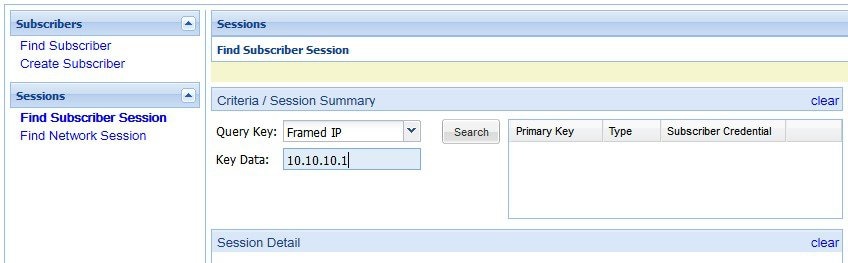 |
| Step 2 |
Click the Query Key drop-down list. The following subscriber search options is displayed:
|
| Step 3 |
In Key Data, enter a valid information based on the Query Key selected in the drop down list. 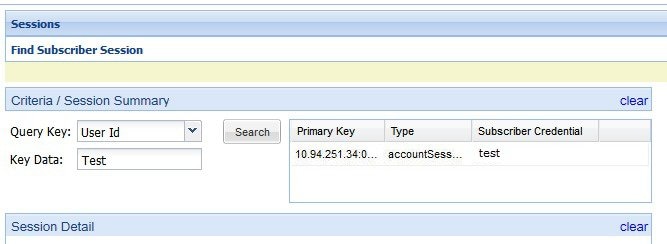 |
| Step 4 |
Click Search to display the general information about the found session on the right. |
| Step 5 |
In the list to the right, hover over a session and double click, or click the open link to display the details about the session. |
 Feedback