Add a Scenario
Procedure
The following steps describe how to add a Scenario:
| Step 1 |
In the HyperFlex Sizer home page, click the Add Scenario button. The Add Scenario window appears, shown as follows: 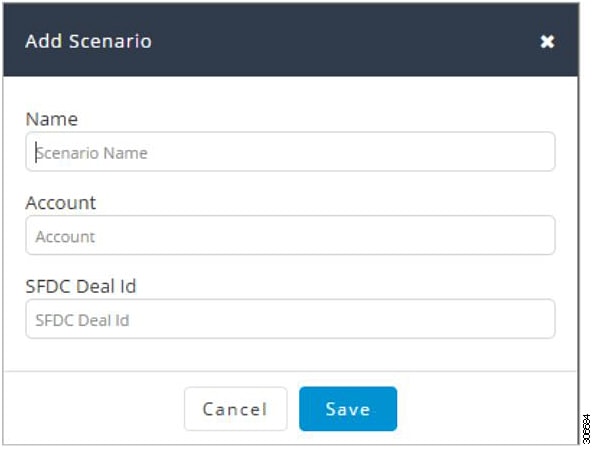 |
||||||||
| Step 2 |
In the Add Scenario window, complete the following fields:
|
||||||||
| Step 3 |
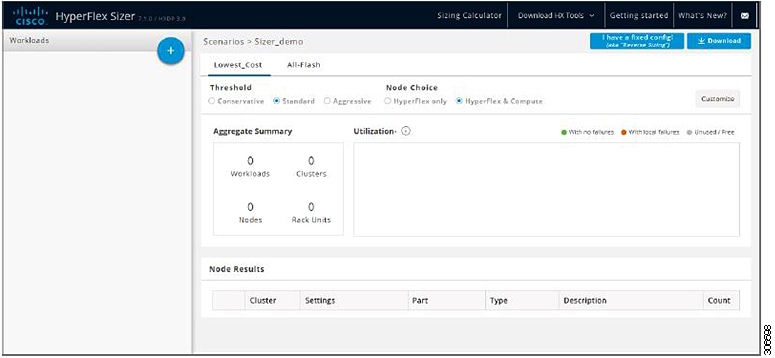
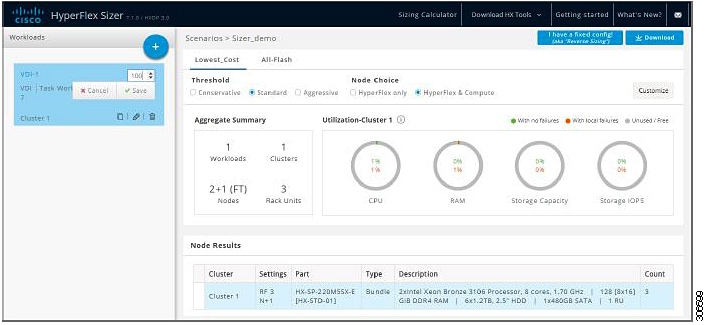
Click Save. |


 Feedback