Download and Install the Cisco Firepower Management Center Remediation Module for ACI
Before you begin
Make sure you're using compatible versions as shown in the following table.
|
Remediation module version compatible with.... |
FMC version |
APIC version |
|---|---|---|
|
2.0.1 |
6.7 and later |
5.1(1h) |
Procedure
| Step 1 |
Download the Cisco Firepower Management Center Remediation Module for ACI (link to download) to a machine on which you'll connect to the FMC. |
| Step 2 |
If you haven't done so already, log in to the FMC. |
| Step 3 |
Click . |
| Step 4 |
In the Install a New Module section, click Browse. |
| Step 5 |
Follow the prompts to upload the remediation module. |
| Step 6 |
Click Install. |
| Step 7 |
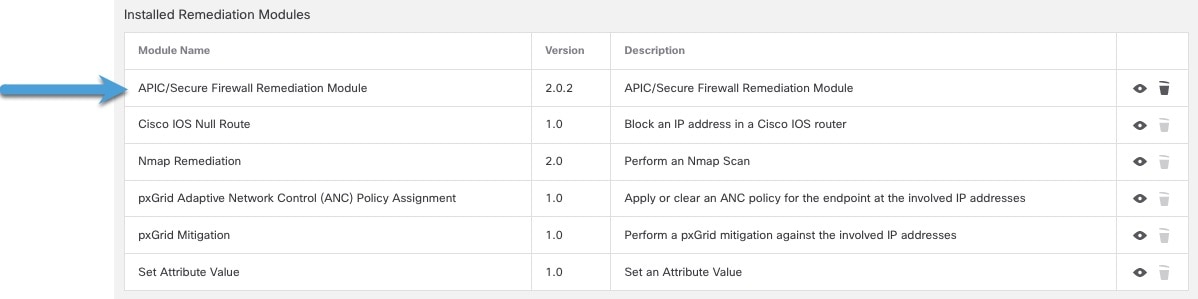
When successfully installed, the Cisco Firepower Management Center Remediation Module for ACI is displayed in the list of installed remediation modules:
|
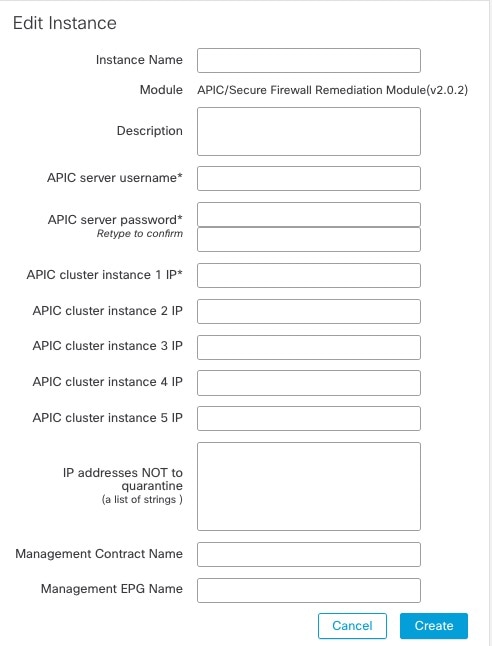
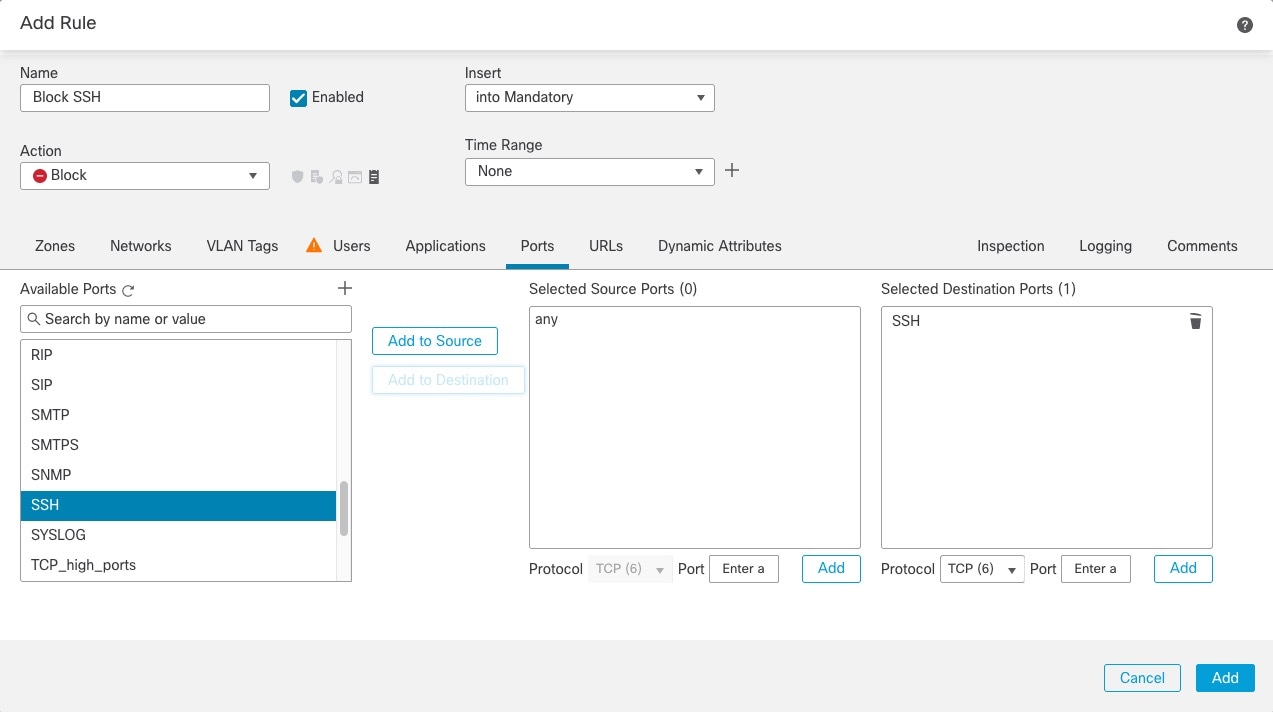
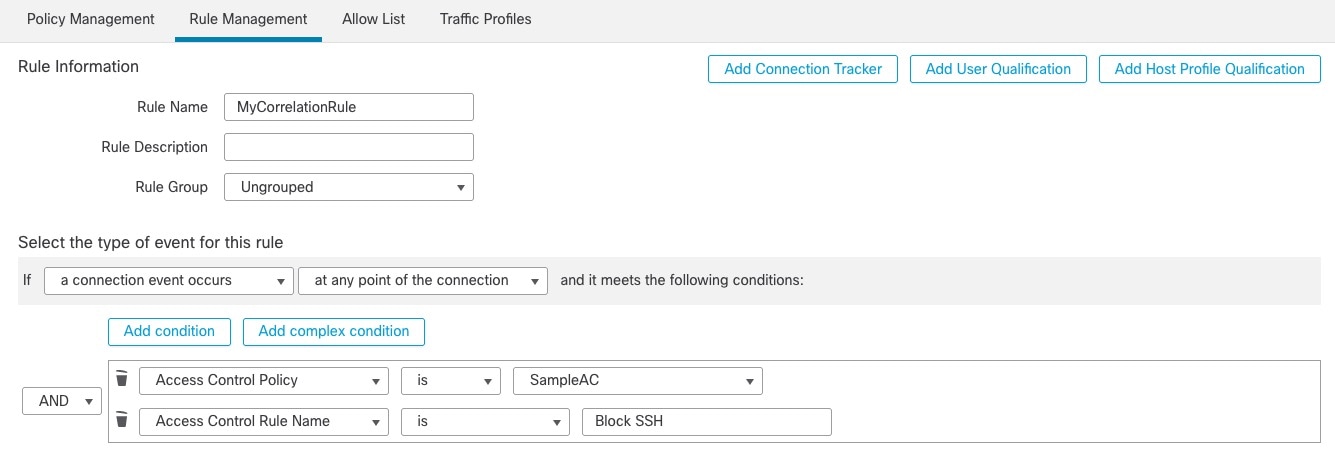
 )
) )
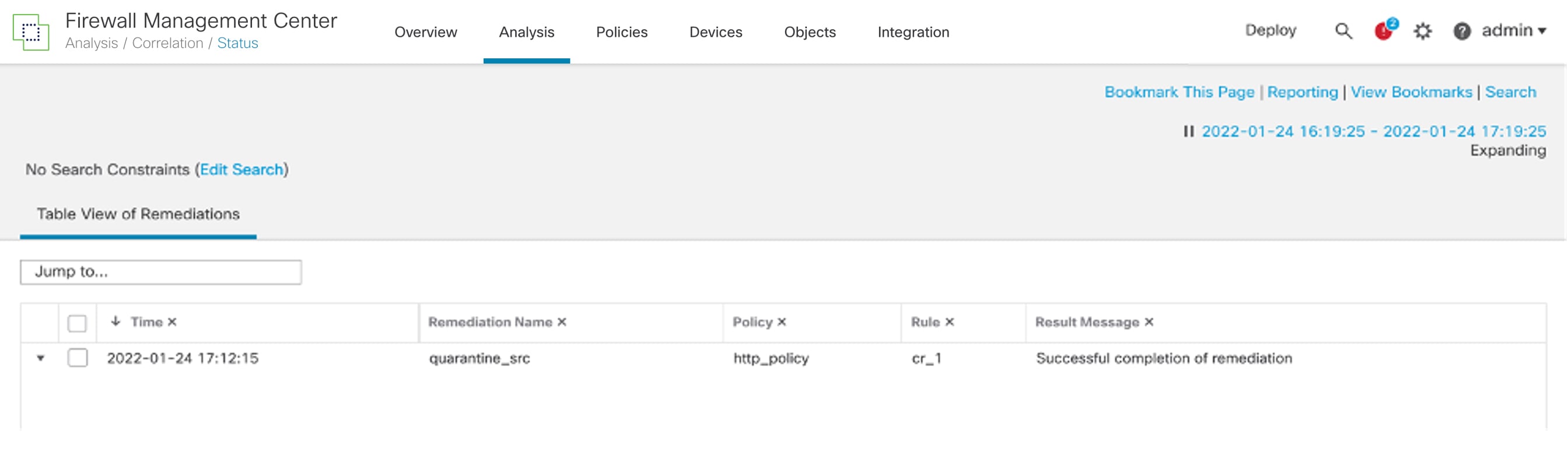
)
 )
) Feedback