


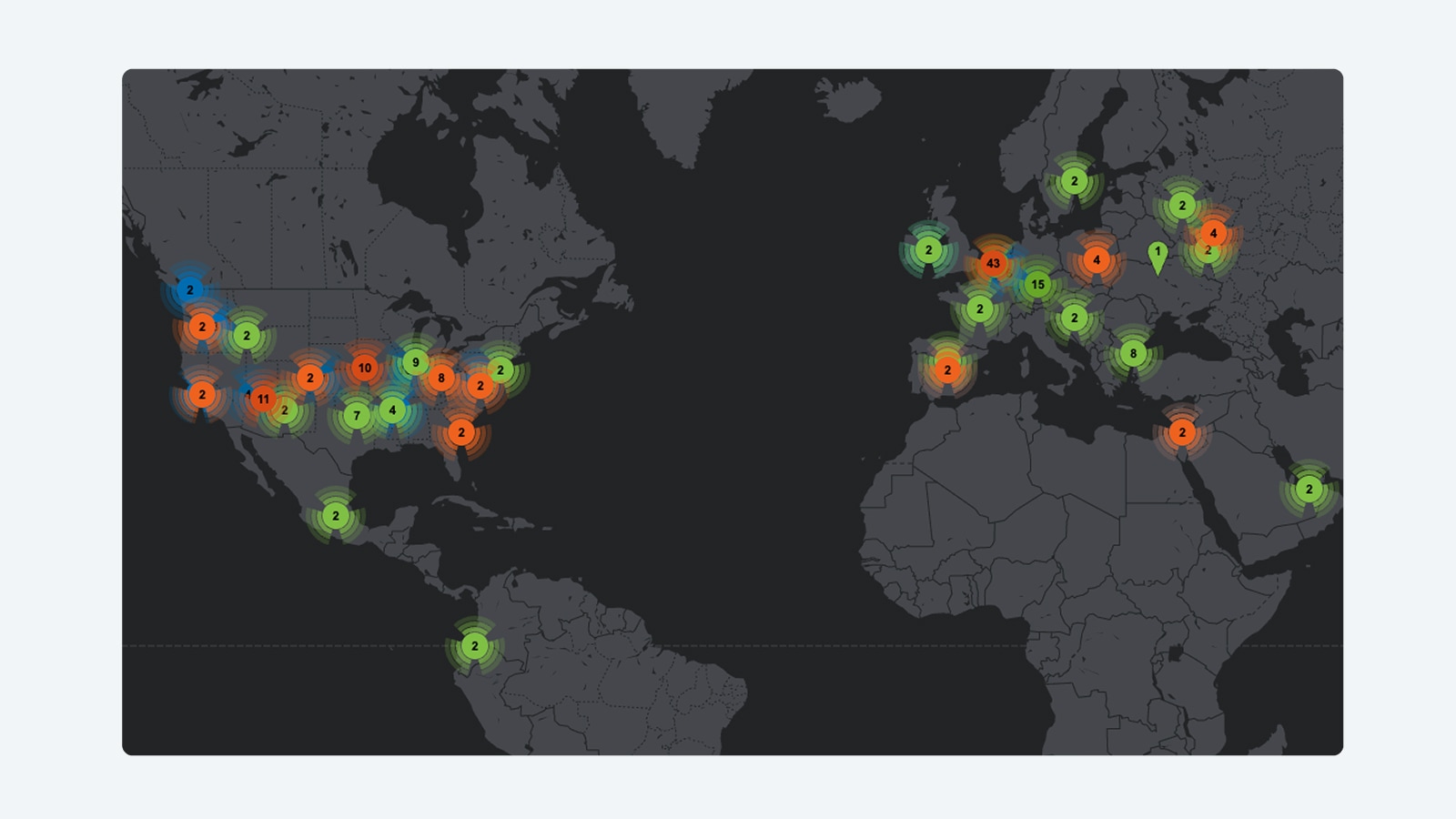

Cisco® Security Manager is an enterprise-class security management application that provides insight into and control of Cisco security and network devices. Cisco Security Manager offers comprehensive security management (configuration and event management) across a wide range of Cisco security appliances, including Cisco ASA 5500 Series Adaptive Security Appliances, Cisco IPS 4200 Series Sensor Appliances, Cisco Integrated Services Routers (ISRs), Cisco Firewall Services Modules (FWSMs), and Cisco Catalyst® 6500 Series Switches. Cisco Security Manager allows you to manage networks of all sizes efficiently-from small networks to large networks consisting of hundreds of devices.
Cisco Threat Defense
Cisco Threat Defense helps organizations secure and manage their borderless network environment. Organizations are protected from today's complex and dynamic threat environment using proactive intelligence from Cisco Security Intelligence Operations (SIO), market-leading network security devices, and a single, integrated security management platform.
Simplified Security Management
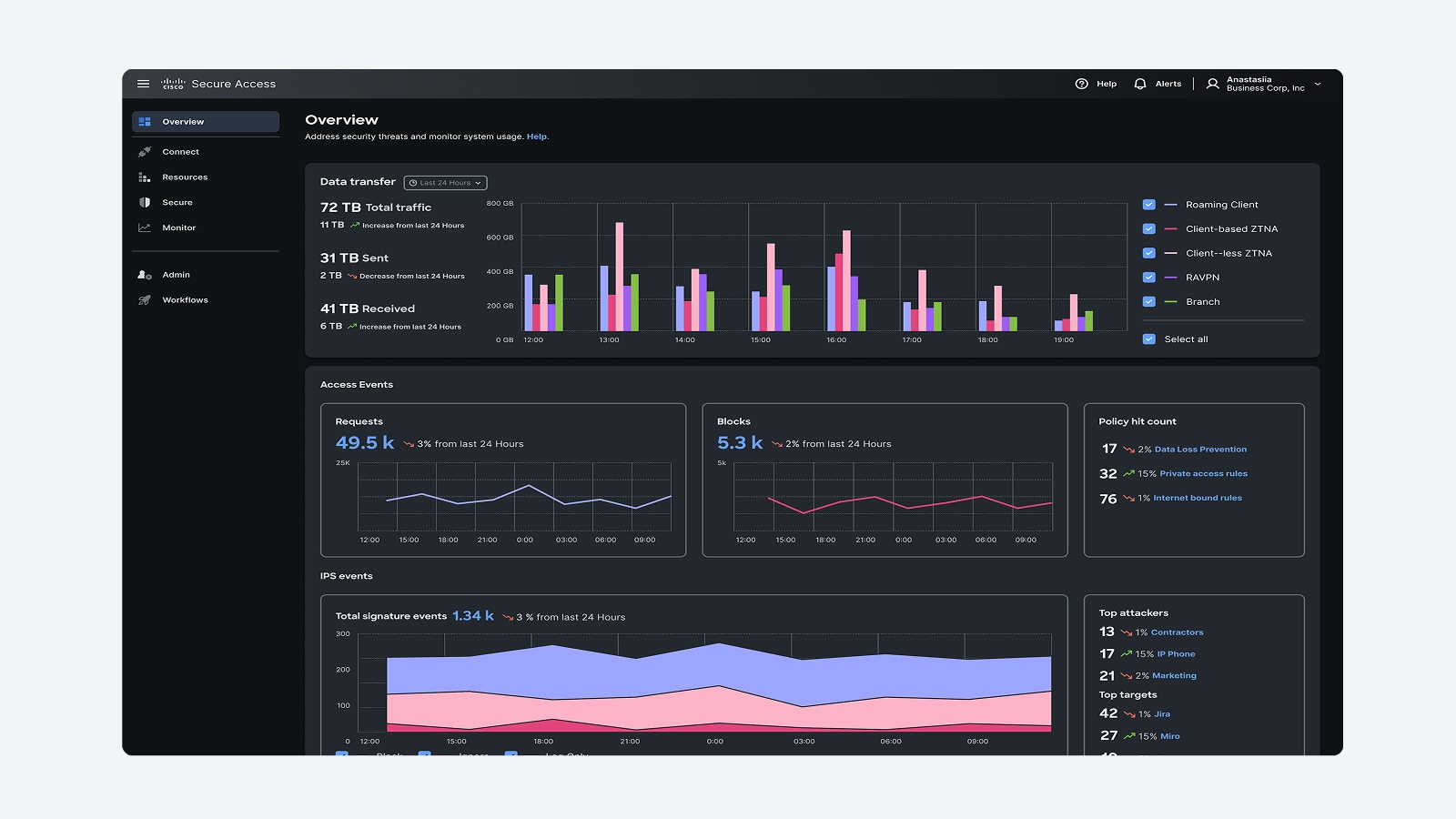
• Next-generation Cisco Security Manager enables organizations to gain insight into and control of the entire security topology through a single, integrated user interface (Figure 1), including:
– Global policies for Cisco ASA and IPS appliances
– Single console for configuration and event management
• Next-generation Cisco Security Manager increases visibility into the security environment so you can better understand and respond to threat patterns and risk. Features include:
– Single view of events that are thwarted by Cisco IPS with the Global Threat Correlation engine and the Cisco ASA appliance
– Historical traffic pattern information
– Powerful filtering and drill-down capabilities
– Integration of reputation data into IPS events
– Dynamic policy tuning based on actionable events
• Cisco IPS with the Cisco Global Threat Correlation engine reduces the time needed to manage IPS by providing more accurate detection and automated rule sets
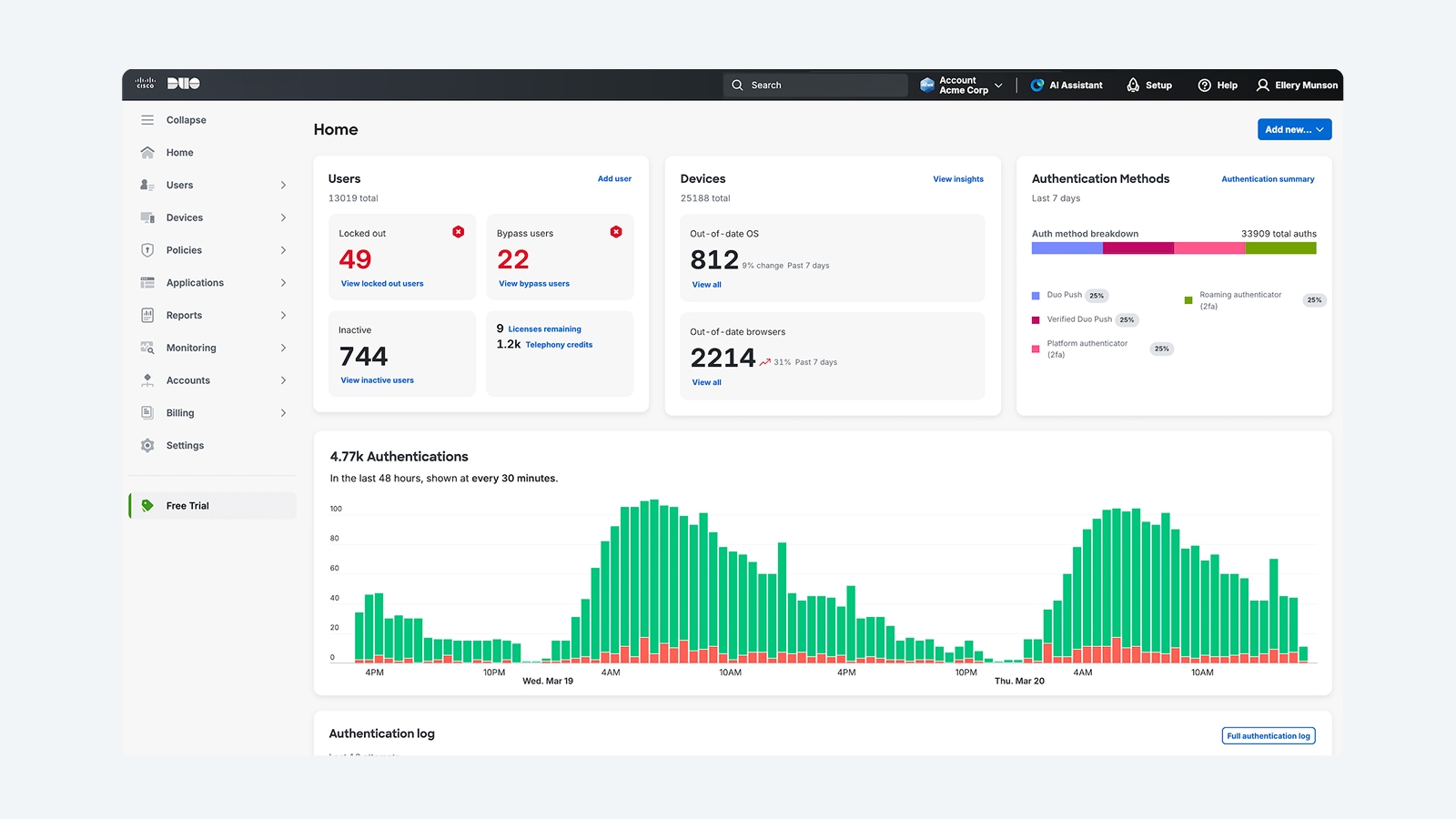
• Support for event-to-policy linkages and cross-launching (Figure 2)
• Integrated troubleshooting tools such as Cisco Packet Tracer and the traceroute command
• Detection of out-of-band (OOB) changes and selective ASA policy management for heterogeneous operational IT environments
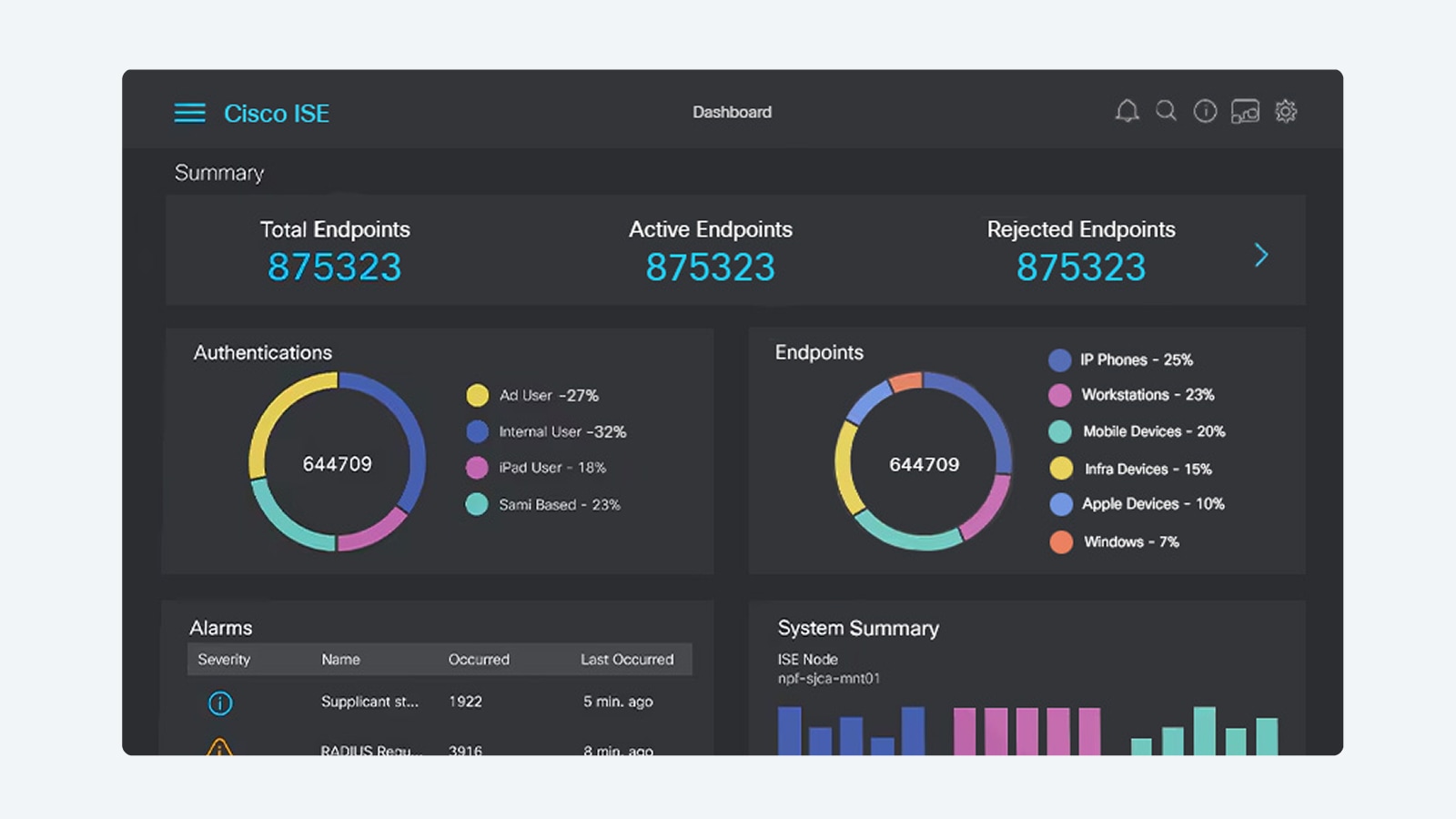
• Simplified policy definition paradigms for ASA appliances (providing Network Address Translation [NAT] services) (Figure 3) and global access rules for improved management efficiency
• Enhanced support for Cisco's latest IPS and firewall features, such as the Botnet Traffic Filter and the Global Threat Correlation engine, for an improved threat response experience
Figure 1. Integrated Event Console
Figure 2. Event to Policy Navigation
Figure 3. Simplified NAT Policies
Feature Overview
Table 1 summarizes Cisco Security Manager 4.0 features and benefits.
Table 1. Cisco Security Manager 4.0 Features and Benefits
Feature
Benefit
Firewall configuration
• Administrators can centrally configure policies for Cisco ASA 5500 Series appliances, Cisco PIX® appliances, Cisco Catalyst 6500 Series FWSMs, and Cisco ISR platforms running a Cisco IOS® Software security image.
• Administrators can deploy Zone-Based Firewall (ZBF) policy settings on supported device platforms.
• Botnet Traffic Filter support on the Cisco ASA platform enables application-layer inspection and blocks "phone-home" activity by botnets.
• Content filtering support for a Cisco IOS Software-based device platform allows traffic filtering based on deep content inspection.
• Cisco Security Manager software provides a single rule table for all platforms. Customers can manage these different device platforms through one management tool.
• The policy query feature displays which rules match a specific source, destination, and service flow, including wildcards. This feature allows administrators to define policies more efficiently.
• To ease configuration, device information can be imported from a device repository or configuration file, or added in the software. Additionally, firewall policies can be discovered from the device itself. This feature simplifies initial security management setup.
• Interface roles allow a user to apply a rule policy on groups of interfaces in a scalable manner. This feature provides more flexibility in managing a group of devices centrally using Cisco Security Manager.
IPS configuration
• Cisco Security Manager enables administrators to easily and effectively manage IPS-based configuration and update policies for Cisco IPS 4200 Series Sensors, the Cisco ASA Advanced Inspection and Prevention Security Services Module (AIP-SSM), the Cisco ASA Advanced Inspection and Prevention Security Services Card (AIP-SSC), the Cisco Catalyst 6500 Series Intrusion Detection System Services Module 2 (IDSM-2), the Cisco IDS Network Module, the Cisco IPS Advanced Integration Module (AIM), and Cisco IOS IPS.
• The IPS solution in Cisco IPS Sensor Software Versions 7.0 and 6.2 combines an inline intrusion prevention service with innovative technologies that improve accuracy. Cisco IPS Sensor Software accurately identifies, classifies, and stops malicious traffic, including worms, spyware and adware, network viruses, and application abuse before they affect business continuity.
• New features in Cisco IPS Sensor Software Version 7.0 include global correlation and reputation-score-based policy settings. These features enable cross-correlation of security threats, enhancing network security.
• Cisco IOS IPS is an inline, deep-packet-inspection-based feature that enables Cisco IOS Software to mitigate a wide range of network attacks effectively. As a core facet of Cisco Threat Defense, Cisco IOS IPS enables the network to defend itself with the intelligence to identify, classify, and stop or block malicious or damaging traffic accurately, in real time.
• Insight into Cisco IPS signature updates allows for incremental provisioning of new and updated signatures, as well as insight into the Cisco IntelliShield Alert Manager Service, before deploying signatures to your enterprise. Immediate insight into the Cisco IPS Security Research Team's recommended defaults allows customers to tune their environment before distributing the signature update.
• The Cisco IPS Update Wizard allows efficient automatic IPS updates, scheduling, and distribution of policies with status and detail notification.
• Cross-collaboration with the Cisco Security Monitoring, Analysis, and Response System (Cisco Security MARS) allows for event and anomaly investigation with immediate insight into policy deployment changes. This enables policy launching of historic and real-time events, encouraging tighter collaboration between network operations and security operations teams while keeping Cisco Security Manager policies in-band. Insight and cross-collaboration decrease event investigation and troubleshooting, speeding resolution time. Cisco Security Manager and Cisco Security MARS collaboration enables interactive IPS event action filter creation, reducing your network's exposure to vulnerabilities.
• IPS signature policies and event action filters can be inheritable and assignable to any device. All other IPS policies can be assigned to and shared with other IPS devices. IPS management also includes policy rollback, a configuration archive, and cloning or creation of signatures. Copying policies between devices allows for effective management and reduces total cost of ownership (TCO) by reducing deployment efforts.
• IPS update administration and IPS subscription licensing updates streamline distribution and allow users to manage IPS software, signature updates, and licensing based on local and shared polices.
• Cisco NT LAN Manager Version 2 (NTLMv2) proxy authentication for IPS licensing and signature updates supports Microsoft Windows-based client authentication.
• Comma-separated value (CSV) export for select IPS features such as signatures, event action filters, and signature delta settings facilitates storage and exchange of this data between different Cisco Security Manager server instances.
VPN configuration
• The VPN Wizard provides easy configuration of site-to-site, hub-and-spoke, full-mesh, and extranet VPNs.
• Support for Group Encrypted Transport VPN (GET VPN), Dynamic Multipoint VPN (DMVPN), and generic routing encapsulation (GRE) IP Security (IPsec), both with dynamic IP and hierarchical certificates, enables common VPN deployment scenarios for customers.
• VPN and Easy VPN services can be configured remotely, enabling centralized management.
• Zero-touch deployment with secure device provisioning is supported.
• Configurations for automatic failover and load balancing for headends are supported, enabling more robust deployments.
• Support for Secure Sockets Layer (SSL) VPN on the Cisco ASA 5500 Series provides added flexibility in VPN deployments.
Event management
Integrated event management capability enables administrators to monitor status and troubleshoot security issues. The features supported include:
• Receipt of syslog messages from Cisco ASA appliances and Security Device Event Exchange (SDEE) messages from Cisco IPS sensors
• Real-time and historical event viewing
• Cross-linkages to firewall access rules and IPS signatures for quick navigation to the source policies
• Pre-bundled set of views for firewall, IPS, and VPN monitoring
• Customizable views for monitoring select devices or a select time range
• Intuitive GUI controls for searching, sorting, and filtering events
• Administrative options to turn event collection on or off for select security devices
Bulk operation feature
The new bulk operation feature reduces administrative overhead in networks that have a large number of devices. The feature includes:
• Bulk import and export of policy objects
• Bulk addition for offline devices
• Bulk import of device-level overrides
Integrated security services management
Cisco Security Manager enables the management of integrated security services, including quality of service (QoS) for VPN, routing, Network Admission Control (NAC), and more.
Flexible device grouping options
Users can create and define device groups based on business function or location to represent their organizational structure accurately. All devices in a group can be managed as easily as a single device.
Multiple application views
Cisco Security Manager provides multiple views into the application to support different use cases and experience levels. The device-centric view is useful for novice users or those more familiar with using single-device managers. The map-centric view helps in visualizing the topologies of VPNs or containment relationships between Cisco Catalyst 6500 Series services modules and security contexts. The policy-centric view enables highly efficient and scalable multidevice management.
Policy Object Manager
Reusable objects can be created (for example, to represent network addresses, services, device settings, time ranges, or VPN parameters). Objects can be defined once and then used any number of times to avoid manual entry of values.
Deployment Manager with flexible deployment options
Cisco Security Manager supports both on-demand and scheduled deployments to a device or to files.
Rollback
Cisco Security Manager provides the ability to roll back to a previous configuration, if required.
Role-based access control
With Cisco Security Manager, access rights can be defined for multiple administrators, with appropriate controls. Cisco Security Manager is delivered with five user roles; additional roles are available with the optional Cisco Secure Access Control Server (ACS).
Workflow
Cisco Security Manager optionally allows assignment of specific tasks to each administrator during the deployment of a policy, with formal change control and tracking. The workflow helps improve staff collaboration (for example, between network and security operations).
Cisco Security Manager simplifies updates to large numbers of remote firewalls, which may have dynamic addresses or NAT addresses. This is a valuable feature for customers who have remote locations with intermittent network links and minimal technical staff at the remote site.
Operational management
The included companion application, CiscoWorks Resource Manager Essentials (RME), helps with operational functions such as software distribution or device inventory reporting.
Health and performance monitoring
The included companion application, Cisco Performance Monitor, provides health and performance monitoring data for Cisco VPN devices and specific security services.
Technical Specifications
Detailed hardware specifications and sizing guidelines for Cisco Security Manager 4.0 will be provided before the first customer shipment (FCS) of the product.
For more information on Cisco Security Manager hardware and software requirements, see the Cisco Security Manager Installation Guide at http://www.cisco.com/go/csmanager.
The Cisco Security Manager product bulletin describes the licensing options and ordering details. The bulletin is published at http://www.cisco.com/go/csmanager.
Cisco Services
Cisco takes a lifecycle approach to services and, with its partners, provides a broad portfolio of security services so enterprises can design, implement, operate, and optimize network platforms that defend critical business processes against attack and disruption, protect privacy, and support policy and regulatory compliance controls.
Cisco services help you protect your network investment, optimize network operations, and prepare your network for new applications to extend network intelligence and the power of your business. For more information about Cisco services, visit: http://www.cisco.com/en/US/products/svcs/ps2961/ps2952/serv_group_home.html.
• Cisco Security Intelligence Operations (SIO) service provides a central location for early warning threat and vulnerability intelligence and analysis, Cisco IPS signatures, and mitigation techniques. Visit and bookmark Cisco SIO at http://www.cisco.com/security.
• Cisco Security IntelliShield Alert Manager Service provides a customizable, web-based threat and vulnerability alert service that allows organizations to easily access timely, accurate, and credible information about potential vulnerabilities in their environment.
• Cisco Software Application Support (SAS) Service keeps Cisco Security Manager up and running with around-the-clock access to technical support and software updates.
• Cisco Security Optimization Service helps organizations maintain peak network health. The network infrastructure is the foundation of an agile and adaptive business. The Cisco Security Optimization Service supports the continuously evolving security system to meet ever-changing security threats through a combination of planning and assessments, design, performance tuning, and ongoing support for system changes.
• Cisco Security Manager software is eligible for technical support service coverage under the Cisco Software Application Support (SAS) service agreement, which features:
• Unlimited access to the Cisco Technical Assistance Center (TAC) for award-winning support. Technical assistance is provided by Cisco software application experts trained in Cisco security software applications. Support is available 24 hours a day, 7 days a week, 365 days a year, worldwide.
• Registered access to Cisco.com, a robust repository of application tools and technical documents to assist in diagnosing network security problems, understanding new technologies, and staying current with innovative software enhancements. Utilities, white papers, application design data sheets, configuration documents, and case management tools help expand your in-house technical capabilities.
• Access to application software bug fixes and maintenance, and minor software releases.
For More Information
For more information about Cisco Security Manager 4.0, visit http://www.cisco.com/go/csmanager, or contact your account manager or a Cisco Authorized Technology Provider. You may also send an email to ask-csmanager@cisco.com.